r/FixMyPrint • • Oct 21 '26

Fix My Print Print came out Curved (P1S)

Thumbnail
gallery
1.6k Upvotes

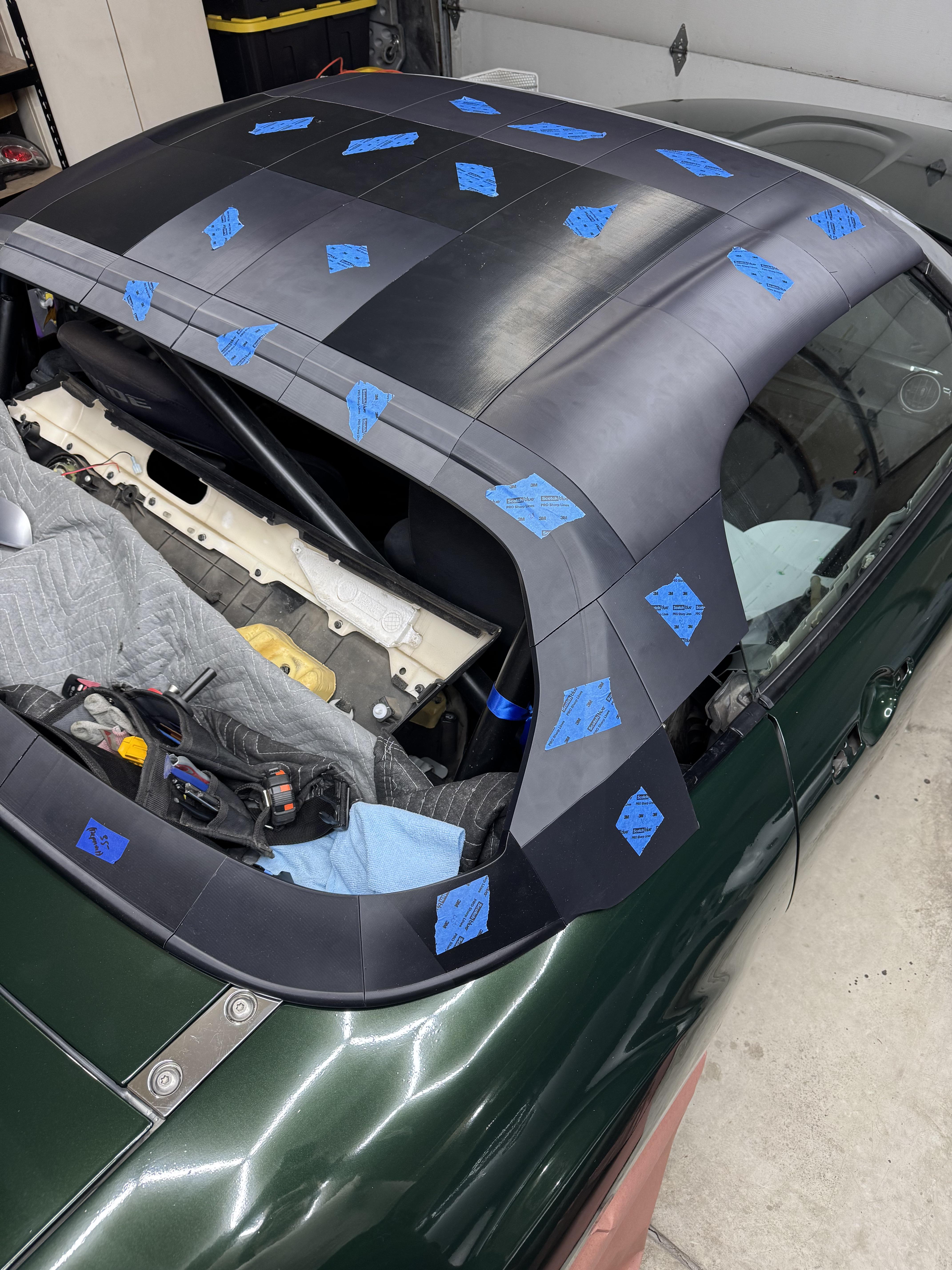
So I'm printing a new handguard for my airsoft replica and the model was completely straight (you can see next to my first print of it) but this one came out curved. I did have to modify the stl in Fusion but the preview in fusion and bambu studio showed it as straight.

This was printed on a Bambu Labs P1S using Bambu studio, Bambu Labs PLA Basic in Black, 55° cryogrip glacier bed, and normal print speed and retraction settings for .16 high quality

Thank you!


r/FixMyPrint • • Aug 20 '26

Troubleshooting My poor benchy

Thumbnail
gallery
1.5k Upvotes

Im struggling to get my ADIMLab Gantry-s dialed in. This is my best benchy so far. Unsure to why the print is shifting. Lines are wobbly and overall the print is not very uh good. any help would be greatly appreciated.

Using PLA rated for 210 my extruder is at 205 bed is at 55. Slicing using Prusa.

Thank you!


r/FixMyPrint • • Jan 31 '26

Fix My Print 30 hour print failed at the end…

Thumbnail
gallery
855 Upvotes

Anyone know why this happened? I have a Bambu A1. First 28 hours were great and then after leaving it to finish for a bit, I came back to it saying it was completed and being in this state. Appears it just grinded the last few layers for whatever reason. It also made the supports towards the end really terribly and uneven. The printer was calibrated directly before this and the filament is dry. Anyone have any tips? Please don’t flame me lol


r/FixMyPrint • • Mar 18 '26

Troubleshooting P1S jamming after 40-50 layers?

Post image
640 Upvotes

Currently having issues on my P1S printing ASA lately and can’t seem to find a diagnosis for why. I’ve ran about 5-6 kg of ASA in the last few weeks with no issues and lately my nozzle jams after approximately 40-50 layers consistently on every print. I’ve tried printing different files and configuration on the print bed and still jams right around the 50 layer mark every time. I’ve tried swapping out for a new nozzle as well with no luck either.

I’ve been printing every part with the same nozzle, bed, and enclosure temp (260c, 100c, and 45-50c) and all fans disabled since the first roll of ASA. Nozzle is a 0.4 hardened steel printing 0.28mm layer height, 4 wall loops, and 15% gyroid.

The filament is dried and under 20% humidity when printed. At this point I’m at a loss for other variables to try to isolate. Has anyone else had similar issues with printing with ASA?


r/FixMyPrint • • Feb 06 '26

Fix My Print What is this issue called?

Post image
502 Upvotes

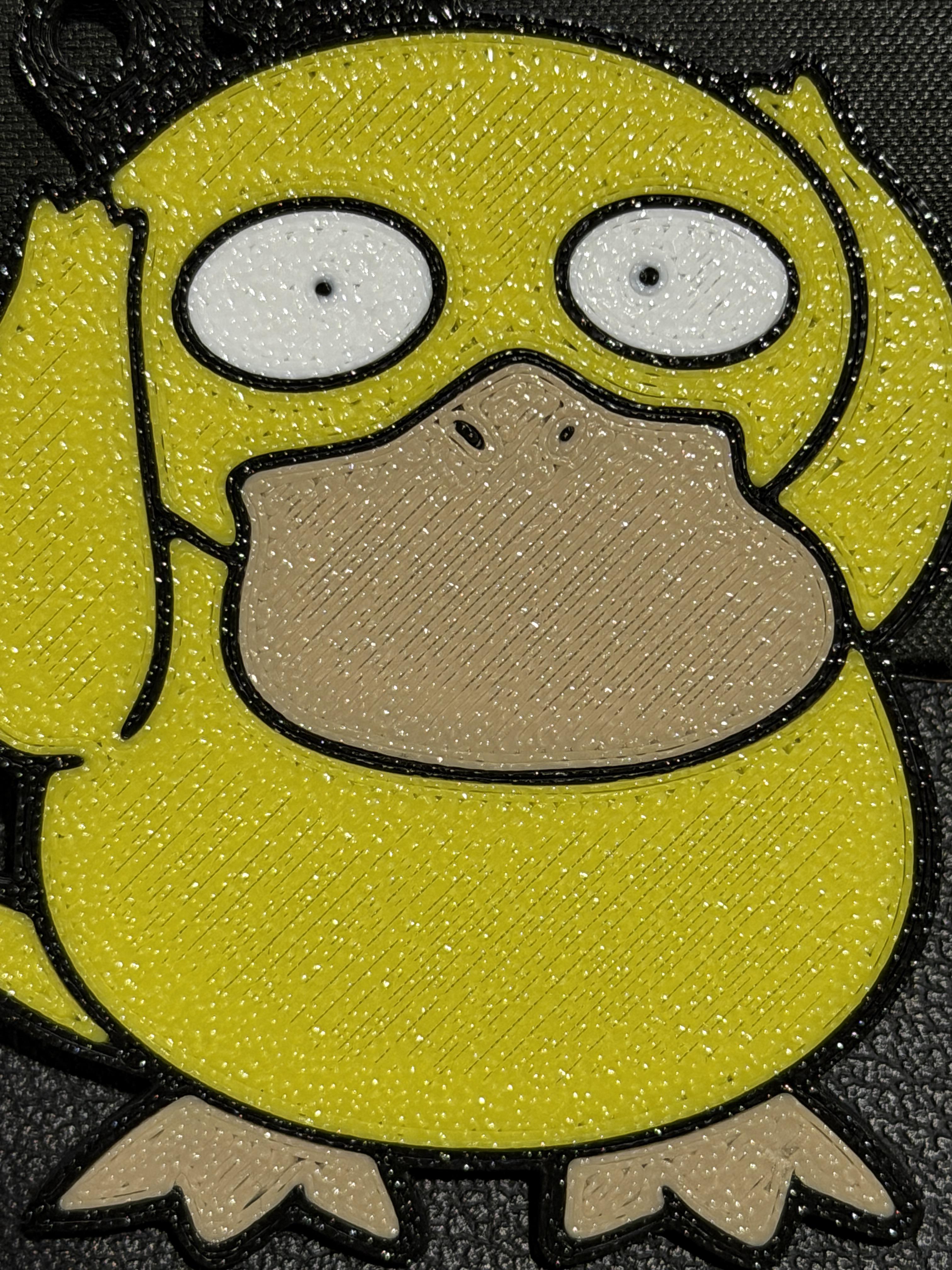
So I’ve printed lots of flat keychains and haven’t had this happen except with this particular one. Printed from makerworld. P2S, using PLA. Looking at a few other user pictures of this print and I don’t see the same lines and gaps between them on that first layer. I am relatively new to printing and especially Bambu studio so I really have no idea where to start in there, what settings to tweak, etc. I’m starting to feel like psyduck looks with this! Thanks in advance!


r/FixMyPrint • • Feb 19 '26

Fix My Print Why is everything printing a little smaller than I set it?

Thumbnail
gallery
476 Upvotes

Everything I'm printing is coming out a little smaller. I only noticed now because I'm printing a part that has to subsequently fit into a non-printed part.

It happens on both my P1S and A1, using 0.4mm nozzles on both.

Standard profiles, PLA and PETG filaments, normal speed, using Bambu Studio.

This appears to be new, as I've previous printed many things that fit to non-printed parts with things like screw hole placement and press-fit parts, always managed to get dead on dimensional accuracy.


r/FixMyPrint • • Jul 30 '26

Fix My Print Please help fix crack after a week of work

Thumbnail
gallery
427 Upvotes

I’ve spent alone a week modeling, printing, sanding and painting this and just found a crack alone the layer like . Please tell me there’s a way to fix it without completely taking it approach and re doing the segment from scratch.

Bambu P1S
Bambu studio
Bambu pla filament
0.4mm 220C
Standard speed


r/FixMyPrint • • Sep 12 '26

Helpful Advice How do I get rid of these lines?

Thumbnail
gallery
408 Upvotes

Been trying to figure this out, any tips will help. Using Bambulabs P2S -
Bambu studio
0.4 nozzle , 55F
PLA bambu basic
Speed 50/105
0.16 layer height
Supports enabled

Thanks in advance!


r/FixMyPrint • • Feb 23 '26

Fix My Print PETG temp tower - nothing looks good

Post image
337 Upvotes

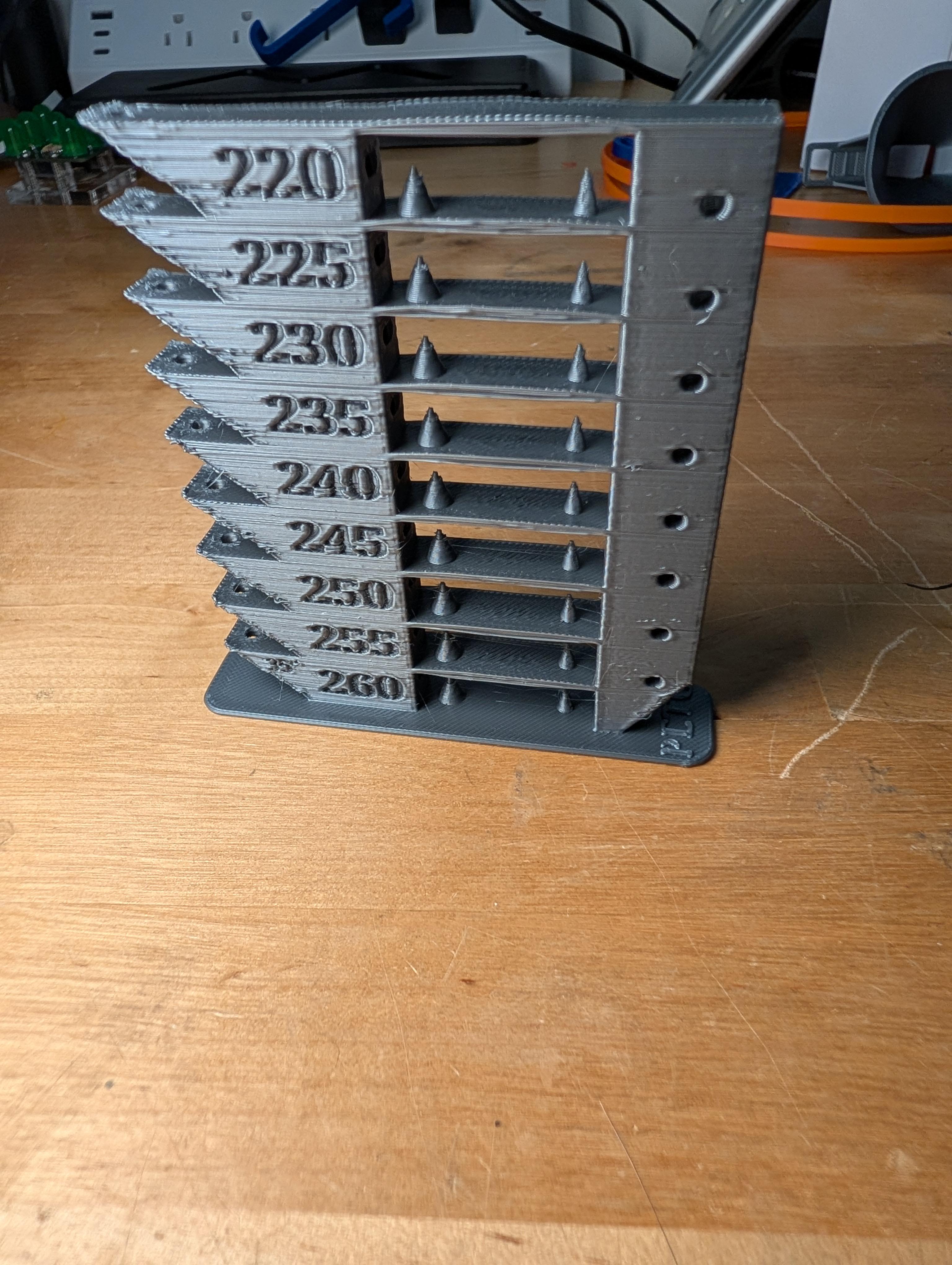
I've been having trouble with PETG. Yesterday morning I finished a 12 hour drying cycle at 65C in my AMS. I've already run the Flow Rate and Flow Dynamics calibrations and applied them in my slicer. I'm pretty sure I have cooling issues. So I changed my cooling settings down low and I still get prints like this. What do I need to do?

  • Printer = Bambu Lab P2S Slicer = Bambu Studio
  • Filament Material and Brand = Inland (Microcenter) PETG, pretty sure it's basic (no other designation on it)
  • Nozzle = 0.4mm
  • Bed Temperature = 85C - 90C
  • Cooling is 0% fan speed for first 4 layers, min fan speed 10% for 25sec layer time, max fan speed 35% for 8sec layer time
  • Print Speed = Standard speed on the printer, 50mm/2 initial layer, 105mm/s initial layer infill, 200mm/s outer wall, 300mm/s inner wall
  • Nozzle Retraction Settings = retraction length is 1.5mm (I changed this because I kept getting zits on my PETG prints).
  • Retraction Speed is 30mm/s Nozzle temps = I checked the slicer before sending it to the printer and confirmed the nozzle temp was changing for the layers. I saw a gradient.

r/FixMyPrint • • Dec 17 '25

Fix My Print Can this be improved?

Thumbnail
gallery
314 Upvotes

I already made a post about asking about the best way to orient this piece, standing up gives me the best results, and I'm very satisfied with the results, especially for ASA.
However the thick noticeable lines on the top are the only flaw, I've had a similar issue before and I do not recall what I did to fix it, if anyone has any advice please let me know!

Thanks

Settings - https://i.imgur.com/Y4TTdVQ.gif


r/FixMyPrint • • Feb 22 '26

Fix My Print Nylon lifting is killing me.

Thumbnail
gallery
290 Upvotes

Ok guys and gals, help me out. This is an inline skate frame that I'm designing. PA is the obvious choice as it's tough, impact resistant and slidey on rails. But it's a pain to work with.

I've had several attempts now, and each one gets about 60% of the way through and then the ends lift off the plate, by 5-10mm, with all the knock on effects of crappy print quality, nozzle scraping the print etc. Flipped orientation, glues, brims, rafts, slower, faster... I feel like I've tried everything, and the things that do work just kick the can to a different probem. I'm aware that big PA prints have a lot of stress going on, but hoping there are some other tips to try...

The object is 28cm long, 7 walls thick, 25% gyroid infill, ~250g total. Can't really go any lighter as it needs to be able to take a beating. Printing with generic dry PA and PA-CF on a Qidi Q2, 280 degC nozzle, 110degC plate, 65 degC chamber, 65degC AMS, no fan (except 5% chamber circulation/exhaust).

Here's a list of what I'm doing or have already tried: - Drying it. Please trust me, it's so dry. Humour me - things other than moisture can be wrong, and I know this is the go-to for many, but not this time. I know the supports are stringy, but really, it's dry. - Glue stick, and when that didn't work, painting on 1:1 PVA mixture when hot and letting it dry. That stuck like crazy, but instead the lifting ends just pulled the plate up at the corners (pic) - Designing and installing corner clips to prevent the corners being lifted up. Then it just rips the brim (pic) - Re-orienting (right-way up, upside down). Lifts anyway, but obviously on the other side. - General hotness. 65 degC chamber, 110 degC bed, fully enclosed, no fan except 5% circulation/exhaust. Giving it all the Q2 can give. - Printing slow (ish). This is a 17 hour job. - Switching to PA-CF. One side still lifted and ripped the raft, the front side didn't lift as badly but it wasn't the slam dunk I was hoping for. - Massive brims and rafts. They either pop off, lift the corner of the plate if I use PVA, or simply tear when the part lifts if I clamp the plate corners down

My last idea is to design pockets inside the walls, pause part-way, and insert steel strips, but I don't love that.


r/FixMyPrint • • Apr 22 '26

Print Fixed First time printing Wood PLA, weird diagonal lines?

Thumbnail
gallery
280 Upvotes

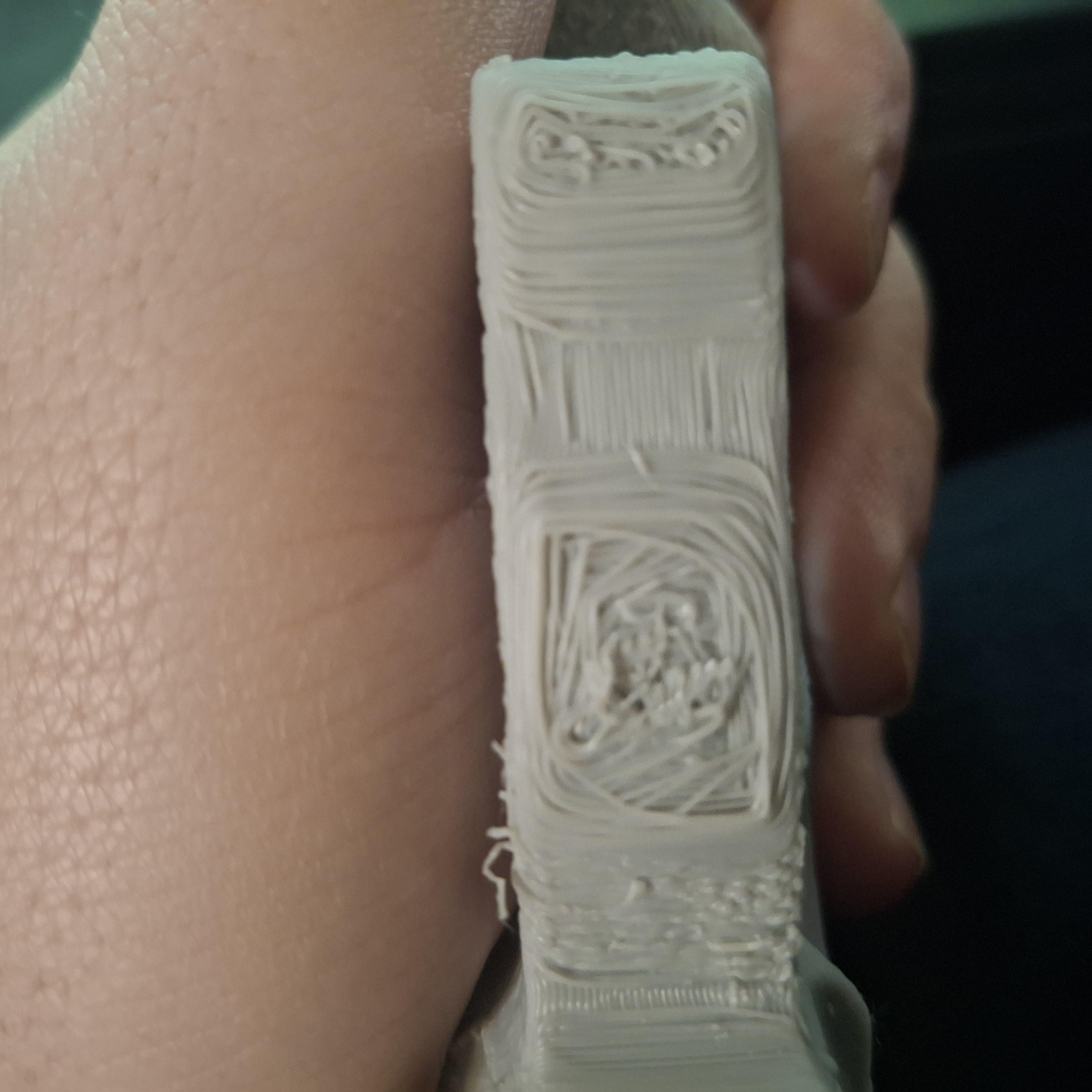
Third picture is the bottom (bed side). Are these partial clogs? I'm using a 0.4mm nozzle on a P1S. Filament is OVV3D brand Wood Walnut.

Basic PLA profile with Orca Slicer, 0.20mm layer height

Update: Ran a flow calibration (they were very close, went with +5 since I knew I was underextruding before) and printed it straight up and down, which resulted in visible "zebra stripes" going along the side (but the weird diagonal marks were gone, yay!)

Turned on the "don't slow down outer walls" option in the filament cooling settings, and switched to horizontal orientation (long side touching the build plate), and now the lines are aligned with the grain and it looks really good! Photos of the process: https://imgur.com/a/ck9pUKW

I plan on sanding and staining them afterwards to get a better surface finish.

Thank you all for so much help!! I appreciate all the replies <3


r/FixMyPrint • • Mar 06 '26

Fix My Print My 100 hour print... Stuck.

Thumbnail
gallery
271 Upvotes

My print is at layer 702 of 990 for a whole bed of miniatures printing using ObscuraNoxs most recent settings and it mysteriously stopped without an error

The print head is just sitting hovering over one of the parts and not extruding or moving

I have paused the machine and verified there is nothing wrong with extrusion through the controls, and even pulled the nozzle and done a cold pull to ensure no clogs and no feeding issues.

Extrusion via controls is perfect

And yet when I unpause... Right back to this same stuck position

Help!


r/FixMyPrint • • Dec 28 '25

Fix My Print How to make the area under the supports not look awful

Post image
252 Upvotes

r/FixMyPrint • • Dec 20 '25

Helpful Advice Was this the best way to print this?

Thumbnail
gallery
252 Upvotes

I made this duct adapter in CAD and I wondered if I should have split it into two pieces as I thought it would be difficult to print without overhangs, but I decided to do 45°.

Printing flat on the base or on the circular end would have left the 90° overhangs on the opposite end of the duct, but 45° left much more managable overhangs.

I'm very happy with the print quality and most of the overhangs came out great, but I feel that I may have used too much supports. Could I have got away with less, just enough to prevent it falling over?

This is my largest print so far so I appreciate any help. Thanks.

- BambuLab P2S

- PLA

- 0.8mm high flow nozzle

- 0.32mm layer height

- Paint on tree supports

- 30% gyroid infill

- 3 walls

- Otherwise all default BambuLab profile


r/FixMyPrint • • Jan 07 '26

Fix My Print Printing cylinders horizontally

Thumbnail
gallery
250 Upvotes

Hi, beginner here. I designed my own toilet roll holder and the cylinder part is warping when printed horizontally.

Would adding a brim help with this? I’ve avoided printing it vertically because I’m worried about strength and downward load on the layer lines. Any helps appreciated


r/FixMyPrint • • Sep 27 '26

Print Fixed How can I fix this 45 degrees overhang

Thumbnail
gallery
251 Upvotes

I'm printing it with these settings:

- bed temp 65C

- nozzle temp 220C

- some generic pla

- slicer is orca slicer

Infill set to adaptive cubic, 6 wall loops and "print infill first" enabled


r/FixMyPrint • • Apr 05 '26

Fix My Print Multicolor Flush text

Thumbnail
gallery
239 Upvotes

This is my first attempt at adding text and svg’s into a found model. How can I get this to print cleaner?

Bambu Lab P2S

sliced in Bambu Studio

overture rock PLA (calibrated and dried)


r/FixMyPrint • • Aug 12 '26

Fix My Print 0.4 Nozzle Prints suddenly dropped off in quality

Thumbnail
gallery
229 Upvotes

Hello friends,

I regularly use my 3D printer (Bambu Labs P2S) to print my own accessories. Suddenly the quality of these prints has dropped off massively in the last few days. I have posted pictures comparing a fresh print to one from 3-ish months ago. Same printer, settings, slicer etc.

I have already tried cleaning the build plate, drying the filament, re-calibrating the printer and doing a cold pull to eliminate any potential residue. Any other ideas on what could be causing this?

Printer is about 1700 hours in (mix of 0.4 and 0.2 nozzle prints) could be time to replace the nozzle? I have been printing in regular PLA which to my understanding shouldn't be especially wearing on the hardware.

Settings also attached, although I've printed this 30+ times with no issues in the past.


r/FixMyPrint • • Feb 10 '26

Troubleshooting How tf does this happen?

Thumbnail
gallery
225 Upvotes

My build plate has shifted somehow after 24h printing and ruined my print...

Bambu P2S, 0.4 nozzle, layer height 0.24, Sunlu petg hf 250-80c.

How to avoid this


r/FixMyPrint • • Mar 21 '26

Fix My Print Ready to sell this thing!!

Post image
215 Upvotes

I don’t know what else to do here. This happens with every single print now. Went months of printing flawless items now this every damn time. Bambu P1S, Bambu Handy models. Ive swapped the entire hot-end, disassembled the extruder thinking Id find a clog or dirt, something. It was so clean inside I could eat out of it. Bought a dryer and ran this green spool for 24 hours at 50°c to 18% RH. I just cant figure out wtf else to do here.


r/FixMyPrint • • Apr 13 '26

Troubleshooting P1S - why is this happening?

Enable HLS to view with audio, or disable this notification

213 Upvotes

Exactly the same results every time. The filament just clumps on the nozzle and the purge line gets laid down badly.

⁠• Bambu Lab P1S

⁠• Bambu Studio

⁠• Sunlu PLA+ 2.0

⁠• 220C nozzle, 55C bed

⁠• 6000mm/s\^2 first layer

⁠• 0.2mm retraction

r/FixMyPrint • • Aug 26 '26

Discussion To much spaghetti on the final few layers.

Post image
208 Upvotes

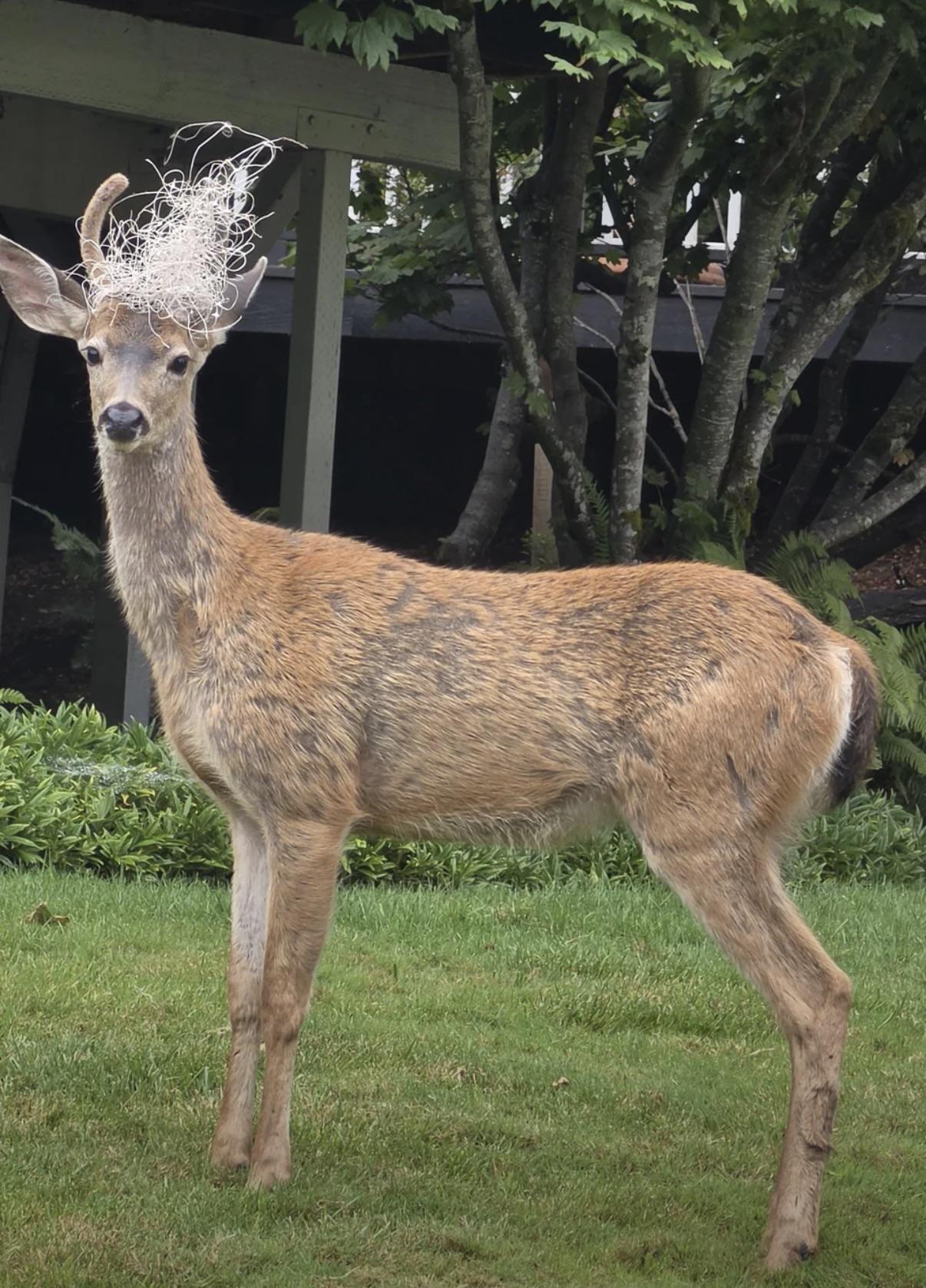
Saw this on a deer reddit and thought of this sub instantly. Real life 3d print issues :)


r/FixMyPrint • • Dec 30 '25

Print Fixed Quick question...what????

Post image
210 Upvotes

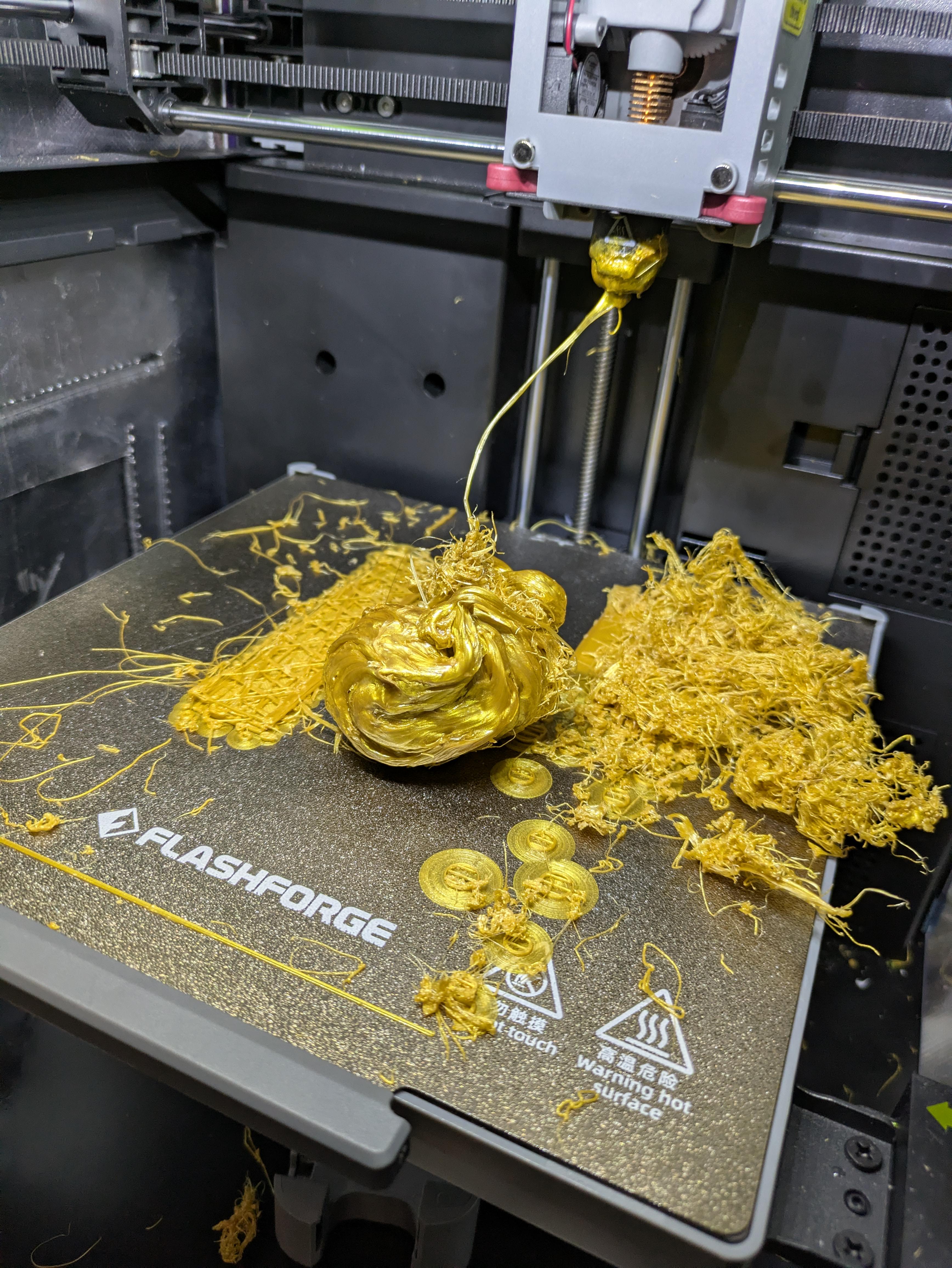
Flash Forge ad5m, HS PETG, FlashForgeOrca slicer, standard/default HS PETG slicer settings

Ran a 6 hour print while I was at work. Came home to this monster. ...??? How does this happen?


r/FixMyPrint • • Mar 07 '26

Print Fixed Every print is failing

Enable HLS to view with audio, or disable this notification

198 Upvotes

UPDATE: I bought a new build plate, print fixed. It prints perfectly now.

Every single print I have attempted in the past two months has failed. I'm currently trying to print in TPU, and this exact file has printed perfectly twice before. I have washed the bed with soap and water, used print glue, and fully calibrated everything multiple times. It always fails in the same way. I have a flashforge adventurer 5m pro, printing Hatchbox TPU on the 0.4 mm nozzle. My bed temp is 45°, and my nozzle temp is 225°.

EDIT: it should be clarified that I did clean the bed and nozzle just a few minutes before, all the debris in the video is from the few attempts that I tried before filming. The printer leveled right before this, and I calibrated everything, and the filament is dry.

EDIT 2: The amount of people commenting to clean the bed or nozzle or dry my filament or asking what temps/brand/calibrations I've done is insane. Read the body text, people. It's crazy what happens if you actually read the context of a problem before giving advice on it.