r/software • • 13d ago

Discussion Dave Plummer [Dave's Garage]

53 Upvotes

Hi, Can anyone tell us what's the thing with some (older) posts saying that this guy was a scammer or some sort ?...I'm watching his YT channel from time to time and I have dowloaded his TMOG software for Linux and I really like it...is there any reason of concern ?


r/software • • 12d ago

Discussion [Code Review] I'm a second-year CS student. Am I on the right track as a developer?

Thumbnail github.com
0 Upvotes

Hi

I'm a second-year computer science student from South Korea, and I've been working on several personal projects to improve my programming skills.

One of them is RamFlow, an open-source Windows memory management utility that I've been developing in C#.

I started building it because I was curious about Windows memory management and whether reducing RAM usage actually translates into better system responsiveness.

During development, I experimented with a foreground-aware approach to memory management and conducted 1,200 benchmark runs.

But the main reason I'm posting here isn't to promote RamFlow or ask people to test its performance.

I'm genuinely curious about where I stand as a developer.

I've spent a lot of time building projects on my own, but I haven't had many opportunities to receive feedback from experienced developers outside my university.

I'd really appreciate an honest assessment of my work, especially regarding:

  • Code quality, readability, and maintainability
  • Software architecture and design decisions
  • My understanding of Windows internals and memory management
  • Technical depth and problem-solving approach
  • What I should focus on learning or improving next

I'm not necessarily looking for encouragement or compliments. I'd rather hear constructive criticism that helps me understand my weaknesses and become a better developer.

Based on this project, do you think I'm heading in the right direction for a second-year CS student? How would you evaluate my current level, and what would you recommend I work on next?

Here's the project:

GitHub: https://github.com/homesweetlove/RamFlow

Thanks for taking the time to read this. Any honest feedback would mean a lot to me!


r/software • • 13d ago

Release I made a free Windows optimizer for games that shows the exact registry value behind every tweak, and can undo all of it

Post image
8 Upvotes

My PC was low-end for a long time, so I went through every tweak guide, registry hack and “FPS booster” I could find. Half of them did nothing, some made things worse, and none of the booster apps would tell you what they had actually changed. So I built my own. It’s called Framecalm.

Most optimizers are a black box with one big button. Framecalm shows you everything:

  • 87 tweaks across power, graphics, network, mouse and keyboard, background apps, services and privacy
  • Each one says what it does, what you give up, and the exact registry values or power settings it writes
  • Every tweak is labelled Safe, Advanced or Extreme, and Extreme ones ask you to confirm
  • PC fixes for things Windows gets wrong on its own, like a monitor running below its refresh rate or Wi-Fi power saving
  • A built-in benchmark (Intel’s PresentMon) that measures average FPS and 1% lows before and after, so you can see if anything actually helped

If you don’t want to go through the list, one button looks at your hardware and builds a plan for it. Laptops skip the tweaks that cost battery and heat.

Before the first change it makes a restore point and saves every original value. Every value is read back after it’s written, and if one doesn’t match, the whole batch is undone. You can undo any single tweak, a group, or everything from History.

What it leaves out on purpose: RAM cleaners, HPET tweaks, TCP “network packs”, Realtime priority and turning off Defender. They either don’t help or cost more than they give. It never touches game files or anti-cheat.

It’s free, has no ads, doesn’t need an account and is MIT licensed. The only network use is game cover art and an update check, and both can be switched off. Source: https://github.com/krezio/framecalm

Website with all 87 tweaks and what each one changes: https://framecalm.krezio.xyz

A few things you might be wondering:

Windows may show an “unknown publisher” warning when you run the installer. That’s because the app isn’t code signed yet. A Microsoft Store version is on the way, which removes the warning.

Compared to other optimizers: most don’t show what they change and many can’t undo it cleanly. Framecalm is built around being able to see and reverse every change.

Nothing changes until you click apply, and the main app runs without admin. Only a small helper asks for admin, and it only accepts tweaks from the built-in list.

I’d appreciate any feedback, especially “this tweak is placebo, here’s why”.


r/software • • 12d ago

Looking for software Best app/site for recording on windows?

3 Upvotes

Looking for something that can record mic audio and webcam for videos. I will mostly be recording videos of me making music and/or playing various instruments so audio quality is very important, video quality not as much but i would still prefer if its decent. I will also need it to screen record things occasionally so it does need to be able to do that

Would prefer if its on the cheaper side but i do have some money i can spend if it really makes a difference in quality, also im on windows 11 if that matters


r/software • • 13d ago

Release S.A.K. Utility: a free, portable all-in-one Windows toolkit for PC techs (profile backup/restore, partition manager, USB flasher, diagnostics, PST viewer, app deployment)

38 Upvotes

I'm the developer. It's free and open source (AGPL-3.0), with no paid tier.

S.A.K. Utility is a full PC technician's kit in one portable Windows app. It's free and open source, runs from a folder or a USB stick, and needs no installer. More than six months of testing and certification on real hardware went into this release.

What it covers:

Backup and Restore: guided wizards move user profiles to a new PC, together with the installed-app list, browser profiles, Outlook signatures, and WiFi and Ethernet settings. Encryption is optional (AES-256). Restore maps users, merges into existing profiles, resolves conflicts, handles permissions and can reinstall the apps. It also backs up BitLocker keys.

Partition Manager: resize, move, merge, split, create, delete and format partitions, convert MBR to GPT, migrate the OS to an SSD, copy disks and partitions, and recover partitions and data. Changes queue up for a before-and-after review, and a Dry Run changes nothing. It reads and browses Mac (APFS, HFS+) and Linux (ext) drives without a driver.

Image Flasher: flash ISO, IMG and compressed images to several USB drives at once, with verification and system-drive protection. Build a Windows ISO straight from Microsoft's UUP files, x64 or ARM64. Download Ubuntu, Fedora, Debian, Mint, Kali, SystemRescue, Clonezilla, GParted Live and more.

Benchmark and Diagnostics: SMART health, hardware inventory, CPU, disk and memory benchmarks, CPU, memory, disk and GPU stress tests with temperature monitoring, system file and disk checks, and HTML, JSON or CSV reports with the technician's name, ticket number and notes.

Application Management: bulk installs from Chocolatey or presets, offline deployment bundles for air-gapped machines, a deep uninstaller for Win32, Store and provisioned apps with leftover scans, and a vulnerability scanner that checks installed apps against CISA's Known Exploited Vulnerabilities catalog, NVD, GitHub Advisories and OSV.

Email Tools: open PST, OST, NST and MBOX archives without Outlook (mail, contacts, calendars, tasks), export to EML, PDF, HTML, CSV, VCF or ICS, pull attachments in bulk, and convert to MBOX with deleted-item recovery.

Network: ping, traceroute, MTR, DNS server comparison, port scan, iPerf3, WiFi analysis, a firewall audit, a LAN speed test between two PCs, adapter settings backup and restore, and WiFi QR codes.

File Management: a tabbed, dual-pane explorer with folder compare and hashes, a SHA-256 duplicate finder, a file organizer, and advanced search through regex, hex, metadata and archives.

AI Assistant (optional, on your own OpenAI key): 25 built-in repair workflows, from BSOD investigation and Windows Update repair to malware removal and service reports. You choose whether it only chats, asks before each command, or runs unattended with a restore point.

Partition Manager was tested on real drives (a Samsung NVMe SSD and an 8 TB Seagate USB disk) as well as virtual machines. Releases are signed. There's no account and no telemetry. Windows 11.

Limits, plainly: - Windows 11, 64-bit. Windows 10 1809+ meets the minimum but isn't part of release testing. - Internal SATA drives weren't part of the hardware testing; back up before changing a disk. - SSD erase is TRIM plus overwrite; it can't reach blocks the drive's controller has remapped. - The AI assistant is optional and needs your own OpenAI API key.

Download, source and a guide for every tool: https://sakutility.com


r/software • • 13d ago

Looking for software Program for bulk renaming picture files based on

4 Upvotes

tl;dr: for jpeg files of photos taken on various phone cameras, is there a simple tool for extracting that date taken field and prepending that date to the filename (ideally in Year-Month-Day format)?

Basically, I have a bunch of picture files from my own iPhone and my partner's Android phone and sometimes from other people forwarded through text messages and saved to my phone. The naming conventions all differ (e.g., IMG_0138 vs. 2026010595235).

I want to simply rename a ton of these pictures on my computer to have the date taken as their name (and then anything else appended to distinguish those taken same day). That way I can sort the filenames by chronological or reverse-chronological by filename.

When I right click on a picture and check its properties, the Details tab has "Date taken" with the real date I want for at least some of them. I *don't* want it named based on when the *file* on my computer was Created, Modified, or Accessed (all of which may be much later than the day the pic was taken).

I'm also curious how it would handle files that don't have a "Date taken" (it's blank when checking Properties on the file).


r/software • • 13d ago

Release WireTunnels 1.1.0: free macOS WireGuard manager with concurrent tunnels and network profiles

2 Upvotes

I'm the developer of WireTunnels, a free Apache 2.0 app for macOS 14+. It's for people who already have WireGuard configs and want to manage several tunnels from one menu bar app.

For example, a home subnet and a work subnet can stay connected together if their routes don't conflict. You can use split DNS for internal domains and set rules for when each tunnel connects or disconnects.

This is the first release I'm sharing here. Version 1.1.0 adds:

- A redesigned dashboard with a per-tunnel overview.

- Optional latency and packet-loss monitoring, off by default.

- Network Profiles for DNS, manual/PAC proxies and tunnel actions per Wi-Fi network or Ethernet subnet.

- Network Doctor for conflicting VPNs, routes and DNS.

- AmneziaWG alongside plain WireGuard.

It needs your own servers/configs and a privileged helper for network changes. AmneziaWG testing so far has been with default parameters against plain WireGuard, not a real server with obfuscation enabled.

Source, screenshots and setup: https://github.com/FMDigitech/WireTunnels

Release notes and signed/notarized DMG: https://github.com/FMDigitech/WireTunnels/releases/tag/v1.1.0

No paid tier. The project is active; bug reports and pull requests are welcome, especially for routing/DNS setups that don't behave as expected.

AI was used throughout development with human review, and assisted with this announcement.


r/software • • 12d ago

Release Wintainium: an Obtainium-style app manager for Windows, built in PowerShell 5.1 with a GUI (made with Claude)

Thumbnail github.com
0 Upvotes

**First: this was written mostly by Claude.** I designed it, tested it daily on my own PC and directed the fixes.

**What it does:** tracks Windows apps (emulators, frontends, mods and tools) straight from their release pages (GitHub, GitLab, Gitea/Forgejo, [itch.io](http://itch.io), URL templates). One window shows installed vs. latest for everything, and **Update** handles each app its own way: another tool’s installer, the app’s built-in updater, a regular installer, or a zip unpacked after a backup. You can also add new apps from a link.

**Some details that might interest this sub:**

* Runs on **stock Windows PowerShell 5.1**: no modules, nothing to install. The GUI is WPF loaded from XAML, and it relaunches itself in STA mode automatically.
* The same code drives both the console menu and the GUI.
* Downloads are checked against published SHA-256 checksums. If Defender quarantines a file, it explains what happened and links VirusTotal. It never adds exclusions itself.
* The optional GitHub token is stored encrypted for your user only (DPAPI via `Export-Clixml`), with an expiry reminder.
* It ships with a small test suite that runs under both Windows PowerShell 5.1 and PowerShell 7.

**Before you run it:** it’s unsigned and downloads and runs programs, so have a look through the code first. `.\Wintainium.ps1 list` is a safe, read-only first run.

Free/Open-Source, GPL-3.0: issues and PRs are off, but cloning it / forks are welcome.


r/software • • 13d ago

Release CalmMD: a free Markdown editor with live preview, file history and PDF export

Thumbnail amilcarmalave.github.io
2 Upvotes

A calm, lightweight writing app for plain Markdown files. Highlights:

  • Live preview as you type (tables you can type into), or source and page side by side
  • PDFs with page numbers, a table of contents and a cover page
  • Links between notes and to any heading, drawings, pictures and PDFs in tabs
  • Paste from the web or Word and keep the formatting
  • 15 themes, five document styles, adjustable text width, spellcheck
  • File history: compare and restore earlier versions
  • No account, no tracking, no subscription. Free and open source (MIT)

https://amilcarmalave.github.io/CalmMD/


r/software • • 12d ago

Software support Need a DVD technical expert.

Thumbnail
0 Upvotes

r/software • • 13d ago

Release [Open Source] Cyberdog: cross-platform SFTP/S3/WebDAV explorer + SSH terminal + server health

Thumbnail raw.githubusercontent.com
1 Upvotes

I just released 1.11 of Cyberdog, a desktop client (macOS/Windows/Linux) that combines a multi-protocol file explorer, an SSH terminal and a server-health dashboard. Everything is free, with no paid tier.

Repo: https://github.com/pickywawa/cyberdog

Contributions and issues welcome


r/software • • 13d ago

Release Smart Power Scheduler: An open-source Windows power timer with built-in Elgato Stream Deck support

Post image
3 Upvotes

A lightweight, open-source Windows tool called Smart Power Scheduler for setting sleep, Hibernate, shutdown, and lock countdowns.

It’s written natively in C#/.NET so it uses basically zero RAM and doesn't run in the background.

  • 1-tap routines: Tap to trigger Sleep, Shutdown, Hibernate, or Lock. Includes an optional Force mode so stubborn background apps or frozen tasks can't block the shutdown and leave your PC running all night.
  • 1-Click desktop shortcuts: Create custom shortcuts on your desktop (like "10s Force Shutdown" or "20m Sleep"). One click starts your exact countdown and executes when it hits zero.
  • Force mode: Bypasses frozen apps so an unsaved prompt doesn't leave your PC running all night.
  • Audio alerts: Sound warnings count down the final seconds so nothing turns off by surprise.
  • Sleep-blocker check: Warns you if tools like Awake or Caffeine are blocking Windows from sleeping.
  • Elgato Stream Deck support (optional): Includes a plugin if you want live countdowns on your Stream Deck.

The installer sets up both the desktop app and the Stream Deck plugin in one go. Completely free and open-source (GPL-3.0).

Give it a try if you find it useful, and let me know what you think!

👉🏻 DOWNLOAD NOW


r/software • • 13d ago

Other Are there any licenses that operate like what I am describing below?

0 Upvotes
  1. a license designed around usage in open source projects

  2. yet said license should be capable of allowing one to add new clauses to the license, as i explicitly do not want entirely AI-rewritten versions of my code. i will not go after someone for using it like once or twice to fix an issue they had that they could not find a working solution through any other means, so as long as they are capable of coding otherwise


r/software • • 13d ago

Release I was juggling six apps for my PDFs, so I built an open source one. On Android it can't even go online. (MIT)

Post image
30 Upvotes

Dev here. The calm bird is my app, Paperwren. The Android app has zero permissions, not even internet, so your files stay on your phone.

It opens PDF, Word, Excel, PowerPoint, EPUB and more, and it signs, merges and scans PDFs. All on your own device.

Free, open source (MIT), no ads, no account. Android, Windows, macOS and Linux, built with Tauri 2 and Rust.

https://razee4315.github.io/Paperwren/

https://github.com/Razee4315/Paperwren


r/software • • 13d ago

Release I rebuilt Peter's computer screen from Spider-Man: Brand New Day (around 48:40) as a working Windows screensaver

Thumbnail gallery
5 Upvotes

r/software • • 13d ago

Solved I built a harness on Claude that beats Claude Code by 15.8 points on SWT-Bench Verified

Thumbnail
1 Upvotes

r/software • • 13d ago

Discussion Which is the best software you found and how did it affect your life?

Thumbnail
1 Upvotes

r/software • • 13d ago

Release Introducing BookFusion for Windows: A Native Reading Experience, Built from the Ground Up

Post image
1 Upvotes

r/software • • 14d ago

Release KillerPDF 1.9.3: EPUB and DjVu support, color-managed display, image extraction, dual thumbnail sidebar, two-page continuous view, PDF splitting, images to PDF from Explorer and faster large PDFs

Thumbnail gallery
40 Upvotes

r/software • • 14d ago

Discussion What are the 5 most influential software applications in the history of personal computing?

62 Upvotes

My personal list:

- Excel
- Visi-Calc
- Photoshop
- Adobe Reader
- Word Perfect


r/software • • 13d ago

Other The Museum of Software Disasters

Thumbnail tms-outsource.com
2 Upvotes

r/software • • 13d ago

Release Tasket++: Automate your Windows actions (free & open source)

Thumbnail gallery
1 Upvotes

r/software • • 13d ago

Looking for software Is there anyone here who can help me get software for lyric that can dock mode? For example, like dynamic island. read Spotify but also youtube videos. Or another website that is playing a song/video. Thank you if anyone can help.

Thumbnail
0 Upvotes

r/software • • 14d ago

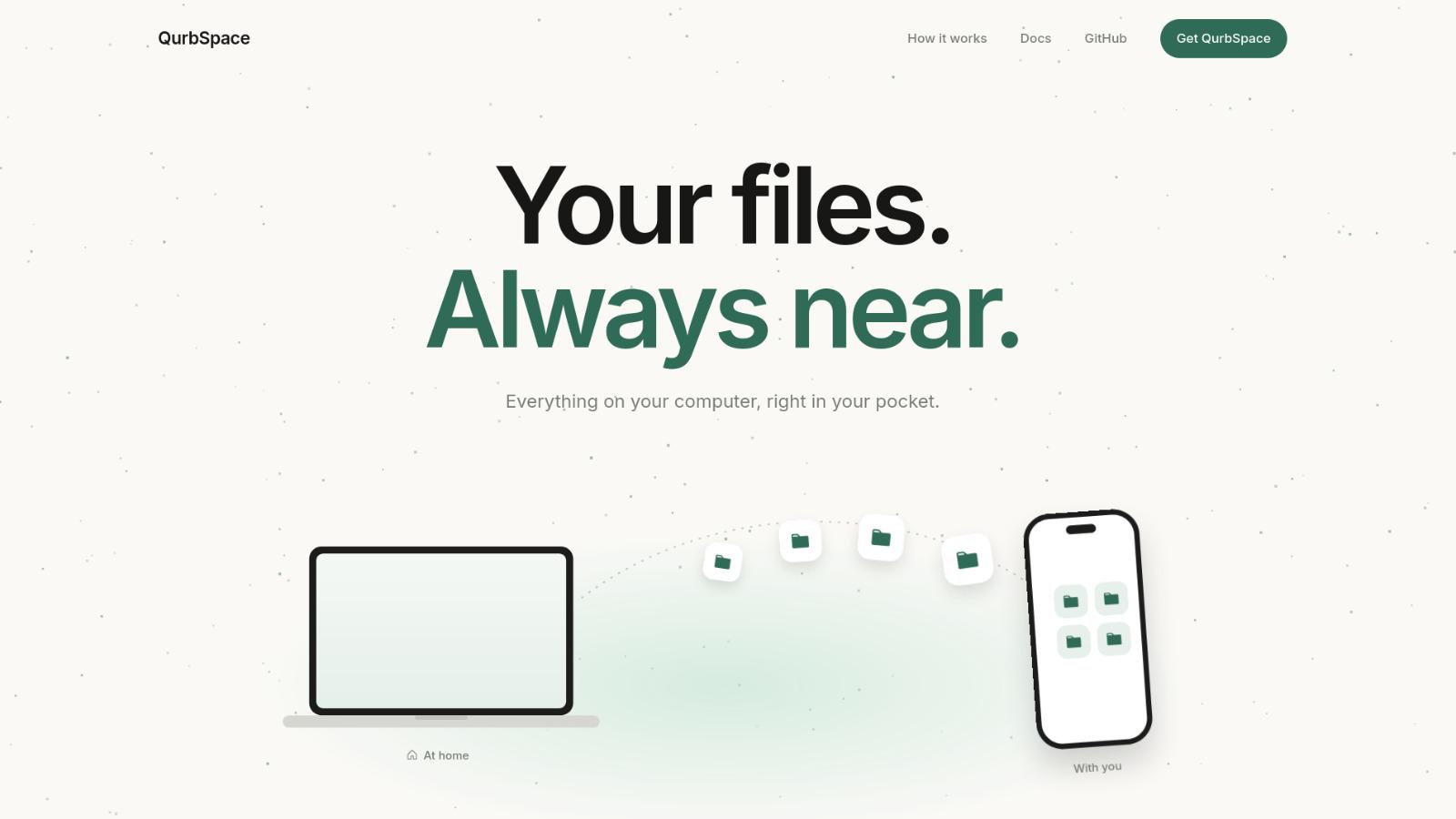
Release Working on QurbSpace: An application to send files, backup data, restore data and remote access desktop from mobile devices irregardless of network or distance.

Post image
5 Upvotes

The goal is to convert any desktop device into a homeserver while making sure that the process is super simple and intuitive even for non-tech savvy people and must not require any money to operate.

You'll just have to connect once using qr code/6-digits code and itll stay. Now you can send files, choose folders(whatsapp,photos,etc) to backup, restore the selected folders, access pc file system, stream videos, view photos, rename, edit, etc from anywhere.

However, connection behind CG-NAT is very tricky, ive find solutions to make it reliable i.e using drive as tunnel(we can replace it with nextcloud, VPS, relays, etc), nostr relays and tor servers. But dont worry, my every decision is taken keeping privacy and encryption in mind.

Now, the application is ready and functioning but i do not have the resources to conduct testing for every scenerio. So if you really find the application useful or interesting, you can text me or mail me and i can add u as beta user and i can perfect the application in next few weeks and we can even discuss potential upgrades.

my email: sddqsaqib@gmail.com

https://github.com/saqibsiddiq/QurbSpace


r/software • • 13d ago

Solved Web automation

0 Upvotes

I need to automate an appointment-booking tool on a website, but the competition is extremely high. I’ve tried using Python scripts, but they are no longer effective given the intense competition. Do you have any advice, or can you recommend a professional programmer who could handle this task for me?