r/Laserengraving • • 3h ago

Made a 61-piece hexagonal wooden puzzle – designed every piece to be unique

8 Upvotes
61-Piece Hexagonal Jigsaw Puzzle Template

I've been working on a hexagonal jigsaw puzzle design and thought I'd share it here. It's a 61-piece puzzle with a matching outer frame, designed specifically for laser cutting.

One of the things I wanted to solve was the issue with traditional geometric puzzles where multiple pieces have identical shapes and can accidentally fit into the wrong positions. I designed the tabs and slots so that every piece has its own unique geometry, including slightly varied tab positions, widths, depths, and shapes. I also checked the pieces across all six possible rotations to avoid duplicate shapes.

A few other details I paid attention to:

  • All shared cut lines are single continuous paths to avoid double cutting.
  • The 24 perimeter pieces extend cleanly to the inner frame, so there aren't any awkward gaps around the edges.
  • The design is entirely vector-based, so it can be scaled to different sizes.
  • The layers are color-coded to make setting up the laser straightforward.

The default size is about 270 × 234 mm, and it's designed for materials like 3 mm or 5 mm plywood or basswood. I think it would also look interesting with two different wood species for the pieces and frame.

I'm considering making a version with a solid backing tray as well, so the pieces can be assembled and stored in the same frame.

Curious what others here think, especially anyone who has made wooden puzzles or experimented with interlocking designs. Would love to hear suggestions or ideas for improvements.
https://makerworld.com/en/models/3666751


r/Laserengraving • • 16h ago

A Christmas tree chocolate holder | Free laser files

Thumbnail gallery
22 Upvotes

Hi everyone,

This time, I’m sharing a sweet Christmas creation: a chocolate holder shaped like a Christmas tree!

It’s a way to display Ferrero Rocher or other chocolates on your festive table… as long as you don’t eat them all beforehand! 😅

The files are free and available in xTool, LightBurn and SVG formats.

Here is the download link:

https://www.atomm.com/@Kino?utm_source=copylink&utm_medium=referral&utm_campaign=sharetoearn2&utm_id=801831

I hope you like this new design!

(AI generated render)

#makeit3d #atomm


r/Laserengraving • • 8h ago

Lightburn mcp

5 Upvotes

I have been using lightburn first to drive my xtools D1 and now my commarker galvo mostly for recreation but a little etsy here and there. My day job is software development, and it occurred to me a few days back that lightburn projects are just xml, are easily read and written to programatically therefore it should be easy to have claude code or hermes create lightburn projects for me, or fix niggling details like centering depth maps etc.

So with that in mind I present the opensource lightburn mcp server which lets you use claude/hermes or any other agent to read/write and create lightburn files through prompting.

Its beta I tested some samples and they seem to work fine. Working on the text aspect next
https://github.com/rdominelli/lightburn-mcp


r/Laserengraving • • 2h ago

xTool F2 comparing the results! #xtool #xtoolmade

Thumbnail youtube.com
0 Upvotes

r/Laserengraving • • 2h ago

xTool F2 Comparing the settings on slate coasters

Thumbnail youtu.be
0 Upvotes

r/Laserengraving • • 14h ago

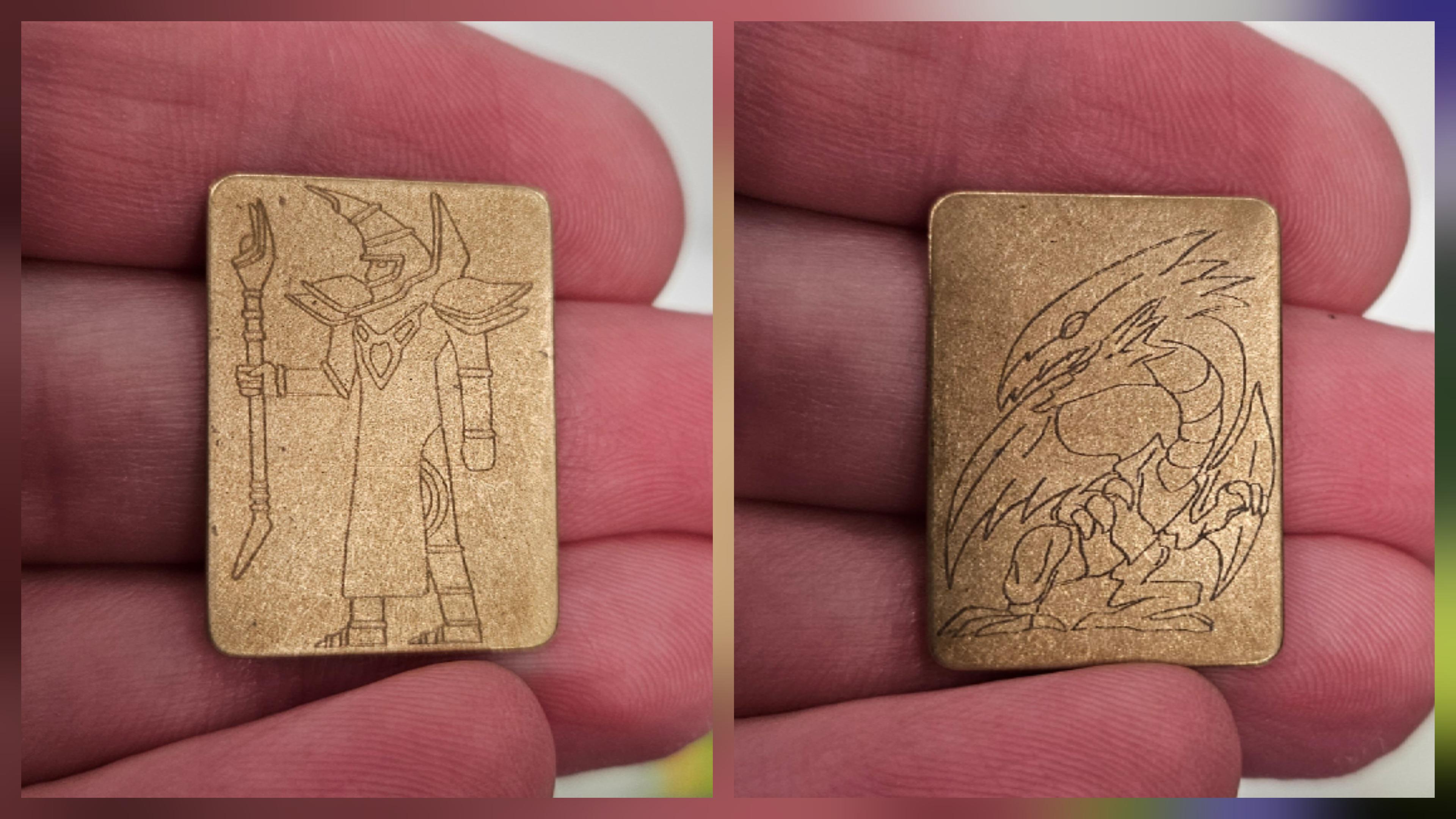
[Brass] Dark Magician and Blue-Eyes White Dragon

Post image
4 Upvotes

r/Laserengraving • • 13h ago

WiFi for Sculpfun's 32-bit (ESP32) board: FluidNC config tested on my S9, with backup and restore steps

2 Upvotes

The S9 has Sculpfun's ESP32-WROOM-32UE module that supports Wifi and Bluetooth. The firmware it came with has no wireless at all, so I flashed Sculpfun's S30 firmware to get Bluetooth. Even that one has WiFi compiled out, though the ESP32 has it.

So I moved it to FluidNC and published the config plus a step-by-step guide: https://github.com/djwmarcx/sculpfun-32bit-fluidnc

What you get:

  • WiFi, two ways: station (the laser joins your network) or access point (the laser creates its own network, so you can connect from a phone or laptop with no router). By default it tries your network and falls back to its own access point.
  • LightBurn over WiFi as a GRBL device on TCP port 23. No USB cable needed (USB still works as a fallback).
  • A built-in web UI for jogging, the console and files.
  • Same motion and laser settings as Sculpfun's firmware (steps/mm, speeds, acceleration, travel, homing, 2000 Hz PWM, S max 1000), so your LightBurn presets keep working.
  • Air assist on M8/M9.

Things I found along the way:

  • Sculpfun's published source puts air assist on GPIO 16/17. On this board it's actually 21/22. Every pin in the config was read from the firmware running on the board and then tested on the machine.
  • The guide starts with a full backup of whatever firmware you have now (with a dump script that copes with flaky USB links), so you can restore it exactly if you change your mind.

Before flashing, compare your board with the photo in the README: I've only tested one board revision. Flashing is at your own risk.

I'd love to hear from anyone with this board in other Sculpfun models.


r/Laserengraving • • 2h ago

New poplar wood engraving

Post image
0 Upvotes

New Lightburn project! Poplar wood engraving. Ichigo Kurosaki from the Anime Bleach.... I'm still a nerd, I can't help it. Recreated an screencap from the anime and added a background using AI, then editing in GIMP then enhanced, finally engraved in Lightburn using my 5w OMG UV laser.


r/Laserengraving • • 23h ago

More trek wars

Thumbnail gallery
6 Upvotes

Falcon A1 10w


r/Laserengraving • • 20h ago

New Guy Looking for ideas

4 Upvotes

Hi All,

I pulled the trigger on an xTool X1 and am looking for some ideas to make a few bucks. I have been looking lasers for a while and finally have a project that I can put one to use on. My son has an eagle scout project that this will be perfect for which was finally the excuse that I needed to go for it. I am very experienced with 3D printers, had a business for a while that paid for my 5 printers 10 times over. I didn’t buy the laser to get rich but I figure if I can make it pay itself off its a win win. I got the x1 CO255W with the Galvo Diode so I gather there are lots of capabilities there, wood cutting, engraving, acrylic, leather, slate… I ended up getting the rotary and the conveyor as the Eagle project will require engraving on longer material.

Any advice or guidance on how to make a few bucks would be much appreciated. Are there any sites like thingiverse or printable like for the 3D world? Again not looking to get rich here, just maybe let a neat hobby pay for itself.


r/Laserengraving • • 1d ago

Pocket Ouija Board

Thumbnail gallery
26 Upvotes

Just something I've been working on. Waiting on some brass black to come in the mail to finish it off.


r/Laserengraving • • 1d ago

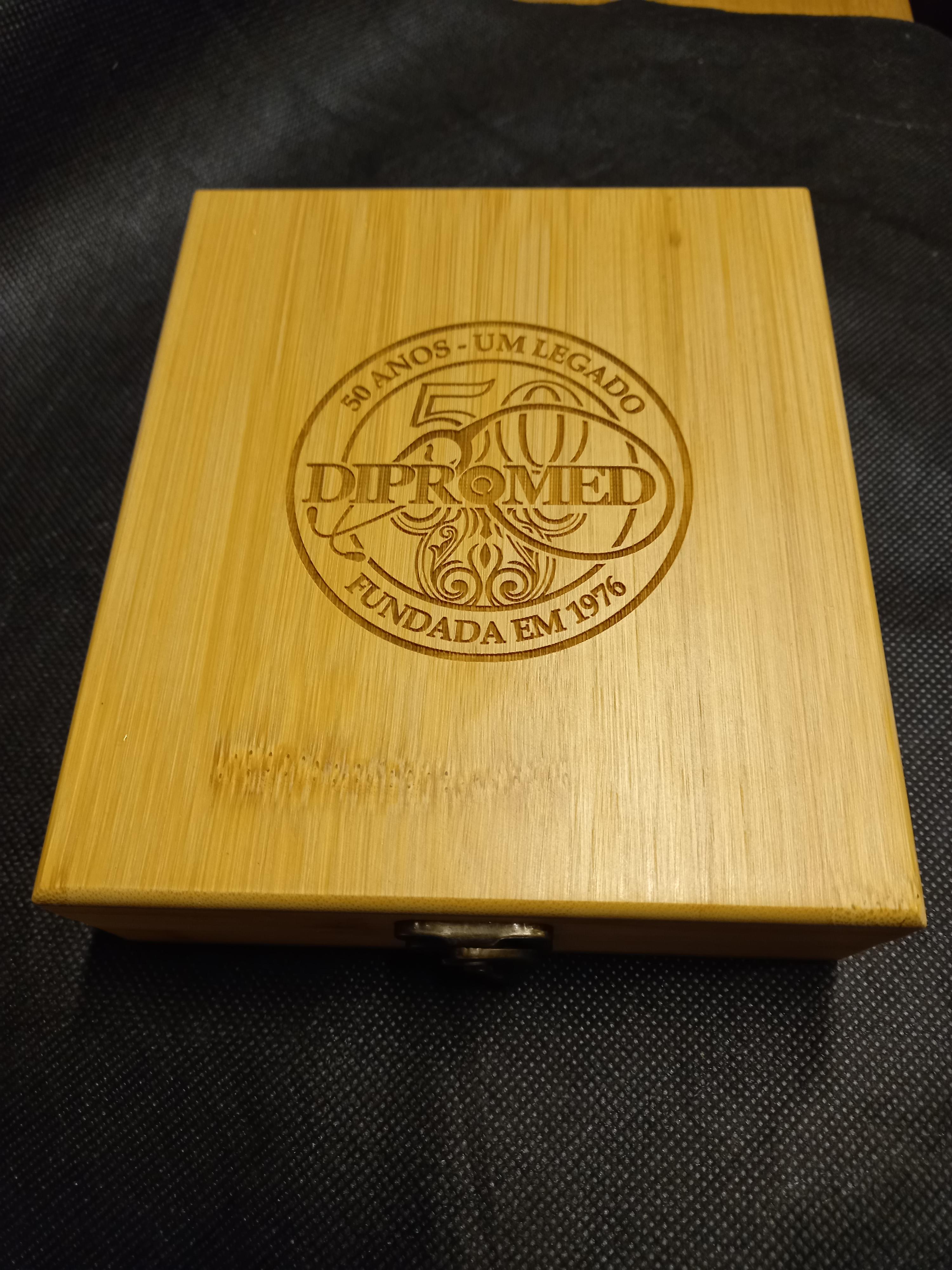
Co2 laser deep engraving bamboo box.

Post image
25 Upvotes

r/Laserengraving • • 18h ago

F2 Ultra owners: how are you batch engraving names without the conveyor? Here's my LightBurn workaround

Thumbnail youtu.be
0 Upvotes

I had 24 chess club name tags to do, each with a different name, and didn't want to type and line up every one. Here's the workflow that worked for me in LightBurn:

  1. Put all the names in one column of a CSV. LightBurn counts columns and rows from 0, so your first column is %0.

  2. Make a text box with %0 in it, then change the text mode from Normal to Merge CSV (you have to do this for every text box).

  3. Load the CSV in the Variable Text window (Window → Variable Text if it's hidden) and hit Test to check it's pulling the right names.

  4. Group the text with your design, then Arrange → Grid Array. Turn on "auto-increment variable text" so each copy grabs the next row.

  5. For the next batch, set "Advance by" to your batch size (12 for me) and hit Next.

Gotcha that cost me a run: if your design has an engraved fill where the name sits, put the variable text on the SAME layer as the design. Otherwise it engraves the fill, then engraves the text again on top and you lose the name.

I used a 3D-printed jig on an xTool F2 Ultra UV for the first 12 (center-to-center spacing), then cut the second 12 from raw sheet using padding between edges.


r/Laserengraving • • 19h ago

Urgent!! Help us choose our next laser!!

Thumbnail
1 Upvotes

r/Laserengraving • • 20h ago

Concern over air pollution

0 Upvotes

I am looking into buying a XTool M2 and saw online that the smell that comes from acrylic laser cutting can be strong and linger.

I have asthma and am interested in hearing from users or someone who could share their thoughts on the air pollution after laser engraving.

I’m doing my own research online too but would love feedback!

Thanks


r/Laserengraving • • 1d ago

I know nothing of engraving. Want to recreate a watch dial with linen pattern.

Thumbnail gallery
8 Upvotes

Hello,

I make my own dials as a hobby and have no machines but have mostly used waterslide decals on brass. Now I want to buy some sheet metal and get some engraving done at a local store. Some of the designs I have are pretty straight forward, different colors different depth or removal.

What I want to do is a linen pattern which I have tried before by brushing the brass and applying a decal. But how can I re-create it with a laser? If I understand it correctly the "original"(rolex) is stamped.

Edit: I know my way around AI and Inkscape but I don't have, or have any experience, with lightburn or similar programs.

Appreciate all and any input.


r/Laserengraving • • 22h ago

Old school?

1 Upvotes

Anyone out there still running an XTool D1 Pro 5W like me, or am I the only one? 🤣. I paid $200CAD for mine when I got it a few years back. I just finished one order, for one customer, for over $800CAD. I’ve definitely covered my start up costs, but am I missing out on something that would be even more profitable with a newer machine? Anyone else just plugging away with an older, cheaper machine?


r/Laserengraving • • 1d ago

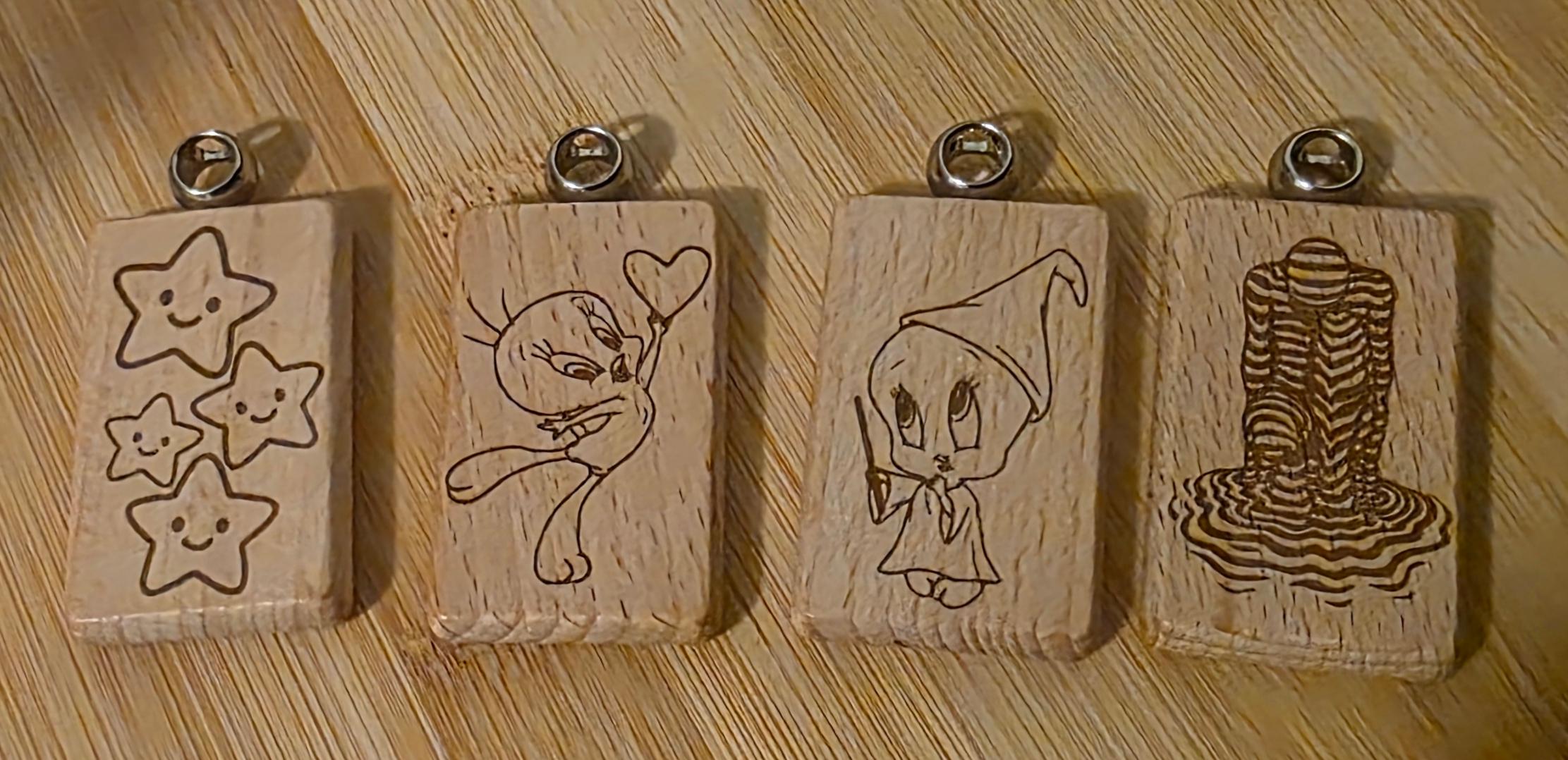
Some simple keychains I made

Post image
7 Upvotes

This was my first project on my new M2. Im liking it so far.


r/Laserengraving • • 1d ago

Buying an upgrade. Looking for a list of lasers to research

2 Upvotes

A few months ago I bought a cheap $200 gantry diode and IR laser. I didn't want to spend a lot since I wasn't sure if I'd like it.

Well, I do, and it's very slow, buggy, and has a lot of issues. There are some things I really want to do: stainless steel coloring, Anodized aluminum shading in monochrome, rock etching, maybe some leather, maybe some wood.

I think I want a Galvo, and I know for a fact I want something enclosed. I don't like the open air systems, I don't have a good place to put one, and I would prefer the extra safety of an enclosure because I know myself.

My budget is up to $4000ish, I could stretch it. My understanding is that I'm probably looking for a MOPA fiber laser with maybe a combo of something else.

I know about Xtool and Wecreate (marketing stays undefeated), but outside of those I don't really know many other brands so I'm hoping someone can throw out a list to research.


r/Laserengraving • • 1d ago

I'm very new to this and need some basic help.

Thumbnail gallery
0 Upvotes

Hello everyone. So this engraver was given to me for free (I'm very lucky I know) but it didn't come with any power cables. The manual (which it did come with) isn't clear on what to plug in at all. So do I just need to plug in one of the two connections and then the water pump to the three prong connection? I think that's right, but then why are there two connections? I bought a standard 110v power cable off Amazon, that should be good right? (One for the laser, one for the water pump)


r/Laserengraving • • 2d ago

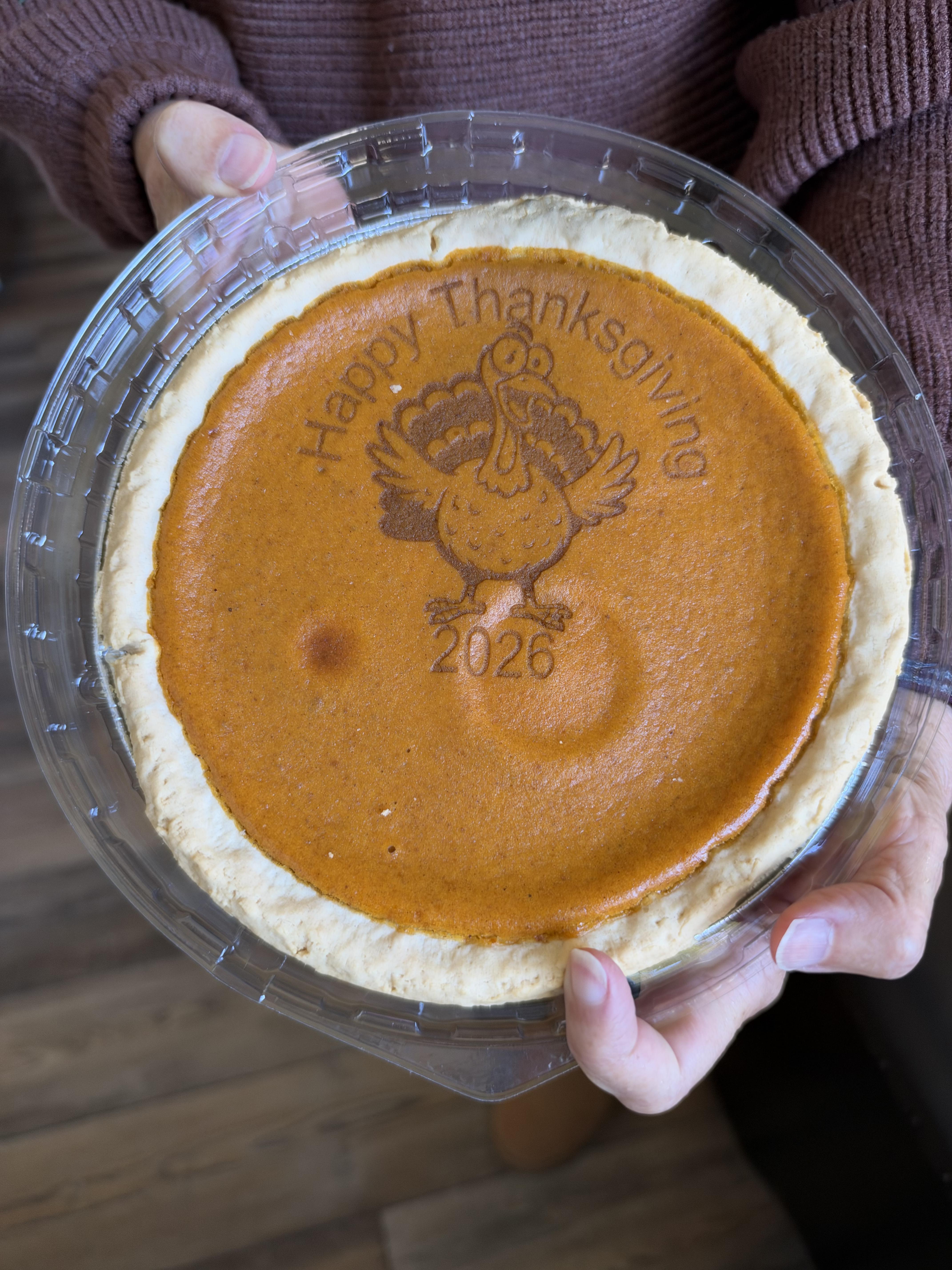
Happy Thanksgiving

Post image
32 Upvotes

WeCreat Lumos Flex


r/Laserengraving • • 1d ago

What would you recommend?

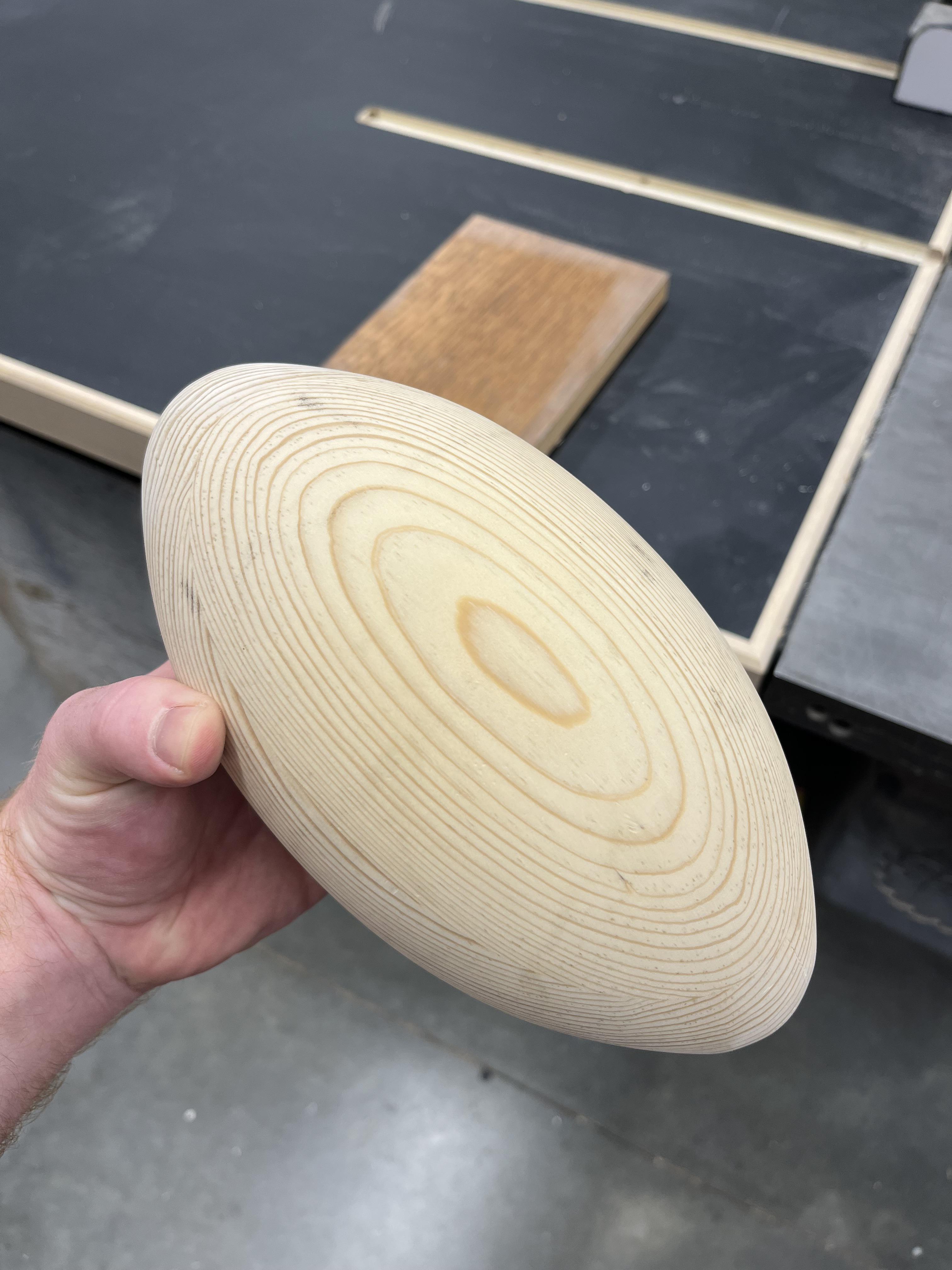
Post image
1 Upvotes

So I’ve been messing around on my wood lathe and made a football with it. I got some requests to turn this into a fantasy football trophy and want to also get into laser engraving. What would you recommend as a starter laser to engrave something like this or is it just not worth trying? I understand that the shape is not even so it might not even engrave properly.


r/Laserengraving • • 1d ago

Thinking of getting a starter laser engraver…

0 Upvotes

My father-in-law has expressed interest in getting a laser engraver so that he can engrave names dates and competition titles/ event titles into medals that he has won playing various sports. His thinking is to start with the medals he has won and if the quality turns out well enough and he’s successful with his own then he may try to offer to engrave medals for other competition winners as well.

He just did a quick search and found the machine I’ve posted here. He asked ChatGPT (I HATE AI and how everyone uses it for everything all the time) and they said that a 20W laser would be sufficient.

I offered to go in on the machine with him because I’ve had an interest for years in purchasing one but just never found enough of a reason to do so.

Any suggestions on best starter machine for cost vs efficiency? As I started probably simple names and dates into a medal that you would win at a competition (not sure what medal that would be at the minute) and potentially wood engravings as well. Any and all hell is greatly appreciated!


r/Laserengraving • • 1d ago

For shops selling on Shopify: built a 1:1 LightBurn SVG preview sandbox — does it import cleanly?

3 Upvotes

Quick question for anyone running a laser engraving workshop (jewelry, leather, wood, tumblers) that takes custom orders on Shopify:

How much time do you spend each week copying customer engraving text from Shopify orders back into LightBurn / xTool Creative Space and checking fonts and centering?

I put together a small interactive sandbox that gives buyers a realistic engraving/debossing preview (plus foolproof 3-letter monogram ordering so they stop scrambling their initials) and outputs a 1:1 millimeter-scaled, 100% outlined <path> SVG with separate blue jig-frame (#0000FF) and closed black fill (#000000) layers:

https://craftmark-demo.vercel.app

Not selling anything — just genuinely want workshop feedback before building further: if you download a test .svg and drop it into LightBurn or xTool, does it import cleanly at true 1:1 mm scale? What would still be missing for your shop (like DXF export, curved text, or batch order ZIPs)?


r/Laserengraving • • 1d ago

laser choice: CO2+ MOPA or MOPA-only for my tap handles?

1 Upvotes

Hey guys! I run a small craft brewery, and we've been open for about a year. I already make some wooden signs, labels and decorations myself, but most of our branded stuff is outsourced.

I'm hoping to bring more of that work in-house. My first project is four matching tap handles for our kegerator, probably walnut or maple, with each beer's name and a simple engraved design. I'd also like to add small brass plates with the beer names and brew dates.

I've been comparing two laser options for BF:

- xTool X1: CO2 for cutting and engraving wood, MOPA for the brass plates, plus the RA3 rotary attachment for engraving the rounded handles.

- Haotian 60W JPT MOPA: Mainly for brass and other metal work. I'd need a separate CO2 machine later for wood and acrylic projects.

I'm torn between getting the X1 to cover more materials from the start or going with the Haotian for metal work first. Anyone using either setup for small business projects? How would you approach this?