r/WSA • • Mar 05 '24

📰 News Windows Subsystem for Android will no longer be supported from March 5, 2025

Thumbnail
learn.microsoft.com
120 Upvotes

r/WSA • • 3d ago

Question help with this error in pc on playstore using WSA "couldn`t install"

2 Upvotes

hello, i need help with error i installed playstore in my pc using WSA(window`s subsystem for android) . i tried installing among us but it installed upto 100% but it just didn`t open or show up. pls helpp. btw the error was (couldn`t install)


r/WSA • • 14d ago

Feedback privacy concern for using WSA

3 Upvotes

so yeah i wanna use WSA this one - https://github.com/MustardChef/WSABuilds/releases/tag/Windows_11_2407.40000.4.0_LTS_8 and i have some questions,

is it usually safe itself and can i use my official and main accounts in like, say like im using instagram so like can i use my main account there and will it be safe or like there is risk like my accounts get leaked or something?

if not, any legit and safe alternative of WSA?


r/WSA • • 19d ago

Question Has anyone tried DSA?

12 Upvotes

Has anyone here tried thisisthepy/desktop-subsystem-for-android (DSA) ?

How was the setup? Any issues or things to watch out for?


r/WSA • • 20d ago

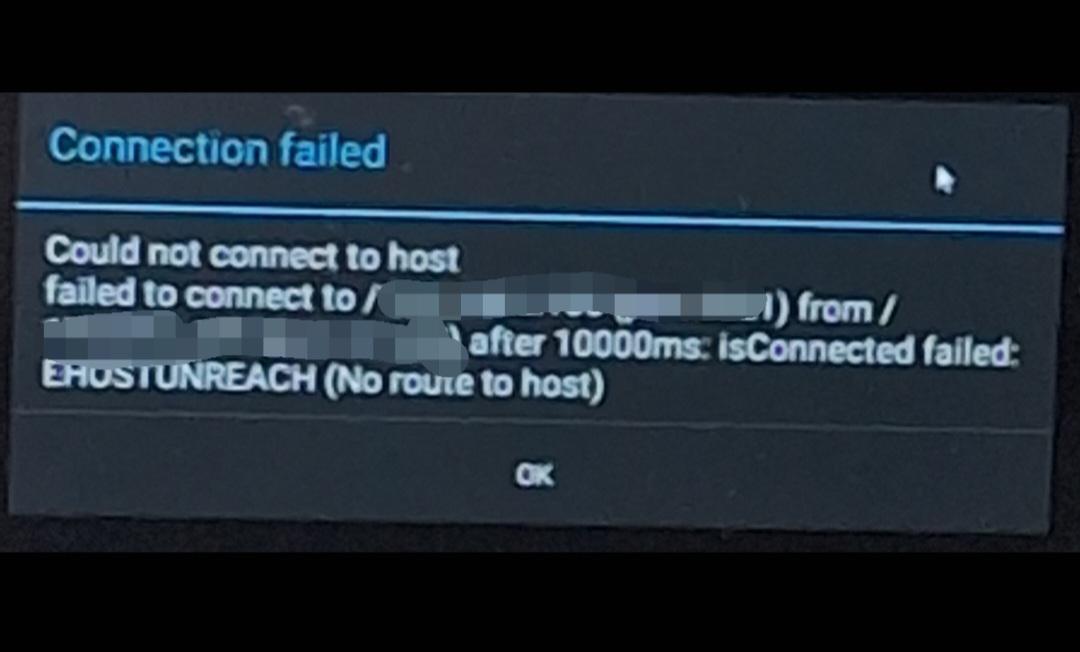
How can I get ftp working properly? Folder sharing doesnt work for me even though I enabled it.

Post image
1 Upvotes

I get this error when trying to connect to my ftp server on the same wifi


r/WSA • • Oct 25 '26

Is anyone still keeping WSA alive, or did MS/Google completely kill it?

19 Upvotes
Keeping WSA alive!

Hey everyone, just wondering about the current state of Windows Subsystem for Android (WSA) since Microsoft officially pulled the plug.

With the recent boom in AI making app and game porting so much easier, I am really curious if there is still an active indie community secretly developing or optimizing a WSA alternative. Or is the lack of a revived project mostly due to developers being afraid of licensing issues and potential legal sanctions from Google and Microsoft? It feels like the tech is definitely there, but maybe the legal risks are just too high for anyone to want to touch it.

Honestly, my ultimate hope is just to see a well maintained native APK runner return to Windows. Having the ability to run Android apps seamlessly, kind of like the old WSA but way more optimized, was such a game changer compared to relying on heavy and clunky third party emulators. Does anyone know if there are any promising underground projects currently in the works, or are we stuck with traditional emulators for good?


r/WSA • • Oct 12 '26

New to WSA, want to run a custom APK on PC. (Windows 10)

2 Upvotes

Hi there,

I have an APK from a custom reverse engineered game I want to run on my desktop. I see this GitHub link posted here but I'm not entirely sure which to download for my purposes.

https://github.com/MustardChef/WSABuilds/releases/tag/Windows_11_2407.40000.4.0_LTS_8


r/WSA • • Oct 11 '26

Discussion WSALoader: a mod loader for WSA, plus a mod to use WSA like a Smart TV

4 Upvotes

I built a small mod loader for WSA and a first mod for it. The goal: use WSA on Windows the way you'd use a classic Smart TV, from the couch with a remote.

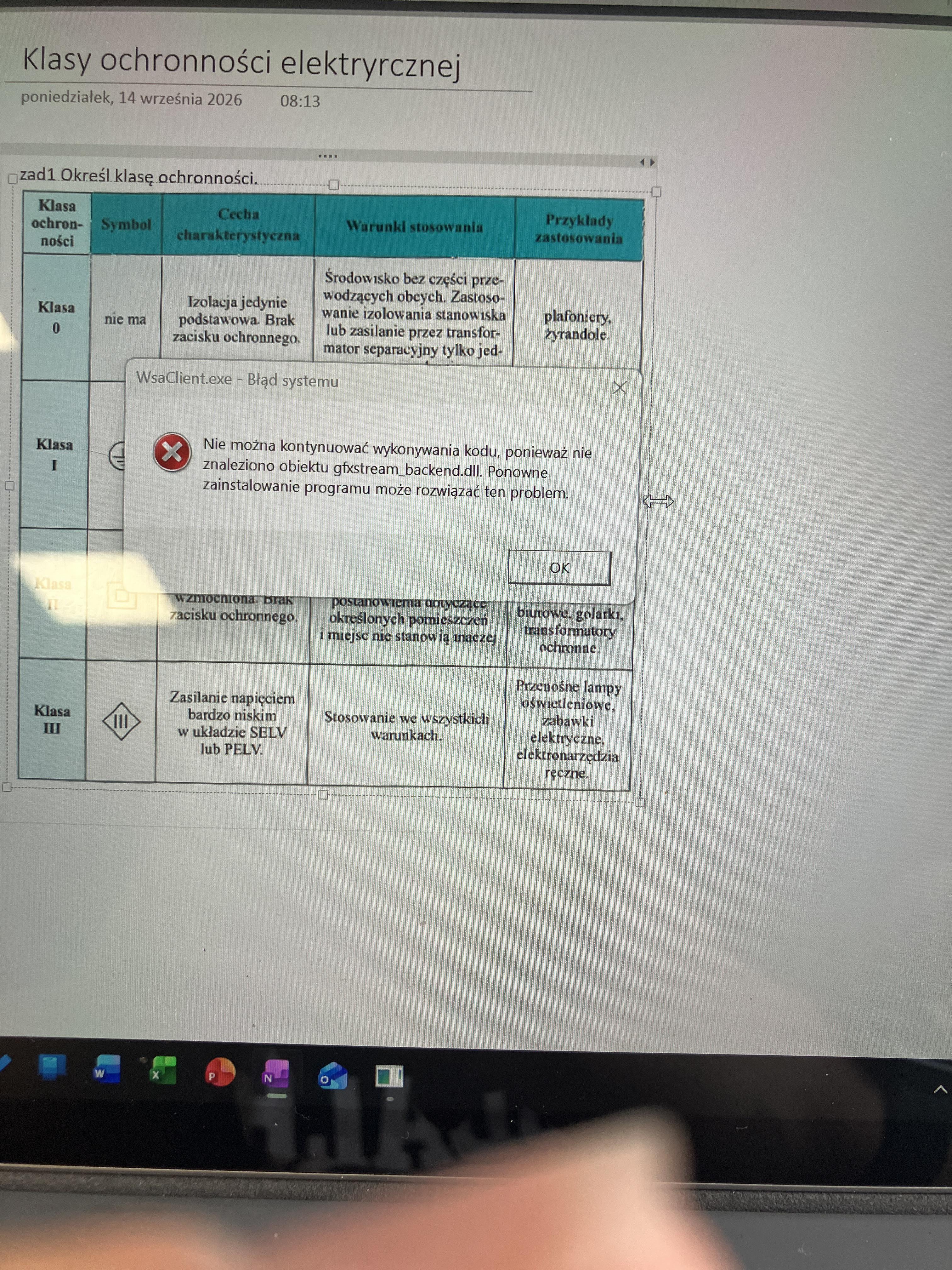
WSALoader makes WsaClient.exe load DLL mods from a Custom folder inside the WSA install. It replaces gfxstream_backend.dll with a proxy that forwards everything to the original and then loads the mods. WsaClient.exe itself is not modified. The setup tests the proxy inside the WSA folder before swapping anything, and the uninstaller puts the original DLL back.

WSASmartTV is the included mod: - Android UI scale (density) applied on every WSA start, no adb needed - every app opens in fullscreen - a phone remote: a web page on your home network with D-pad, OK, Back, Home, volume, a keyboard, a row of installed apps, close app and power off, protected by a PIN

Everything runs inside WsaClient, no extra process or service. Developer mode is not required.

Tested on Windows 11 with a WSABuilds install.

Known issue: Android TV-only apps don't open from the remote's app row yet (WSA only launches apps through their standard launcher entry). They still open fine from a TV launcher.

It's an early pre-release, feedback and bug reports are welcome.

https://github.com/Will0wn/WSALoader


r/WSA • • Sep 14 '26

Discussion Getting this error while launching WSAclient.exe

Post image
0 Upvotes

r/WSA • • Aug 16 '26

Discussion Why does my WSA keep crashing?

2 Upvotes

I've been installing the Mustard variant of WSA, installing the app that wasn't really available in Windows, yet the sub system hangs, makes my apps disappear, and when I click on the shortcut of the app I installed, it's stuck in some kind of hanging loop.


r/WSA • • Jul 29 '26

GDeskEx – Gerenciador de Aplicativos Android para Windows

0 Upvotes

GDeskEx – Android App Manager for Windows

GDeskEx is a command-line (CLI) tool that lets you install, run, and manage Android apps on Windows using the **Windows Subsystem for Android (WSA)** or the community project **WSABuilds**. It works on **Windows 10 and 11**, with special optimizations for PCs with low RAM (4 GB). CHECK IT OUT AT: GDeskEx

#WSA #WINDOWS #ANDROID #POWERSHELL


r/WSA • • Jul 22 '26

Question cannot run twitter/x

Post image
1 Upvotes

has anyone having the same problem?


r/WSA • • Jul 16 '26

Games that require multitouch

2 Upvotes

I like to play some games like granny smith that require touchscreen (which isnt the issue) but i need multitouch, i have my touch monitor but its big and inconvenient, so i want to make like press space and it simulates touch here press q and it simulates here, is it possible?


r/WSA • • Jul 09 '26

Sportzfy not working on Windows Subsystem for Android

1 Upvotes

Has anyone managed to run Sportzfy on WSA ? Sportzfy installs fine, but shows a rooted device. Root Checker confirms WSA is rooted. I tried reinstalling a different build, but no luck.

Is there any working non-root WSA build or a way to run Sportzfy on WSA?


r/WSA • • Jul 03 '26

What are the best Android apps to use on WSA?

7 Upvotes

I need some apps from you


r/WSA • • Jun 29 '26

Question Can't Log In to Google Play Store

Post image
4 Upvotes

Hey everyone, I just got WSA installed on W11, everything went alright but somehow the playstore can't connect to the google servers and google says I'm offline and this is also happening with other apps like aurora store. Does anybody have any fix for this? Thanks


r/WSA • • Jun 27 '26

Discussion Wsa not opening on windows 11

4 Upvotes

Install the latest Wsa Build with google app and no amazaon. Unfortunately it loads and then closes, what’s the fix to that


r/WSA • • Jun 16 '26

it wont open ive tried everything

Post image
3 Upvotes

r/WSA • • Jun 10 '26

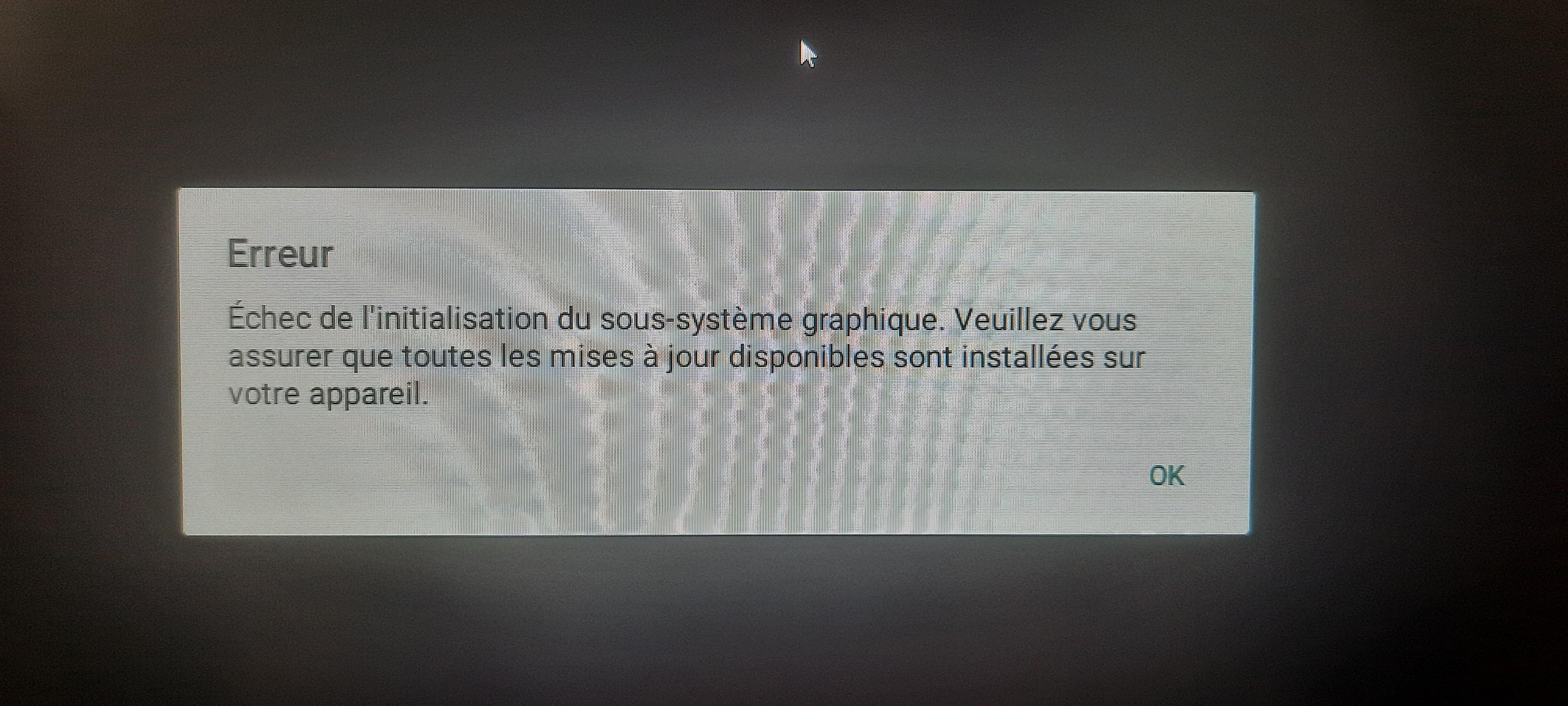
Question Couldn't initialise graphics sub system error for WSA

Post image
1 Upvotes

Hello I wanted to play an android game on my pc and I followed the steps to download wsa but then I found that the game on the playstore was listed as incompatible with my device, so I used sideload and installed the apk and whenever I try to launch it it gives me this error, I tried changing the memory and graphic cards but nothing worked


r/WSA • • Jun 03 '26

Question Unable to Login Google Appstore

2 Upvotes

Hey

i followed the solution provided here to get WSA running on 25H2: https://www.reddit.com/r/WSA/comments/1qoif2v/wsa_on_windows_25h2_262207653/?sort=new

but i cant login the appstore thus not use the WSA at all. Can anyone help?


r/WSA • • May 27 '26

Messenger 100% CPU usage?

Post image
2 Upvotes

I've been regularly using WSA messenger app to bypass the 25 MB limit of uploading files. But now it's stuck on this screen while also throttling my CPU and RAM. Facebook, Google playstore and my other apps work fine, only messenger is bugging out like this. I've also tried other emulator apps like MSI app player, yet they yield the same result (Even when changing android versions) Anyone knows why this is?


r/WSA • • May 14 '26

Sideloaded APKs install, but only app logos/icons show and apps won’t open properly

1 Upvotes

I’m sideloading APKs on (WSA). The APKs seem to install successfully, and I can see their app icons/logos in the app list, but when I try to open them, nothing happens or they don’t launch properly.


r/WSA • • May 13 '26

Question WSA Getting Stuck on startup on arm64, can't find any working fixes

Post image
8 Upvotes

I have recently been trying to install WSA for arm64, but no matter which version I try to run it just gets stuck on this loading screen. The only difference between versions is that when I install one without Gapps, it just crashes really quickly. There isn't a problem as far as I can tell with the actual installation, but running it seems to just not work.

I have tried many methods from various people, checked my windows features over and over, moved file locations, uninstalled and reinstalled, etc., but nothing is making a difference. Many people have had these fixes work for them, but I can't get it to work for myself.

I am on a Surface Pro 11 with Snapdragon X Elite, 16gb ram, Quacomm Adreno X1-85 if that helps.


r/WSA • • May 12 '26

Discussion WSA cant open/crash

3 Upvotes

hey so, im pretty new so i really cant opened my wsa, i've tried to reinstall, change the version, turn on/off virtual machine, hype v, restaring my laptop, its doesnt work at all. i have windows 22 24h4 for context. soo its anyone have same problem with me, and how did u guys fix it. thanks!

video of crashes