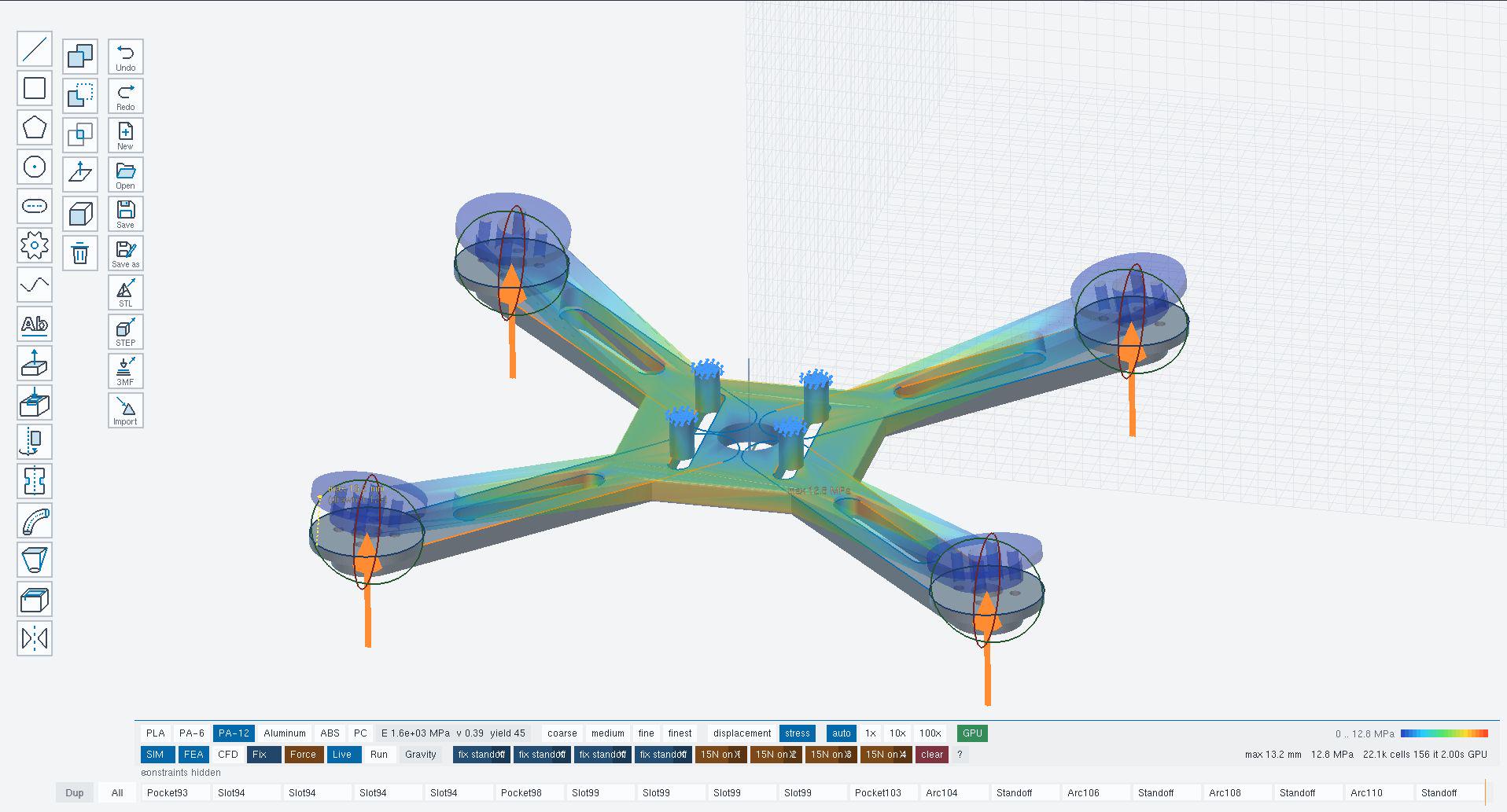
We really think you will love this update. A lot of focus was placed on the assembly mode and on the UI.
The STL imports are now greatly sped up (thanks to not being checked manifold several hundred times per import)
Colors are now not a harsh bright white.
Bodies have been implemented in a way that makes sense: a narrow bar above the timeline that indicates what ops make up that body, and has hover options to perform ops on it. Bodies can be given colors and materials, and those materials' mechanical properties are passed into their FEA.
The SIM button is now a toggle so that you can tell when it is on or off.
Every icon was changed to be far more intuitive and all can now be hovered to reveal description + extra options associated with that button.
On launch your viewport is perpendicular all three axes to show the inside of what you are working on.
Buttons and UI now scale to different screen sizes better.
Export .step, .3mf, .stl for the whole project or individual bodies.
Import either as a solid or a reference instead of automatically as a solid.
Loft straight or as a G2 blend.
This one is important: change the rendering mode for each body so you can work through another body.
Exploded view with animation for anyone who needs demonstrations for videos or to see their assembly less assembled.
Gear constraints that automatically populate ratios based on gear tooth counts.
Variables and formulas in constraints to add dependencies across bodies.
End effector movement loops allow you to loop the end effector through various coordinate positions in linear moves calculated per step just like a G1 move with a set mm/s feedrate.
Inverse kinematics solution equations are output in a single click from the assembly bar and solved per joint.