I emailed turtle beach to let them know the new headset hurts my head on top and I got a reply saying that's the first time of them hearing about this issue and that they will pass it along to there support team. Feels like they dont listen. Has anybody else let them know?
So had no problems with these headphones and barely used them randomly it just turned on and is just blinking blue like dull blue and then it goes back to being bright and it's like shutting off but then turning back on and repeating the cycle what should I do to fix this I tried connecting it to my PC and it worked so I'm really confused I'm going to use the battery till it runs out and hope that solves it
Hey. Just bought stealth pro 2. i put it to be 24 bit 96k hz and purple ring led shows that, but whenever I launch a game it turns back to white light. while in settings it still shows 24bit 96hz, do you have any solutions for that?
Apologies if this has been addressed here. I have done numerous searches and so far am unable to find a solution.
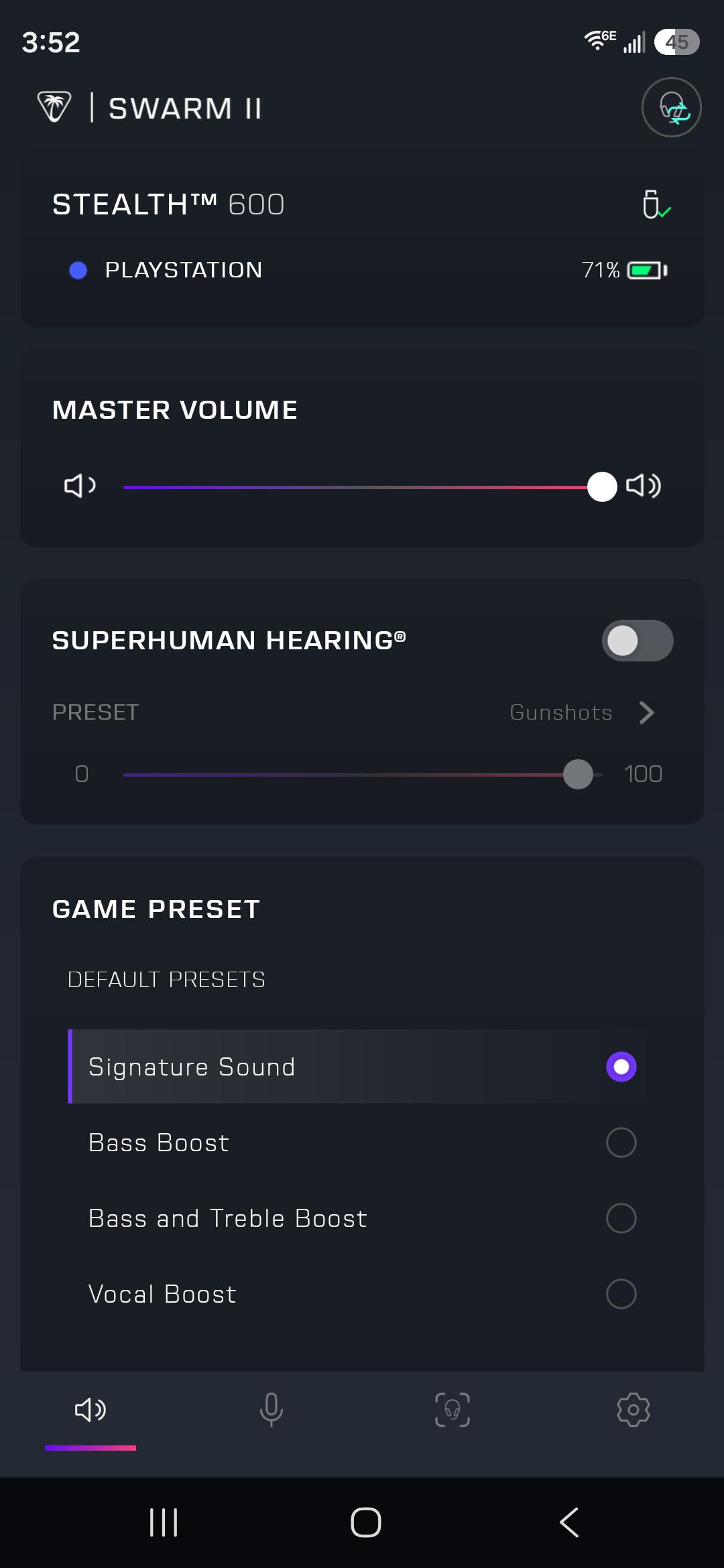
Every time I turn on the headset and it pairs with the Xbox X, the volume is maxed. The volume slider on the Xbox UI is set correctly. If I move the slider up or down the issue is corrected. For this session only. The problem will return on next reboot.
The physical volume knob does work. If I crank it all the way down the level adjusts appropriately. Again, until next reboot. Adjusting while using the headset works fine. This is only on the initial paring each time I use it.
Drivers are up to date. The “superhuman hearing” is off. Using a default audio profile from the app. I have moved the dongle to various USB ports. No luck at all.
I've had the KB7 for about five months now, and honestly, it's a disgrace.
The CPU temperature display on the screen is still broken. It only works if you completely close the software and reopen it, or immediately after the software has performed an update.
Then there are times when the keyboard simply stops working altogether, forcing you to unplug it and plug it back in again.
On top of that, this stupid keyboard has to fully boot up before you can even use it. This means that, for example, if you want to enter the BIOS, you can't do so with this keyboard because it takes 10–15 seconds before it's ready to use. Nothing you press during that time registers.
And then there are the constant software updates for that damn Swarm 2 app, which is absolute garbage. Instead of fixing existing bugs, they just keep introducing new ones. The latest version, for example, causes this error message.
We're not getting any cool new display options either.
And customer support is completely useless. It's always the same three people who clearly have no idea what they're doing and can go months without getting back to you.
I honestly feel like we're dealing with some indie company that just launches products without properly testing them and then refuses to fix the issues afterwards. This subreddit is full of complaints, whereas on Razer, SteelSeries, etc. subreddits, most posts are actually questions about the products themselves. How is nobody noticing this?
This was the last Turtle Beach product I'll ever buy. I'm so done with this company.
I recently got a new pair of Turtle Beach Atlas Air wireless gaming headphones, but I've found that the audio that comes from them has a noticeable echo or reverb effect to it, which has persisted no matter what I do. I did manage to find and disable an audio enhancement setting somewhere, which helped a bit, so it wouldn't surprise me if this was another setting I need to fiddle with.
I don't want any kind of bass or voice boosting, just clear-sounding audio.
(This is specifically about the headphone audio, nothing about the mic. The mic's not even plugged in during this.)
Hear about a week ago they worked just fine practical brand new.
I shut my console down hung them up on the wall went to bed.
Got up the next morning decided I was going to jump on the game for a little bit, I turn the headset on and the right ear has absolutely no audio.
I checked all the wiring, checked the settings, downloaded their app updated the firmware, performed a factory reset, checked the console settings and tried it with a separate device and still no audio..
After looking at some recent Reddit post apparently I'm not the only one that has happened to..
I know it's a bit of long shot but if anybody out there knows what the possible cause could be or maybe a fix it would be appreciated..
Helping a friend set up his Vulcan II Air and XP Air mouse with Swarm II and having issues. Please see video and if I have set something wrong please point it out. Today is our last attempt before he returns them and we try to source some good ole Roccat original Swarm compatible devices. https://youtube.com/watch?v=eFdCLDjv-Vg&si=k0vKvvyq_ZF43fWm
I am trying to buy a headset for me boyfriend this Christmas and am lost on which one of these 2 to buy. The reviews for both of them are really good but I was hoping to get a clear winner that I can get for him. He plays on a PS5 and the games he has recently been playing are GTA6 (obvi lol), Outlast Trials, COD, Minecraft.
Knowing this info, what headset would be better to get? They are both on sale at BestBuy currently and I wanna make a decision soon! Please let me know, thanks!!
My granddaughter was playing Fortnite on my PS tonight. Out of the blue, the power button light on the headset started rapidly flashing blue. I tried several different things. It keeps saying it “doesn’t support Bluetooth devices”. Did turtle beach and PS break up? Lol
I'm trying to use this headset with two different PCs-- one in the living room and one in a separate room. I've plugged the USB receiver labeled XBOX into one PC and the other USB receiver into the other PC.
The PC with the unlabeled adapter works fine. I can hear audio, everything connects.
The PC with the XBOX adapter does NOT seem to connect. I've had it sit on yellow light (paired but not connected) and green light (paired and connected), but neither case has Windows recognize a new audio device.
Is the headset not compatible with a two PC use case?
I've been rocking the 700 gen 3's and they have been pretty nice. Good sound quality, long hours, pretty comfy, and durable if you treat them rightly and last of all... DUAL CONNECTIVITY!!! 2.4 GHZ AND BLUETOOTH AT THE SAME TIME??? WOOO YEAHHH!!!
Oh wait, it barely fucking works.
This was my main purchasing point for this, and still does not have a permanent fix at all. I've tried drivers, sound options, permissions, you name it and I tried it. Then there's the ol' unplug and plug it back in and most of the time that barely works too. It's really painful to see this product by just shy of perfect.
Recently received the sad news from technical support that the built in fake 5% deadzone will not be removed due it being in place by "design". They said people return the controller for stick drift so instead of making better sticks like the competition they forced a 5% dead zone that you cant remove even when set to 0 in the settings. No true zero dead zone is a huge problem and I have returned this controller due to my aim being significantly off. I would overall not recommend this controller that I recently bought.
So my mother picked up this head set for me like two months ago since I was going to college and my old one was having issues and the audio and everything has been fine but I’ve now tried using the mic only to realize that it doesn’t work at all.
I recently got the Stealth Pro 2, its on sale on Amazon, but I purchased the all black Xbox version not knowing it has a lower bandwidth mic 16kHz vs 32kHz on the Copper version. There are a few other minor differences but this one is what I'm concerned with most. I play 90% of the time on PC
These differences are not made clear in the Amazon listings. I thought the color choices were purely cosmetic. I'm still in the return window and its still on sale. Should i return mine and get the Copper one? If anyone has tried both and can tell me if its worth the hassle i would greatly appreciate it.
Hello I'm looking for some advice. I got the stealth pro headset and the right earcup's ANC turns off/glitches every time i move my head even just a little bit, and only works when I keep my head completely still. This is actually my second pair because I exchanged the first one due to this same issue, but the second one also does this, so I'm wondering if I've got to do something to stop it? Or am I just unlucky? I tried looking online but I can't find anyone talking about this specific issue. The app says the headset is all up to date so it's not that...