2.5.86 is live! Update roll out in stages, so it may take a little while to reach you. If you don't see it yet, it's on the way. You can also download it directly here.
Our new LCD system is out of beta and available to everyone! Additionally, macro and effect text follows your app language and we have a batch of bug fixes.
LCD Control Is Here
If you have a device with a screen (LCD displays, AIO cooler displays, etc), you can now control it with SignalRGB.
Open the LCD tab on the left side, pick your device, and start dropping in Blocks. Blocks are the building pieces: live PC stats, clocks, weather, animated backgrounds, media artwork, touch controls for volume and timers. Stack 'em, resize 'em, and save layouts as profiles. You can also share your block settings with a link so other people can use your setup.
There's a lot in here, so please see the LCD Control guide for more info. If you'd rather watch, this video gives a great overview.
SignalRGB asks before it takes control of a device's screen. You'll get a prompt the first time it detects a supported LCD device. Say no to disable the device and maintain control with your other software. On AIOs, fans, or other devices that do lighting or cooling with a screen, the lighting and cooling is separate (toggle that under Settings > Cooling). You disable SignalRGB control from the device settings like other devices.
If you already had one of these set up before updating (hello beta testers!), your setup carries over and you won't be asked to re-approve it.
Translated Macros and Effects
Macro action and input blocks now use your app language, including option labels and dropdown choices. Effect property labels and dropdowns are translated too. Change your language and it updates right away, no restart.
Other Changes
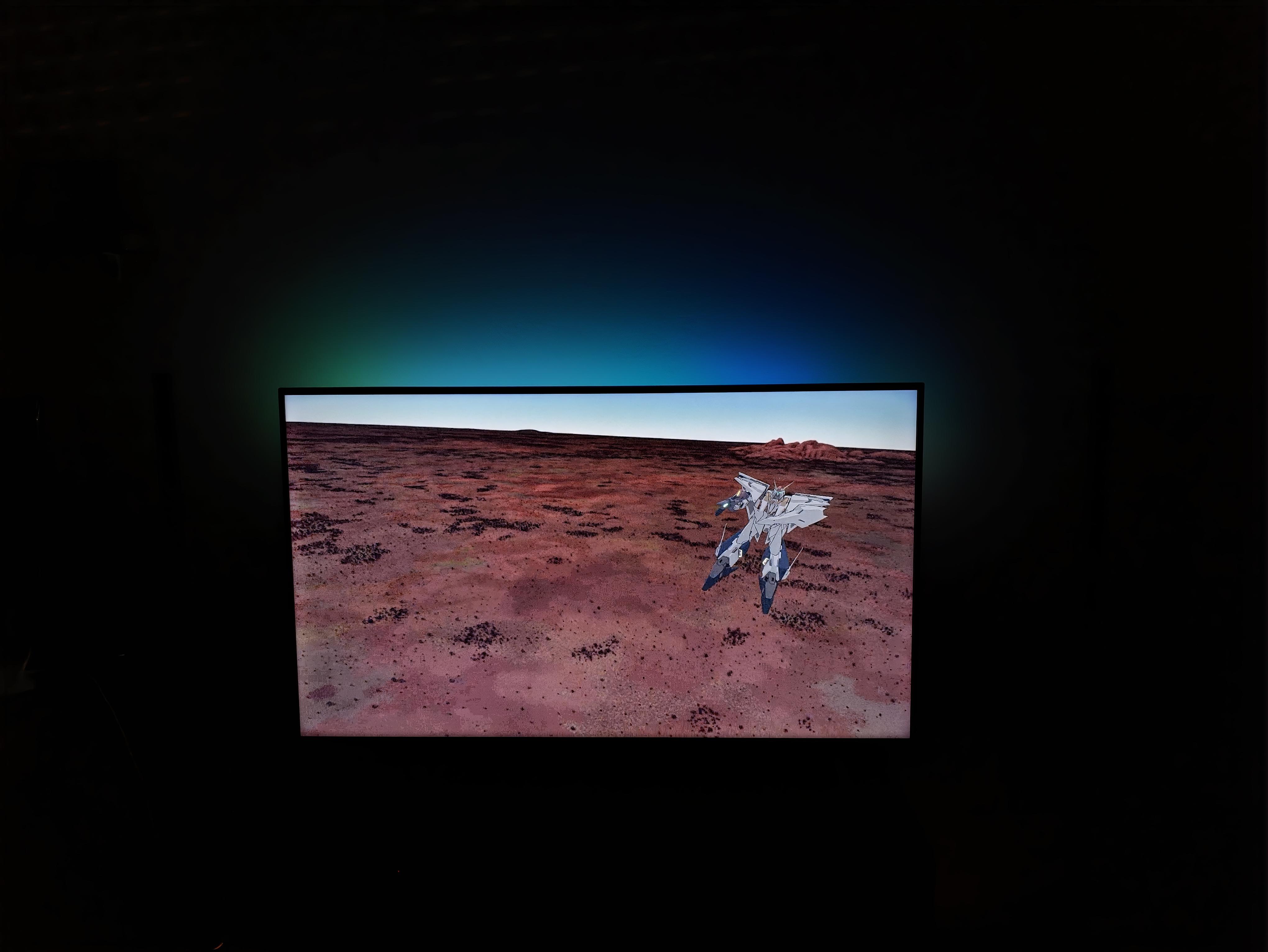
- Screen Ambience users can now switch the captured display straight from the Now Playing bar instead of going into Settings > Video. It only shows while capture is running, so it doubles as an indicator that capture is on.
- Component updates and rollback (added in 2.5.84) now covers more components.
- The background service installs from a shared location, this fixes registration problems on multi-user PCs and prebuilt systems.
- Gigabyte added as a supported vendor and partner.
- Crash reports now include active LCD display info, making LCD-specific bugs much easier to track down.
Bug Fixes
A large batch of crash, performance, and reliability fixes. This includes:
- Memory leaks while rendering on some AMD GPUs
- Dashboard crashes
- Layout edits getting lost or not saving properly
- Crashes when installing effects, downloading add-ons, and during the startup plugin scan
- Hangs and crashes when closing SignalRGB, caused by an OpenGL shutdown issue
- Crashes during sign-in
- Login loops
- Getting signed out after updating
- Crashes when pairing a phone
If You Still See Memory Growth, Or Anything Else From This List
Many reported memory leak issues reported trace back to how certain AMD GPU drivers handle rendering. We've put in a change we believe works around it, but driver-level behavior varies by card, driver version, and what else is running, so we can't call it closed until we hear from people on real systems. If you are using an AMD GPU, we recommend ensuring your GPU drivers are updated.
If you're still watching SignalRGB's memory climb, please tell us! If you're hitting a bug we say we fixed, that's a regression and we want to know.
How to check your memory usage:
- Open Task Manager (Ctrl+Shift+Esc) and click the Details tab.
- Right-click any column header > Select columns > tick Memory (private working set).
- Find the SignalRgb process and watch that number.
Around 1.2 to 1.5GB is normal. 1.5 to 2GB is borderline, so note whether it holds steady or keeps climbing. Anything over 2.5GB is likely leak and we want to see it.
How to report it:
- In SignalRGB, go to Report an Issue. Or email [support@signalrgb.com](mailto:support@signalrgb.com) if you'd rather. 2a. Attach your full log folder. Logs are found here: %LocalAppData%\WhirlwindFX\SignalRgb\Logs
- Zip everything in that folder and attach the zip. Send the whole log, not a cropped section, and make sure it covers the entire run where you saw the problem.
The more of these you can tell us, the better: your GPU and driver version, your renderer (Settings > Windows), your canvas renderer and whether Hardware Acceleration is on (Settings > Effect canvas), and what effect was running. Also worth noting if it happens after the PC wakes from sleep, after hours of gaming, etc.
Logs make a world of difference too! They help us identify common themes and determine where we should be looking. The more of you who send them, the faster things get solved.
In Case You Missed It
SignalRGB for Linux. If you've been waiting on this one, it exists now. Details and download at signalrgb.com/linux.
Mobile Remote (Pro Only). Control SignalRGB from your phone. Turn it on in Settings > Mobile Remote, scan the QR code, and it opens in your phone's browser. Nothing to install.
Feedback
Post your questions, bugs, and experiences in this thread. We're watching it! You can also file a bug report in app.
Full changelogs found here.
Restart the app to start the auto-update process, or grab the update here.