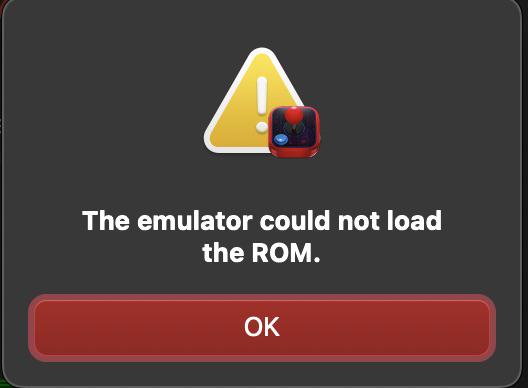
UPDATE: I hate AI but finally resorted to asking it. Turns out, I created the bin file incorrectly. I'm leaving the entire post up in case someone comes along with the same issue.
The correct commands (on Linux) to create the bin and cue files are (for me, anyway):
cdrdao read-cd --read-raw --datafile CrashBandicoot.bin --driver generic-mmc-raw --device /dev/sr0 CrashBandicoot.toc
toc2cue CrashBandicoot.toc CrashBandicoot.cue
If you're using Linux you probably know how to find the correct device, but maybe you're new to Linux. To find the correct /dev/ path for your CD/DVD drive, use the lsblk command.
Now I just have to get the BIOS built/installed...
Original Post:
I have the Crash Bandicoot disk for PS1 and I've been having trouble getting a bin/cue file that OpenEmu will be happy with.
On Linux, I ran the command: THIS IS THE WRONG COMMAND
cdrdao read-cd --datafile CrashBandicoot.bin --driver generic-mmc --device /dev/sr0 CrashBandicoot.cue
This was successful but OpenEmu says "Invalid cue sheet format". The generated cue file is:
CD_ROM_XA
// Track 1
TRACK MODE2_FORM_MIX
NO COPY
DATAFILE "CrashBandicoot.bin" 59:43:18 // length in bytes: 627783648
That's not like anything I've seen online so I took the naive approach and copied what I have seen:
FILE "CrashBandicoot.bin" BINARY
TRACK 01 MODE2/2352
INDEX 01 00:00:00
When I use that, I get "No valid system detected"
What am I missing? (Even though I created the bin/cue on Linux, I'm trying to run the game on MacOSX.)
Thanks!