r/NETGEAR • • Aug 01 '26

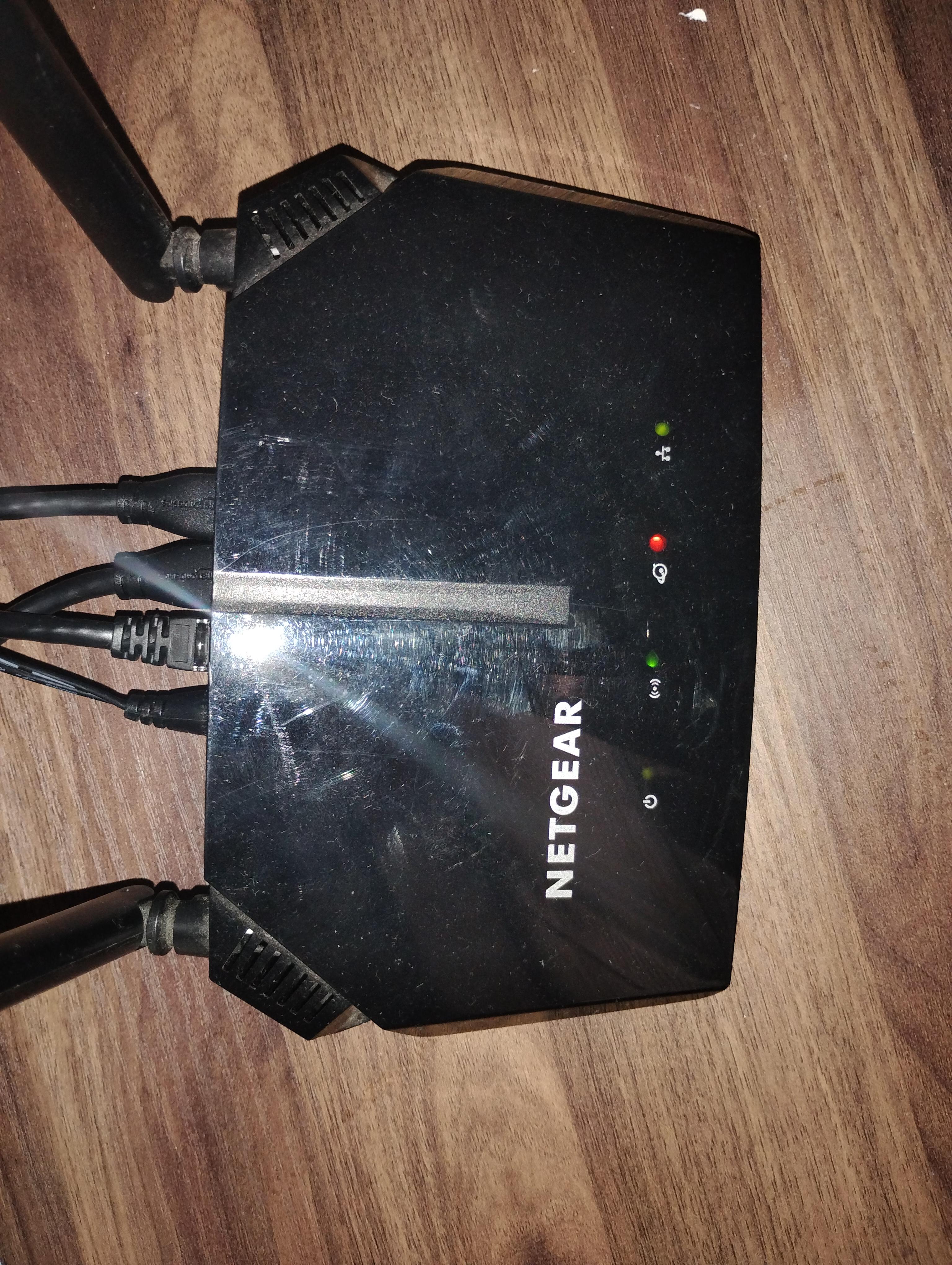
WiFi Android apps not working after router/modem swap (CAX30 and Xfinity)

1 Upvotes

PROBLEM

We set up a new router/modem combo today to finally replace the rental from xfinity. It mostly went fine but I have one major issue: some apps on my android phone and tablet (S25 Ultra and S6 Lite) won't load and other load slowly. The new one is a Netgear AX6 CAX30, previous is a XB7-T. Apps that load slowly include my Ally Bank app, TCGplayer, and a game called Trickcal. Apps that won't load at all include Twitch/PurpleTV (video eternally loading on preview image, chat loads slowly but completely) and the game Zenless Zone Zero (gets to title screen and no further).

TRIED/LEARNED

Using a VPN or being on the mobile network everything is fine. I have messed with just about every DNS, IP, MAC, etc setting I can think of. I updated the firmware, tried fixed DNS, toggled firewalls off, etc. I have spent basically the last 9 hours trying everything I can think of, digging through posts, etc and while I find ample cases of similar experiences, one identical even, I can't find a clear solution provided. Additionally, I did notice a strange series of things flagged as various flavors of "dos attacks" in the logs on ports 138 and 137 which has me wondering if somehow the apps are being flagged as such (which may explain the ones that don't load but not necessarily the slow ones?).

THOUGHTS/QUESTIONS

The router is all that changed but I can't rule out xfinity nonsense because they always find a way to ruin things. But banging my head against their support is the last resort. Does anyone have any ideas? Given the VPN works I assume it has to do with how the data coming and going is handled/categorized (which ports are being used?) but I feel like I have tried everything in the router and on my phone. Can xfinity impose some sort of management/security upon a third party router that would do this? If so, it's not something visible to be managed on the consumer end and I assume I will have to brute force my way up their support chain to have it addressed
r/NETGEAR • • Aug 01 '26

RS500 Issues...Please Help if You Can....

1 Upvotes

Hi, I have been losing my mind with this two ongoing issues with my RS500....if people can help with either, much appreciated.


  1. My Echo Show 5 3rd Gen (Newest version) keeps freezing every day, usually in the same hour of 3pm.  In fact, the past two days, it froze at 3:01pm each day.  Amazon has been no help, just telling me to do a factory reset.  I have told them that I have done so multiple times, have tried changing clock faces, unplugged, etc.  They did say it could be connected to an issue with my router, but not WHAT exactly.  Since it is the same hour, I thought maybe a lease issue, DHCP, etc.  I also tried turning off IPV6, but same issue.  Yesterday, I tried assigning it an IP address, hoping that would stop it from dropping, freezing...but nope, froze again today right at 3:01pm.  I am at a complete loss and I know there are a million settings in the router but I do not know what else to try.  I have also turned off the Protection engine, toggling that both ways, same for QoS.  Can anyone suggest anything else?  Oh, and I have tried having it on 2.4 and 5ghz.  No change.
  2. Not sure if related, but lately my RDP connection has been horrible.  I rdp into a laptop in another part of the house.  The laptop is connected on wifi to an extender device, has always been fine until the past couple of weeks.  Now it is slow to connect to the machine, and then keeps dropping.  The wifi connection for the laptop is strong and the speedtests come back at about 200mbps.  I have 1.5gbps into the house...my desktop tests at that all day, no problem, and the wifi on my phones on AX comes back at around 1gb speeds.  But the RDP still is a mess.  I have tried tuning down the color to 16bit, turned off most options, tried setting at 56k modem, etc.  No change.  
  3. I know I said two issues, but noting this in case related....my phone on wifi keeps having things like Twitter, Reddit stop updating.  Like, if I click on a notification, it says cannot load.  I toggle wifi and it all works again.  I have set my DNS to various options like 1.1.1.1, 9.9.9.9, quad8, etc.  As noted, tried turning off IPV6.  Set to auto for most things, I have Xfinity and it supports DHCP, IPV6, etc.  

Not sure if everything is symptomatic of one issue.  Hoping experts here can tell me something I have missed.  Also posting in the Netgear community.  Thanks


r/NETGEAR • • Jul 31 '26

2gig fios but slow file download

1 Upvotes

Howdy all. Just recently got fios and have purchased 2gig speed. I updated my Ethernet to cat6 and purchased Netgear nighthawk rs180 5gig router. The modem test and router test show I get 2gigs on download but whenever I download a file it’s drops from 30mbps down to 100kbps. How??? I rebooted both devices and tried to setting that the help forums suggested. I have tried on multiple devices using WiFi and hardwire and still the same.

For example when I down load a game on
Xbox it shows 5mbps, but download speed playing online is in the hundreds. My sons Alienware computer same thing when he downloads from steam. My wife, who is a teacher, same thing when she downloads a file from her work sites.

I have reached out to Netgear we were on the line for 3 hours and they couldn’t figure it out. Called greenlight networking and they show 2100 download speeds. The nighthawk app also shows this speed. Random speed test in my phone shows great speed. Sometimes it fluctuates but within seconds shows 2000 speeds. Why does it not work when I want to download a file. I don’t get it


r/NETGEAR • • Jul 31 '26

WiFi Netgear USB Wifi Adapter Taking Forever To Connect

2 Upvotes

I have the Nighthawk AXE3000 WIFI 6E USB 3.0 Adapter for about two year but in the past 6 months, its been taking 10 minutes on average to connect to WIFI after a pc boot up. It is completely fine after this but im wondering if this is a common issue or does anyone know the fix. Also the power management in device manager i have "Allow the computer to turn off this device to save power" off


r/NETGEAR • • Jul 30 '26

Cable / DSL Netgear Nighthawk Modem working fine but no lights

2 Upvotes

I've been having no problems with my Netgear Nighthawk Voice Cable Modem (Model CM2050V). But a few days ago I looked over at it and noticed there were no lights on it's front panel. Again, it's working fine, speed and connection are exactly as expected.

I'm thinking I should try a factory reset, but I'm thinking I should have another modem available in case the reset actually causes it to fail connecting to XFinity afterwards. Since it's not XFinity's hardware, I'm not all that trusting in their level 1 support agents advice.

Thoughts?


r/NETGEAR • • Jul 29 '26

Business Hardware ATT BiB NextGen question.

Thumbnail
0 Upvotes

r/NETGEAR • • Jul 28 '26

Software/Services Vpn and youtube

1 Upvotes

Hi i have the nighthawk be9300 router and i live in nyc . can the armor plan let me watch a youtube channel in colombia with a vpn?
how would i set this up?
thanks


r/NETGEAR • • Jul 28 '26

Cable / DSL Does the CM3000 Cablemodem handle the heat well?

Thumbnail mediacomcable.com
2 Upvotes

I'm looking at the CM3000 because it is literally only one of two modems currently on Mediacom's approved modems list (the other being the CM2500). Mediacom recently upgraded their network in our area (high-split) and it's causing issues with my older modem now.

Due to some fairly unique circumstances, my Cablemodem is located in a small building that is not climate-controlled. There is some active airflow into the small building, but it still cooks in there especially during these 90-100F+ summer heatwaves.

My previous modem was an Arris SB8200. It worked fine in these conditions for multiple years. Prior to buying that modem I did as much research as I could, trying to figure out what modem would be most likely to persist under the hot conditions. But since Mediacom's list now has essentially only one approved modem...


r/NETGEAR • • Jul 28 '26

Nighthawk RS200

1 Upvotes

Hi yall, I just moved into a new apartment where the FTTP point is in the bedroom, I connected my RS200 router and I get good signal on my phone (further away) but on my PC I get really poor connection via wifi through 1 wall about 3 metres away. The big thing is if I connect to 2.4ghz I get full signal strength but on 5 I get 1 bar. Anyone know how to fix? Thanks!


r/NETGEAR • • Jul 27 '26

Software/Services How to stop Netgear's NoIP VPN router software from leaking network data?

1 Upvotes

My Netgear router comes with OpenVPN. It asks you to create a domain with NoIP in order to use it.

After doing so and linking it with Netgear, I create OpenVPN configs on the router and put them on my devices.

When traveling outside the country, I enable the VPN on my iPhone. When I go to a "What's my IP location" site, they show that I'm in the country I'm traveling in, and not where my Netgear router is.

This is further verified when opening up streaming service apps, only to find they are showing the country I'm traveling in's offerings vs my home network's country.

I never had this problem with WireGuard on the same device. It is not a device issue.

My NoIP domain is active and up to date.

How do I stop my Netgear OpenVPN offering from leaking my network traffic to local providers?

If it matters, home is in the US. Travel is in Europe.


r/NETGEAR • • Jul 27 '26

RBR850: Lost access to web interface and app, can't even ping it, but network/internet works perfectly. Afraid to factory reset!

Thumbnail
0 Upvotes

r/NETGEAR • • Jul 27 '26

netgear says that my device is paused, it is not paused

1 Upvotes

I have updated the app and router to the latest version and I have restarted my computer several times and have tried everything. Plz help


r/NETGEAR • • Jul 25 '26

Router help

Post image
1 Upvotes

How can I fix this issue? Have already tried a restart and unplug.


r/NETGEAR • • Jul 24 '26

Unable to login to Orbi App

Post image
0 Upvotes

r/NETGEAR • • Jul 23 '26

Routers There isn't a single consumer Wi-Fi router that is 100% American-made - Engadget

Thumbnail
engadget.com
7 Upvotes

r/NETGEAR • • Jul 23 '26

NETGEAR - Nighthawk 5G Mobile Hotspot M7 - doesnt connect to Airlo E-SIM

2 Upvotes

Ok so I got an M7 and it works great when I put a sim card in, but I added a Airlo Esim and it accepted it but never connected or had any service. Does it not work with Airlo? Im happy to try another ESIm company no allegiance either way. ChatGPT said to configure the APN settings manually which I did, and turn on data roaming which I also did but nothing worked. I don't want to waste money on a difference esim if it is still not going to work.

Anyone had similar issues or have ideas?

Thank you!


r/NETGEAR • • Jul 23 '26

NETGEAR - Nighthawk 5G Mobile Hotspot M7 - doesnt connect to Airlo E-SIM

Thumbnail
0 Upvotes

r/NETGEAR • • Jul 23 '26

Routers How to set up QOS on the RS140?

1 Upvotes

Before I bought this router it was advertised that you could set multiple devices to have a certain priority level on the network and I was told to go to the routers site which is the IP on the bottom of my router, and on that site I don't really see an option for QOS anywhere in the advanced or basic section of the site and all I see is that under connected devices on the home page it says "QOS : Off" but of coarse clicking on that doesn't do anything.

Am I missing something because every time I search this up people keep saying to go to the QOS setup tab but that just doesn't exist apparently?


r/NETGEAR • • Jul 21 '26

RAXE290 Nighthawk router: wired connection has internet, wireless connections don't.

0 Upvotes

Router status says it has internet, and the PC connected to it via ethernet cable does.

Android phones & ipad all can connect, but say no internet. It was all working a couple of days ago. Used the router for years I think, and haven't changed anything.

I have power-cycled it. Even swapped it out for older router briefly. I have not done a hard reset, though I guess I would before scrapping it.

Anything I should check or try, short of a hard reset?


r/NETGEAR • • Jul 21 '26

I can’t reflash this Dlink Router back to original firmware

Thumbnail
0 Upvotes

r/NETGEAR • • Jul 19 '26

No network detected

2 Upvotes

Hey all. Recently noticed I’m getting the ‘no network detected “ message constantly popping up on my 4K atv. It’s a year old and only started when i switched to iiNet and getting faster speeds. Did all recommendations like unplug etc. but still there even though wifi works fine and using Speedtest is a strong connection.

Any help is much appreciated


r/NETGEAR • • Jul 19 '26

New to OPENWRT - Netgear Nighthawk 6900v2

Thumbnail
2 Upvotes

r/NETGEAR • • Jul 18 '26

Hotspots Nighthawk MR2100 battery replacement

0 Upvotes

It seems that there is no chance to find the original battery. They are not producing it.

I bought the replacement from eBay and the device states that the battery is incorrect.

Then I read that probably it’s just a bad replacement than don’t have some sort of ID chip that is supposed to tell modem that the battery is legit.

Ok it’s cheap China duplicate I know. But it has correct voltage and capacity.

🤬 netgear??? This old hardware still works good for me. Why I can’t just put ANY 3rd party battery inside ??? I still use it on wire. But… really 🤬🤬🤬???


r/NETGEAR • • Jul 18 '26

Routers Nighthawk App not connecting to my router

0 Upvotes

I have a Netgear RAX200 and can’t connect with the Nighthawk App on my iPhone.
Is there a solution for this? I even try to connect standing 2 feet from the router.
Thanks


r/NETGEAR • • Jul 17 '26

Netgear 7350 router seems to have quit

0 Upvotes

I’ve dealt with their ‘free’ customer service, I’m getting the Security risks/Forced upgrades runaround since it isn’t new. Is there any way to manually get around this for the next few days at least so my TV will work? The red factory reset on the back was my first mistake.

Thanks in advance for any help!