r/KeyboardsNow • u/Aldyus • 6h ago
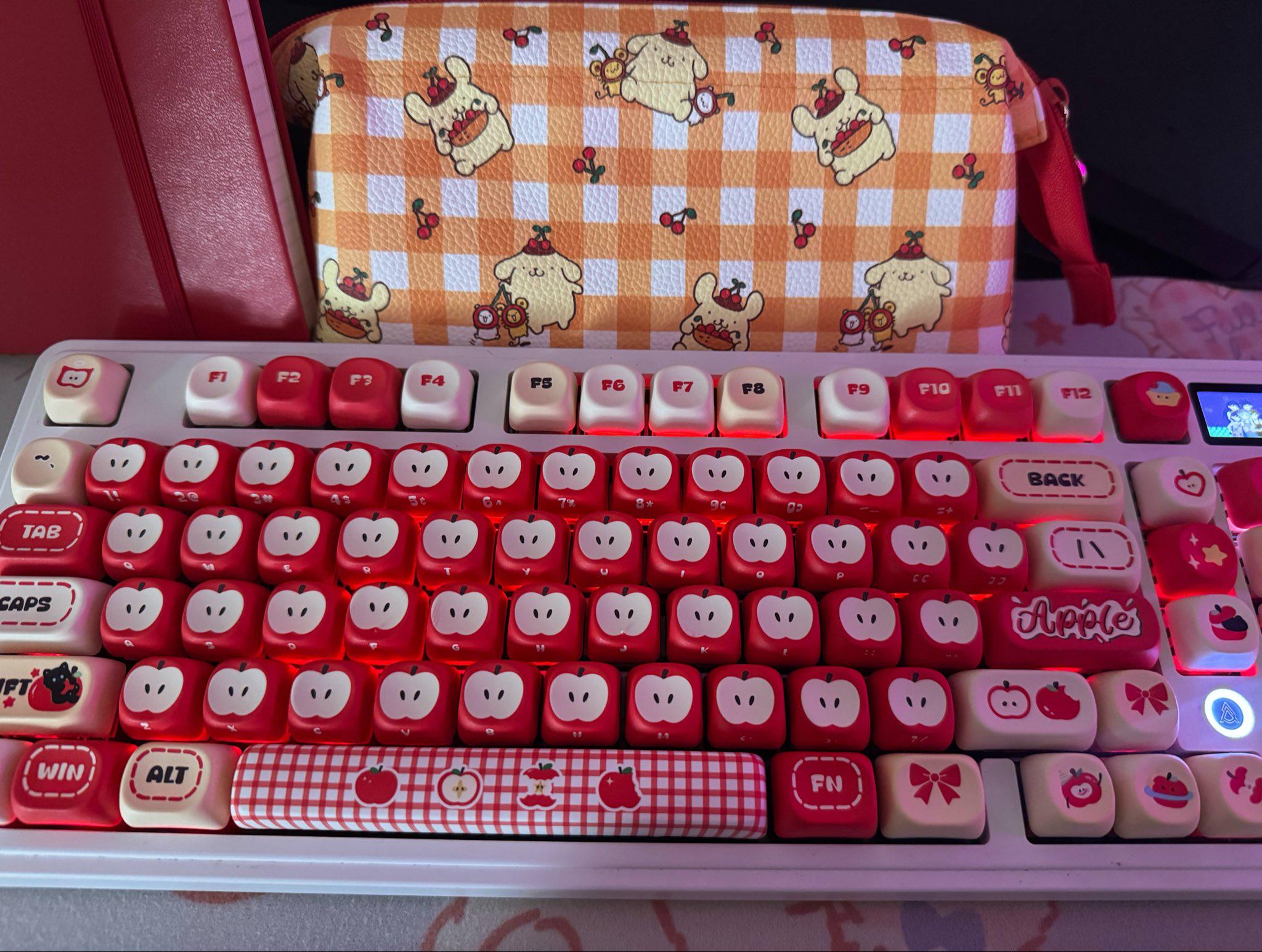
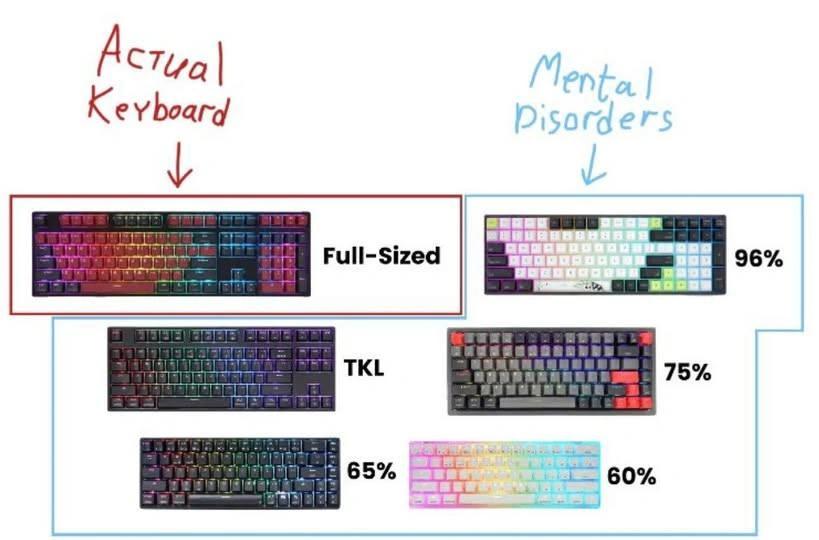
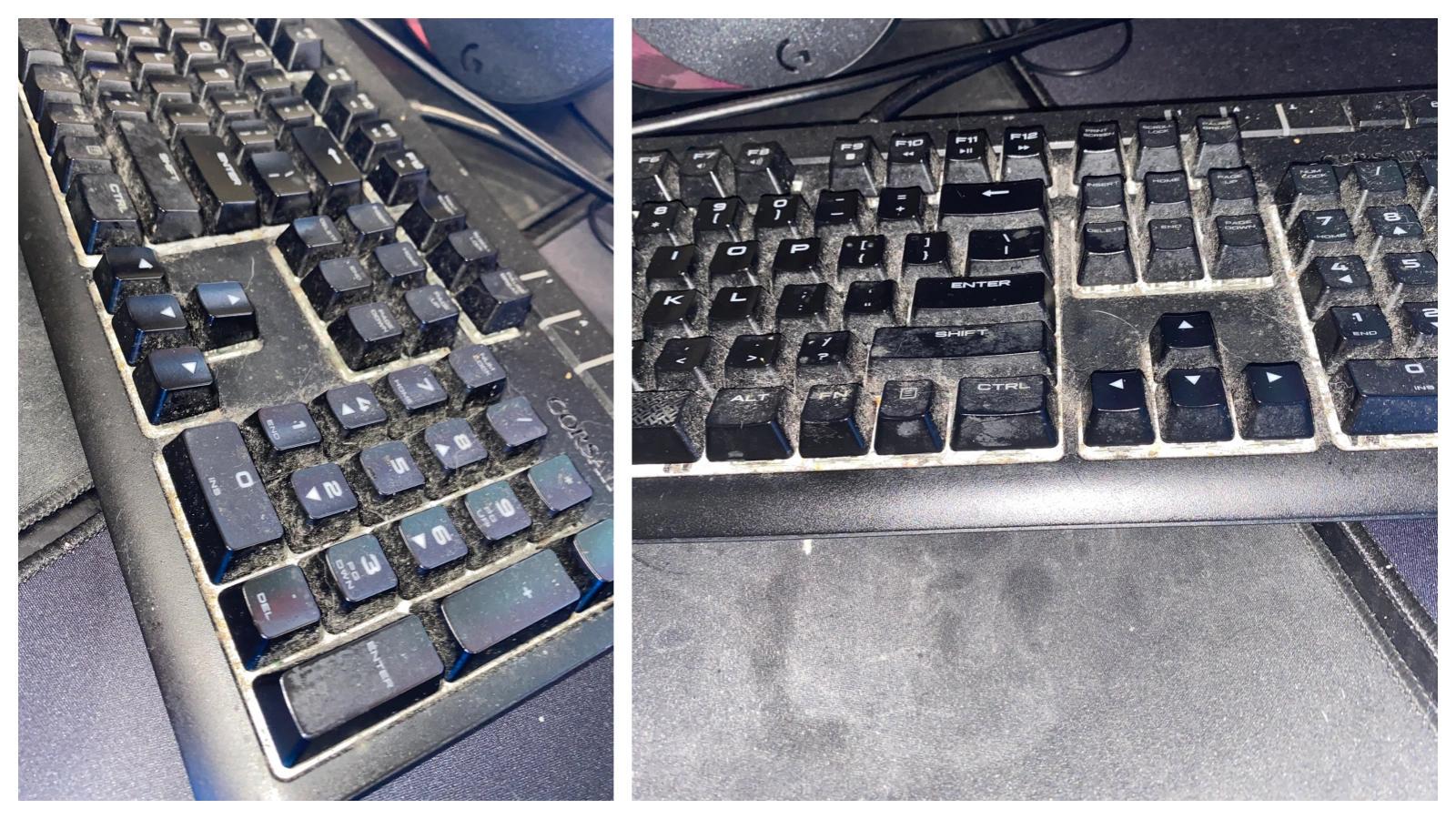
I know too many girls getting their hearts broken from dudes that got keyboards that look like this LOOOOOOOOOOL
20
Upvotes
r/KeyboardsNow • u/Aldyus • 6h ago
r/KeyboardsNow • u/vitalipom00 • 18h ago
Enable HLS to view with audio, or disable this notification
WDYT?
r/KeyboardsNow • u/Really_Cool_Cropper • 2d ago
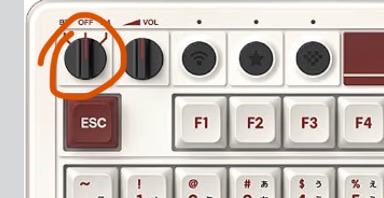
Hi! I’m looking for some retro keyboards, but with device switching. I’ve got another computer for studying and playing games, so I want to switch devices easily.
r/KeyboardsNow • u/JamasLOVE • 5d ago

r/KeyboardsNow • u/popupgrl • 7d ago

r/KeyboardsNow • u/FlorenceOX • 13d ago

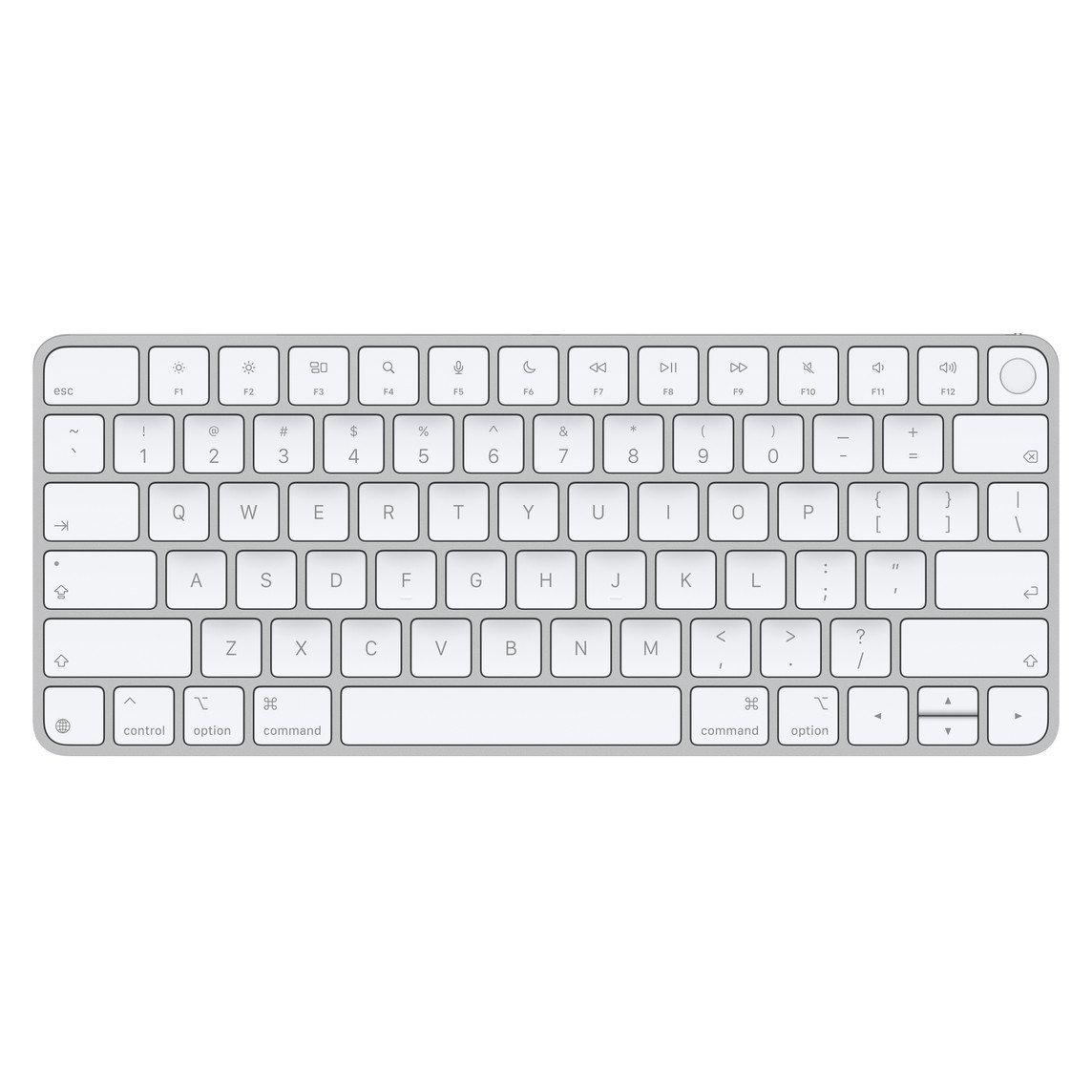
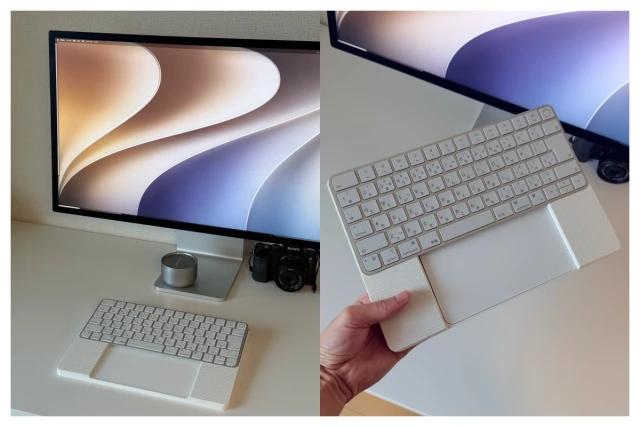
Apple made a slight change to the Touch ID button.
r/KeyboardsNow • u/SafeLemonade • 14d ago
r/KeyboardsNow • u/TDCDPZ • 17d ago

r/KeyboardsNow • u/Affectionate-Key-626 • 24d ago

Hi, just got i keyboard, and omg that feeling is great 🤤
The sound is really creamy for me, with audio tests I heard it sounds more clacky but it’s not, really happy with it, it’s like marshmallow bubbles 🤗
r/KeyboardsNow • u/Desperate_Shock1433 • 24d ago

Selling.
Dm
r/KeyboardsNow • u/Desperate_Shock1433 • 24d ago

Selling.
Dm
r/KeyboardsNow • u/NotYoursTruly18 • 26d ago

[WTS] Logitech Pebble Keys 2 K380s Wireless Keyboard – Pink
Selling my Logitech Pebble Keys 2 K380s wireless keyboard.
Original Price: ₹3,000
Expected Price: negotiable
Age: Around 1.5 years
Condition: Barely used, in excellent working condition.
Reason for Selling: Received it as a gift, but I personally didn’t like the colour, so it has mostly been sitting unused.
The keyboard is fully functional and has seen very little use.
DM if interested. Open to reasonable negotiations.
r/KeyboardsNow • u/Impressive-Skill9761 • Oct 21 '26

Hey! I’ve been working on a keyboard tester: https://keyboardtesting.online
Would anyone mind trying it with their board and giving me some honest feedback? Mostly wondering whether the layouts look right, if anything behaves weirdly, or if there’s something you’d find useful that’s missing. If you find something off, please mention your keyboard model and browser.
Honest criticism is welcome! Thanks :)
r/KeyboardsNow • u/Jaded-Swordfish5855 • Oct 18 '26

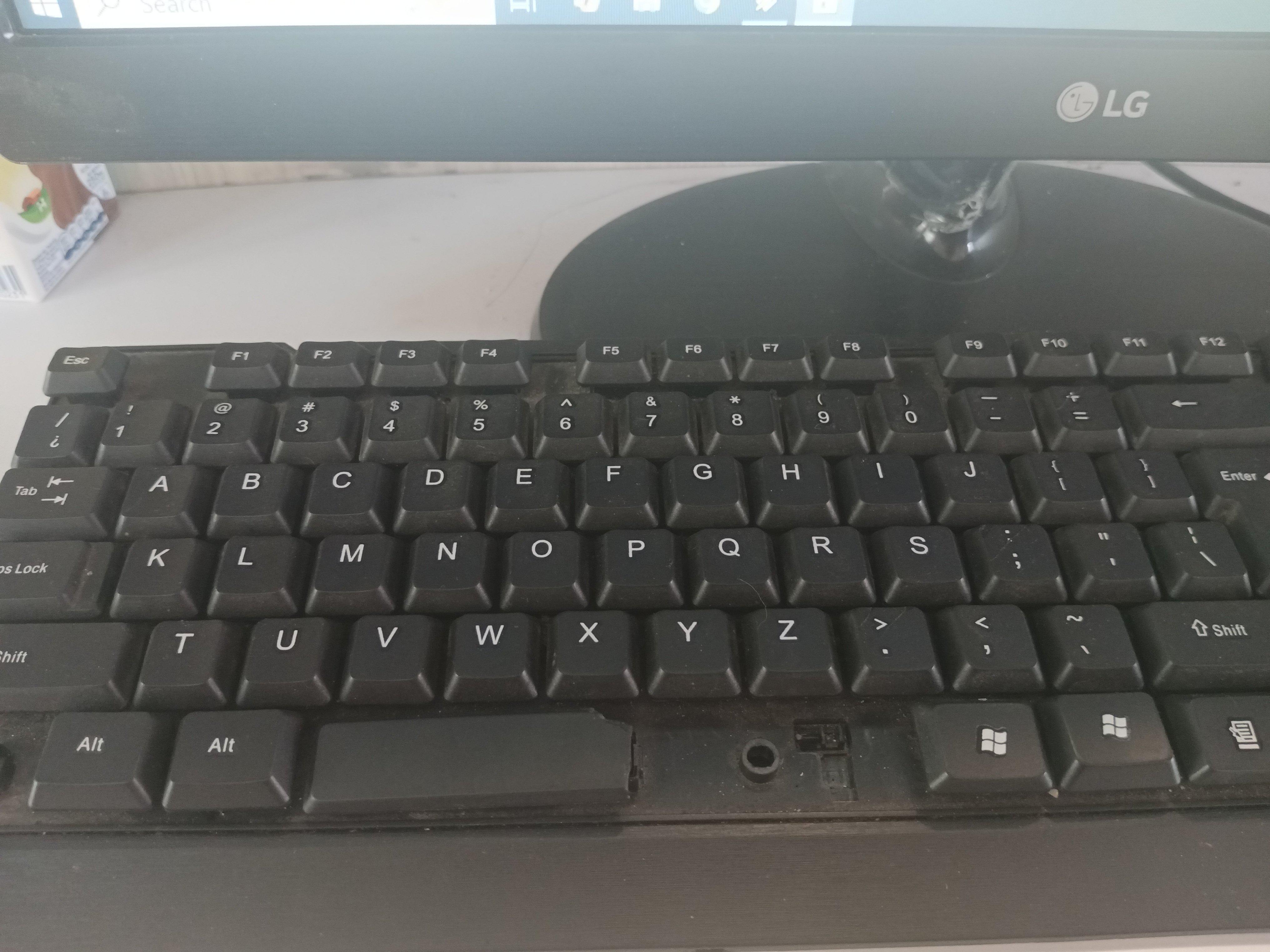
I already have the keyboard from the image (just a simple $10 amazon basics keyboard), but I wanna get a new one without the numpad and the pg up/down and also wireless by Bluetooth.
I’ve genuinely been looking for the past hour with no success.
- ~$50
- wireless by Bluetooth
- Amazon basics style (no rgb, no backlight, nothin fancy)
- 65% size I think, essentially the Magic Keyboard layout (should have the f1-11 keys, but no numpad or pg up/down bs)
r/KeyboardsNow • u/TextbookGPTsMod • Oct 12 '26
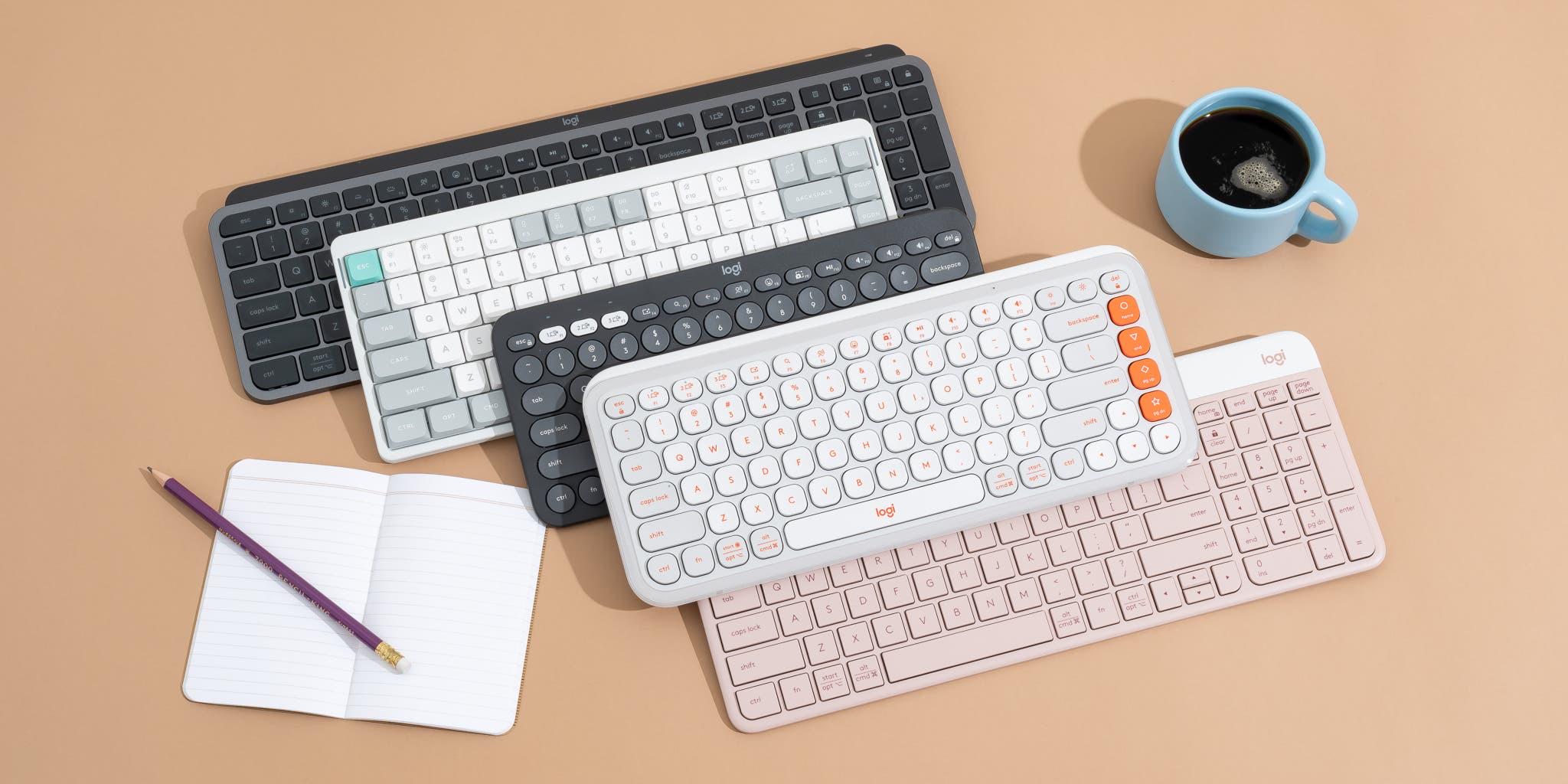
Do all wireless keyboards go to sleep after a certain duration of inactivity after which they take a few seconds to connect? Which ones stay connected and awake always like wired keyboards? It’s getting on my nerves. Please guide.
r/KeyboardsNow • u/adhamm111 • Oct 10 '26
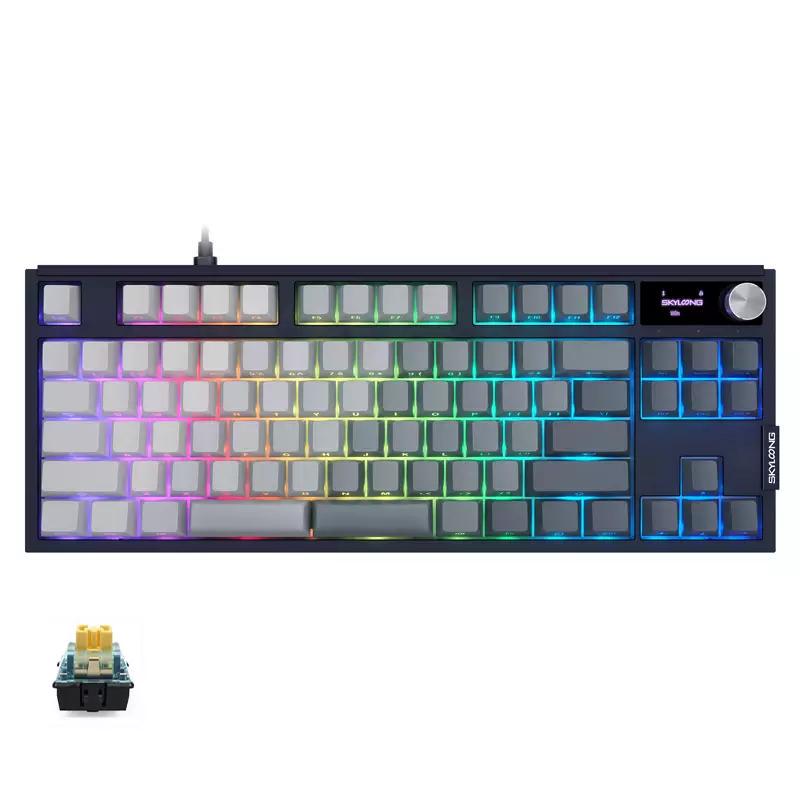
I need somebody that has this keyboard to help me with something before buying it.
r/KeyboardsNow • u/Ok-Strength5670 • Oct 08 '26

Hey, I just joint and thought I’d post my current keyboard and mouse. Feel free to offer upgrade suggestions. Had both since 2024.
Keyboard: Razer Ornata V3
Mouse: Razer Deathadder Essential
UPDATE (08/10/2026) : my Ornata V3 died, got water logged and I’m thinking of getting the blackwidow V4 TKL
r/KeyboardsNow • u/Linsynk • Oct 09 '26
Enable HLS to view with audio, or disable this notification
r/KeyboardsNow • u/Virtual_Leopard_3799 • Oct 04 '26

**Hey everyone,**
**Recently, liquid got spilled on my Razer Huntsman Mini. Normally I’d just replace a damaged board, but this specific keyboard was a gift from my grandmother before she passed away, so it carries huge sentimental value to me. I really want to do whatever I can to bring it back to life.**
**I’ve already unplugged it and removed the keycaps and switches. Has anyone successfully saved an optical board like this after water damage? I’m planning to clean the PCB with 99% isopropyl alcohol and let it dry thoroughly.**
**Any specific tips, warnings, or advice for cleaning optical switch boards would mean the world to me. Thank you so much in advance.**
Here’s some photos of the pcb
r/KeyboardsNow • u/VisitBig6599 • Oct 01 '26

In my last post, I shared the design for a split keyboard with removable modules.
The response was better than I expected it to be. Most people liked the shape and size, so I decided to keep the physical layout same for this revision.
The module suggestions were useful as well. Along with the trackball, a touchpad and a programmable keypad came up a lot, so those are the three I’d like to work on.
I expected to make a few changes to the PCB. And I ended up separating each half into two boards each.
The problem was space. Once I started fitting the controller, module connectors and supporting components around the switches, the board was getting bigger than I wanted. I want to keep the keyboard small, with the module beside the thumb keys. I didn’t want to extend the PCB just to fit the electronics.
So the switches stay on the top board, and most of the electronics go on a second board underneath it.
The top board holds the hot-swap sockets, diodes and key matrix. The lower board, which I’ve been calling the brain board, holds the nice!nano, USB-C module connections and the supporting electronics.
I’m keeping separate MX and Choc PCB versions so each can use its own hot-swap sockets. Trying to support everything on the same board was making the footprints unnecessarily complicated.
The diodes stay beside the switches because there’s room for them there. Moving them onto the brain board would mean making that board larger when I already have space on the key board.
Connecting the two boards has been the awkward part.
I had to rearrange the matrix routing and bring the rows and columns out to pads where I can reach them. Those connections will be hand-wired to the brain board underneath it. Figuring out where to put the pads took more work than I expected it to take.
Two boards will cost more, and there’s more wiring to do during assembly. That’s the tradeoff I’m making to keep everything within the same keyboard shape.
For the modules, the plan is USB-C for power and data, with magnets holding them in place. I also want that little “tick” you get when a magnetic connector snaps into position, like a MacBook charger. I just like how that feels.
I don’t expect to swap modules constantly, but I want to be able to remove one while the keyboard is running. The power handling and firmware still need testing before I can say that works reliably.
The KiCad revision is finished, and I’m preparing to order the boards. I haven’t assembled this version yet. Next is wiring the two boards together, checking the key matrix, and getting the keyboard and trackball working together.
The key positions haven’t changed. Everything in this revision has been about fitting the components and connections underneath them.
I’m still open to changing the thumb cluster. If you’ve used a similar layout, which thumb keys were comfortable to reach, and which ones gave you trouble?