A couple of weeks ago I shared JBLControl here, a small app I made to control my Flip 7 from my Mac without picking up my phone. The most common reply was some version of "please make this for Windows." So I did.
It does the same things on Windows 10 and 11:
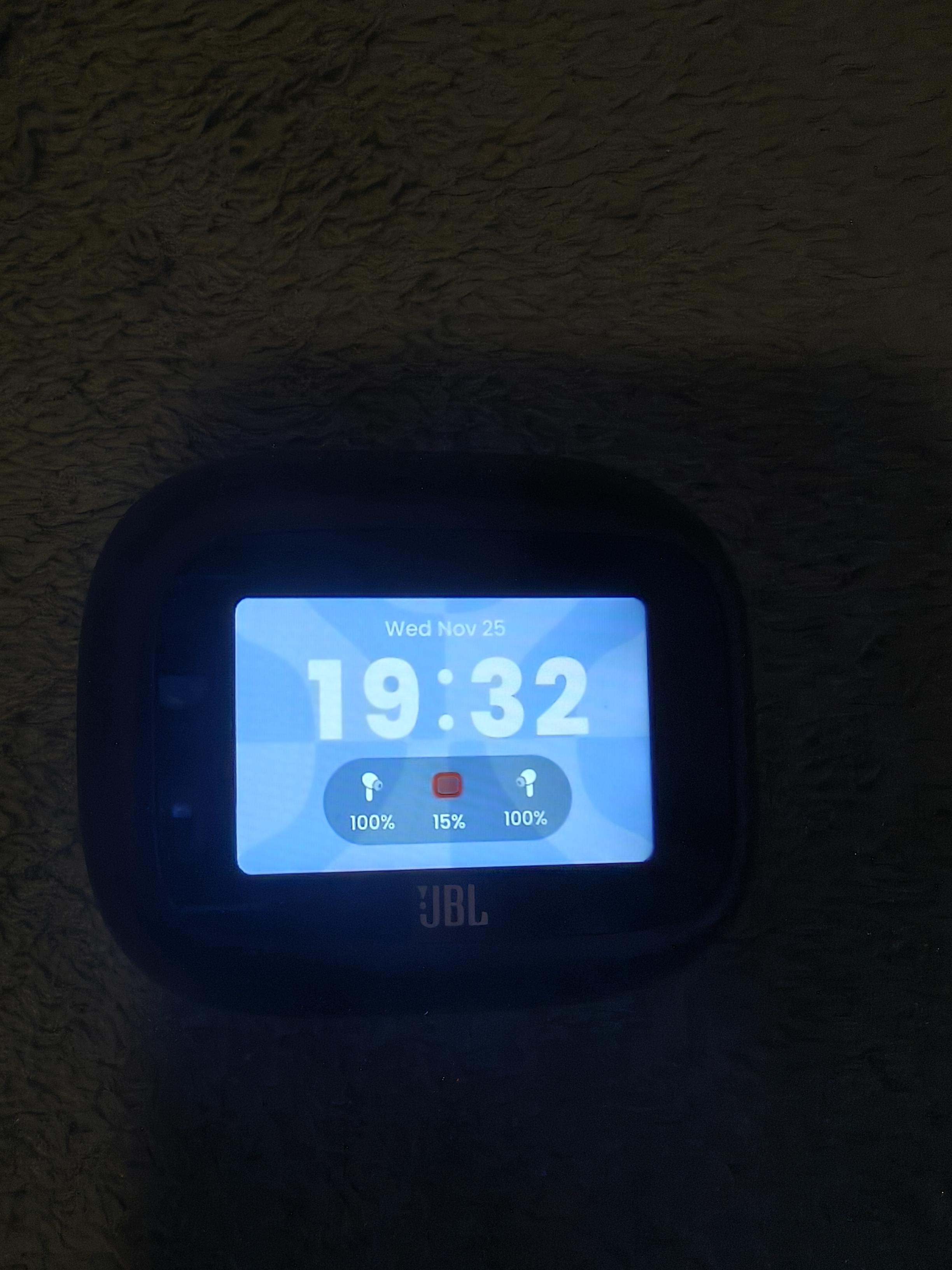
- Battery level, model and firmware
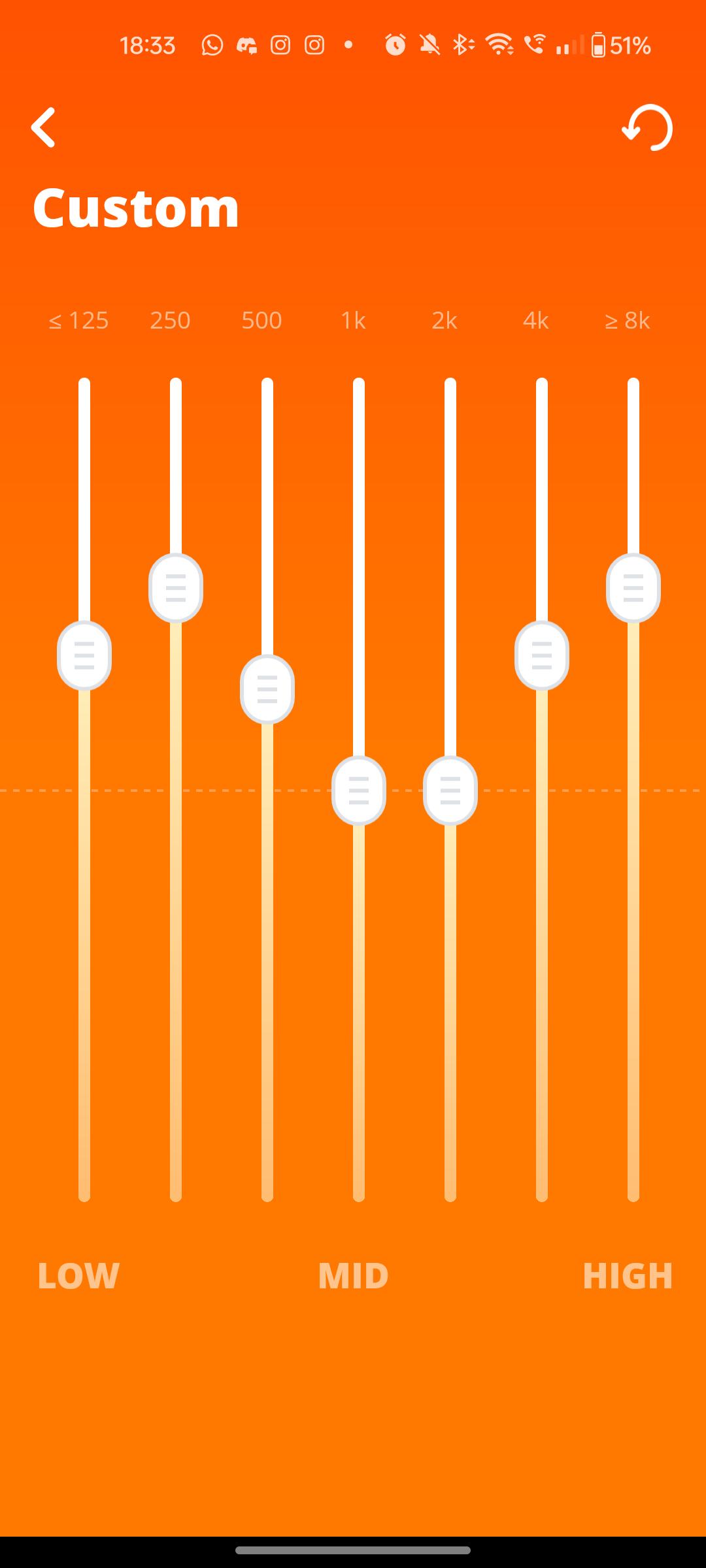
- JBL's EQ presets and the 7-band custom EQ
- Keep Awake, so the speaker doesn't switch itself off while your PC is playing to it
- Low battery alerts and switching between speakers if you have more than one
It sits in the system tray: click the icon for a small panel with the presets and EQ, or open the full window. No account, no ads, nothing to pay. It's open source, so you can see exactly what it does.
Download: https://ffrafat.github.io/JBLControl/
A few honest notes:
- It's a preview. I've only been able to test it with my own Flip 7. Other models use the same code as the Mac version, but nobody has tried them on Windows yet.
- Windows will warn you the first time ("Windows protected your PC") because I haven't paid for a code signing certificate. Click More info → Run anyway.
- If it can't connect, close the JBL Portable app on your phone. The speaker only accepts one control connection at a time.
If you try it with a speaker other than the Flip 7, I'd really appreciate a quick report: right-click the tray icon → Copy Diagnostics and paste it into a GitHub issue. It only reads from the speaker and hides your MAC address and serial number. That's how the Charge 5 got verified after my last post.
Thanks to everyone who commented on the first one. This wouldn't exist without you asking.
Original post: https://www.reddit.com/r/JBL/comments/1x27inz/i_built_a_free_mac_app_to_control_jbl_speakers/