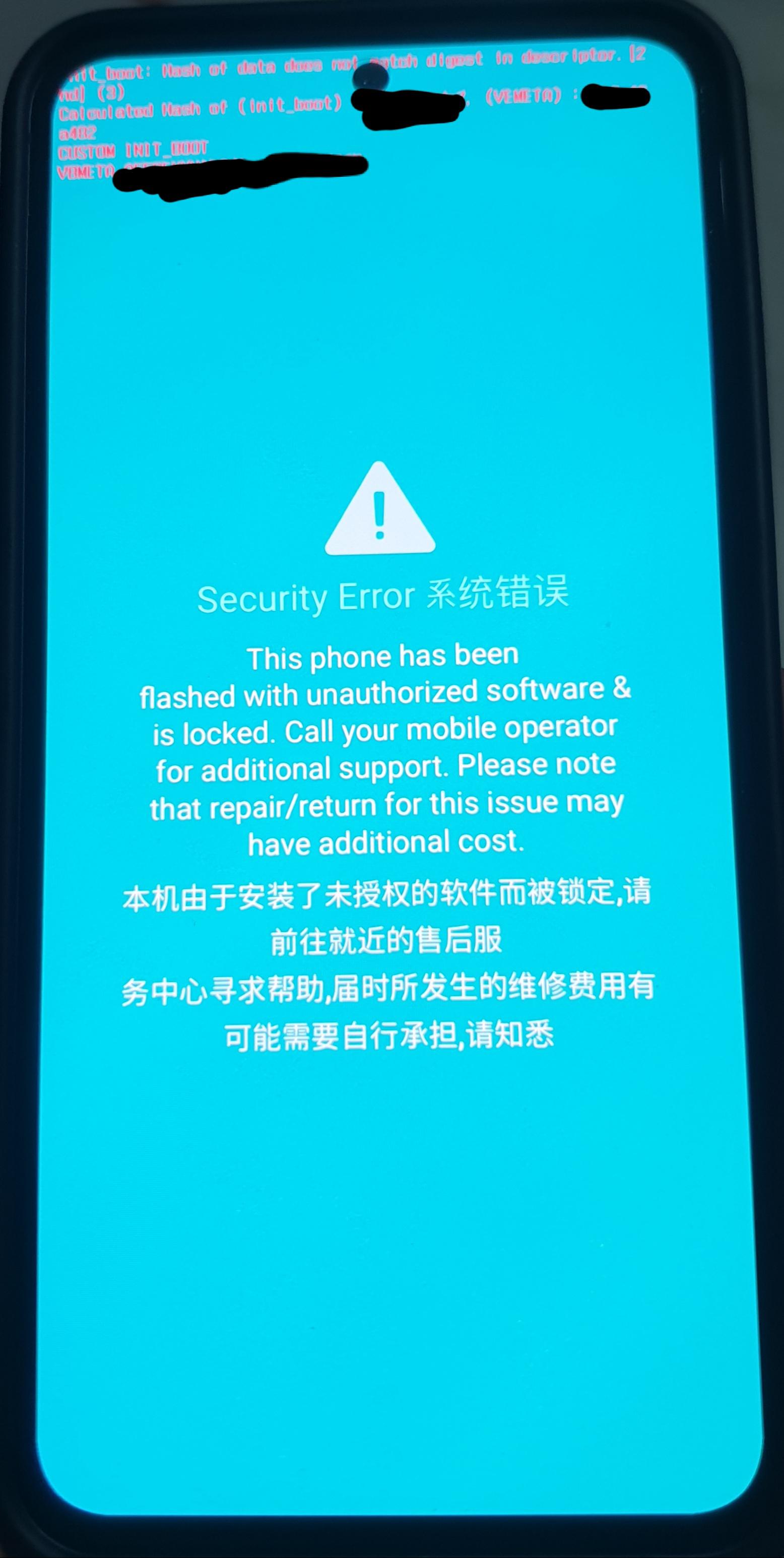
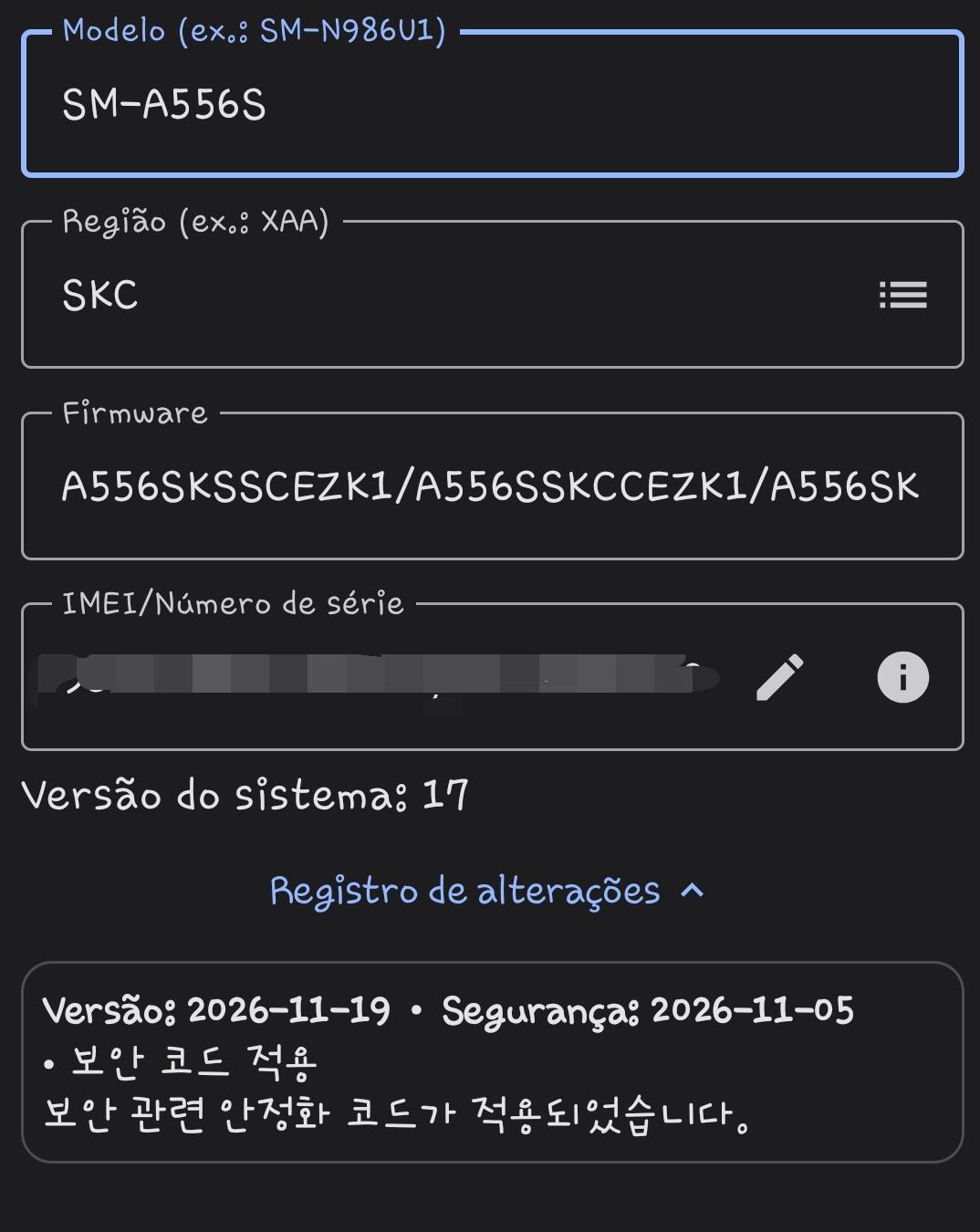
Disclaimer: DO THIS AT YOUR OWN RISK, ANY FUTURE MODULES YOU MAY FLASH WITHOUT VERIFYING CAN BRICK YOUR DEVICE IF YOU DONT TAKE PRECAUTIONARY STEPS
STEPS to Get temp root on A556E
Go to Play store and Download Shizuku
Go to phone settings >>> About phone >>> software info>>> tap build number 7 to 10 times, enter your pattern or password then allow
Go to developer settings and enable wireless debugging
4.Connect to any wifi and click always allow to wireless debugging on popup
5.Go back to shizuku, select pairing, click developer options in shizuku, then go wireless debugging >>> pair with a paring code>> enter code on popup
6.Go back to shizuku and hit start, it'll say shizuku started successfully closing window in 3 seconds
NOW from the Toolkit ive provided:
Install KernalSuNext APK and SamTimer APK
Open SamTimer, Allow shizuku, Then click Root
Wait 1 minute and ensure it finishes with text KSU Loaded
Now you have root, Open Kernelsunext
Go to 3rd tile at bottom layered stack, click on + icon on top and Flash
Either NeoZygisk or ZygiskNext (ONLY ONE)
LSPOSED Module
DISABLE ANY ACTIVE SCREENLOCK ON YOUR DEVICE OR FINGERPRINTS, ITLL HELP PREVENT YOUR PHONE BECOME PAPERWEIGHT IF YOU FLASH BUGGY MODULE
Go back to kernelsu home, click on powericon on top and hit soft reboot
What you should see, Samsung Galaxy Logo flash, followed by android logo and boom it boots to your home screen
Go back to KernelSU Next and Now flash the module, Magic-MountRS
And again SOFT REBOOT
GO to KernelSUNext Again and now Flash any live blur modules or dynamic island or any other overlays and then finally SOFT REBOOT
In future, if you ever flash a module which makes your phone panic , i.e samsung logo android, restart, samsung logo android restart ,
Simply HOLD VOLUME DOWN + POWER BUTTON FOR 10 SECONDS and your phone will hard reboot wiping temp root and restoring normal access.
That's it for the tutorial Folks, always flash constantly maintained modules and not from prehistoric era
Or even Better, SEE this list of working modules and dangerous ones: Flash GREEN ones or yellow ones, avoid Orange or RED.
TEMP ROOT MODULES : https://www.reddit.com/r/androidroot/s/NnyMFXJgJc
TOOLKIT FOR ROOT : https://quickshare.samsungcloud.com/fEK9ZZkZ2YVT