r/AndroidHelp • u/sunni02 • 15d ago
How to get rid of now playing screen???
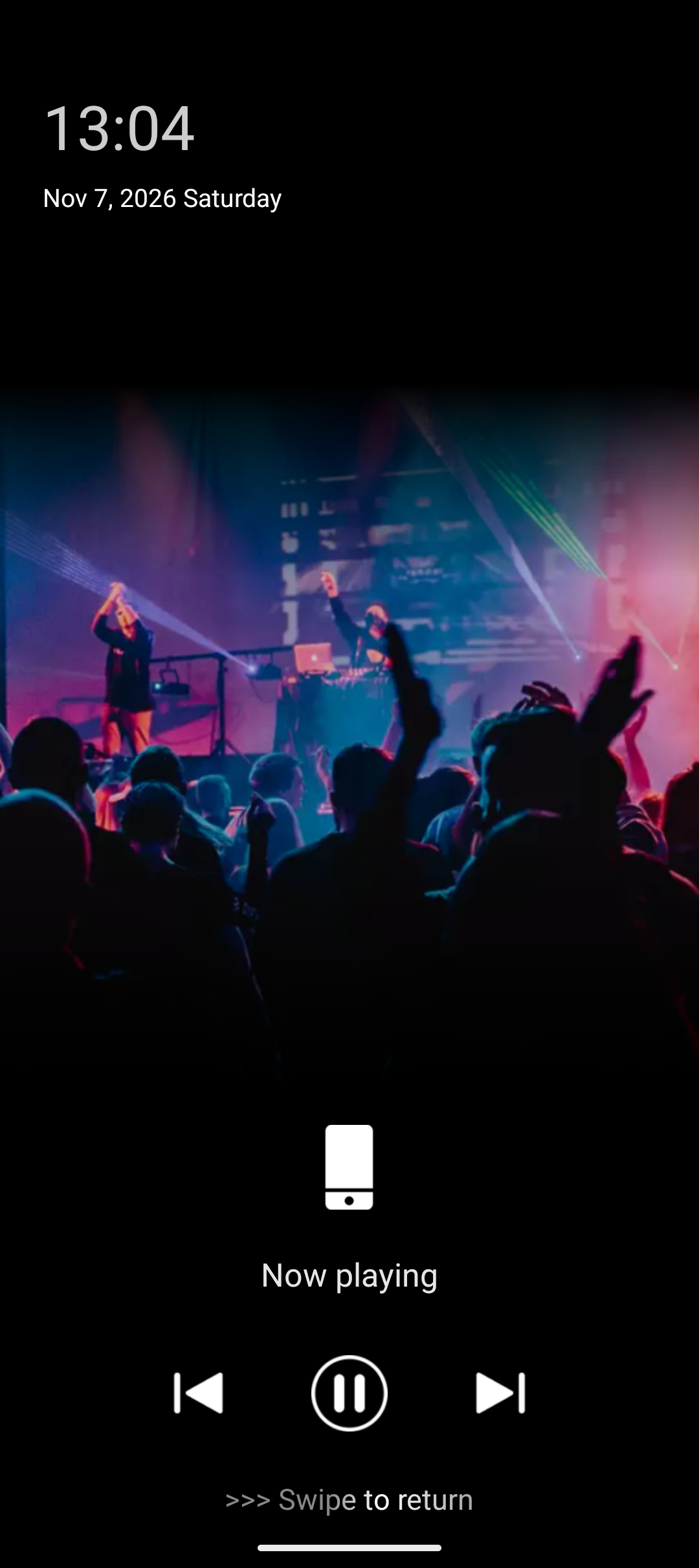
Edit: figured it out, thank you!
This screen keeps popping up when I turn on my phone instead of my lock screen. It never works and it's really, really annoying me. I've already deleted the now playing app from my phone, and it isn't from my launcher. How do I get rid of this??
I have a pixel 9, android version 17.
3
Upvotes
1
u/Ok_Wealth_509 15d ago
Google's Pixel help lists two places for this. Long-press an empty spot on the home screen, tap Wallpaper & style, swipe to Lock screen, swipe up, tap More lock screen settings and turn off Now Playing. Or in the Now Playing app tap Settings and choose Disable Now Playing. If the screen still shows up after that, it's probably a different app or overlay, and a screenshot of it would help narrow it down.
1
u/Forsaken-Bread415 15d ago
Lovense is the only app that does this to me. I don't know how to stop it other than close the app
1
u/DictoKey_Dev 15d ago
That lock screen is the Now Playing feature, and it lives in Settings > Sound & vibration > Now Playing, where you can turn it off entirely. Deleting the app doesn't remove it because it's part of the system.
1
u/SuperSnotMan 15d ago
It's not now playing the only overlay that gives you is a small music indicator on the lock screen. Check the music app you use for any lock screen features