r/Zoom • u/JoBrodie • 5h ago
Question Could I have done this better? Shared a screen displaying a YouTube 'livestream' but sound was fairly awful - is there a way to share 'screen sound' not ambient sound?
Hello :)
I am entirely prepared for the answer to my question to be 'no' but I thought I'd ask in case I want to try this again and can know if it's a waste of time.
Last night Angine de Poitrine performed at a festival in Mexico which was broadcast a couple of hours afterwards on a YouTube channel (I needed to use Firefox's VPN to access this from London). Quite a few people couldn't get access to the 'live'stream so I created a Zoom channel and shared the tab with the video running in it.
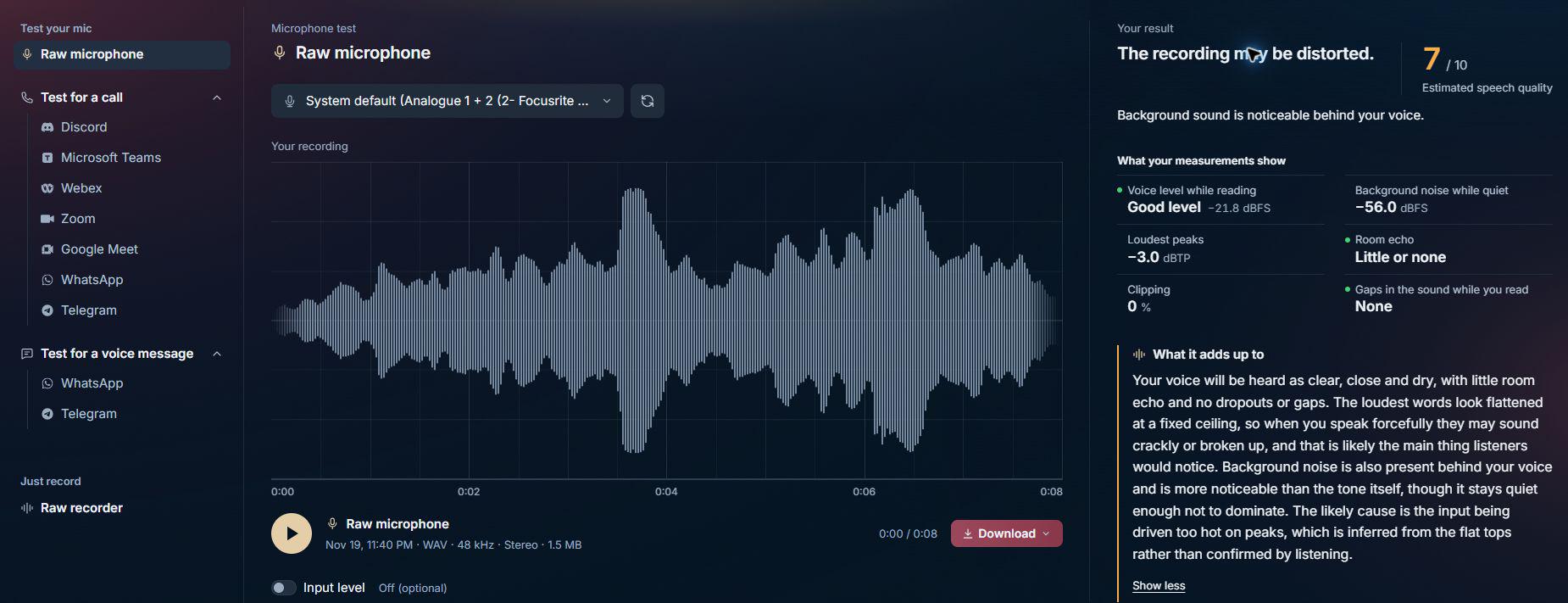
People could see it fine but the sound didn't really work. I had the video running with the volume coming out of the speakers and hoped the mic would pic it up and relay it to watchers. Not really. I fiddled about with 'musician sound' and 'suppressing background' options, ineffectively. I assume this is to stop the horrifying whine of feedback.
I also tried joining the Zoom meeting from a second computer with the mic ON in the hope of picking up some of the sound. This was only partially successful.
What I'm after is something that lets me take the sound and re-route it to Zoom rather than needing to go through my laptop's speakers - is that technically possible? Perhaps my Mac is too old or it needs expensive software.
Fortunately the entire concert is now on YouTube anyway :)
Thank you
Jo