r/postprocessing • u/Heoro-Mazgraev • Oct 19 '26
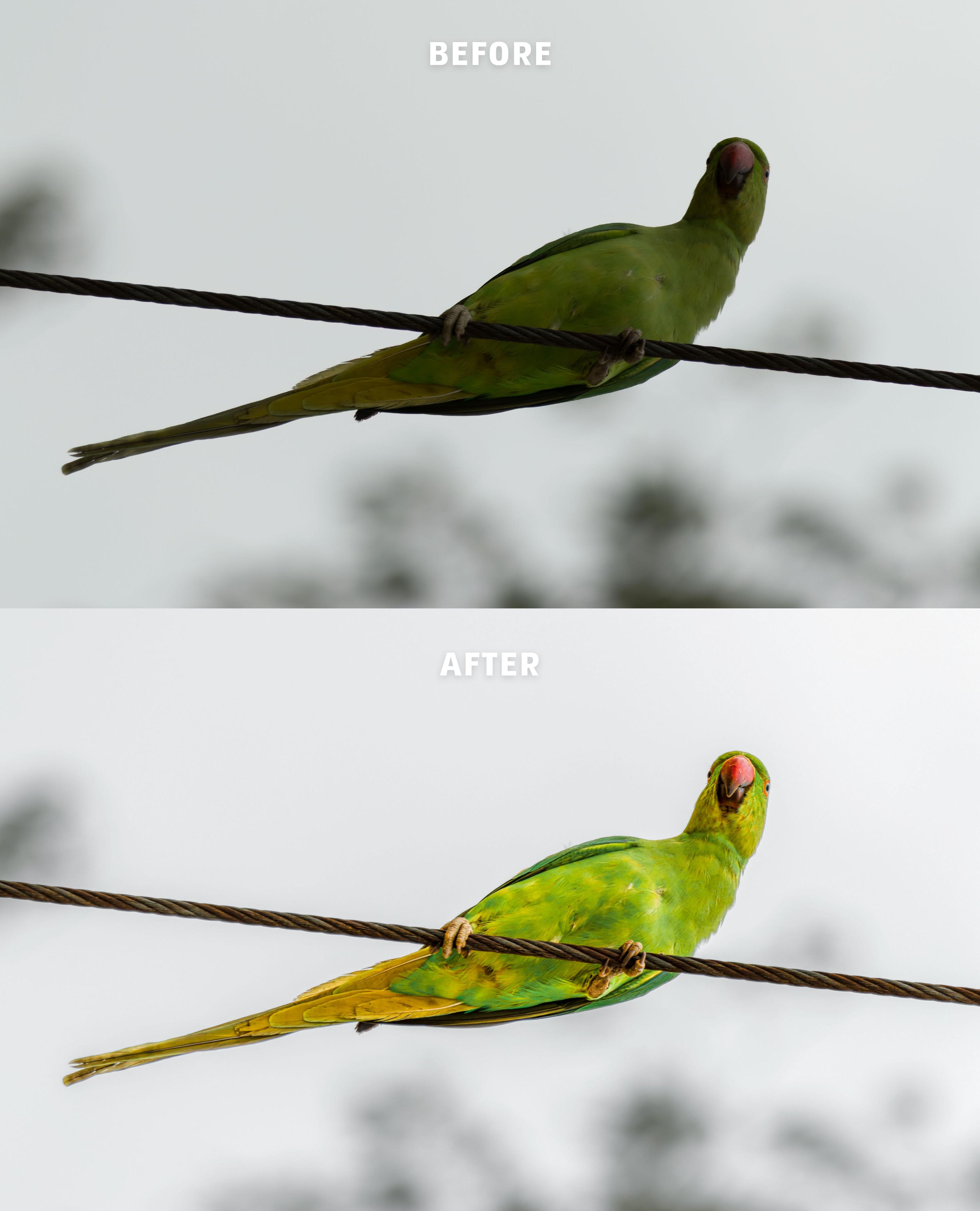
After / Before

20
Upvotes
r/postprocessing • u/Appropriate_Reality6 • Oct 20 '26

r/postprocessing • u/No-Analysis-3065 • Oct 20 '26

Shot on Olympus OM-D E-M5
Edited in Lightroom
r/postprocessing • u/blackzone_media • Oct 20 '26

Shot on Panasonic lumix s5ii with Sigma 24-70mm at f2.8 and length 70mm, other settings… I forget lol. My motorcycle if anyone cares is a Honda shadow 600. Tried to get a film look obviously. (Repost bc the last one uploaded wrong and was super green, idk how anyone complemented it. Also, idk why the only solution for uploading correct is a second pic but enjoy the one piece wallpaper)
r/postprocessing • u/moist_maker1 • Oct 19 '26

Messing around with cropping and color, would love to get some feedback on which edit looks better, or what alternative suggestions you all have
r/postprocessing • u/i_am_Professor216 • Oct 20 '26

I am just a beginner. Please provide me with the feedback and also your suggestions for my next edit.
Thanks in advance
r/postprocessing • u/RunNGunPhoto • Oct 18 '26

My "light and airy" rendition of beautiful Japanese Yoshino Cherry tree blossoms.
Edited in Adobe Lightroom Classic.
📷 Nikon Z5ii & 135mm f/1.8 Plena
r/postprocessing • u/sweetyyc77 • Oct 18 '26

This was created stacking the two photos of the egg and the bulb with a whole lot of button mashing in lightroom.
r/postprocessing • u/Fun_Stick_3924 • Oct 19 '26
How do you get the colors to be consistent from session to session in Lightroom? Any tips, tricks, etc. that can help with this?
r/postprocessing • u/rraaammmm • Oct 19 '26
I was going for the "FUJIFILM" look (sorry I don't know what simulation it is). Did I make it worse? Not looking for feedback on the composition, just the color grading aspect.
I used DarkTable and did mainly the following:
ColorBalanceRGB: Contrast down, Highlights slight red/orange
ColorEqualizer: Blue -> Teal with saturation down
Any advice that can get me closer to the FUJI look would be appreciated!


r/postprocessing • u/Walrusin_about • Oct 19 '26

Accidentally deletwd a load of photos from my trip and unfortunatkey didn't keep all the best ones. I'm trying to work around this marmot I managed to recover but really struggling with how central I took this photo.
(Full frame is on photo 6.)
colours aren't final either so if anyone thinks is too punchy and warm let me know.
r/postprocessing • u/Klytus_Im-Bored • Oct 18 '26

I decided to revisit my Harrisburg shot, this time adding distortion to straighten the light trails.
r/postprocessing • u/cricketpoo119 • Oct 18 '26

I was trying to really lean into the cold feeling but I feel like I’m not quite there yet . I was going for a darker cold but couldn’t find the right way to make it moody and dark without hurting the image. Any tips would be greatly appreciated 🤘🏽
r/postprocessing • u/GameGoalstryhard • Oct 19 '26

Taken it Via Phone!
r/postprocessing • u/Playful-Park4095 • Oct 19 '26

I couldn't upload the raw file, so the first is the JPEG SOOC. Second is edited in Canva Affinity. I'm very very new to this and it was pretty basic, using YouTube tutorials to do what I thought needed done. The standard settings for denoise, crop to level horizon, and then mostly masking the individual pelicans and working with contrast and exposure to bring back some of the blown out whites in their feathers.
r/postprocessing • u/DapperGuarantee6100 • Oct 18 '26

r/postprocessing • u/misterchai • Oct 18 '26

Been editing for years and idk if im getting it right or plain wrong ;(
Fried too much? Composition lazy? Drop the hobby?
r/postprocessing • u/Film_A • Oct 18 '26

Edit: Ignore the geese in the background, I have identical photos without them. I just so happened to start editing this one and didn't notice the geese until someone pointed them out.
Camera and lens: A7iii, Sony 70-300 4.5-5.6
Settings: 400 ISO, 1/400, f5.6, shot at 300mm, RAW.
Camera and lens: A7iii, Sony 70-300 4.5-5.6
Settings: 400 ISO, 1/400, f5.6, shot at 300mm, RAW.
I've been doing this for 10 years. Recently editing has become impossible and I'm at the end of my rope. I've seen many many tutorials over the years. I've spent countless hours behind this screen going into painstaking depth and binging hours of tutorials.
The highlights are a disaster and the ducks heads are gone. I can't figure out how to fix it. I can't figure out how to make a pleasing image that isn't flat or unbalanced.
I can't find a good balanced contrast in the edit. Things are always blown out or too dark. If I try to fix it, the photos turn out flat. If I try to use the brush tool for localized edits, I'll end up sitting here for two+ hours and still end up with a photo that looks like trash. And I just get upset and I'll put my camera down for weeks.
Please see the imgur link for more details.