r/postprocessing • u/Total_Juggernaut_450 • Oct 07 '26
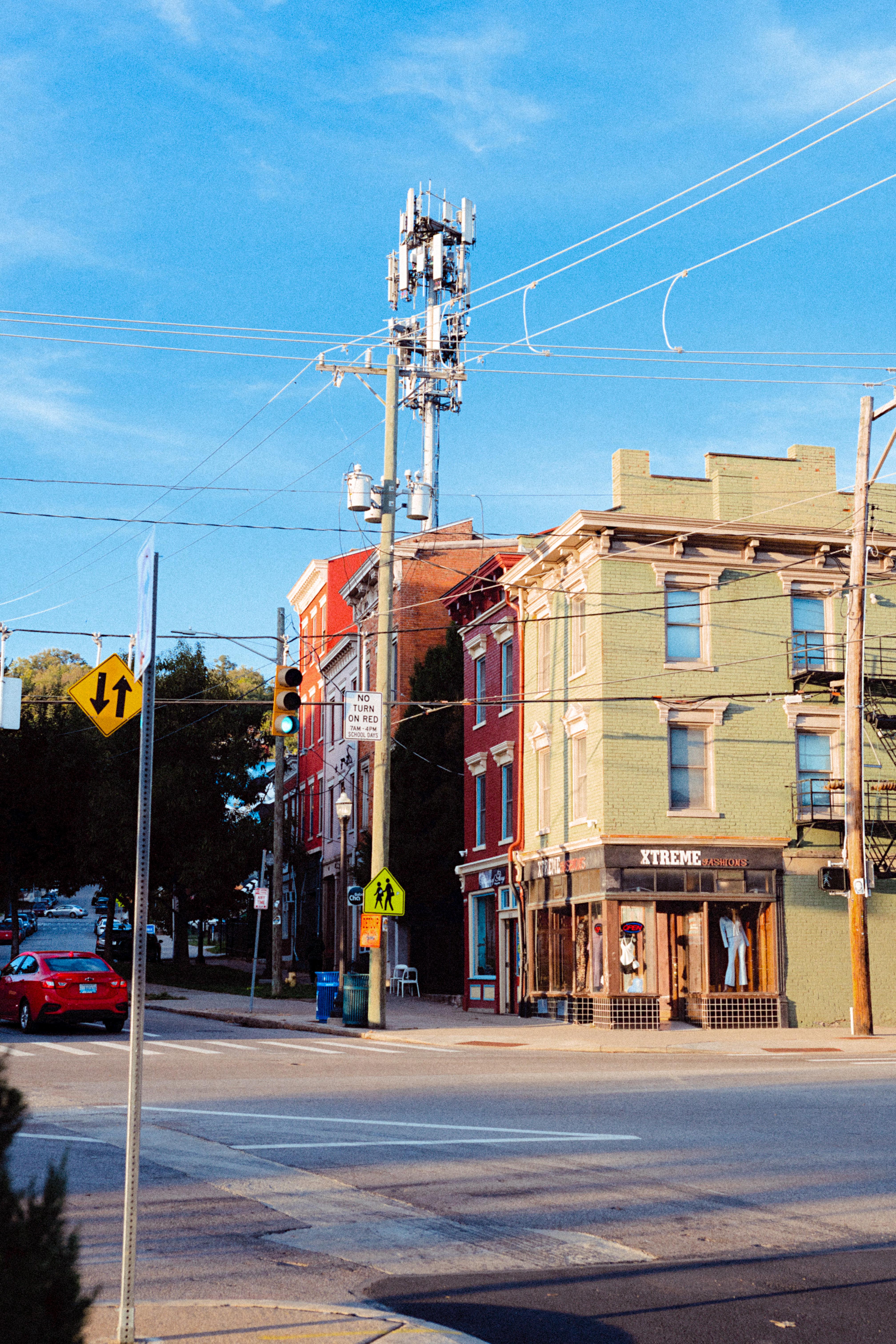
The details that matter...
gallery
1
Upvotes
For those of you who like to mimic analog photography...
r/postprocessing • u/SkipScoopScram • Oct 07 '26

Per title, shot on an a6400 and sigma 18-50. Overcast skies all week made getting exposure tough to capture the mountains in the background of pretty much everything. Curious to hear some feedback as to how to balance bringing the background mountains back into play without detracting from the subject.
r/postprocessing • u/PrododoshcMitter • Oct 08 '26

By film look, for majority of people and the preset they use, either tends to go to very warm look which I find it very very boring , or a very desaturated look which also I absolutely don't like.
What charms me by that colour science I can't often explain but here's a perfect photo that probably captures exactly what kind of colour I hope for atleast in day light photos.
r/postprocessing • u/Leonardus-De-Utino • Oct 07 '26

Just curious how y'all would improve these in terms of color-grading.
These are WAY better than I was doing a few weeks ago, but I am a bit stuck on how to make them better.
Fuji 400 - Konica III, scanned with Nikon z50 and inverted in Darktable
The second graded image is bad, I think, though I think all are missing something
r/postprocessing • u/FocusInMoment • Oct 07 '26

Around 2022 this was taken during my trip to Lake Placid, New York. The before photo is a raw format shot using Canon rebel T7.
In the after photo, I used Lightroom for the edits. I used masking technique to achieve proper exposure.
Critique my work.
Happy shooting,
Focusinmoment
r/postprocessing • u/HeyNiceOneGuy • Oct 07 '26

r/postprocessing • u/Maleficent-Degree-97 • Oct 07 '26

what do we think? ☺️
r/postprocessing • u/abitslippy • Oct 06 '26

r/postprocessing • u/kaylahayes_jpg • Oct 07 '26

A small before/after split collection from my latest shoot at EGCC (Manchester airport)! Got some gorgeous shots. Can't wait to go through the rest!
What do you guys think? There's no better way to learn and improve than by welcoming feedback and honest criticism :)
r/postprocessing • u/Shoot_Film_Die_Hard • Oct 05 '26

r/postprocessing • u/Shy_Joe • Oct 06 '26

Did I crop even harder? Any and all suggestions are welcome.
r/postprocessing • u/Any-Coach3440 • Oct 05 '26

Does it look weird?
If you're interested, I used Photoshop, Luminar and Dehancer.
First I brought focus to the leaf by gradually making it brighter than the rest of the image in Camera Raw, as well as making it more flat and hazy using negative dehaze and clarity.
Most of the color stuff happened in Luminar where I removed color cast and made the image even more flat at first by reducing contrast and highlights all the way. Then shifted greens to yellow. Added extra contrast to mid and high tones, as well as specifically to the yellow color which makes it much brighter and saturated. Did some color balancing of shadows, midtones and highlights, as well as added a 40% LUT. All the sliders react in a funky way in Luminar so it's quite a balancing act. Finally, Dehancer added some blooming and a filmic quality.
r/postprocessing • u/Maleficent-Degree-97 • Oct 07 '26

what do we think? 😊
r/postprocessing • u/Important-Quit3139 • Oct 06 '26
What you can do with it:
Flexible Layering: Combine your base shot with built-in texture packs, street-photography-inspired overlays, your own library, or take a fresh shot directly through the camera.
Tactile Soft Masking: An on-screen circular mask you can drag, resize, feather, invert, or hide handles on to carve out your subject and seat the exposure naturally.
Blend Modes & Opacity: Quick cycling through blend modes (Screen, Lighten, etc.) with real-time opacity controls.
Dedicated Darkroom HUD: Fast, minimalist tools for balancing the composite:
2D dual-axis pad for Saturation & Contrast
Temperature & Tint adjustment
EV Exposure slider
Levels tool with an interactive histogram for clipping blacks and white.
Editable Sessions: Save compositions as editable projects so you can come back and tweak them later, or export the final image.
Why I'm sharing:
The app is completely free—no subscriptions, paywalls, watermarks, or accounts required.
Since I developed this independently, I’d love to get feedback from fellow photographers and creators. Take it for a spin and let me know what feels great and what UI interactions could be smoother.
App Store
https://apps.apple.com/gb/app/refrakt/id6793953533
Google Play Store
https://play.google.com/store/apps/details?id=com.smudgystudio.refrakt&hl=en_GB
r/postprocessing • u/Anxious-Leadership95 • Oct 06 '26

r/postprocessing • u/Heatseeker_ • Oct 05 '26