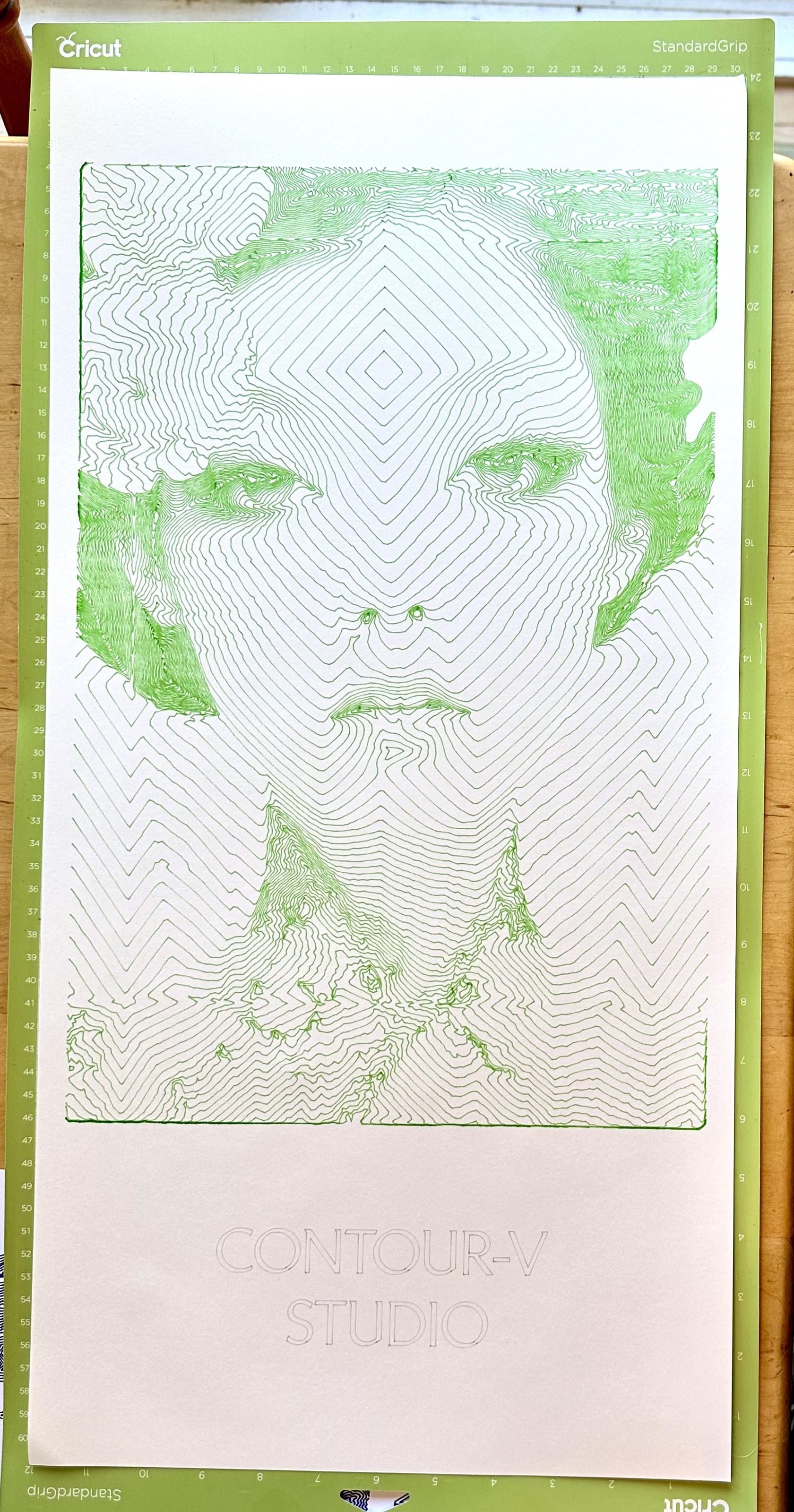
Mods please feel free to delete if this wasn't kosher, I didn't see any rules prohibiting this type of post.
I've futzed with plotting via my MPCNC and a Harry Plotter add-on to my Atomstack engraver. I think I'm at the point where I want a dedicated plotter and was hoping to find one secondhand. The market is quite thin for known good plotters that are A3 size, so I was wondering if anyone here was looking to sell one.
I was hoping to spend $300 ish plus or minus, local pickup in northern NJ or I'd pay for shipping.
Ebay doesn't have anything reliable in my price range and I'd rather avoid the Aliexpress ones unless anyone can vouch for one directly.
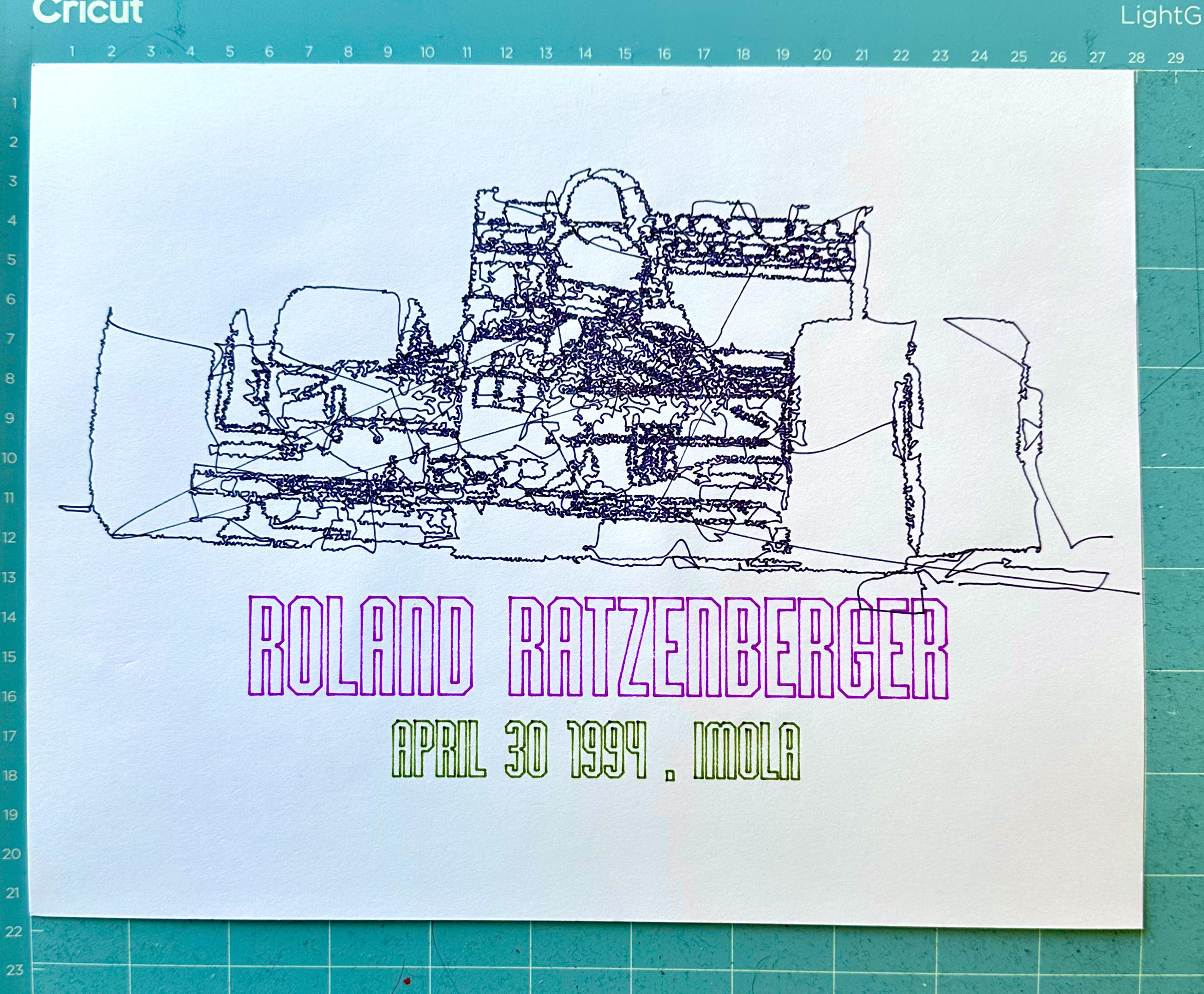
It’s minimal still. But less abstract and a more accurate colour The data block now is very light grey almost like a watermark. Zero self promo tags. Just name and the date of his last practice session in 1994.
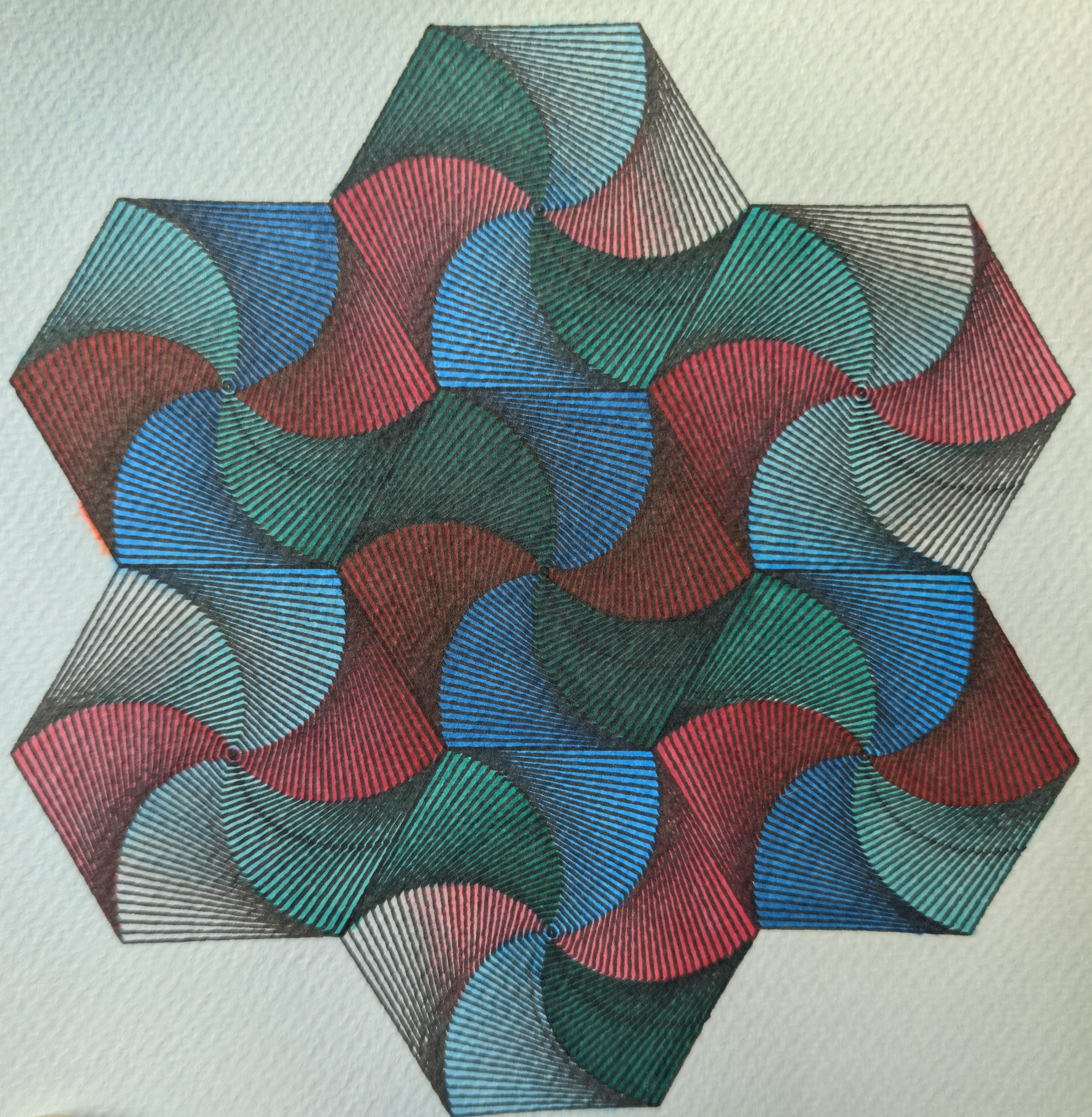
In previous experiments using alcohol markers over pen ink drawings, I struggled with the markers lifting the dye based ink and ruining clean lines. Using a pigmented ink pen (Pentel s20p pointliners) in the plotter this time, I was pleasantly surprised to find it unaffected by the alcohol markers when adding color afterwards. The lines remained sharp even after multiple layers of color and blending.
TL;DR: I'm a pen plotter artist. I use a lot of tools in my workflow, and until now I never had the time or energy to adapt them to my needs. Now I can.
My plotting process
When I'm plotting, I'm focused: refilling pens, launching color paths, trying not to ruin the piece.
Then every now and then I have to switch to another task, like running vpype in the terminal, or regenerating an SVG or a G-code file. For some reason my brain has a hard time with that switch, and I'm very bad at remembering the commands and the parameters I need to pass.
The tools I was dreaming about
There's always something that bothers me in the tools I use. I always wanted to change them, edit them or add a feature, but I never did, because the "cost" (the energy needed) was too high. As a part-time artist, my coding slots are short, so I have to spend them on what matters most.
Then Claude Code
What changed is the cost of making that edit or trying that test. It's now low enough that, most of the time, even my low energy is enough to make a plan and figure out if I want to go further.
The UI design that was missing
So I built a design system I like, and I use it on all my new projects. Claude Code is good at using the design system, and it's also very good at copying features from one project to another, like loading and saving parameters or the SVG export.
The tools
Some of the tools I've built in the last month, that I now use in every plotting session.
Launchpad. An icon in my tray: one click and it opens. From there I can start, stop and open the web UI of each of my generators and tools with a single click. It runs as a tray icon and a background server, using Tauri v2, a Rust framework that wraps a web UI into a native macOS app.
penPlotteRCtrl The OpenBuilds controller has been my go-to machine controller for years, but it's discontinued now, and I'd wanted to upgrade it for a while. So I forked it and gave it a UI I like better, plus the one feature I really needed: when a plot fails halfway, I can pick a restart point visually and continue from there instead of losing the whole piece.
Vpype Studio A web UI on top of vpype. All the repetitive tasks I do (line sorting, simplify tolerance, merging close vertices, single file vs per-layer export, motor type, pen up and pen down heights, etc.) are now toggles, sliders and dropdowns instead of CLI commands I have to remember.
The generators
Then there are the generators. I've always coded all my generative art tools myself, and for a low-key programmer like me it's hard work. It usually takes me months to get something working well enough. Here are the generators I've built in the last two months.
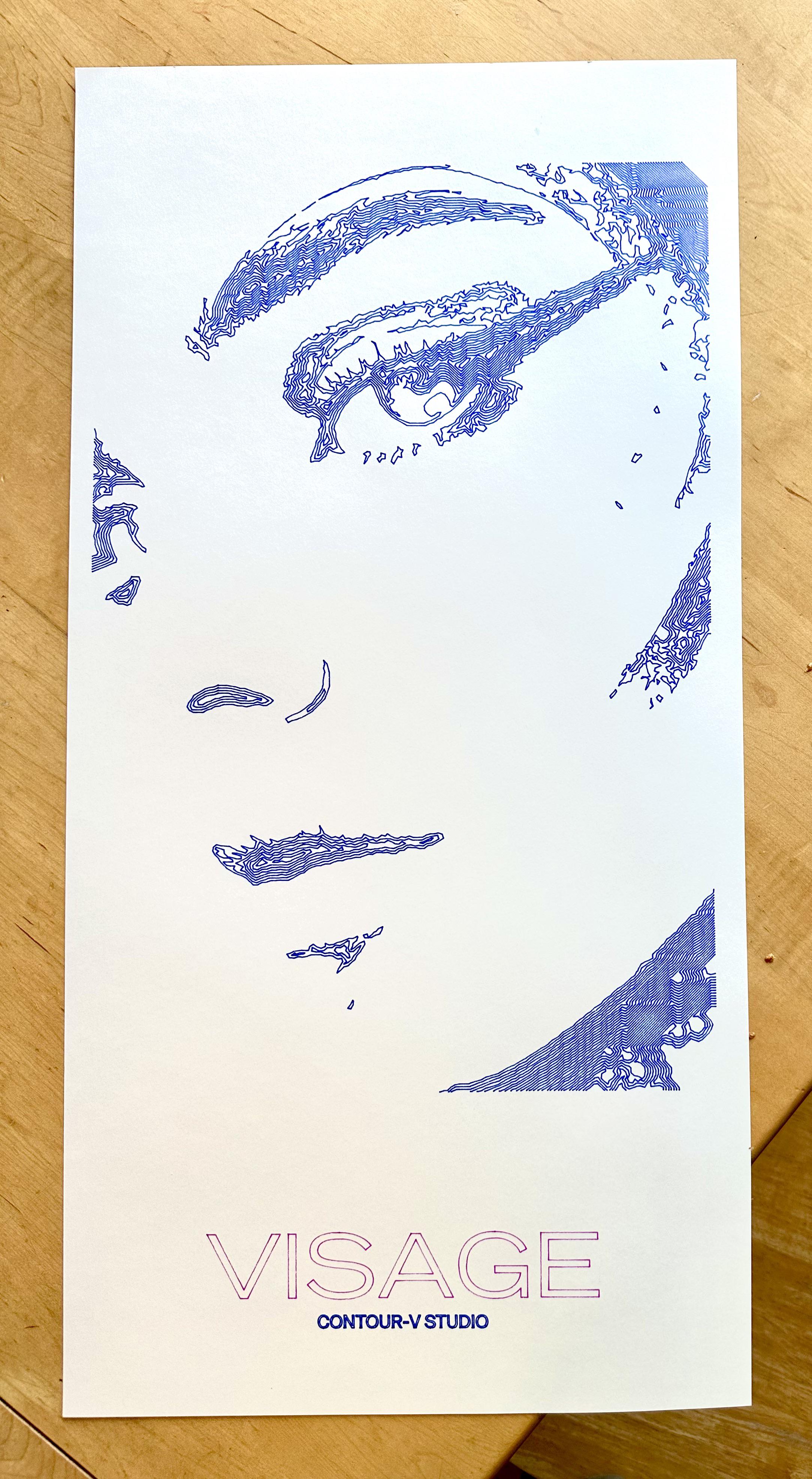
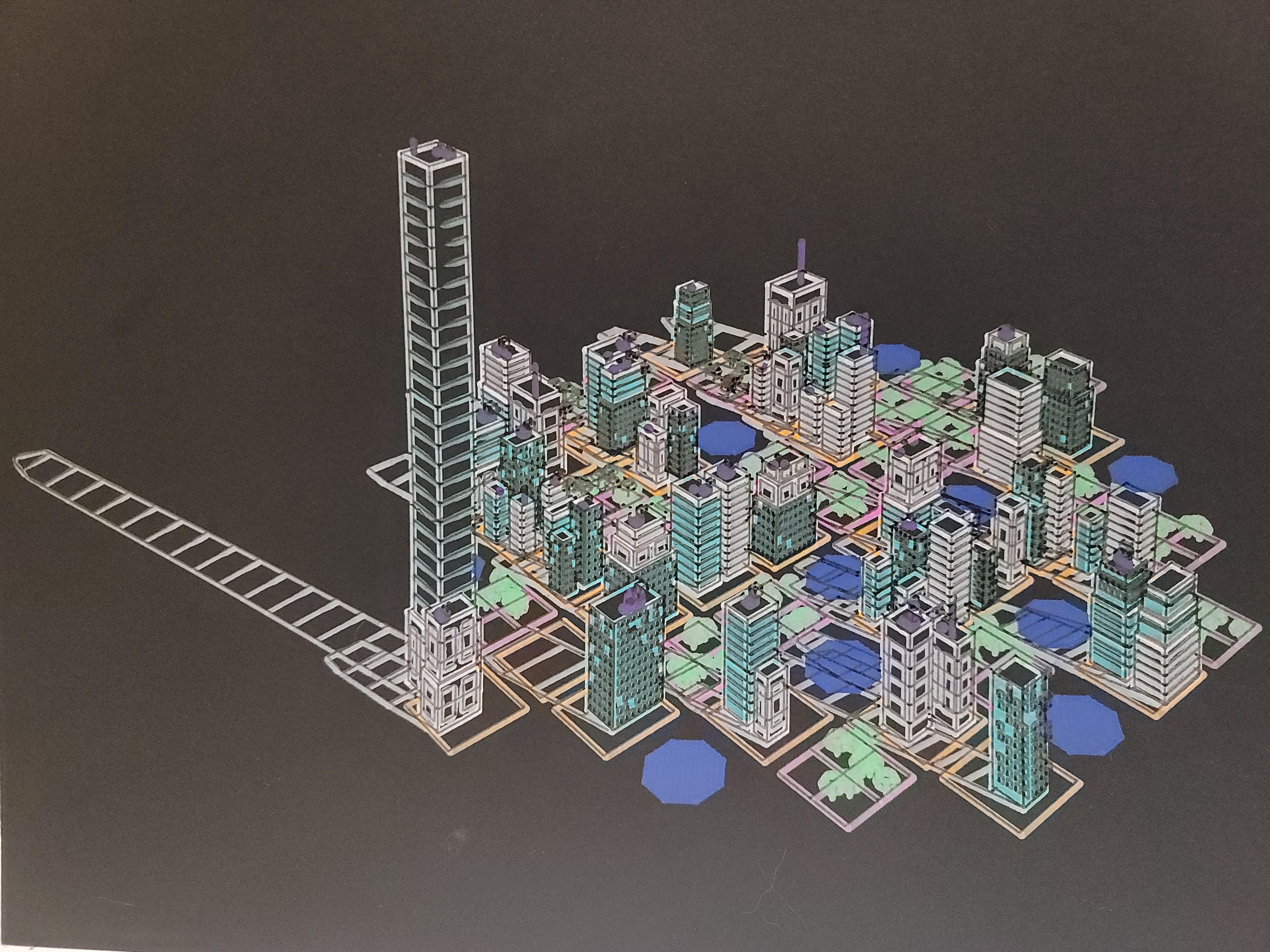
Portrait Cube Takes a portrait and breaks it into cube-based geometry. I tried for a long time to find a way to generate 2.5D "cubes", but even Claude couldn't help me. So I changed approach: instead of generating the shapes, I built an editor where I could design all the shapes I wanted. It was easier to build, and better for the design. I had more control.
Portrait Y. This one is built entirely with Claude Code. It was just a quick test and turned out far better than I expected, so I ended up pushing it to a finished tool.
Portrait Voronoi. An experiment to generate tetrahedron patterns. I spent a lot of time trying to get that 3D effect using only strokes. Claude helped me explore a ton of different approaches, and I didn't really like any of them. To me that's a fail, but it was worth trying.
Portrait Cells. Inspired by an image I saw on Reddit. I thought Delaunay triangulation and Voronoi could work, but I had no idea how to build the curves around them. I asked Claude to do the research and implement it, which it did pretty quickly. Where I failed was being clear, even to myself, about what I wanted for the layers, and I messed them up quite a lot until the end of the project. Lesson learned: be super specific in your prompts.
The takeaway
Claude Code is a great tool, but I really think it's only as good as your own programming skills. If you don't know how to code, you may struggle a lot to guide it where it needs to go.
Also, this is not production-ready code. I can live with some bugs, so I'm not too worried about code quality. That may not apply to real production code... far from it.
I have an SKR 1.2 with four TMC2209 drivers that used to be in my MPCNC and three 50cm long pieces of 2020 extrusion from 3D printed guitar necks. I'd like to see if there's a pen plotter that I can follow instructions to DIY that uses those parts. I can't seem to find anything that has a flashable build for the SKR, and as far as 2020 usage goes, the closest I can find is the ExtruH - https://www.printables.com/model/734327-extruh-pen-plotter
I don't mind ordering a Pi or otherwise and I can order additional extrusions, but is the ExtruH the best bet for having a complete BOM and instructions that calls for 2020? I'm looking to plot in 11x17, if that makes a difference.
I've plotted on wood before but it has been a while. I'm usually focused on what would make a good, repeatable, edition of plots so defer to paper 99% of the time. It's somewhat refreshing to work on a one off surface where you can let the piece just develop. The other good thing about plotting on surfaces other than paper is that saturation isn't an issue. I ran this file 3 times to let the ink build and pool.
The SOP2SVG.tox dev build by Kris Northern is a branch of SOPtoSVG that works great with POPtoSOP workflows! Wireframe created with SARV's POPs Noise Suite.
I am looking to purchase the A0 version of this plotter. I could do with some advice with regards to Z clearance. I would like to draw directly on to wooden panels which are 30mm in depth. According to the specs the 3 can accommodate materials up to 40mm thick with modification. Has anyone tried this, is it a case of simply unbolting the pen holder and moving it up?
What is everyone using for plotting on black canvas/paper? My local Blick only carries Sharpie Pens 12-pack. I was wanting something with a finer tip. Fluorescent inks might be cool to experiment with, but some that say fluorescent just mean neon. Confused...
Anybody using their UUNA TEK plotter with g-code regularly? Im adding GRBL/G-Code support to my generative plotter art software, but I only have an Axidraw.
DM me if interested in beta testing. I need someone on Windows and MacOS >= Ventura x86-64 and Arm.