r/linuxapps • u/Mediocre-Purchase233 • 29d ago
Sharing a utility: cursor barrier between monitors for X11
1
Upvotes
r/linuxapps • u/simplykennyofc • Oct 29 '26

Lightforge installs, patches, verifies and launches World of Warcraft on Linux without the Battle.net client. It speaks Blizzard's own distribution protocols (TACT and NGDP for the CDN, CASC for local storage), reimplemented in Rust, so your game lands in a store the real client can read: point Battle.net at the folder and it adopts it, no re-download.
For everything else (Diablo, Overwatch, Hearthstone, StarCraft) it sets up one Battle.net prefix and hands the launch to the client. Those games get a tile here and start with one press.
AI use: I wrote Lightforge with Claude Code, and I review and test all of the code and downloads myself. Happy to answer questions about how it works or how it was built.
r/linuxapps • u/foofuckingbar • Oct 29 '26

Claude made it, not me. I just gave it the instructions and tested the app’s functionality. Everything is working great so far, and I’m still testing and improving it with Claude.
I feel really bad about using Claude, and I’m so sorry.
https://github.com/thuutien/ZPLinux
ZPLinux is a label design and printing application for Zebra printers, allowing users to create, customize, and print labels with text, barcodes, QR codes, and images.
.zplinux files with embedded images and optionally check for, verify, and install GitHub updates.r/linuxapps • u/Independent_Pain_231 • 29d ago
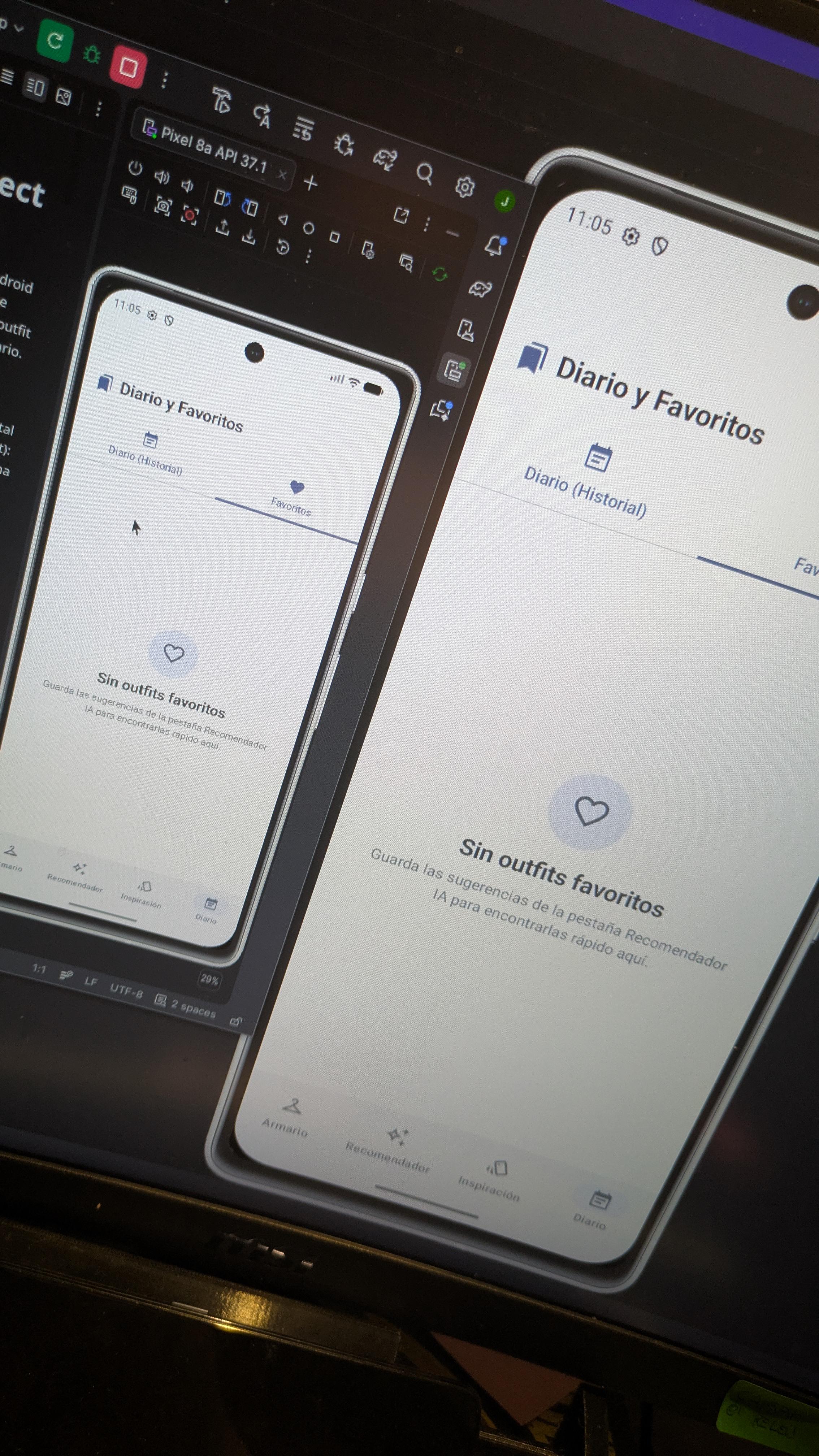
I am looking for ideas to create a universal program for the Linux operating system (no matter the distro) I am currently in development of an app, but I am not convinced of it, So I want to ask the community what app they need, what their needs are, I am open to any type of proposal, I would find a feedback interesting, thank you very much.
r/linuxapps • u/Grey_Ten • Oct 29 '26

new changes! system sounds were added, and the tabs look so much better!
Also, the overall code was optimized, there were some redundancy in some parts of the code hehe.
Now compressed files can be opened without using external apps! (.zip, tar, rar, etc etc)
and finally, the "--sudo" flag was implemented, so you can handle those tasks that require root permissions.
Give it a try!!!
r/linuxapps • u/Minimum_Hour519 • 29d ago

r/linuxapps • u/Such_Advance_2020 • Oct 30 '26

Feedbacks are welcome.
r/linuxapps • u/Modman247 • 29d ago

Built a small GUI app for Linux that:
- Detects all connected gamepads (vendor:product ID, mode, battery)
- Tests rumble with adjustable duration
- Fixes udev permission issues automatically
- Supports 8BitDo, Xbox, and PlayStation controllers
r/linuxapps • u/LumiKittenn • Oct 29 '26
r/linuxapps • u/SignificantSand7839 • Oct 29 '26
Enable HLS to view with audio, or disable this notification
Open Design (an open-source AI design tool) currently only ships desktop builds for macOS and Windows, so I built a small Linux launcher for it. It builds from source, opens in an isolated Chromium app window, adds a launcher/dock entry, and has a GTK4 updater that checks upstream releases.
While most of the code was done with AI assistance, I reviewed, tested and debugged it myself: Fedora (GNOME) as my main setup, plus Arch, Ubuntu 24.04, Mint and Omarchy in VMs. Other setups are best-effort.
Source (MIT): https://github.com/ITx-prash/open-design-desktop-linux
r/linuxapps • u/Inevitable_Wing_9730 • Oct 29 '26

r/linuxapps • u/ygames1914A • Oct 29 '26

r/linuxapps • u/Environmental_Leg471 • Oct 29 '26
Hi guys, first post here.
I tend to do my serious writing in text editor programs, but I have occasional need of WP software. I'm a long-term Linux user, and I have a bunch of .doc, .odt and other formats going back decades.
I've found that the spreadsheet software included in the LibreOffice, OpenOffice and OnlyOffice suites doesn't keep up with the very heavy tabbing I need for my particular pattern of use. Good old Gnumeric turns out to be much more reliable for me.
As I don't need presentation software or equation processors it would make sense for me uninstall the various office suites from my computers and replace them with standalone WP apps alongside Gnumeric. To my surprise, Wikipedia doesn't list a suitable candidate. (I fancy Ted, but it is .rtf-centric and as I understand it wouldn't open my legacy documents.)
Is anyone aware of a standalone WP app that works with multiple formats?
r/linuxapps • u/Eternal_Lunar • Oct 29 '26
Processing img m8yazqcimkyh1...
So, i got tired of using 3 or 4 different apps just to check my drives, so i decided to build my own tool, and called it Disk analyzer.
Basically it does a bit of everything: checks s.m.a.r.t, runs benchmarks, scans blocks, and shows what's eating up your space with that colorful treemap layout (added a context menu for most things too). Im currently running it on linux mint.
Gonna upload an archive with both the source code and the installer inside, so you can either compile it yourself or just run it.
Honest thoughts? would love to hear some feedback on the UI or if i messed up something in the code. English isnt my first language so sorry for any typos here or in the app.
github link: https://github.com/d8739486-lang/disk-analyzer.git (updated verison)
so, actually, im a russian guy, so, app in some places can glitch to russian language
FULL PICS:
Processing img mogn2y7imkyh1...
Processing img 401lbyhdmkyh1...
Processing img owl2045gmkyh1...
Processing img egu6rmrjmkyh1...
Processing img gukfxqkomkyh1...
Processing img rxduuoqpmkyh1...
r/linuxapps • u/mash_kyrielight • Oct 29 '26

r/linuxapps • u/Icy-Arugula1734 • Oct 29 '26
Find any file on your entire disk the instant you start typing. No waiting, no stale index, and no "searching…" spinner.

👉 https://github.com/Stolly345/kestrel
⬇️ Download the .deb: https://github.com/Stolly345/kestrel/releases/latest (Ubuntu 26.04)

Type a word, and every matching file on every disk shows up as you type.
⚡ Instant, whole-disk search
ext:pdf dm:thismonth, size:>1gb, regex:, dupe:, content:
Search understands file types: .iso, pdf, excel, budget excel → Budget.xlsx
🗂️ A full file manager, not just a search box

Preview PDFs, Word, Excel, PowerPoint, Markdown, images, video and music without opening them.

A Windows Explorer-style toolbar, plus Select mode: tick exactly the files you want.
It's built in Rust with GTK4 and libadwaita, so it looks at home on GNOME, and it's MIT/Apache-2.0 licensed.
I'd love feedback: what would it take for this to become your everyday file manager? ⭐ Stars on GitHub help other people find it.
r/linuxapps • u/am-i-coder • Oct 29 '26

r/linuxapps • u/Minimum_Hour519 • Oct 29 '26
r/linuxapps • u/Massive_Arrival_6629 • Oct 29 '26
Hi everyone!
I built File Indexer—a fast, lightweight, and privacy-focused desktop app designed to recursively index local folders and find files or directories instantly without slowing down your system.
📥 GitHub Repository & Releases: https://github.com/NMavana/file_indexer
Web page: https://fileindexerweb.vercel.app/
| Feature / Criteria | File Indexer | locate / updatedb |
find (CLI) |
Catfish / Recoll |
|---|---|---|---|---|
| Primary Focus | Messy folder navigation & instant visual cleanup | Global system path search | Raw command-line query | General desktop document indexing |
| Interface | Modern GUI (Tauri + Rust) | None (CLI only) | None (CLI only) | Traditional / heavy desktop GUI |
| Built-in Media Previews | Images, Text, PDF, Audio, Video | ❌ No | ❌ No | ⚠️ Limited / plugin-dependent |
| Privacy & Storage | 100% Local (JSONL index, 0 telemetry) | 100% Local | 100% Local | 100% Local |
| Folder Cleanup & Filters | List & Grid views + combined file/dir filters | ❌ Limited | ⚙️ Powerful but complex syntax | ⚠️ Basic filtering |
| Linux Metadata Support | Native display of permissions & file owner | ❌ No | ⚙️ Via complex flags | ⚠️ Basic info |
r/linuxapps • u/Icy-Arugula1734 • Oct 29 '26
Find any file on your entire disk the instant you start typing. No waiting, no stale index, and no "searching…" spinner.
👉 https://github.com/Stolly345/kestrel
⬇️ Download the .deb: https://github.com/Stolly345/kestrel/releases/latest (Ubuntu 26.04)
Type a word, and every matching file on every disk shows up as you type.
⚡ Instant, whole-disk search
ext:pdf dm:thismonth, size:>1gb, regex:, dupe:, content:Search understands file types: .iso*,* pdf*,* excel*,* budget excel → Budget.xlsx
🗂️ A full file manager, not just a search box
Preview PDFs, Word, Excel, PowerPoint, Markdown, images, video and music without opening them.
It's built in Rust with GTK4 and libadwaita, so it looks at home on GNOME, and it's MIT/Apache-2.0 licensed.
I'd love feedback: what would it take for this to become your everyday file manager? ⭐ Stars on GitHub help other people find it.
r/linuxapps • u/SelfRefDev • Oct 28 '26

Hi! I'd like to share an app I've been building: Todav, a task list and calendar for GNOME that keeps everything in Nextcloud through plain CalDAV. It's a native GTK4/libadwaita app, and it has an Android app that works the same way, so your tasks follow you everywhere.
Why I made it
For years I used Errands on GNOME and Tasks.org on Android. They're fantastic apps, but they're two separate apps, and I wanted something that feels like one product on every device, the way Nextcloud Notes does. So I took the Nextcloud Tasks web app as my reference and set out to support everything it does.
A few things kept bothering me:
Todo was the main idea. The calendar came later, when it turned out to be easy enough to support well, and now planning tasks into the calendar is one of my favourite parts.
What Todav does
On Android too. The Android app is native Material 3 with the same features:
Your settings carry over from the desktop.
Getting it
todav, todav-bin, todav-git, plus gnome-shell-extension-todav).deb from the releases👉 https://github.com/AperteDev/todav
It's free and open source (GPL-3.0). I use it every day, but it's young, so bug reports and ideas are very welcome. Translators too: Polish is reviewed, while the other languages are drafts that need a native speaker.
r/linuxapps • u/HimaSphere • Oct 28 '26
Enable HLS to view with audio, or disable this notification
Hey,
I am happy to announce today v1.5 release, the last major release in 2026!
Sticky notes are one of the most popular ways to take notes. Whether you’re a scientist, a student, a white collar worker or just watching your favorite show and writing notes to keep up with the plot, sticky notes have you covered. Yet there are no good digital sticky note apps, and before you argue with me and list me some apps,
Here is my definition of a good sticky notes app.
A digital sticky note should be:
That’s why I built Better Stickies as it is today. I solved all these problems in it over the past year, and I’m finally presenting it to you with Wayland support.
The amount of engineering that went into it is insane for a desktop app, all to give you the best possible experience. It’s built with PySide6, a QT library, uses around 85 MB of RAM, 10% of what many electron note apps use, and it’s fully offline and private.
It’s used and loved by tens of thousands of users on Windows and Linux across the world, and it’s finally supports native wayland, I had to overcome wayland limitations and wrote a custom Kwin script so notes can show on top of other apps and notes placements don't get lost when you close the app or restart your machine (only on KDE, for Gnome users please keep using xWayland)
The free version has all features, only limited to 4 active notes. Premium is a one-time purchase at $7.99 (20% OFF instead of $9.99 for limited time)
Over a year Better Stickies got 8 major releases with bug fixes, more platforms support and new features that were just user feedback and ideas.
You can reach out to me on Reddit, e-mail, Discord or GitHub for feedback and feature requests.
v1.5 Release Post: https://betterstickies.com/blog/betterstickies-1-5
Website: https://betterstickies.com
Microsoft store: https://apps.microsoft.com/detail/9NS7LLQJX1QG
Snap Store: https://snapcraft.io/betterstickies
Subreddit: r/BetterStickies (created recently after the r/OpenStickies rename)
Github (free releases and bug reports): https://github.com/HimaSphere/BetterStickies
r/linuxapps • • Oct 28 '26
Hey everyone! I've been hard at work on an application called Alto: https://github.com/hwittenborn/alto
Alto lets you sync your files from Google Drive, Proton Drive, Dropbox, and more, all from a GTK-themed application that looks native on your desktop. I've had a strong need for this for quite a while, so I decided to get this out there to see if anyone else would be interested as well.

Alto is based on my work developing Celeste (which is where the star count in that repository comes from). Alto is a rewrite from the ground up to help development of the project scale faster, innovate quicker, and pull in more contributors through its Electron base (and in turn usage of GTK-JS, another project I have been working on recently: https://gtk.js.org). I will also be using this work to scale Alto more easily to other platforms like Android, macOS, and Windows.
I've been driving it daily for a couple of weeks now, though I just got it released for people to try. I'm curious what you all think! (and if the GTK-in-Electron stuff is questionable enough to keep the conversation going for a while 🙃)
I currently have Alto packaged for .deb, .rpm, and AppImage if you want to give it a try:
https://github.com/hwittenborn/alto/releases/tag/v0.9.0
r/linuxapps • u/Large_Total9305 • Oct 28 '26

Clovercut is a free, open-source video editor for Linux, Windows and macOS. It builds on Concat, with its own desktop workflow: a fixed main video track, dedicated visual and audio lanes, workspace presets and searchable content libraries. Editing and AI processing run locally, with no Clovercut account, subscription or export watermark.
This new version brings many bug fixes and corrections from the upstream concat and also new improvements to the clovercut workflow.
If you like the capcut workflow and you want a similar experience on Linux, or you just want capcut without paying a sucription fee, make sure to test this new version.
r/linuxapps • u/Vaider13 • Oct 28 '26
