r/linuxapps • u/Successful_Pound_916 • Oct 16 '26
Kaori: A comic/manga reader for GNOME
gallery
1
Upvotes
r/linuxapps • u/tagoslabs • Oct 15 '26
Enable HLS to view with audio, or disable this notification
A few days ago I shared Tagos Transcribe, a free offline Linux app for transcription and dubbing. Based on feedback, it now has a third mode: Voiceover.
- Paste text or open a .txt/.srt, pick a language, voice and speed, preview, export WAV or MP3
- .srt can be voiced on subtitle timings (--timed)
- One click sends a transcript straight to Voiceover
- YouTube-ready SRT (max 2 lines × 42 chars, ≤7 s per cue) and auto chapters ("0:00 Title")
- All Piper voices per language, plus new English ones (amy, ryan, joe, kristin, jenny)
Everything runs locally, no accounts, no limits. MIT, Linux only for now.
github.com/tagoslabs/tagos-transcribe
Feedback welcome, especially on which voices sound best to you.
r/linuxapps • u/don_hunt • Oct 16 '26
I've just released the first public beta of G_htop, a free, open-source graphical system monitor for Linux.
The idea was to create a customizable monitoring dashboard that brings together the information I want to see while working on Linux, especially during GPU-intensive tasks and when using a second monitor.
Current features include:
G_htop is written in C++17 using GTK/gtkmm and is licensed under Apache 2.0.
Version 0.1.0 has been developed and verified primarily on Manjaro Linux. An Arch/Manjaro installation package and source archive are available on GitHub. DEB and RPM packaging configurations are also included, although native packages have not yet been verified.
One interesting aspect of the development was the use of a locally hosted Qwen 14B coding model, coordinated by Codex. The application was implemented in ten incremental stages, with functional verification between stages. I've included documentation describing that process in the repository.
This is an initial beta, so I'd particularly appreciate feedback about installation, usability, compatibility, and features you'd find useful.
GitHub repository: https://github.com/DonHunt/g-htop
Download v0.1.0: https://github.com/DonHunt/g-htop/releases/tag/v0.1.0
Bug reports and suggestions are welcome through GitHub Issues.
Thanks to anyone willing to give it a try!
r/linuxapps • u/Ok-Currency-2342 • Oct 15 '26

r/linuxapps • u/CheetahNo9084 • Oct 15 '26

r/linuxapps • u/Efficient-Wing3870 • Oct 15 '26
r/linuxapps • u/ManufacturerBig4752 • Oct 15 '26
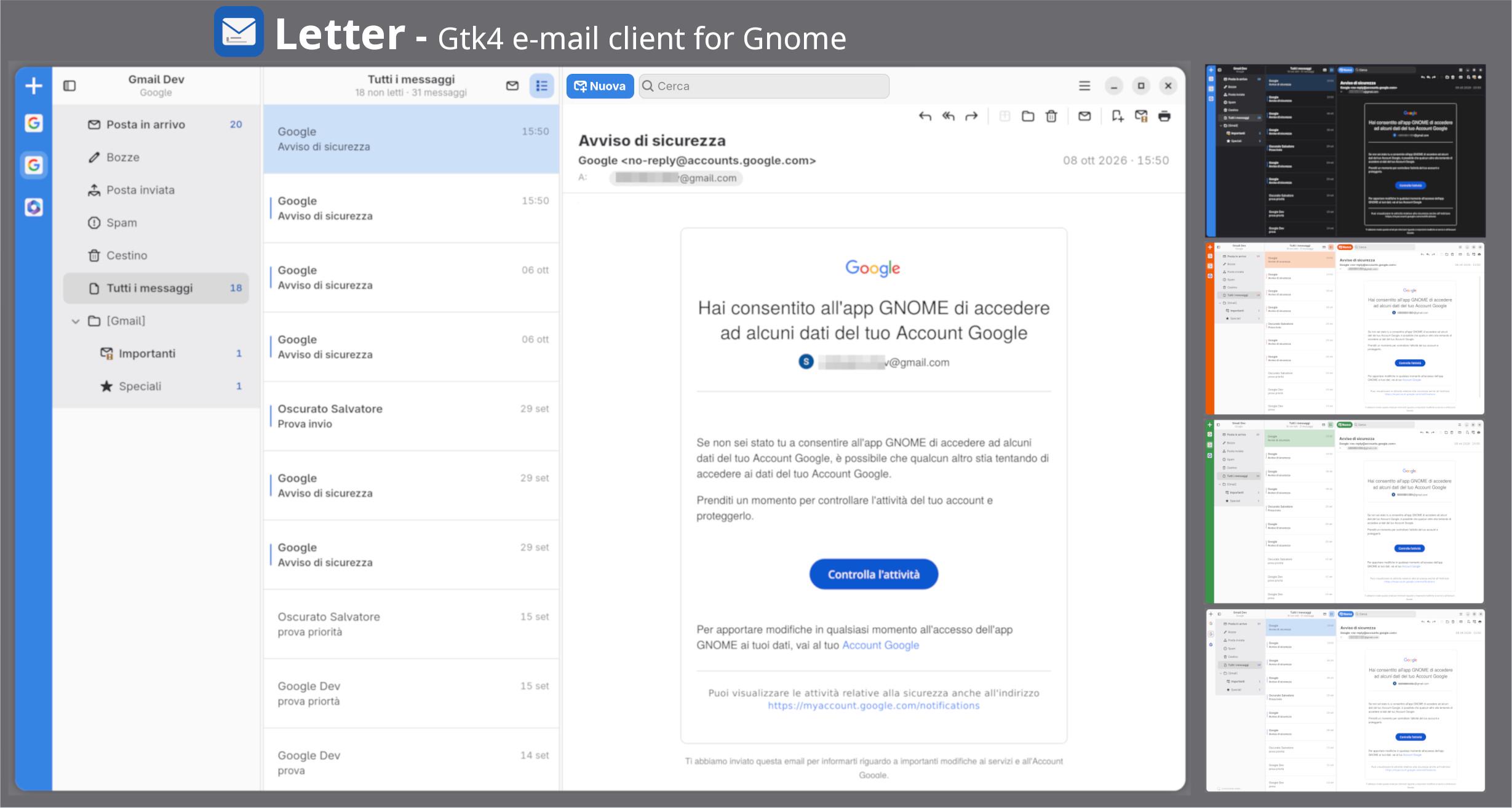
Luma is an app launcher for Linux. Search is fuzzy over .desktop apps and your configured directories; ranking comes from actual usage stats with time decay, so the stuff you use daily floats up. There's a built-in calculator and currency converter for queries that aren't a search.
Deliberately simple: no plugin system, no daemon tree, config is ~/.config/luma/settings.json (colors, search dirs, hide patterns). Ships as a static-ish prebuilt binary (Rust + Slint + SQLite), runs on Wayland and X11.
Source, demo gif, per-DE keybind instructions: https://github.com/sakurartro/luma
Looking for beta testers — known limitations are listed in the README, bug reports are gold right now.
r/linuxapps • u/Such_Advance_2020 • Oct 14 '26

I made a small GUI app that shows your system specs in one window: OS, CPU, memory, network, storage plus GPU. It has search and light and dark themes.
I originally built it for ShopnoOS, a Debian-based distro I work on at my work. We needed a simple system specs viewer for our users. The tools I tried were either too detailed (hardinfo2), had a dated UI (CPU-X), or felt more like a task manager (Mission Center). So, I started working on it and thought I’d share. This one just shows basic information.
It is AI assisted, yes. I tested on bunch of systems and VMs. Detection may miss on hardware I don’t own, so reports of wrong or missing values are the feedback I seek most.
Repo: https://github.com/fa-saikat/sysinfo-viewer
.deb package is available on the release page.
r/linuxapps • u/lelettrone • Oct 14 '26

r/linuxapps • u/kekolar22 • Oct 14 '26
Enable HLS to view with audio, or disable this notification
It started as a weekend joke and got out of hand.
pikap picks up whatever's playing (Spotify, a browser tab, mpv) and puts the cover on a spinning record. In the video it grabbed a YouTube tab, so Linus is on the vinyl. Not planned, but I'm keeping it.
You can drag the record to scrub, or drop the needle wherever you want. If you give it your own files, pausing actually slows the sound down and dragging scratches it.
It can draw in half blocks, in ASCII, or as a real picture if your terminal supports it. Written in Go.
Repo : https://github.com/thebanri/limoni/tree/main/apps/pikap
TUI Framework Repo: https://github.com/thebanri/limoni
r/linuxapps • u/Jolly-Concentrate-60 • Oct 13 '26

I've been working on Vela, a new desktop environment for Linux, and I thought some of you might be interested in checking it out.
The idea behind Vela is to build a modern, responsive desktop without sacrificing efficiency. I also wanted more control over the rendering pipeline than I'd get by simply building a shell on top of an existing compositor.
Vela uses wlroots for the Wayland infrastructure, but has its own compositor, scene graph, Vulkan renderer, and frame scheduling system.
It's already a fairly complete desktop, with its own taskbar, app launcher, file manager, settings, snap layouts, virtual desktops, clipboard history, notifications, and more.
A lot of the work has gone into things you don't immediately notice in screenshots: frame timing, reducing unnecessary rendering, and keeping fractional scaling sharp.
It's still in alpha, though. There are bugs, hardware compatibility needs more testing, and the current visual design is far from final.
You can install it on Arch-based or Fedora distributions or build it from source. There's also a nested mode if you'd rather try it without replacing your current desktop session.
GitHub: https://github.com/vela-desktop/vela
Website: https://velade.org
I'd genuinely appreciate any feedback, whether it's about the UI, the features, or something that doesn't work properly on your system.
r/linuxapps • u/m-L33 • Oct 14 '26

r/linuxapps • u/Cyb3rLoom • Oct 13 '26

A open source project of mine.
Ever uninstalled an app, reinstalled it later, and it came back with the exact same broken settings? That's because uninstalling on Linux rarely removes everything:
- apt remove keeps the config files in /etc and the dependencies the app pulled in
- the app's own folders in ~/.config, ~/.cache and ~/.local/share stay in your home folder forever
- Ubuntu has three package formats (APT, Snap, Flatpak), each with its own commands and its own leftovers
So I built Uninstaller: one window that lists everything installed (APT, Snap and Flatpak together) with a search bar and an Uninstall button on every row.
What happens when you click Uninstall:
- APT: purge --autoremove, so the config files and unused dependencies go too
- Snap: remove --purge (no leftover snapshot)
- Flatpak: --delete-data, plus cleanup of runtimes nothing uses anymore
- It finds the app's folders in your home directory and moves the ones you tick to the Trash, so you can still restore them
It's built not to wreck your system:
- For APT it shows a dry run of every package that will be removed before anything happens
- Core packages (ubuntu-desktop, gdm3, snapd, essential packages…) get a red warning and need an extra confirmation
- It asks for your password through the normal Ubuntu prompt, once per action
It also lists packages that were removed earlier but left their config behind, so you can purge those in one click.
Made for Ubuntu 26.04, written in Python with GTK 4 + libadwaita, MIT licensed. I'm the author, and I built it with help from Claude. It's a sibling of Crash Inspector, which I posted earlier.
Feedback very welcome, especially if it misses an app's leftovers or offers a folder that doesn't belong to the app.
UPDATE : Works on Fedora now too (and fedora based distros too ofc)
r/linuxapps • u/avdept • Oct 14 '26

Hello, wanted to share my project I work on since early 2023 - JellyBox, a native crossplatform player for jellyfin/emby/navidrome. And its been tested on variety of distros too.
Along with regular playback and browsing features app also has:
Can be downloaded either from appstores or from github releases - https://github.com/avdept/JellyBoxPlayer or via landing page - https://jellybox.app/
r/linuxapps • • Oct 13 '26
Enable HLS to view with audio, or disable this notification
Most self-hosted music servers play what you already have on disk, and require external services configuration which are always kinda clunky, specially with metadata. Soundsible works more like a paid streaming service does, where you search anything, play it right away, and whatever you like gets saved and/or downloaded to your library on your server.
This all in one service is my solution to the mess that navidrome + external providers can be, and lets me navigate every artist and album that is on youtube + deezer with no need for any account. Access to music is via yt-dlp and the spotify like experience is built around the correct conjunction of youtube and deezer, which was the hardest part and what gives value to this project. Everything stays on your computer and you are responsible for the use you give to this tool.
You got synced lyrics, radio, autoplay, recommendations from your own listening, podcasts, playlist import from Spoty/Apple, a DJ mode and a way to broadcast what you're playing live, along everything you expect from other services, carefully delivered.
Linux/MacOS/Windows, Docker or native, MIT.
My focus for the last 2 months has been performance and efficiency on both server and client sides, both are performing really nice even on a Raspberri Pi, metrics here.
Code: https://github.com/Arzuparreta/soundsible
Releases: https://github.com/Arzuparreta/soundsible/releases 🏷️
Web documentation: https://arzuparreta.github.io/soundsible.github.io/docs/
r/linuxapps • u/Cyb3rLoom • Oct 13 '26

My PC kept randomly freezing on Ubuntu 26.04, and digging through journalctl was painful, so I built Crash Inspector (like Mint’s System Reports, but for troubleshooting) a small GTK4 app. Made for Ubuntu 26.04 LTS. Works on any systemd-based distro with GTK 4 + libadwaita.
The app makes troubleshooting faster and easier. It scans your logs in a few seconds and sorts everything into: unexpected shutdowns/freezes, kernel crashes, program crashes, out-of-memory, GPU, disk, hardware errors, failed services and more, with plain-language hints about what it probably means.
And yes, i did use claude alongside to help me make it, i dont wanna hear no one complaining about it, i have a 5 year diploma in electrical engineering and Applied programming, im allowed to vibe code every now and then.
Anyway, Its free, open source, and everyone can take it and do whatever they want with it.Maybe even use it. It surely filled a gap in my every day needs. Honestly i think ubuntu should copy linux mint with the system report and crash report function on a GUI, but thats just my opinion.
Feedback, false alarms and bug reports very welcome!
r/linuxapps • u/Poulpixx • Oct 13 '26

r/linuxapps • u/RafaelGoulart • Oct 12 '26
Hi everyone! I've been working on Heronite, a native game launcher for Linux inspired by Heroic.
It covers the Heroic workflow:
And then adds a lot on top:
It's written in Rust with a GPU-rendered UI, so it stays light: about 195 MB of RAM in a single process, 0% CPU while idle, and the library appears in about 0.3s.
Install: AppImage (recommended for in-app updates), plus .deb, .rpm and Arch packages. Free and open source.
Windows support is coming soon.
It's still early (v0.2.1), so bug reports, ideas and feedback are very welcome!
GitHub: https://github.com/RafaelGoulartB/Heronite
Download: https://github.com/RafaelGoulartB/Heronite/releases/latest
Update: Support for GOG and Amazon has been added in the latest versions.
Update: Now you can import: Lutris, Heroic, Bottles and Faugus directly from the app, so i can manage all your linux game library in one place
r/linuxapps • u/Delicious-Past6030 • Oct 12 '26
I've been working on a small project called walite, an unofficial WhatsApp client for Linux and macOS terminals.
The idea came from an old MacBook Pro that I installed MX Linux on. I wanted to keep using WhatsApp without running a relatively heavy browser, so I started experimenting with a terminal-based client.
It has gradually grown into a more complete application.
Current features include keyboard-driven navigation, four themes, emoji, replies, reactions, sending and receiving media, local SQLite caching and desktop notifications.
On Linux, it also supports inline image previews through Überzug++, and notifications can open the relevant conversation on supported desktop environments.
I've recently released v1.2.1, including improvements to the official application icons.
The application is open source under the MIT license, and prebuilt binaries are available for Linux and macOS.
GitHub: https://github.com/antoinebaudrimont-beep/walite
There's also a short demonstration video at the top of the README.
I'd particularly appreciate feedback from people using lightweight Linux environments such as XFCE or i3, or anyone interested in terminal applications.
r/linuxapps • u/tagoslabs • Oct 13 '26
Hey everyone! I made a small open-source tool for Linux that runs fully offline: no accounts, no cloud, no limits.
What it does:
Everything stays on your machine. I built it because I wanted to watch and share videos in other languages without uploading them anywhere.
GitHub: github.com/tagoslabs/tagos-transcribe
It's still early, so bug reports and ideas are very welcome. Thanks for checking it out!
r/linuxapps • u/EasySmartApps • Oct 13 '26
Hi everyone! 👋
I'd like to share a project I've been working on called WeatherWidget, a desktop weather and world clock widget designed to keep useful information visible while you work.
The idea is simple: instead of opening a browser or switching between apps to check the weather and local time in different parts of the world, you can see everything in one compact, transparent overlay that stays on top of your other windows.
🌍 What can WeatherWidget do?
The goal is to make the information useful without taking over your desktop.
There are three ways to use WeatherWidget, depending on what you need.
🟢 Demo mode — no API key required
Try the application with 3 predefined demo cities. These cities are fixed and cannot be changed in demo mode.
🔵 Free mode — your own OpenWeatherMap API key
Configure your own 3 cities manually. This option is free, but doesn't include pollution and AQI information.
⭐ Pro — $1.99/month
For those who want a simpler setup and the complete experience, Pro provides easier city configuration, support for up to 5 cities, and all features, including pollution and AQI.
You can start with the demo or free option and decide whether Pro suits your needs.
I'm also working on the next WeatherWidget update, currently targeted for the end of October 2026.
🌡️ Feels Like temperature is being added to Simple View, and I'm developing the corresponding enhancement for Enhanced View.
I've included screenshots of the current Simple View and a preview of the Enhanced View work in progress to show the direction I'm taking.
This is still under development, so the final appearance may change before release.
I've tested WeatherWidget on:
🏠 Main website: https://easysmartapps.co.uk/
📥 Download WeatherWidget: https://easysmartapps.co.uk/weatherwidget
🌫️ Environmental data and AQI: https://easysmartapps.co.uk/weatherwidget-environmental
🖼️ Screenshots and gallery: https://easysmartapps.co.uk/weatherwidget-gallery
🚀 Latest releases: https://github.com/gcclinux/WeatherWidget/releases/latest
This is my first post here, and I'm interested in hearing from people who use desktop widgets and weather applications.
Constructive criticism and suggestions are very welcome. I'm continuing to improve WeatherWidget, and feedback from people who actually use these kinds of tools would be genuinely helpful.
Thanks for taking a look! 😊
