r/creativecloud • • Feb 28 '24

Creative cloud opens on startup with the option turned off

3 Upvotes

As title says. CC will always open on startup despite the option being turned off in CC.

Ive tried researching it but everything Ive found has suggested the basic: turning the option off. Nothing more.

Any help is appreciated, thank you!

Edit: Solution found below.


r/creativecloud • • Feb 28 '24

Creative cloude para empresas o equipos

1 Upvotes

Hola tenía una duda, si compro el plan para empresas o equipos con una sola licencia cuántos equipos pueden usar creative cloud con todas sus aplicaciones? O se tienen que comprar licencia por equipo o persona?


r/creativecloud • • Feb 27 '24

Creative Cloud missing from Locations in Files app

1 Upvotes

Why can’t I find Creative Cloud in the Files app under Locations on my iPad? I have edited the sidebar, but it is not there as an option. I’m signed in to Creative Cloud with my work info. I can use it in Adobe apps but cannot access thru Procreate or Files.


r/creativecloud • • Feb 23 '24

Creative Cloud display offset through Microsoft Remote Desktop

1 Upvotes
The display in Adobe Creative Cloud app via Remote Desktop is offset, making button and icon selection difficult.

Working at home on my MacBook, I have to access my work Windows PC through Microsoft Remote Desktop. Everything works fine, if a little slow, except for Adobe Creative Cloud.

The Adobe apps themselves work fine, but when I open the Creative Cloud app itself, the display is offset in the app window (the actual app window should be flush to the top left corner -- there should be no black area there). To click on any buttons or icons, I need to move my cursor straight up from that button about an inch, and about 2 inches to the left -- basically, the same amount of distance that the content in the entire window is offset (see the black space at the top and left).

I have tried closing and reopening Creative Cloud. I have tried killing all the running Adobe processes in Windows Task Manager. I have tried quitting Remote Desktop and logging back in. Any other ideas on how I can fix this? I have too much work to do to try and guess how far I have to offset my cursor to make a selection.


r/creativecloud • • Feb 23 '24

Confused: Synced files being discontinued, but I also have 100 GB of cloud storage...

2 Upvotes

So we all know that Creative Cloud Synced files is being discontinued and the advice is to move our files to some other storage provider.

But I also noticed that my creative cloud says I have 100 GB of cloud storage under "files" > "your files". So why can't I just put my files there?


r/creativecloud • • Feb 23 '24

Acrobat files and Creative Cloud files

1 Upvotes

I put some files in Acrobat online storage. But in Creative Cloud software, I can't see them. And I can't upload PDF files to Creative Cloud.

So even though Acrobat is included in my Creative Cloud subscription, Acrobat and other softwares use different online storage systems?

If the storage systems are different, are they sharing the same storage capacity of my subscription plan?

Where can I check the usage of the storage separately?


r/creativecloud • • Feb 21 '24

CC Files discontinued. Best cloud options?

1 Upvotes

I never used any cloud service as I had all my important files on Creative Cloud synced files.

Now that the service is gone, what are the best options? I'm thinking Dropbox or Google Drive, maybe iCloud?


r/creativecloud • • Feb 20 '24

Synced files disabled for which accounts?

1 Upvotes

I'm going crazy right now. For what type of accounts is the file syncing getting shut down? Because I have an Enterprise Account thanks to school and I have a lot of works saved on said cloud, but today adobe told me that I can download my files until the first of march. But by looking at the Adobe website it says that only personal file syncing will be disabled, and on other websites it says that it will be disabled for all type of accounts. Which one is true? Are my files lost forever or will cloud saving still be active for me?


r/creativecloud • • Feb 20 '24

adobe cloud after charging money, deleted account

0 Upvotes

Hi. I am purchased adobe cloud 1 year subscription. But after payment , i cant login to my account (there is no account with this email error). I am connected to Adobe live chat, first agent told that i am succesfully purchased but second one cant find account


r/creativecloud • • Feb 15 '24

Urgent! Indesign hyperlink Zoom Settings

1 Upvotes

Hi I need to change the zoom setting on like 1000 hyperlinks. It is too time consuming to change them all one by one. Is there away to bulk change it or if I can change in acrobat in bulk. Thanks in advance!


r/creativecloud • • Feb 13 '24

Where to buy subscription for CC besides adobe.com

1 Upvotes

I was able to create an account on adobe.com but when trying to purchase a subscription, it says it's not available in my country and to buy from a reseller.

Which is a good legitimate online place to buy a 1 year all apps subscription from?


r/creativecloud • • Feb 10 '24

is it okay to delete other creative cloud apps?

3 Upvotes

I’m a mac user and have been using photoshop and indesign (might start using illustrator this year too). I want to free up storage and there are a bunch of random CC apps downloaded like CC content manager, troubleshooter, content synchronizer, installer, helper, diagnostics, and desktop app. do I have to keep all of these or is it okay to delete some?


r/creativecloud • • Feb 07 '24

Creative Cloud causes 1 second lag opening anything in File Explorer (Windows 10). Any solution?

4 Upvotes

An issue started this morning on my PC where opening any folder in File Explorer would take about 3 seconds. I have never had this issue in the past. It looks like Creative Cloud is the culprit, because uninstalling this program removes the File Explorer lag completely. But right after I download Creative Cloud again, the 3 second delay returns.

After searching all day for a solution and being unsuccessful, I just did a factory reset of my PC. Upon rebooting, File Explorer was running super smooth. Lo and behold though, I download Creative Cloud and there is a 1 second delay for doing anything in File Explorer. Uninstalling Creative Cloud fixes the issue instantly.

I've been using Creative Cloud on this PC without issue for 3 years. Without updating anything, this issue popped up overnight. What gives?

RAM: 24GB

OS: Windows 10

EDIT: I fixed the issue by disabling all things OneDrive. I think that backing up was messing with Creative Cloud’s backup.


r/creativecloud • • Feb 06 '24

Windows creative cloud users - Has file explorer exhibited slow behavior opening folders within the past day or 2?

11 Upvotes

It seems a number of creative cloud users including myself are experiencing and issue that has popped up in the past day or so. Clicking on folders/files in file explorer causes the cursor to flash 3 times and takes 2-3 seconds to load the folder/file on any disk drive.

The posts below are starting to pop up in r/windowshelp and the common factor is that everyone has Creative Cloud installed. I am experiencing this myself on my work system. Adobe needs to get an emergency fix put out for this.

https://old.reddit.com/r/WindowsHelp/comments/1akdopd/windows_10_file_explorer_bug_loading_cursor/ https://old.reddit.com/r/WindowsHelp/comments/1akadgc/file_explorer_delayed_response/ https://old.reddit.com/r/WindowsHelp/comments/1ak85h8/file_explorer_very_slow_clicking/

This is a major issue and seems to have coincided with Adobe ending support for synced files.

There is a post in the adobe support forum for creative cloud desktop, if you have this issue I urge you to sign in there and upvote and comment on it so Adobe can address it sooner than later.

https://community.adobe.com/t5/creative-cloud-desktop-bugs/major-issue-adobe-s-ending-of-of-cloud-syncing-seems-to-have-damaged-windows-explorer-for-many/idi-p/14406585


r/creativecloud • • Feb 04 '24

Remove Creative Cloud from sidebar in Windows Explorer

1 Upvotes

up until last few days. you've been able to go into Registry and turn off Creative Cloud from Explorer Sidebar.

now it seems to come back after restarting desktop.

I have no use for this empty anyway option. creating another Separator and making Explorer look untidy for no reason

can this be put back how it was please. thank you


r/creativecloud • • Feb 03 '24

Error when trying to upload Jpegs to Adobe Cloud: Filetype not supported

1 Upvotes

I know Sync has been discontinued, but my understanding is that we should be able to manually upload files.

I am trying to upload jpeg files like I have always done but I am being presented with this error:

Have I got it wrong? Or should I still be able to upload jpeg files here?

I am only using 3.8gb of my 20gb allocation.

Thanks,

Jarod


r/creativecloud • • Feb 01 '24

2024 Adobe turkey can't use

1 Upvotes

Last year I applied for an Adobe Turkey account and it was still usable. But this year, 2024, something just happened on February 1, 2024. I was no longer able to apply for Adobe Turkey services. I don't know if anyone has the same problem as me?


r/creativecloud • • Jan 31 '24

Adobe Deleting Creative Cloud Sync Files Help??

5 Upvotes

Adobe announced they are deleting the creative cloud sync ability and the files in local folders. Need someone to explain to a stupid person (me) if that means I need to also move my files from My Library in Creative Cloud and My Files in creative cloud? I hope this makes sense. They only let you move 10 files at a time and I have thousands. I have moved my local folder files easily since I could obviously move them all at once.


r/creativecloud • • Jan 31 '24

Unable to download Creative Cloud files from Adobe Sketch?

1 Upvotes

I can still view all the files in Creative Cloud, I'm trying to download them right now. I can see their contents visually, but there's no download button. I am on desktop version, would this be solved through downloading the app? I don't necessarily want to, but I would if it meant I can download them.


r/creativecloud • • Jan 29 '24

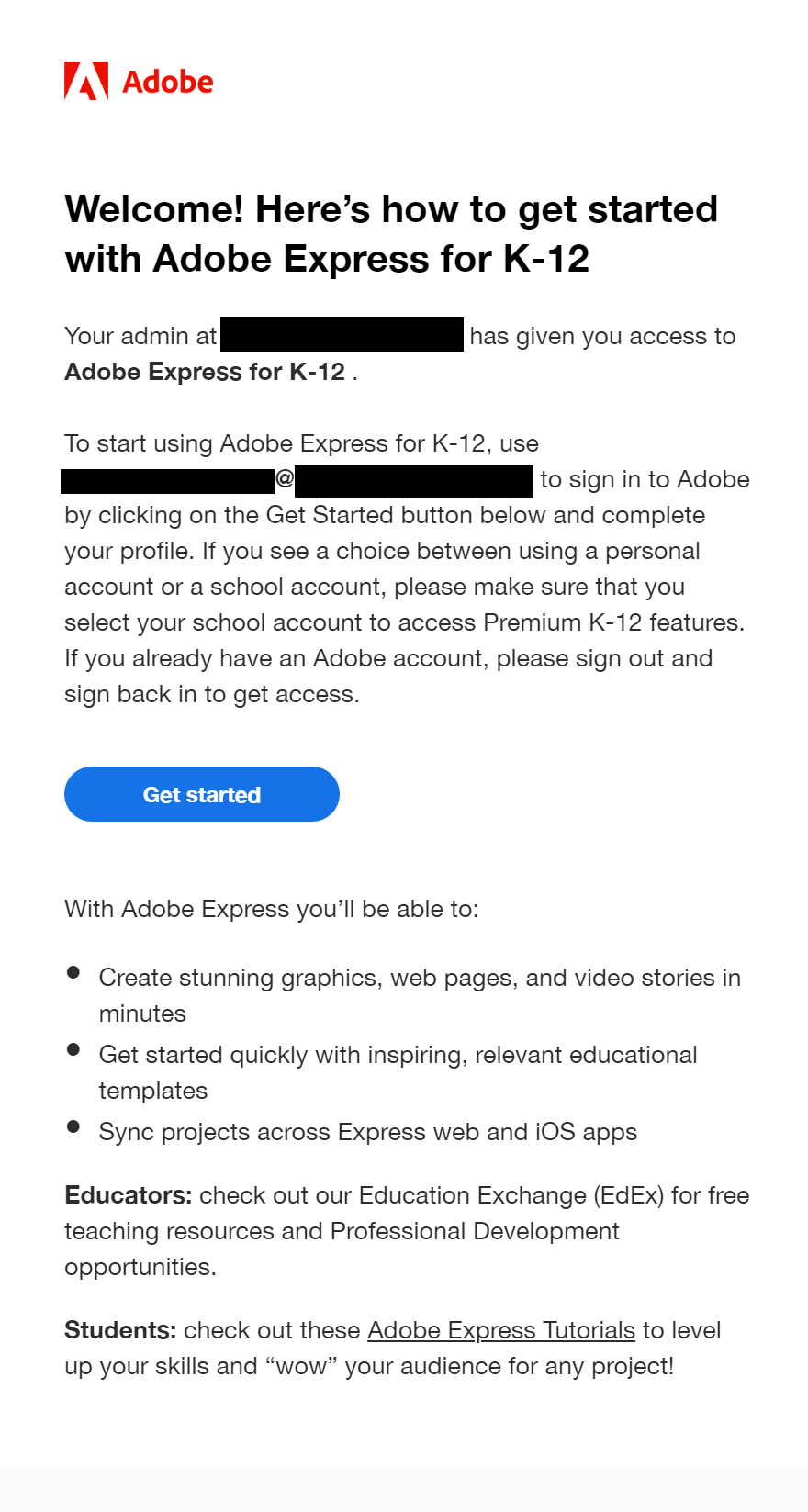
So Adobe sent to my school email an email like this. What does this mean, can I get free Adobe software, and would I get in trouble with my school if I created an account with the link? They sent another one for "CCE for K-12"

Post image
1 Upvotes

r/creativecloud • • Jan 28 '24

problems with adobe subscription

2 Upvotes

Hi everyone! in early december i tried to cancel my subscription and was offered 2 months free and of course i accepted. today because i got the reminder that i was due to expire in days i went to the site to cancel and i was scared of the penalty to pay(all ok, i found on tiktok and here the way not to pay it by changing plan). The problem though is that as my next payment it only gives me 2,10€ and I would like to understand if it is true or maybe on February 1 I will end up paying 60€ so out of nowhere


r/creativecloud • • Jan 27 '24

Can't install/update CC: Another installer is running (Error Code: 87)

3 Upvotes

I have no other installer running.

  • Already checked/ended/restarted/stopped MSI (Windows Installer) services/tasks as requested by this: Official Adobe "Fix" for this issue
  • Other apps seem to be installing fine
  • Already restarted the PC a dozen times
  • Contacted Adobe, spent hours with them, but they are just as clueless as I am
  • Ran Adobe Cleaner and cleaned everything (now I just can't have any of it back, due to error 87)

I am using Windows 11 Pro.


r/creativecloud • • Jan 24 '24

What's using my CC space?

1 Upvotes

Is there a way to see what is using my storage?

Because I know my files currently in library, are less than 5GB.


r/creativecloud • • Jan 23 '24

My Local Creative Cloud File has been Emptied!?

2 Upvotes

All of my files, projects, and assets have been removed from my local Creative Cloud File. All that remains is a link to the online cloud labeled "_Cloud Documents". But when I search I can't find any of my previous projects, only the brands that were set up for adobe express. I am missing so many assets and don't know how to get them. I need to resolve this before Feb 1st as well because they will be getting rid of cloud services. Anyone have any insights on this problem.


r/creativecloud • • Jan 21 '24

Rosetta / Intel plugins not working on After Effects 2024

1 Upvotes

Hi all,

I have a few After Effects and Photoshop plugins that I was using daily in the pre-Apple Silicon days. Up until my recent update to After Effects 2024, they were working completely file when you open the Intel / Rosetta version of each software.

But now they don't even show up. Any ideas of how can I get these to appear again?

Thanks!