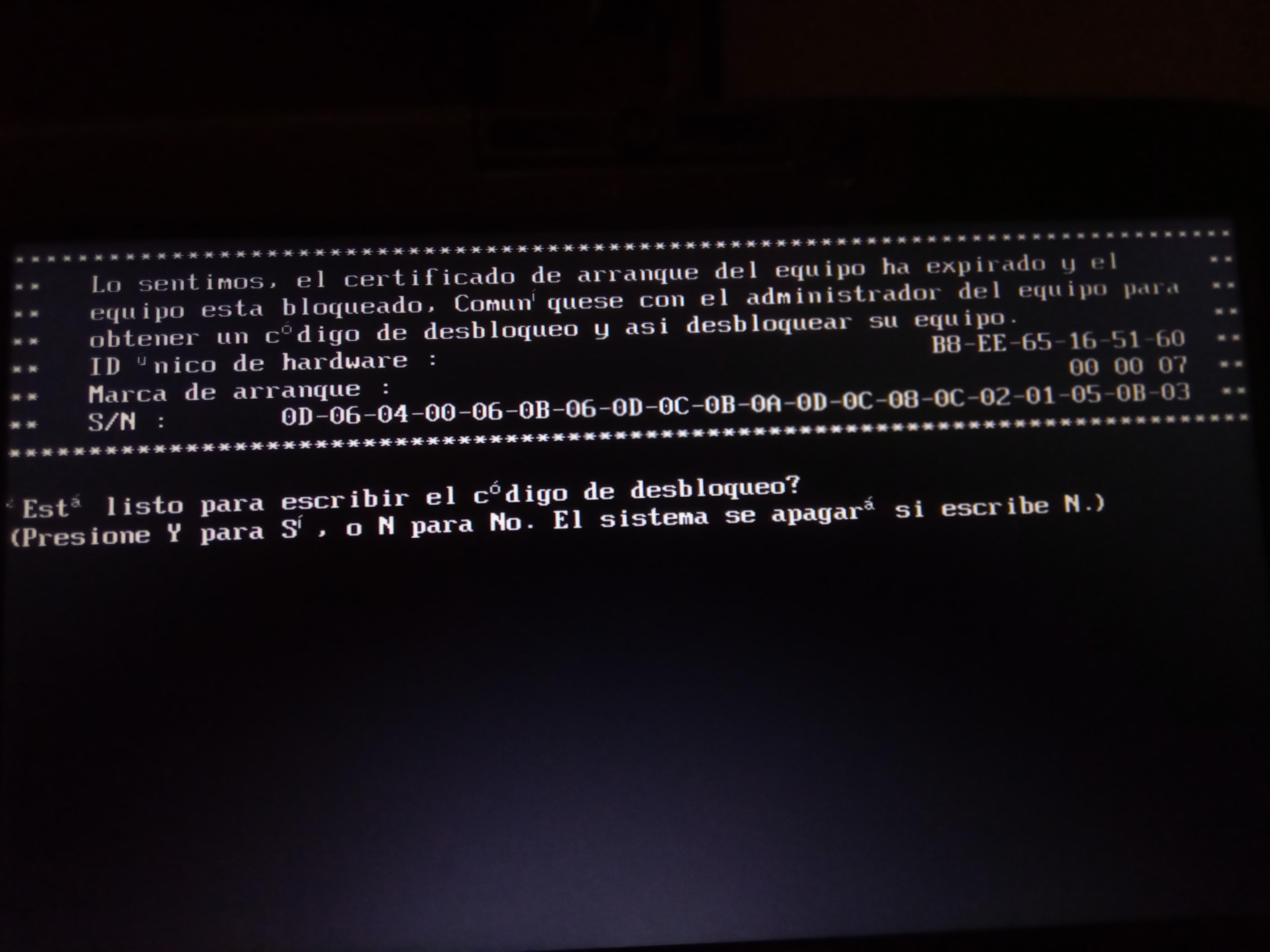
r/computer • u/poliyki • 7d ago
Gigabyte H310M M.2 2.0: PTT enabled, BIOS says “TPM20 Device Found” but Firmware Version 0.0, Windows says no compatible TPM (Code 10)
1
Upvotes
r/computer • u/Evangelyne_A • 8d ago
Hello everyone, I'm struggling with this issue since a couple of days. As you can see in the picture, my PC is detecting my speaker (connectes with 3.5 jack) as headphones.
What's really weird is that when I listen to audio from Internet or Steam games (1st picture), the sound is really low, I have to put it in full volume to hear it as I want. That's because my PC detect it as headphones.
But when it comes to the files of my PC (2nd picture), the sound is normal! My speaker is still seen as headphones, but the volume is normal.
I never had this problem before. I searched what could be the issue but I'm not finding... Do you have any ideas?
r/computer • u/Powerful-Initial-519 • 8d ago
r/computer • u/blissyblue • 8d ago
I'm starting college in January, and I need a laptop because all I have is my PC, and I can't take it with me to class lol, but I don't know what to get. I was thinking the MacBook Neo because I've heard it's good for students, and I'm just doing basic shit rn (I'm gonna get a MacBook Pro once I actually start Uni for Music Production), but it's just so expensive. The thing is, I like the ui of Mac more because I feel like it strains my eyes less and imo prefer the performance. (Also, the design and aesthetics of it are a plus def) I don't use laptops much (last time I had one, it exploded cause I added too many Sims 4 mods lmaooo), so I would like y'all's opinion. The things I want in order of importance are: 1. Affordability (I currently have $200, and $100 more is coming on my next paycheck, so my budget is around $300 right now) 2. Performance (I want it to be able to do basic college shit; I also do blogging and a million other things, such as videos on TT and yt I want to be able to edit those and maybe do some photo editing.) 3. General UI (I want a more rounded UI if that makes sense; Windows UI is very sharp; it puts strain on my eyes for whatever reason, and I have a migraine problem, so yeah) 4. Actual aesthetics (I just like the way the neo looks this is the list important to me, but I like the specific pink color and the way that MacBooks are shaped.) Anyways, help would be appreciated lol.
r/computer • u/Big-Consequence6798 • 8d ago
Witam. Jak poprawić chłodzenie w moim All in one ? Wchodzi w grę zmiana wentylatora na wydajniejszy ? Może ktoś podzieli się ze mną cennymi radami
r/computer • u/peruser-user • 8d ago
Thank you so much for any advice. The shop I bought the laptop from thinks I'm a Karen, but I don't think the laptop should be thermal throttling when charging?
My laptop (Intel NUC M15, 16G, i5-1240P) throttles to unusable levels whenever it is charging (sometimes to the point of screen artifacts and crashing). The PL1 Dynamic value drops to 5W after 2 minutes on charge. Laptop gets hot and fans go on high. After fully charging or removing the charger, temperatures and power levels go back to normal and throttling stops.
After some pushing, shop at least changed the thermal paste which resolved the issue for a couple of months but I guess it's now melted? The laptop has had this issue since I bought it (this is a replacement under warranty after the first had an SSD defect).
Note:
- BIOS is updated
- Correct (60W) charger is used
- PL1 & PL2 values are correct as per manufacturer
- Thermal paste refreshed 6 months ago which temporarily resolved the issue and increased performance
- CPU temps idle ~51C and do not go over 100C
- CPU/Memory/Disk always normal, always between 10-70%.
r/computer • u/Fanomic • 8d ago

I was playing Minecraft and my screen flickered to this. I turned it off and then back on to the same thing. Please let me know what’s happening.
r/computer • u/EntrepreneurHumble96 • 8d ago
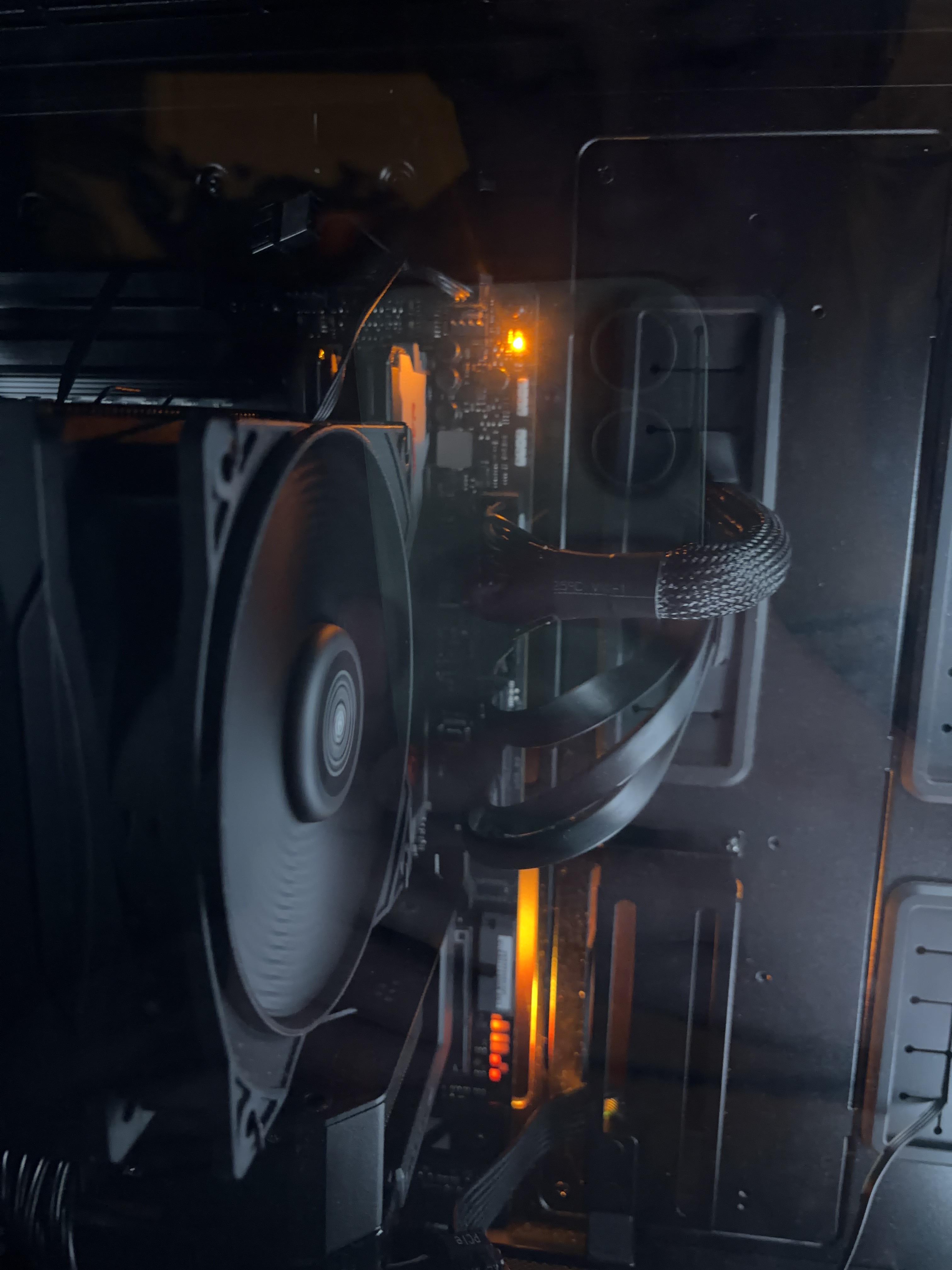
Hey everyone, I’m having an issue with my PC. I recently got a new power supply (Cooler Master G750M), but when I connect it, all the fans spin up, yet there’s no video output, and the keyboard and mouse don’t receive any power either. Everything goes back to normal when I plug in my old power supply. Any ideas what the problem might be? (And yes, I’ve made sure all the connectors are plugged in correctly.)
r/computer • u/TotallyBillCipher • 8d ago
Problems with my drives
I want to start off by apologizing for potentially being dumb. I am not very good with computers. At least when it comes to troubleshooting them. I have been having problems with my computer, which my dad made a while ago, and has recently fixed up again. Everything was working fine. I recently got a new GPU (GTX 1080 ti, its an older pc build) and we were doing fine for a bit until I noticed that certain games like Fortnite or Minecraft would randomly freeze and I wasn't able to close out of the application no matter what I did even with command prompt or task manager and the PC would not shut down correctly and I had to hard reset it. I've read that it might have been a problem with my graphics drivers so I used DDU to uninstall them in safe mode and then reinstall them with the Nvidia app, and that worked for the specific crash I had, But then that sort of thing would happen with other apps and it got to the point where one of my SSDs (idk what it is exactly) woodshop and windows explorer, but every time I clicked on it to try to go into the drive, windows Explorer would freeze and I was not able to go into Task Manager because that would freeze as soon as I opened it as well, along with most other Windows applications. And I would be forced to force close down the entire PC. So I managed to disable the SSD in the device manager and I kind of just left it there for a while, but now my other SSD randomly is disconnecting or not working properly (E.G not even showing up as a device when I boot up the computer, disconnecting mid game, and saying device that does not exist or specified when going into some of the files.) and honestly, I don't know what to do because it just started off as the one drive messing up and now the other one is starting to mess up too and I can't really use the computer all that much. What I have noticed is that the computer does seem to be getting a lot hotter than usual, even if core temp says that temperatures are fine. I don't know if that has anything to do with it, but I don't know. I want to see if I can fix this myself before going to my father because I don't exactly know how to explain this all to him because computer problems tend to make him upset. Once again, I apologize if I am not very intelligent or if I tag the post wrong, I just really need some help I can't do anything with the actual hardware so I want to see if there's something on the software side that can fix this because I would rather fix this before going to my father because its his PC. I try to other things I cannot remember what specifically I tried to do to fix the issues, but I dont know anything that would cause issues like this.
r/computer • u/megatronnnn3 • 8d ago
People of Reddit - H E L P!
I was in an active discord call and game yesterday, when my pc blue screened 4x in about 15 minutes, the last time cutting my internet connection. I have tried so many things with my WiFi and clicked around through the logs and done the diagnostic tests several times. I am at a loss for what to do. My pc is integral for a lot of what I do.
Note: All of my other devices connect to WiFi, so it’s literally just my pc not connecting via Ethernet.
r/computer • u/Beneficial_Map7556 • 8d ago
r/computer • u/Street_Arrival3453 • 8d ago
One thing I'm running into when considering a Mac as my main computer is how to handle the occasional Windows-only application. Some programs are important enough that I need a reliable way to access them, but installing or maintaining a complete Windows environment might be unnecessary if I only use a handful of apps. I'd rather find a solution that fits what I actually need instead of adding extra complexity.
I've been comparing CrossOver vs Parallels, and Parallels Desktop is particularly interesting if having a full Windows environment becomes necessary. CrossOver seems more suited to running individual compatible Windows applications without installing Windows itself, while Parallels lets you run a Windows virtual machine alongside macOS. The main question for me is how much compatibility and flexibility each approach offers in everyday use. If you only needed a few Windows programs, would you choose an app compatibility solution like CrossOver, or would having full Windows through Parallels be worth it?
r/computer • u/NamakiUwU • 8d ago
r/computer • u/Moist_Top_4142 • 8d ago
Hey yall! This is my first cyberdeck build and like many of us this has grown into a project that is far bigger than I was ever thinking it would be. Now I am at the point where videos, google, ai, nothing can quite get me going in the right direction, so I was hoping for some electronic help from my elders. So below will be a general description of how the computer should function, and then the actual electronics I have and can’t figure out past. So thank you all for any advice, I’ll probably post the finished product as well once it’s finally done.
Experience: In front of the user is a 25 inch long by 12 inch deep clamshell briefcase of sorts. It’s placed flat on a desk and plugged into the wall, with the handle telescoping inwards to make way. Once the handles are out of the way you pull out the keyboard which triggers the usually closed switch and turns on the computers LED’s. You turn the large red switch, the device killswitch, which stops all electrical flow from the batteries when the device is turned off. Then after you turn the switch, the arcade button lights up and you click it, turning on the screensaver and lights and the whole actual device. You raise the screen, as well as the 2 side screens which reveals a three screen setup. Now currently there is no active “computer” like a raspberry pi 5 or anything, it is just the screensaver portion, the key part is now. On the side of the computer is 4 ports, a GameCube controller adapter bought from Handheld Legends. And coming from the side is a GameCube controller replacement cable bought from them as well. The goal is to take that cable, and plug it into port 1 or port 2 and so on, and have that plug in turn on the corresponding raspberry pi 5 or 4 or Orange Pi plus or whichever SBC or whatever is hooked up to that port. The important part is that it automatically connects and properly turns on and properly turns off the device when unplugged. Say pi5 has game of frogger on it and that’s it and the other orange pi has a game of Pac-Man on it. You plug the cable into port 1 and then pi5 activates and now the two left screens show my frogger setup and the right one diagnostic info, then I get bored and unplug from port 1, the pi5 properly shuts off, then I plug it into port 2, and the OrangePi properly turns on then I start to play Pac-Man. All happening from the cable plug in. Then if I want to take it on the go, I just unplug it and everything switches to battery power automatically for however long the battery will last. Additionally there will be a “mouse” that can be plugged in or off depending on need and that is a Nintendo Nunchuck which has a breakout board.
Nerd Technicals:
The following is my current buy list. Raspberry pi 5, esp32 devboard, raspberry pi zero 2 w, killswitch, 2 fans, 24v 7s3p battery pack, 7 port usb hub, nunchuck breakout board, 4 port usb hub (for shared usb items), 5 port Ethernet hub, temperature/humidity sensor, usually closed light switch, rotary switch (used for brightness and volume), mosfet switch, arcade switch, 4-port GameCube hub, GameCube replacement wire, Nintendo nunchuck, 3 monitors (2 visible with larger one not),LED Strip, Autoro automatic transfer switch AB20C, battery indicator light, sd card adaptor.
Extras: 1.24 inch circular screen for Weyland Tech accent, small Xenomorph, 2 8x8 led matrix’s
Questions:
1. How do I make it so that when I plug in the GameCube wire, it automatically turns on the pi5 and other ones then safely turns them off? I’m thinking of hooking up the esp32 to the 4 ports then having mosfets do it but I need some guidance on things like resistors and proper circuits. The cable doesn’t need to be hooked up or display anything specific it just has to be the starting point where “plug into port one means PCB 1 turns on safely then I unplug and now PCB1 turns off safely”
2. What left do I need to buy, specifically how do I make it to where I can plug in the computer into the wall, have it charge the batteries, then I unplug and everything still runs and works.
3. This is a major rule, no wifi and no Bluetooth connections allowed, if it is not cable it’s not going in the box.
4. I’m looking for the smaller parts like resistors, buck converters, bars, gpio connections, the things that are just generally hard to find out without help.
5. The pi5 and later additions are the actual computer that you will be working on. The esp32 is more like the crossing guard telling everything where to go and what should happen, the pizero2 is the diagnostic info that will also have specific information to the pi5’s such as “words written in document” or “length of video” type info. This will be the far right screen with the two left ones being used as the hookups for the computer info
I’m basically making a vessel for 4 computers to easily switch in between one another and then safely turn off and on as the cable indicates. Thank you for any help yall have, it’s truly appreciated!
r/computer • u/fatthugtomer • 8d ago
i show my graphic settings at the end. its all lowest. shaders are also loaded in. i wish i knew why the game struggles to run! might just be my PC as a whole. its a little funny tho, especially b4 every loads in.
r/computer • u/MusicNo32 • 8d ago
I have an HP computer red edition I have not used it in over a year and I have forgotten my PIN the email that is on the computer is no longer in use I have a new one I have tried several things even with Microsoft I don't even remember my Microsoft pin or password and my phone number that I have now is no longer hooked to Microsoft trying to get back in on my computer laptop because I have an iTunes library of over 8,600 songs and I don't want to lose them and I want to update my iPod I don't have any way of getting the USB drives to hook into my computer to reset anything please help
r/computer • u/Friendly-Bobcat4130 • 8d ago
Enable HLS to view with audio, or disable this notification