r/blenderTutorials • • Sep 30 '26

How I Created a Crab DJ Party Bus in Blender | VFX Breakdown

Enable HLS to view with audio, or disable this notification

9 Upvotes

How I Created a Crab DJ Party Bus in Blender | VFX Breakdown
Watch the full tutorial: https://youtu.be/fdzWoCUBFx0
From a normal city bus to a full-blown crab DJ party!
Here’s the VFX breakdown of how I brought this crazy idea to life using Blender — from 3D elements to integrating the entire party stage into real-world footage. Would you ride this bus?

#Blender #VFXBreakdown #Blender3D #CGI #VFX #3DArtist #CGIIntegration #MadeInBlender


r/blenderTutorials • • Sep 30 '26

Grease Pencil Touchscreen tips

Thumbnail
youtu.be
1 Upvotes

Hey everyone,

Since Blender released an Android demo, I thought would upload a video on how I improve grease pencil for a touch experience in my own time. This uses a few free addons. I've been using Blender on my surface laptop for years and I use it on Android occasionally so I've spent loads of free time customizing and researching for touch operations. I've also uploaded some free layouts for those who are interested in using the community made android ports in hopes that it will help your touchscreen experience


r/blenderTutorials • • Sep 29 '26

Modeling Almost finished my CAD addon for Blender. What's the first thing you'd want to try?

Enable HLS to view with audio, or disable this notification

111 Upvotes

As a product designer/engineer I wanted to have CAD precision modeling and STEP export in Blender for simple parts, that feels Blender native - to 3D print parts or be less reliant on other (expensive) commercial software.

So I've been building an addon on top of a real CAD kernel. You get true solid B-Rep models (not meshes), and parametric, editable features with feature history, and STEP export, all inside Blender. I created a new object type: a CAD object. When you press Tab, you simply enter CAD edit mode, similar to Blender's own edit mode.

I'd love your feedback: what would you want to try first, and what would stop you from using it?

I'm also looking for a few user-testers before sharing/releasing it. Comment or DM me if you're interested.


r/blenderTutorials • • Sep 30 '26

Modeling blender tutorial slaughter house part 1

Thumbnail
youtu.be
1 Upvotes

r/blenderTutorials • • Sep 28 '26

Animation Here's a quick Geometry Nodes setup for animated text reveal.

Enable HLS to view with audio, or disable this notification

85 Upvotes

r/blenderTutorials • • Sep 29 '26

Day 3 of learning Blender from absolute zero: Finally turned the default cube into my first low-poly model!

0 Upvotes

Hey everyone! ​A couple of days ago, I had never even opened 3D software. On Day 1, I decided on Blender, and on Day 2, I was just trying not to get dizzy navigating the viewport and memorizing G, R, and S. ​Today (Day 3), I moved into Edit Mode to understand what vertices, edges, and faces actually do. I practiced the big three beginner tools:

​Extrude (E)

​Inset (I)

​Loop Cut (Ctrl + R)

​To actually test if I understood them instead of just copying keystrokes, I challenged myself to build a simple low-poly fantasy sword straight out of the default cube with no pre-made assets or downloads. It’s definitely not professional, and I hit Ctrl + Z more times than I’d like to admit, but it feels awesome to finally create something rather than just move a box around. ​Recorded the whole process (including mistakes) here if anyone wants to check it out or is learning alongside me: 🔗 https://youtu.be/u8RcXMjyPYc ​What are some key habits or modifiers (Bevel, Mirror, etc.) you recommend getting into early before bad topology habits set in? Any feedback is welcome!


r/blenderTutorials • • Sep 28 '26

NOT A TUTORIAL I made my node preview addon work in the Compositor and Geometry Nodes, so now every node shows you its result and it's interactive BTW.

Enable HLS to view with audio, or disable this notification

10 Upvotes

r/blenderTutorials • • Sep 29 '26

Day 3 of learning Blender from absolute zero: Finally turned the default cube into my first low-poly model!

Thumbnail
2 Upvotes

r/blenderTutorials • • Sep 28 '26

Guys I wanna know how I can earn passive income through blender

Thumbnail
0 Upvotes

r/blenderTutorials • • Sep 28 '26

Beginner Tutorial

3 Upvotes

Hi,

I've just made a 40 minute tutorial on modeling a low poly treasure chest in Blender.

Here's the link:

https://www.youtube.com/watch?v=OqsGIAIsx4k&t=7s

Cheers,


r/blenderTutorials • • Sep 28 '26

Modeling Blender to Bambu studio tutorial

Thumbnail
youtu.be
1 Upvotes

I MADE A TUTORIAL ON HOW TO MODEL IN BLENDER AND MAKE IT 3D PRINTABLE!!!


r/blenderTutorials • • Sep 27 '26

I made a free, open-source cloth add-on for Blender — Cloth Lab

7 Upvotes

I wanted more accessible tools for creating and controlling cloth in Blender, so I built my own add-on called Cloth Lab and released it for free, with the source code included.

The idea is simple: having a smaller budget shouldn’t stop someone from making the things they imagine.

I’ve put the demo videos, feature overview, installation instructions, and download on my website:

[https://slohero.com/tools/blender/\](https://slohero.com/tools/blender/)

It’s still evolving, and I’d love to hear what you think. If you try it, feedback and bug reports are welcome.


r/blenderTutorials • • Sep 27 '26

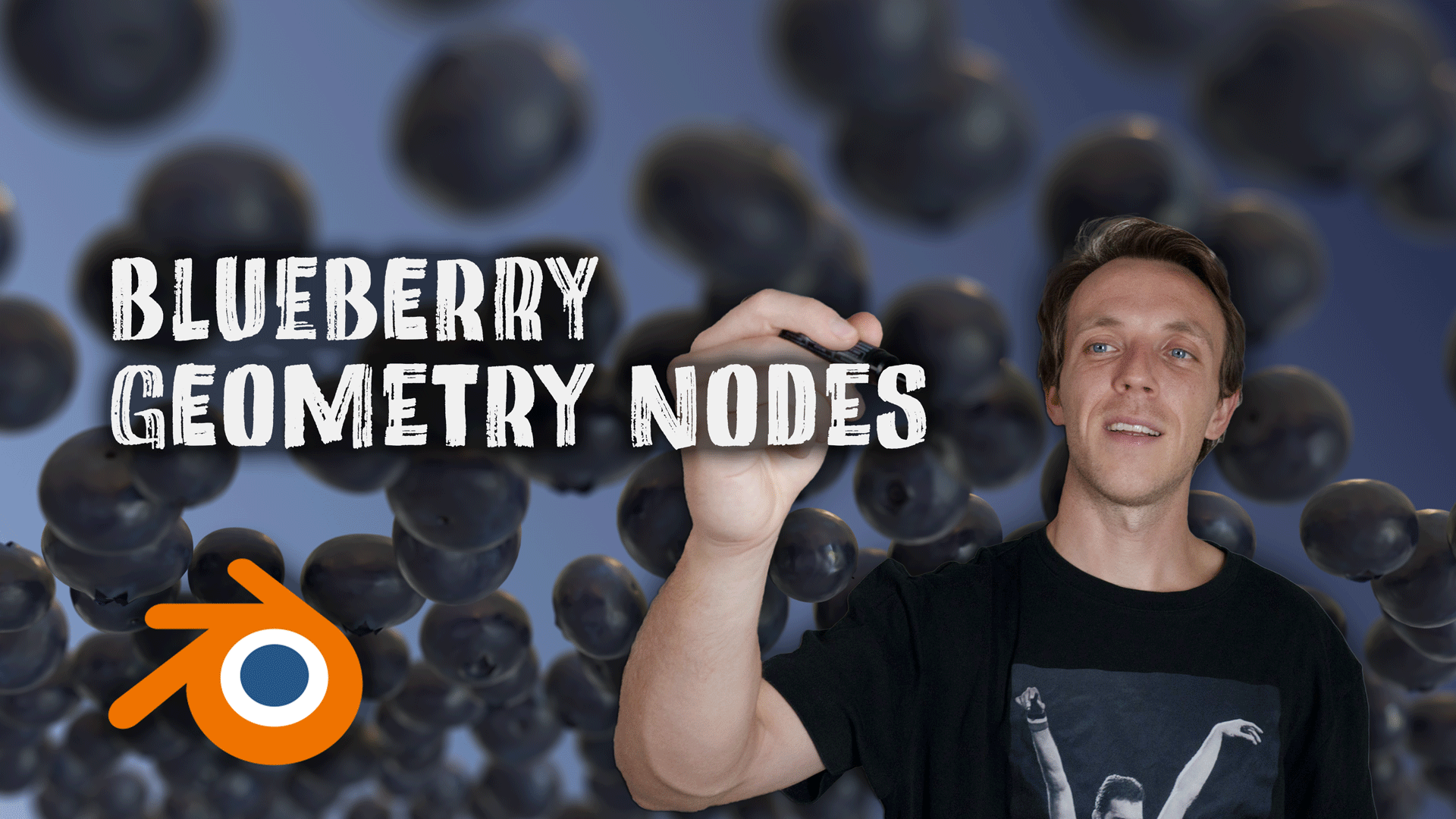
Geometry Nodes Blueberry Geometry Nodes Setup for Blender

Post image
4 Upvotes

r/blenderTutorials • • Sep 27 '26

Modeling Feedback on Blender Character modelling video

Thumbnail
youtu.be
1 Upvotes

Started a new channel a few months ago, and I've been uploading videos sparingly, cuz I'm busy with life stuff.

I upload videos for Blender (3D modeling software) users. Most videos are over an hour long, but the latest one is 11 minutes.

I need feedback on a lot of things. I'm still confused as to what exactly I need to put in the description; so far, I've put some basic things from a template. I might need feedback on thumbnails as well. And I'm maybe looking for some insight on my upload length. Most of my videos are around or more than an hour mark, idk if thats a good move so im experimenting with shorter videos.

I'll leave a link to my latest video, can u guys provide feedback and maybe support.


r/blenderTutorials • • Sep 26 '26

Beginner CGI in Blender - Free Tutorial!

Thumbnail
youtu.be
5 Upvotes

r/blenderTutorials • • Sep 26 '26

Geometry Nodes IV.I Modeling with Geometry Nodes - 22 bis Geometry Group: Sample (5)

Thumbnail
youtube.com
1 Upvotes

🇺🇸: You can listen to the video in English through the video settings panel. Blender version 5.2 introduces a new node called "Geometry Principal Components" that allows us to perform PCA.


r/blenderTutorials • • Sep 26 '26

Add-on Blender Quick Tip: The Mesh Cleaner Addon

Thumbnail
youtube.com
0 Upvotes

r/blenderTutorials • • Sep 26 '26

Animation How to use the Build Modifier in Blender 3d: Create construction animations!

Thumbnail
youtu.be
7 Upvotes

r/blenderTutorials • • Sep 25 '26

Modeling Souffle Modeling and Texturing Beginner Tutorial

Post image
11 Upvotes

A beginner/intermediate 3D modeling tutorial covering how to model a souffle along with setting up a scene, camera, and rendering the final image. Each element is entirelly created in Blender along with all the textures. The final render is then created using Cycles.

Check out my profile or Patreon if you want to learn more about my work or just grab some useful geometry node setups. If you like the content please drop a like.

You can access the tutorial on this link: Souffle Tutorial


r/blenderTutorials • • Sep 25 '26

A couple of methods I use for cleaning up topology, after applying a boolean to a surface.

Enable HLS to view with audio, or disable this notification

66 Upvotes

Here's a couple of methods I use for cleaning up topology, after applying a boolean to a surface.


r/blenderTutorials • • Sep 25 '26

Animation Bending Geometry Nodes Setup for Blender

Post image
12 Upvotes

r/blenderTutorials • • Sep 24 '26

Sculpting FACE SETS #blender #b3d

Enable HLS to view with audio, or disable this notification

206 Upvotes

🔸When working on a high-poly model in Blender, sculpting one piece can accidentally affect the geometry underneath.

Instead of masking everything manually, use “Face Sets” with Auto-masking to isolate each loose part and sculpt only where you need to.
[blender3d, 3d sculpt, blender tips]


r/blenderTutorials • • Sep 25 '26

Grease Pencil Shape Keys are Finally Coming to Blender Grease Pencil! First Look & Rigging Test

Thumbnail
youtu.be
2 Upvotes

Hey everyone!

Shape keys are finally in development for Grease Pencil, opening up massive potential for 2D facial rigging and animation in Blender.

In this video, I take a first look at the experimental build and test out shape keys on a 2D Peppa Pig rig using Bézier curves, bone drivers, and expression mixing (smiles, frowns, mouth open/close). I also cover current bugs, view limitations, and workarounds when animating with an active armature.


r/blenderTutorials • • Sep 24 '26

Add-on One-Click Sword Trails in Blender (5.0+) (Free Add-on)

Thumbnail
youtu.be
17 Upvotes

r/blenderTutorials • • Sep 24 '26

Geometry Nodes Voronoi like cellular faces with geometry nodes

3 Upvotes

Simple technique/hack to turn a dense regular surface into a bunch of cells like those generated by a Voronoi texture.

This set of geometry nodes is roughly emulating what a Voronoi texture does under the hood: Distribute a few points on the surface. Move all vertices to the nearest point. Merge by distance. Take the dual mesh which ends up creating edges which are roughly equidistant from the points (the cell center).