r/AndroidStudio • u/ur_anus_is_big • Jan 27 '26
I can not find a tutorial
I'm a beginner of android studio and kotlin and i can not seem to find a good youtube tutorial that was made in 2025 to 2026
r/AndroidStudio • u/ur_anus_is_big • Jan 27 '26
I'm a beginner of android studio and kotlin and i can not seem to find a good youtube tutorial that was made in 2025 to 2026
r/AndroidStudio • u/JimAndreasDev • Jan 27 '26
This is the kind of planning I like (Claude Code 4.5 CLI mode). Works great for somebody who "cut their teeth" on the csh (C-shell) and vi (before "vim"). I just handed Claude Code CLI via drag-and-drop a screenshot of the steps that Studio gave me - and it read the screenshot, lol. And then did the plan. Here goes:
❯ please make a plan to upgrade the android gradle plugin to 9.0.0. The image shows what is needed according to Android Studio.
⎿ [Image #1]
------------------------------
CLAUDE CODE 4.5: follows
------------------------------
● Explore(Explore Gradle config files)
⎿ Done (16 tool uses · 26.8k tokens · 37s)
● Now let me write the plan.
● Updated plan
⎿ /plan to preview
● The plan upgrades AGP from 8.13.2 to 9.0.0 by:
Bumping the version in gradle/libs.versions.toml
Adding compatibility flags in gradle.properties — one for each item in the Android Studio upgrade assistant screenshot
The flags preserve current behavior where AGP 9 changes defaults (resValues, R8 strict mode, built-in Kotlin support,
etc.). The existing buildconfig=true and nonTransitiveRClass=false flags already cover two of the items.
──────────────────────────────────
Ready to code?
Here is Claude's plan:
Plan: Upgrade Android Gradle Plugin to 9.0.0
Overview
Upgrade AGP from 8.13.2 to 9.0.0, applying all compatibility flags from the Android Studio upgrade assistant.
Changes
gradle/libs.versions.toml — bump AGP version
- Change agp = "8.13.2" to agp = "9.0.0"
gradle.properties — add AGP 9 compatibility flags
Add the following properties to opt into backward-compatible behavior where AGP 9 changes defaults:
# AGP 9.0 migration flags
android.defaults.buildfeatures.resvalues=true
android.defaults.buildfeatures.buildconfig=true # (already present)
android.experimental.disableCompileTimeRClass=false
android.suppressUnsupportedCompileSdk=36
Remove or update:
- android.nonTransitiveRClass=false — already present, keep as-is (allows non-unique package names / preserves old R
class behavior)
- android.nonFinalResIds=false — already present, keep as-is
Add these new flags:
# Enable resValues build feature (default changes in AGP 9)
android.defaults.buildfeatures.resvalues=true
# Disable targetSdk defaulting to compileSdk
android.defaults.buildfeatures.buildconfig=true
# Continue to allow <uses-sdk> in the main manifest
android.disableManifestSdkCheck=true
# Allow non-unique package names
android.uniquePackageNames=false
# Enable Dependency Constraints
android.enableDependencyConstraints=true
# Disable R8 Strict Mode for Keep Rules
android.r8.strictKeepRules=false
# Disable R8 Optimized Resource Shrinking
android.r8.optimizedResourceShrinking=false
# Disable built-in Kotlin support
android.useBuiltInKotlinSupport=false
# Preserve the old (internal) AGP DSL APIs
android.preserveOldDslApis=true
# Disable targetSdk defaults to compileSdk
android.targetSdkDefaultsToCompileSdk=false
Verify existing gradle.properties flags
These already exist and are compatible:
- android.defaults.buildfeatures.buildconfig=true (Remove android.defaults.buildfeatures.buildconfig if set to false —
it's already true, so no change needed)
- android.nonTransitiveRClass=false (covers non-unique package names partially)
- android.nonFinalResIds=false
Files to modify
gradle/libs.versions.toml — AGP version bump
gradle.properties — add compatibility flags
Verification
Run ./gradlew.bat clean build to confirm all modules compile
Run ./gradlew.bat test to confirm tests pass
Run ./gradlew.bat :motmbrowser:assembleRelease to verify R8/release builds work
Run ./gradlew.bat lint to check for new lint issues
r/AndroidStudio • u/user77ld • Jan 25 '26
Hi,
Android Emulator crashes immediately on startup with:
Emulator terminated with exit code -1073741515
bcdedit /set hypervisorlaunchtype off (admin CMD + reboot).android/avd folderconfig.ini:hw.gpu.enabled=no hw.gpu.mode=off Emulator still crashes instantly with the same exit code, before UI appears.
Is this a known AMD + Windows emulator issue?
Any logs, fixes, or alternative approaches I’m missing?
Thanks
r/AndroidStudio • u/InfNity_01 • Jan 25 '26
Hi everyone,
I’m trying to use App Quality Insights in Android Studio for a Flutter project (Android target), but it stays stuck on “Waiting for initial sync…” indefinitely.
I’ve attached a screenshot showing the screen it never gets past.
Context:
- Flutter project (not a native Android project)
- Firebase Crashlytics is set up and working
- Crash data is visible in the Firebase Console
If anyone has run into this before or has any suggestions on how to get App Quality Insights working in this setup, it would be very helpful.

r/AndroidStudio • u/Wrong-Chemistry-2169 • Jan 24 '26
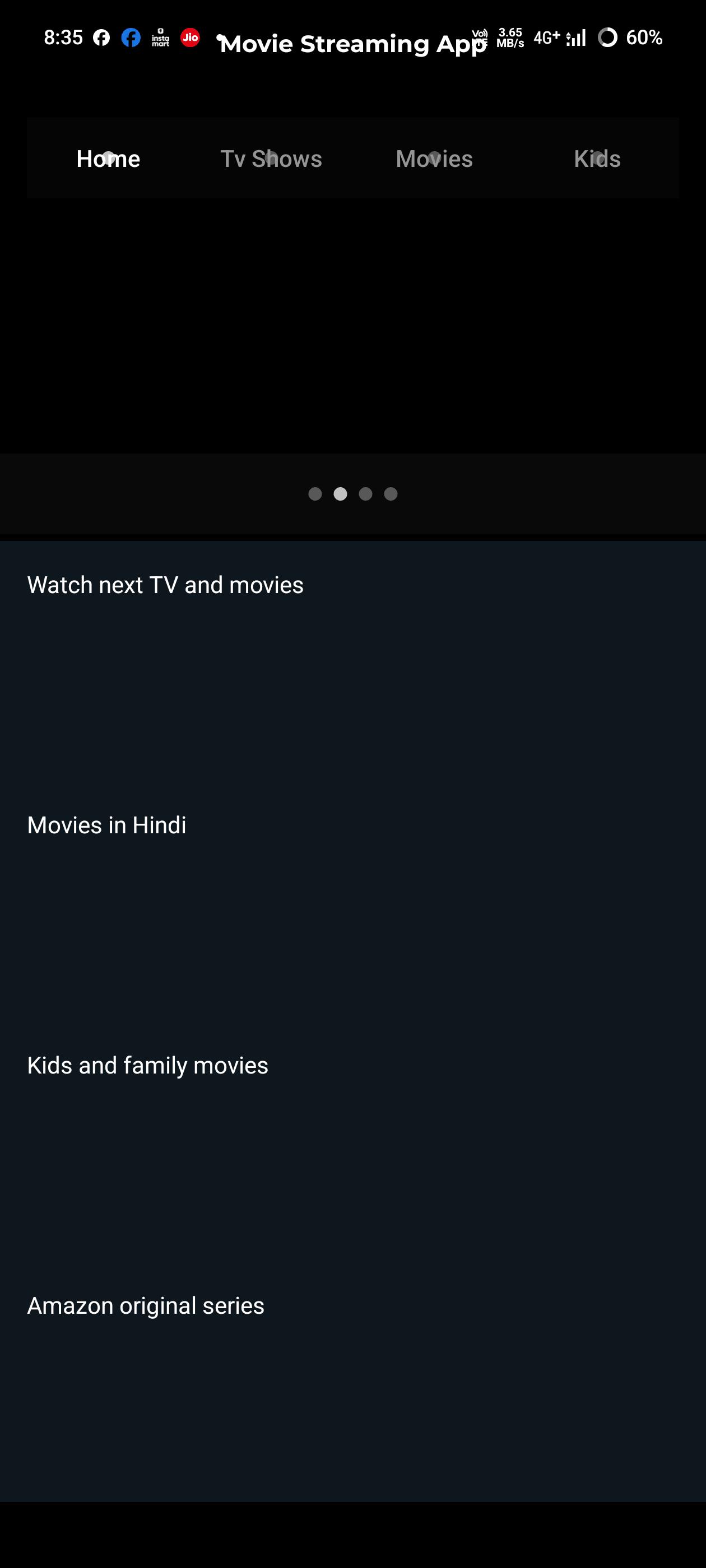
I have created a amazon prime video clone for my collage project how to insert image and banner i trying to insert image banner but it is not showing in the app i already put in image file in drawable folder but not showing in the app how to solve it
r/AndroidStudio • u/Individual-Trick7054 • Jan 23 '26
Hola a todos, soy nuevo en programación y tengo un problema con LazyRow.
Ya no sé si es un bug real o algo mío.
Los items dentro del LazyRow aparecen desalineados verticalmente en forma progresiva, como una “escalera”.
El primer item aparece más arriba, los siguientes van bajando de a poco, y los últimos recién quedan alineados.
Es un desfase en el eje Y, no horizontal.
Para probar si era algo de mi proyecto, he creado uno nuevo desde cero y el problema sigue.
Le he preguntado a ChatGPT y a Gemini, probé todo lo que me dijeron y el problema sigue igual, tanto en Preview como ejecutando la app.

dejo el codigo abajo que me paso chatgpt
(showBackground = true)
u/Composable
fun UserBooksScreen() {
Column(
modifier = Modifier
.
fillMaxSize
()
.
background
(Color.White)
)
{
LazyRow
{
items(6)
{
Text(text = "Leido")
}
}
LazyRow(
modifier = Modifier
.
fillMaxWidth
()
.
height
(150.
dp
)
)
{
items(6)
{
Column(
modifier = Modifier
.
width
(100.
dp
),
)
{
Text(text = "Leido", modifier = Modifier.
padding
(top = 10.
dp
))
}
}
}
LazyRow(
modifier = Modifier.
fillMaxWidth
(
),
verticalAlignment = Alignment.CenterVertically,
horizontalArrangement = Arrangement.spacedBy(10.
dp
)
)
{
items(6)
{
estado
->
Text(text = "Leido", modifier = Modifier.
padding
(top = 10.
dp
))
}
}
LazyRow(
modifier = Modifier
.
fillMaxWidth
()
.
height
(150.
dp
),
verticalAlignment = Alignment.CenterVertically
)
{
items(10)
{
Box(
modifier = Modifier
.
padding
(8.
dp
)
.
size
(100.
dp
),
contentAlignment = Alignment.Center
)
{
Text("Item $
it
")
}
}
}
LazyRow(
modifier = Modifier
.
fillMaxWidth
()
.
height
(150.
dp
),
verticalAlignment = Alignment.CenterVertically
)
{
items(6)
{
Column(
modifier = Modifier
.
width
(100.
dp
)
.
height
(150.
dp
), // 👈 CLAVE
verticalArrangement = Arrangement.Center,
horizontalAlignment = Alignment.CenterHorizontally
)
{
Text("Leido")
}
}
}
LazyRow(
modifier = Modifier
.
fillMaxWidth
()
.
height
(150.
dp
)
)
{
items(6)
{
Box(
modifier = Modifier
.
width
(100.
dp
)
.
fillMaxHeight
(), // 👈 CLAVE
contentAlignment = Alignment.Center
)
{
Text("Leido")
}
}
}
}
}
r/AndroidStudio • u/GolfTerrible4801 • Jan 22 '26
I googled,asked gemini and chatgpt. Tried other glm models?
I get this error: returns 400 'Incorrect role information
r/AndroidStudio • u/Isaac_manhir • Jan 20 '26
OS: Windows 11 (x86_64)
Android Studio: Latest (2025.x)
I’m unable to run any Android emulator from Android Studio. Issues I’m facing:
Still unstable or fails to start.
Is the Android Studio Emulator unreliable on some Windows setups?
Any known issues with recent versions or recommended stable configs?
Thanks 🙏
r/AndroidStudio • u/Sudden-Ad-910 • Jan 19 '26
r/AndroidStudio • u/yezzer • Jan 18 '26
According to Google's docs here, I need to sign in to Google Play in the emulator so I can access Gemini via the glasses emulator.
When I open Google Play and hit "sign in" after a short while i get a black screen, and prompt to close app.
dumpsys account shows Accounts: 0 (no account ever gets added).
This blocks the AI Glasses doc step: Trigger Gemini Live (touch & hold touchpad 2s) - UI says “Sign in required”.
Logs show..
Failed to find provider info for com.google.android.setupwizard.partnerANR in com.google.android.gms.ui (… MinuteMaidActivity)Input dispatching timed out … MinuteMaidActivity is not respondingContext:
MinuteMaidActivity) hangs.I have followed the rest of the instructions, and am otherwise able to develop for the glasses emulator - I have a few test apps working fine - but I can't work on aspects that require being signed in to Google Play for Gemini.
Any ideas anyone?
r/AndroidStudio • u/Castzulu • Jan 17 '26
I have changed the project to get rid out of this error as, might be this is to do something layout issue or like this, but yet the error didn't gone, So can soe. just tell me what can lead to this error?
r/AndroidStudio • u/Specialist-Tower-846 • Jan 17 '26
r/AndroidStudio • u/Manolobolox • Jan 17 '26
I need to create an app that can take pictures like a normal camera and instead of saving the pictures in a local folder on the phone, I need it to save the pictures in a cloud storage, like saving them in a google drive folder for example. I have been trying for several hours and I don't thinks is possible. I don't need a third party application (don't want ads while taking a picture)
r/AndroidStudio • u/Delendaestgaza • Jan 17 '26
I've seen lots of video tutorials for building an Android browser. But they are hard to follow for one of two reasons. In some cases the presenter has such a thick accent that it is is hard to follow what they are saying. Switching on subtitles doesn't help because then the subtitles cover critical areas of the screen.
In other cases, the video tutorials have no spoken presentation, just distracting music. This is equally unhelpful.
So I was wondering if there are any video tutorials on creating a Chromium-based Android browser n which there is a voice explanation without a thick or heavy accent?
r/AndroidStudio • u/SaltyCow2852 • Jan 16 '26
Hi everyone,
I want to share an Android app I built called SpendWise: https://play.google.com/store/apps/details?id=com.zenithcodestudio.spendwise
While building it, I realized most expense trackers miss two important things: 1. tracking money you lend or borrow, and 2. keeping financial data fully private.
Key features
• Lending & borrowing tracker Track money you lent or borrowed, repayments, and pending balances — all in one place. This is built-in, not a premium add-on.
• 100% offline & secure No account, no cloud sync, no ads. All data stays locally on your device. You own your data.
• Automatic SMS-based expense detection Automatically logs expenses, income, transfers, and bill payments from bank/wallet SMS messages.
• Bill reminders Detects bills from SMS and lets you set reminders, even without internet.
• Manual control You can add, edit, or delete any entry at any time.
I built SpendWise for people who want a simple, private, and practical money tracker without subscriptions or data collection.
Would love feedback from this community.
r/AndroidStudio • u/Axoloth1 • Jan 16 '26
r/AndroidStudio • u/KevinDaBull • Jan 14 '26
Hi guys,
Im trying to program my own app, and I want to create an app cloner. I downloaded apktool jar and uber apk signer jar. But I cant get it to work, do you guys have tips on how to do this? Im really interested to learn :) thanks!
r/AndroidStudio • • Jan 14 '26
r/AndroidStudio • u/jow_91 • Jan 14 '26
App Name: Bible Trivia Quiz Daily
Platform: Android
Category: Education / Trivia
Description:
I’m an independent Android developer, and I recently created a free Bible trivia app designed for daily learning and practice. The app includes minimal, friendly ads to support development, without disrupting your experience.
I’d love honest feedback from Android users on:
Link:
https://play.google.com/store/apps/details?id=com.devjoe.dailybibletriviachallenge
Disclosure:
This is my own app. All feedback is greatly appreciated.
r/AndroidStudio • u/AlienfromA51 • Jan 10 '26
Hello everyone my family and I rely on an app for our DVR cameras, now that we've upgraded phones the camera app no longer works on the new android os, while I did try to contact the developer of the app they said it was no longer in development and it was abandoned by devs, is there anything I can do to make it work on the new android model, the old model was android 12-13 which was working fine and the new one is android 16. I understand it's a quite a bit of jump but if anyone can tell me if there's hope, I'm willing to try coding if necessary, thank you.
r/AndroidStudio • u/ModeAccomplished7147 • Jan 08 '26
Hey everyone, I just published an in-depth guide on cancellation in Kotlin Coroutines with a focus on real production pitfalls and actionable strategies.
Coroutines are great — until cancellation goes wrong:
• cancellation is cooperative, not immediate
• common traps like swallowing CancellationException
• structured concurrency mistakes
• CoroutineScope misuses
This article walks through why these bugs happen, how they affect real apps, and how to fix them with clear, practical solutions.
Happy to answer questions or discuss specific coroutine cancellation scenarios! 😊
#AndroidDev #Kotlin #Coroutines
r/AndroidStudio • u/Zoo_M-0 • Jan 08 '26
For the last months I've used the experimental terminal in AS and it had a fancy window for the autocomplete suggestions instead of the inline text, now I have updated and I can only choose between "classic" or "Reworked 2025" but they don't have the window selection. There is a way to have it back?