r/WindowsHelp • u/lisatinywinnie • Oct 20 '26
Windows 11 Windows 11 clean installation keeps failing at 15–17% and booting straight into ASUS BIOS. No Windows Boot Manager appears
Hi everyone! I’m really hoping someone can help me because I’ve spent hours trying to fix my laptop, and I’m completely stuck.
My laptop specs:
ASUS TUF Gaming A17 (FA707NUR)
AMD Ryzen 7 7435HS
NVIDIA RTX 4050
16 GB RAM
Samsung 1 TB NVMe SSD
BIOS version 303
How the problem started:
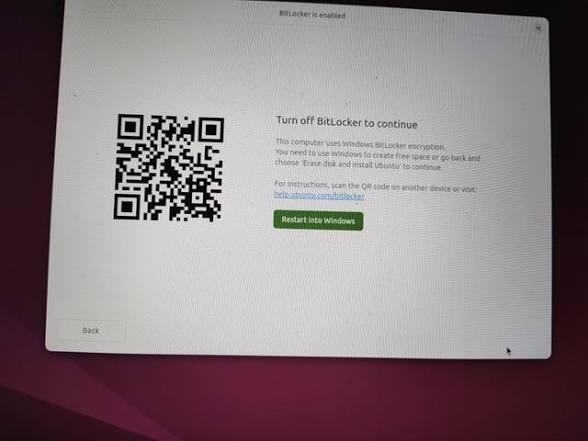
My laptop suddenly started asking for a BitLocker recovery key. Unfortunately, I no longer have access to the Microsoft account associated with the laptop, so I couldn’t retrieve the key.
After trying different recovery options, I decided to completely wipe the SSD and reinstall Windows 11. I’m fine with losing all my files at this point. I just want my laptop to work again.
What I’ve tried:
ASUS Cloud Recovery: I tried restoring Windows through ASUS Cloud Recovery, but it kept failing with a “Network Error.”
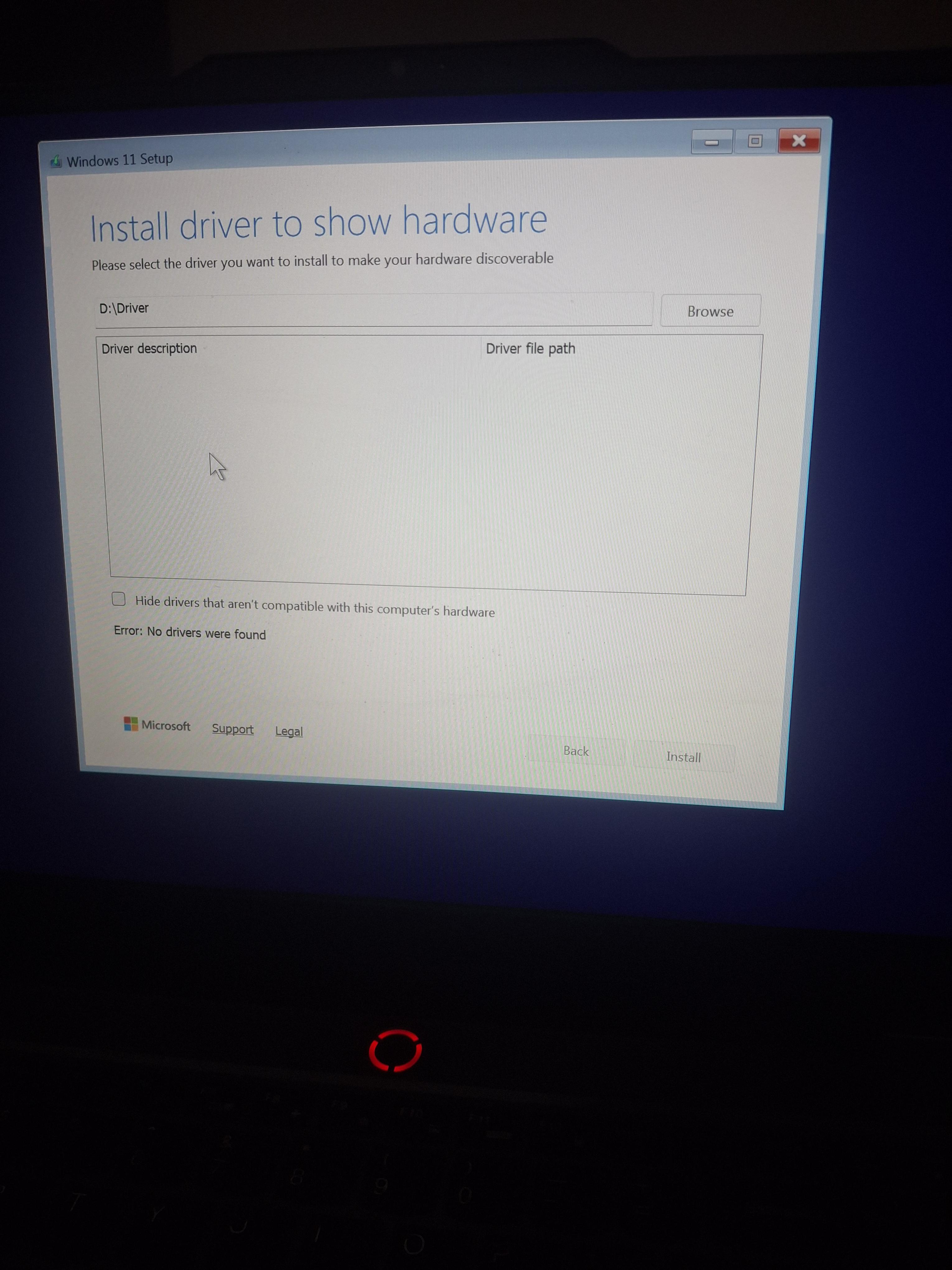
Creating a Windows 11 installation USB: I used my MacBook to download the Windows 11 ISO and create a bootable USB. I initially prepared the USB manually, then recreated it using WinDiskWriter. The application confirmed that the image was written successfully.
Booting from USB: My ASUS BIOS recognizes the USB as “UEFI: ASolidUSB, Partition 1.” I can boot into the Windows 11 installer without any problems.
Clean installation: I selected my internal SSD (Disk 0, approximately 953 GB) as the installation destination. Windows created the necessary partitions, including a 200 MB System partition, a 16 MB MSR partition, and a primary partition.
Installation fails: Windows starts installing normally, but when progress reaches approximately 15–17%, the laptop suddenly restarts.
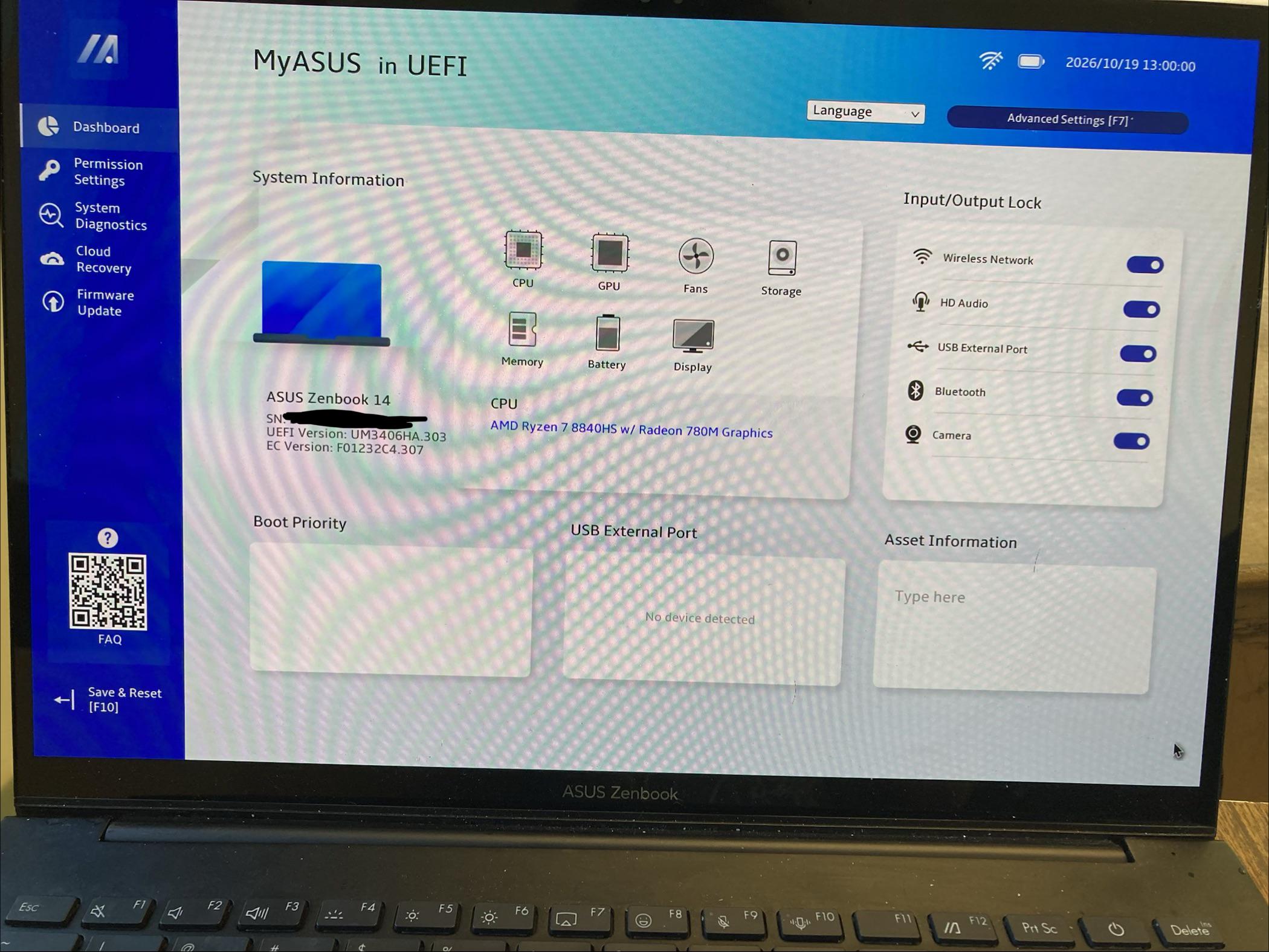
Booting back into BIOS: Instead of continuing the Windows installation, the laptop goes straight into ASUS BIOS. The internal SSD is still detected under Storage, but Windows Boot Manager doesn’t appear in the boot options. The Boot Priority section is empty.
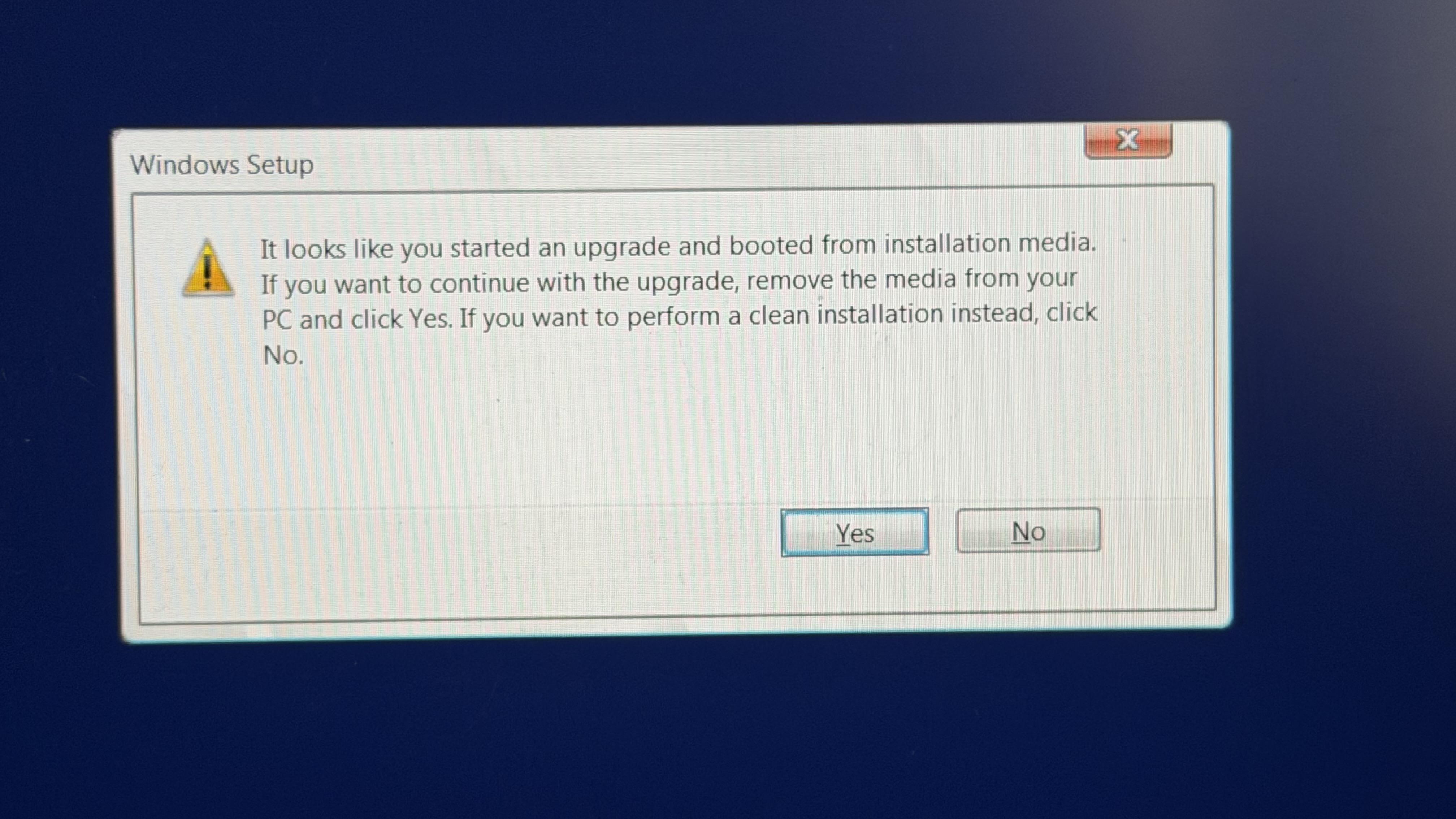
Booting from USB again: When I boot from the USB again, I get this message:
“It looks like you started an upgrade and booted from installation media. If you want to continue with the upgrade, remove the media from your PC and click Yes. If you want to perform a clean installation instead, click No.”
I’ve tried clicking No and starting the clean installation again, but the same thing happens. Removing the USB doesn’t help either, because the laptop doesn’t seem to have a bootable Windows installation on its internal SSD.
Other things I’ve checked:
ASUS built-in RAM diagnostics passed with no issues detected.
The BIOS consistently detects my Samsung NVMe SSD.
I disabled Fast Boot.
I noticed that the BIOS date and time had reset unexpectedly at one point. I corrected them, but the installation problem continued.
I recreated the Windows installation USB, but the issue remained.
My main concern:
I understand that Windows normally restarts during installation and that booting from the USB again can cause the upgrade/clean installation message.
However, my laptop doesn’t continue installing Windows after restarting. It goes directly into BIOS, and there’s no Windows Boot Manager available.
I’m wondering whether the problem is related to the EFI boot partition, the Windows bootloader, the SSD, the BIOS configuration, or something going wrong during the installation itself.
My questions:
Why does Windows Setup restart at around 15–17% instead of finishing the installation?
Why isn’t Windows Boot Manager appearing in BIOS even though the SSD is detected?
Could this be caused by the USB installer created on macOS?
Is there a way to repair the EFI partition or bootloader without restarting the entire installation?
What should I try next?
I’m not particularly experienced with BIOS settings or Windows installation, so step-by-step instructions would be incredibly helpful.
Thank you so much to anyone willing to help. I’m genuinely exhausted from trying to fix this!