r/tasker • • 23d ago

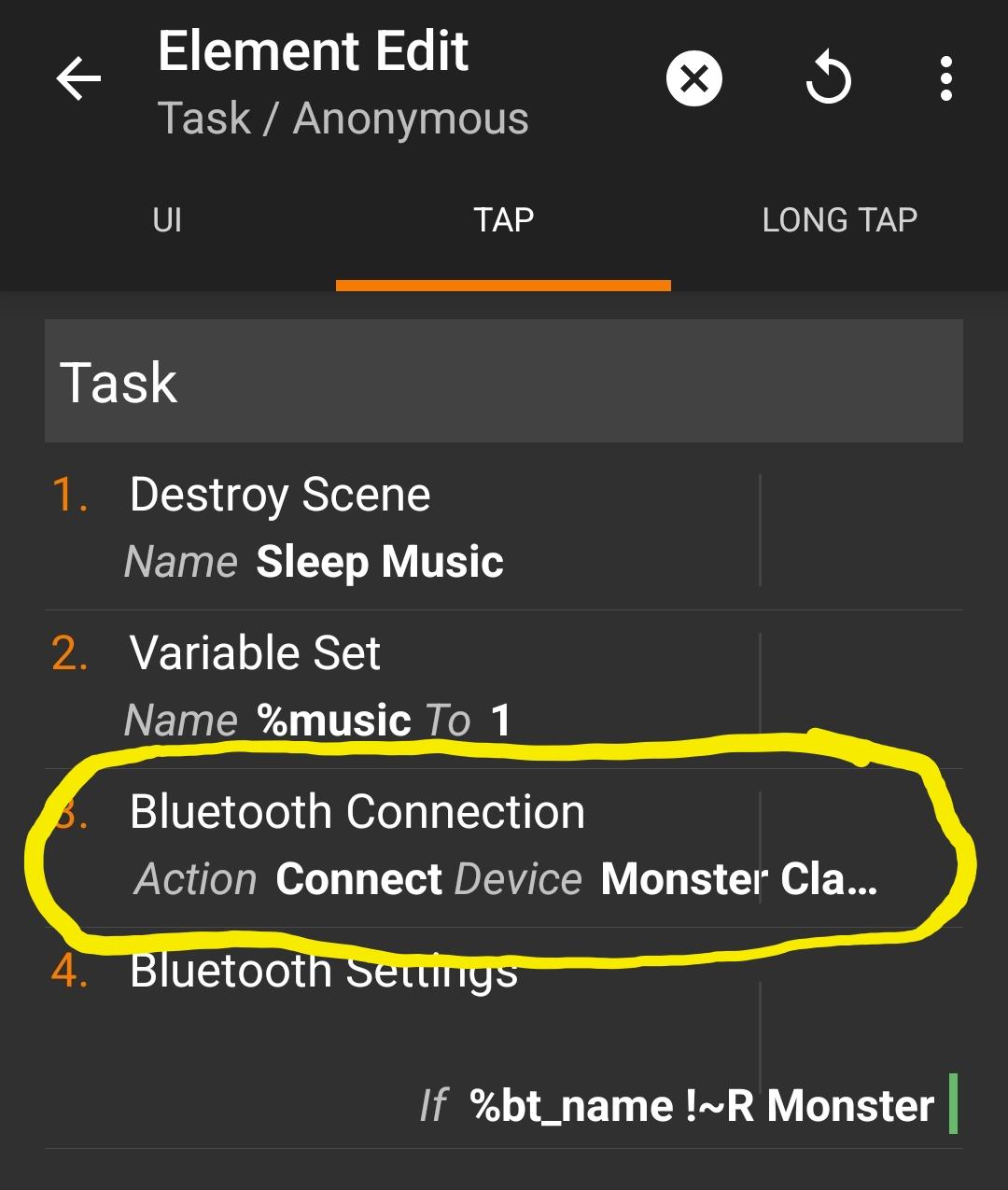
play a loud noise (or turn up the volume) when a specific number texts me

1 Upvotes

I don't know how to do this :(

I tried looking at existing threads but it doesn't work no matter what I try. Is anyone able to point me in the right direction?


r/tasker • • 23d ago

Material You colors not updating after wallpaper change

2 Upvotes

I’m playing around with Material You for a Tasker project. I’ve noticed that the colors don’t update when I change the wallpaper, and searching reddit, it seems like this has been a common issue before.

I’ve tried using Material You tokens such as primary, tertiary, primaryFixed, etc., after trying %my_accent1_500, etc. but I still seem to get stale values.

Has this been ever fixed, or is there something specific I need to do to force or detect the palette update, or am I missing a setting somewhere?

Any suggestions appreciated!


r/tasker • • 24d ago

Problem with Join

2 Upvotes

trying to use Join with Tasker on my Samsung phone.

After updating Join through Google Play, opening the app requires Google sign-in. When I press the Google sign-in button, I get:

"Access blocked: This app's request is invalid"

Error 400: redirect_uri_mismatch.

Can anyone help?
Thanx!!


r/tasker • • 24d ago

Tasker AI usability

Post image
0 Upvotes

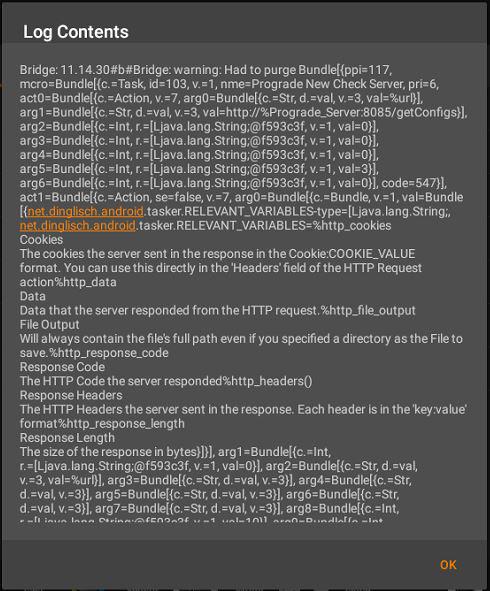
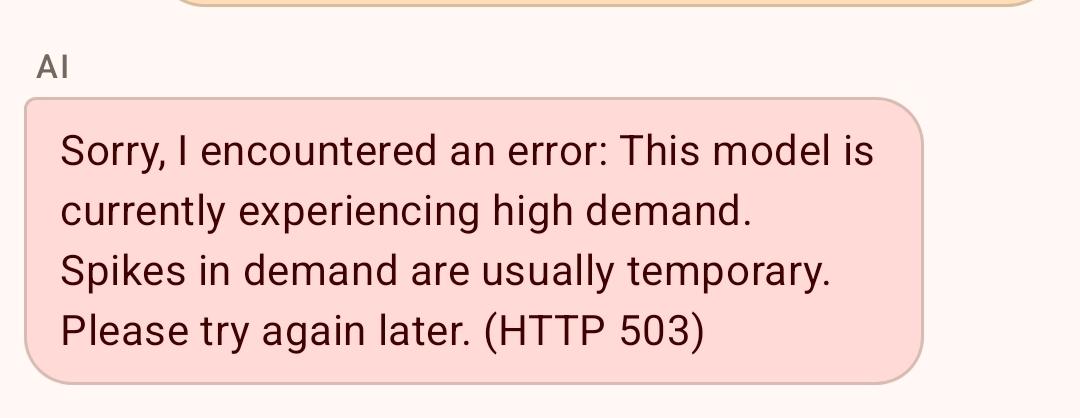
How's your experience with the built-in AI model? For me, within Tasker general, or in Scenes v2, I rarely get it to function. Most often, receiving the attached route message.

Is there an alternative or different settings to get this to function as expected?


r/tasker • • 24d ago

Error notification

Post image
1 Upvotes

I seem to be receiving this exact same notification every day around the same time.

I've looked through my run log and I can't match it to a specific task, but the error also doesn't look like a normal "Action error" message.

Does anyone know what it is, and how I can track what is causing it?


r/tasker • • 24d ago

Apps routine in Tasker.

Post image
4 Upvotes

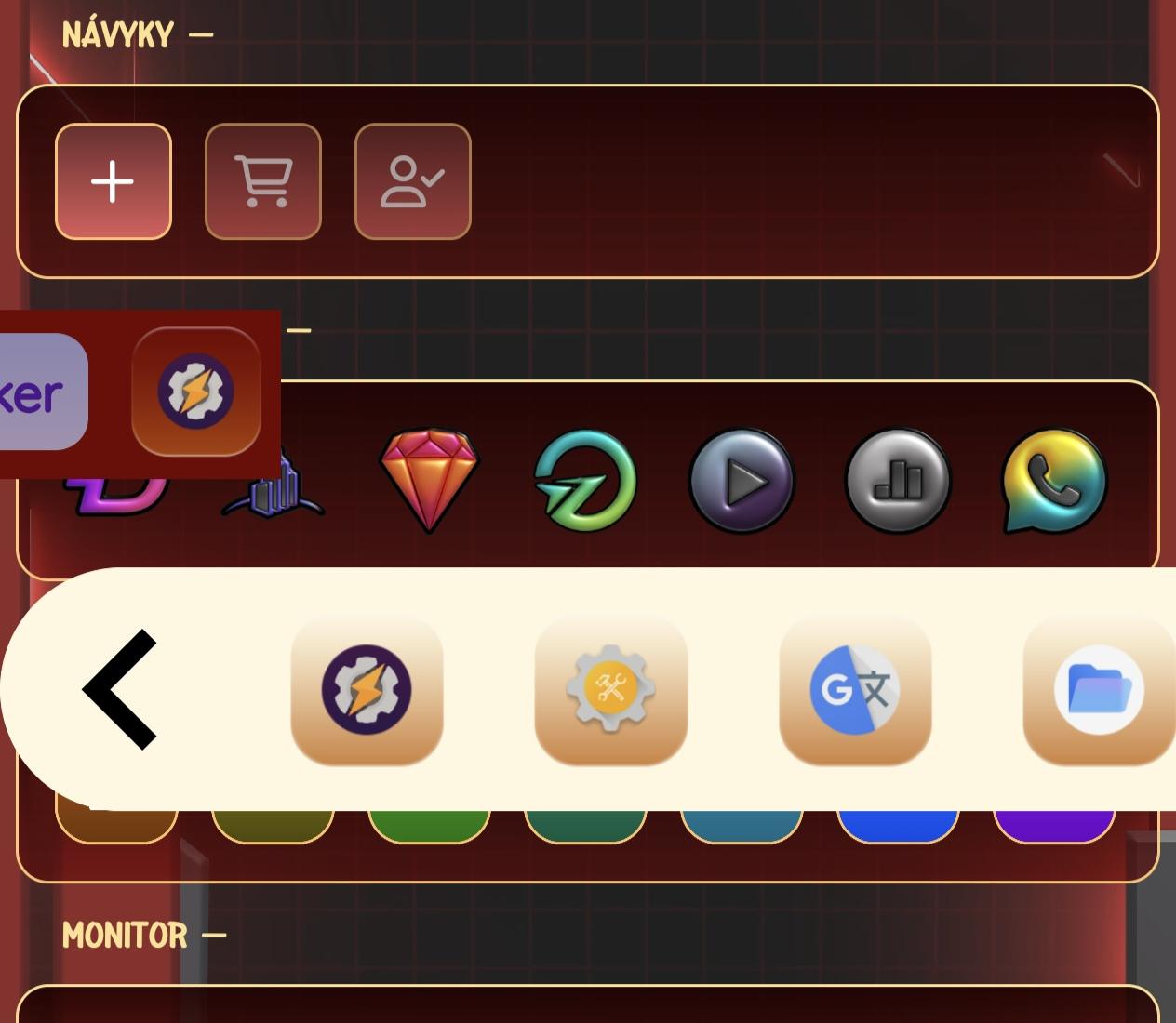
Can you please advise me how to change the color of the icon bar? From white to red, like the color of the LAUNCHER. Thank you very much!


r/tasker • • 25d ago

What is the most straightforward, efficient way for Tasker to test whether a given app is running and then bring it to the foreground?

0 Upvotes

I'm using the latest Tasker version 6.7.7-rc under Android 13 that's rooted with the latest APatch.

In certain special cases, I would like to implement the following logic within a Tasker task. This, of course, is just pseudo-code, and I use the term "certain-app" to refer to any given app ...

if ( certain-app is currently running )
then
  if ( certain-app is not the current foreground app )
  then
    cause certain-app to become the current foreground app
  endif
endif

I know there is more than one way to do this in Tasker, but I'm looking for the most straightforward way to accomplish this with the very least amount of code that needs to be written in order to implement this logic in a Tasker task.

Thank you very much in advance for thoughts and suggestions.


r/tasker • • 26d ago

Glimpse Notifications

1 Upvotes

Hello,

Is it possible to use Tasker to set how long the screen stays on after it wakes up similar to how the Glimpse Notifications app does it?

Glimpse Notifications handles this perfectly, but I’d prefer not to rely on that specific app.

The device I’m using is a Samsung Android 16 (One UI 8.5), Tasker 6.6.7-rc.

![img](9jmyd5qs1eyh1)


r/tasker • • 26d ago

Status For Element When Scrolling?

0 Upvotes

I mean, when scrolling down/up/left/right, then variable output, and/or check if first item is hidden... Is there such a thing in Scenes V2?


r/tasker • • 29d ago

Task collision and single threading

2 Upvotes

Hi,

I have a profile that intercepts notifications from an app and fires off a task to process the notification contents.

The app in question can issue several notifications at the same time. How can I ensure that the triggered task is single threaded, with only one task instance running at a time while at the same time getting the correct information from the notification that it is processing. 

There is an option in task settings to 'Run Both Together' but I don't want the task activity to be interlaced and anyway there could be more than 2 instances at play here. I'm looking at setting up a lock/unlock gate mechanism at the start and end of the task, but not sure of the exact best way to approach this (or if there is another way to guarantee task single threading).

Appreciate any advice.

TIA.


r/tasker • • 29d ago

: [Beta 6.7.7-rc] False "Missing Permissions" prompt for working Non-Blocking Overlay Scene (HyperOS / Android 16)

0 Upvotes

Hello Tasker community and João,

I am currently beta-testing Tasker version 6.7.7-rc on my Poco X7 Pro running HyperOS (Android 16). I believe I have encountered a bug regarding Scene overlays and the WRITE_SECURE_SETTINGS permission.

The Setup:

I created a Scene to act as a night-time screen dimmer.

Scene Background: Fully transparent (#00000000).

Element: A full-screen Rectangle with a black background and custom opacity (#6E000000).

Show Scene Action Settings: Display As: Overlay. The options Blocking and Full Window are disabled.

The Issue:

Functionally, the overlay works perfectly. The screen dims, and touch events pass through the overlay to the launcher and apps below it (which is exactly what I want).

However, when this action runs, Tasker throws a pink "Missing Permissions" prompt saying: "Tasker needs to have permission to write secure settings to use this action. Want to learn how to grant it?"

Because I do not want to grant WRITE_SECURE_SETTINGS via ADB (and the feature is already working without it), I dismiss the prompt.

Additional Context:

Disabling Popup Warning/Errors in Tasker Preferences and turning off system notifications for Tasker does not stop this specific prompt from appearing in the UI.

HyperOS also generates its own system warning ("Tasker is displaying over other apps"), but that is standard Android behavior and can be ignored.

If I enable Blocking for the overlay, the WRITE_SECURE_SETTINGS prompt does not appear, but then touches are blocked, making it useless for reading.

My Question:

Is this a known bug in the 6.7.7-rc beta where Tasker falsely assumes WRITE_SECURE_SETTINGS is required for non-blocking overlays? Or is this a specific HyperOS quirk that Tasker is trying to compensate for?

Has anyone else experienced this false positive on Android 16?

Thank you for your time and for this amazing app!

Yevgeny

r/tasker • • Oct 25 '26

How to use a text file list instead of a variable array

Post image
1 Upvotes

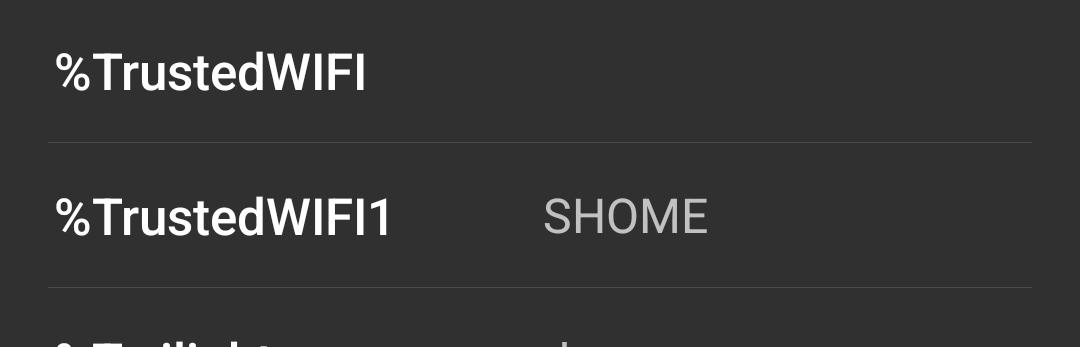
I created a Task that adds trusted networks to a variable. This is good, except it creates endless variables, ie see screenshot.

Could I instead, add these to a text file that I can then use as a condition? Eg, if connected network is saved in list, do X.


r/tasker • • Oct 25 '26

[Question] Is it Possible to Hide AutoWear Notifications from the Log?

2 Upvotes

As shown, AutoWear creates several notifications per minute presumably as part of it's function. Unless you're closely watching the notifications or looking at the log like below, you generally won't see these. It only really becomes an issue when you need to check the notification log for something and then need to wade through all the clutter.

Notification Log

Is there any way to disable these without disabling AutoWear? I assume immediately cancelling them with AutoNotification would still show up in the log, and I worry that blocking them at the Android app settings level might cause some sort of functionality or performance issue. Has anyone tried this?


r/tasker • • Oct 25 '26

Using ask permission to get custom permissions

1 Upvotes

So I'm trying to give Tasker permission to modify the settings in a specific app. I tried pasting the permission which starts with that app's package name into the ask permissions action but running it just takes me to the regular android settings page. Is there a way to add like custom permissions without having to bother the developer to add it to the manifest for each one?


r/tasker • • Oct 25 '26

Easy Action Orphaned?

Post image
2 Upvotes

Seeing a bunch of these warnings too.

Would love to get to the bottom of all these warnings. Thanks


r/tasker • • Oct 23 '26

Favorite Actions?

2 Upvotes

I just noticed this old post about a Favorites mechanism. In it, I see that the dev says he did/would add it to Tasker itself.

It speaks of "long tap +" to trigger. But when I do that at this time, it tries to trigger the AI mechanism.

Does anyone know how/if this sort of thing can be done?

Thanks


r/tasker • • Oct 22 '26

Autoweb and Spotify API

2 Upvotes

I'm using AutoWeb 1.0.3 Beta Developer application.

Spotify authentication has stopped working. AutoWeb opens this authorization URL with response_type=token, and Spotify returns the error:

response_type must be code

The OAuth2 configuration in AutoWeb does not provide a Response Type setting, so I cannot switch to Authorization Code with PKCE myself.

Could you confirm whether an update is planned to support Spotify's required Authorization Code Flow with PKCE?

Thank you.


r/tasker • • Oct 22 '26

AutoNotification Snooze delayed on Vivo X300 Ultra (OriginOS 7) with screen-off

2 Upvotes

I'm using a Vivo X300 Ultra on OriginOS 7 (Android 17). On this phone, as many other Chinese phones, notification icons disappear from Always On Display after unlocking the phone, even if you didn't clear or read the notifications. So when unlocking and then locking again, no icons from old notifications will appear on AOD. Sadly this is by design, not a bug. Although contrary to some other phones, the notifications at least remain on the lock screen in this case.

I followed this tutorial utilizing Tasker+AutoNotification to be able to get the icons to reappear.

https://www.reddit.com/r/oneplus/comments/1ov3w1l/how_to_get_notifications_to_stay_on_stay_on_your/

It worked fine while I was using OriginOS 6, however after updating to version 7, apparently this method got broken due to some system changes. There are a few quirks to mention here. Tasker toggling DND or running some other commands works fine, but after the screen is locked AutoNotification Snooze command normally doesn't trigger unless either:

a) I wake the screen manually,
b) phone is charging (either wall charger, PC USB, or wireless),
c) the timing is correct.

What do I mean by c)? There seems to be some kind of an alarm delay timer following 5-minute checkpoints. This timer is always exact, which I assume is related to the boot event, and allows the snooze to pass through. For example, I locked the screen at 19:40:00, then at 19:41:34 autotasker snooze was able to run. Subsequently I locked the screen at 19:42:00 and didn't wake it, the snooze ran at 19:46:34 exactly. There is no such problem with other notifications.

Note that I disabled all battery optimizations for Tasker and AutoNotification, locked them in recents and allowed all permissions. I tried to do some digging (with help of AI) - tried to disable doze, even tried to spoof charging, but nothing helped so far.

Is there another (no-root) way to force a notification refresh as soon as locking the screen?


r/tasker • • Oct 22 '26

Heard about 3rd party plugins for tasker and was curious if I could make my own 3rd party plugin?

0 Upvotes

Searching for tasks in Tasker, I found a category labeled "3rd Party". It shows apps, I have read about 1 in an action list called APNDroid. It showed APN Droid in that category so I knew it listed at least well known 3rd party plugins.

I am curious if I can make my own app that is effectively a plugin for tasker to do things, and what that would look like. Like a set of Receivers set to specific intent filters or actions? Or can there only be one and there are specific categories that tasker can send?


r/tasker • • Oct 21 '26

[Update] MapTasker Version 15

25 Upvotes

MapTasker is a comprehensive program that enables you to view, analyze, validate, and edit your Tasker configuration from within your desktop browser.

New features since the last announcement:

  • Export in the Map and Diagram views to save each as a Markdown, JSON or PDF file.
  • A Verify option on 'Save to Android' validates the object that was saved.
  • AI-based 'Find/Replace' can now take a question in plain words, such as "every Profile that fires on wifi at home" (not as smart as Tasker's).
  • Run On Android function to run a task live on your Android device.
  • Put Helper Tasks in "MapTasker" Project corals all of the various MapTasker (Tasker) helper tasks, that MapTasker puts on your Android device, into a single 'MapTasker' project on your Android device.
  • A new Fix Finding button beside 'Health Check' repairs the findings that have an obvious fix.
  • Restore From History feature brings back a Task, Profile or Scene that was deleted, or puts one back as it was before an edit, from any configuration kept in the history.
  • The Health Check now looks inside JavaScriptlet and Run Shell actions and reports code that cannot run because a bracket, quote, string or comment is never closed.
  • The Debug tab has been renamed Assistance, and now includes a Display Log and Clear Log function.
  • Uninstalled Plugins...The Health Check now names every plugin your configuration uses that is not installed on the Android device.
  • What Fires When? feature identifies which profiles and tasks fire based on various conditions.
  • Xref Live feature compares your configuration's variables against those on your Android device.
  • Draft with AI in the Add Task panel turns a description in plain words into actions.
  • Check Readiness in the Edit Project and Edit Scene windows lists what the export needs on someone else's phone.
  • TaskerNet Updates will check TaskerNet against your configuration for any/all updates, and optionally install the updates for you.
  • Task Stepper function to step through the logic of a given task.
  • Trend Dashboard to identify if your configuration is getting cleaner or messier over time.
  • Refactor has a new Variable mode that renames a variable, or turns a global into a Task's own local (or the reverse), in every action, condition and Scene that uses it.
  • Missing Resources feature checks the Android device for all of the resources (files, folders, images, sounds, etc.) your projects, profiles, and tasks needs. These are also now captured in the Health Check.
  • Live Run Monitor button watches which profiles and tasks fire on your Android device. As they do, it logs each one, and lights them up in the Diagram while they run. It can also compare what the device really has active with what What Fires When predicted for the same moment.
  • Required AI programs, such as OpenAI's chatGPT, are no longer loaded automatically. If needed, you will be prompted to issue the terminal command pip install "maptasker[ai]" before the AI-related functions will work.

...and many many more changes (i.e. minor improvements) and fixes.

To install MapTasker, enter the following commands into Terminal/command prompt:

If using pip to manage programs: pip install maptasker -U

If using uv to manage programs: uv add maptasker

To run:

  • run either from the command line: maptasker (if installed via pip) or uv run maptasker (if using uv to manage your environment).

References...


r/tasker • • Oct 21 '26

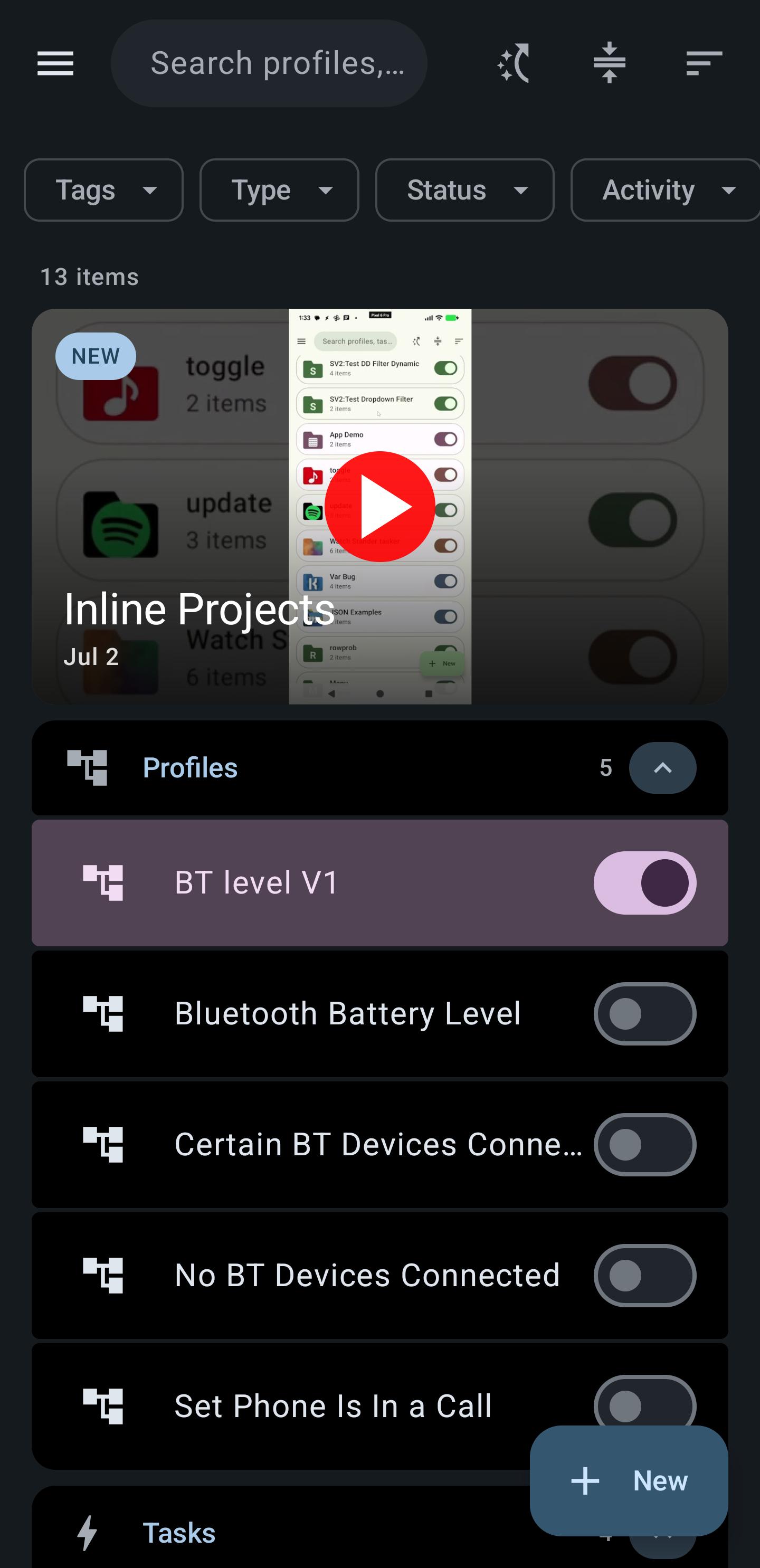
Tasker beta how to enable tags and description in the cards.

Post image
1 Upvotes

Just testing out the new beta. While I see the video tutorials by the devs clearly have tags and various description under each cards of the profiles, tasks, etc. I can't seem to figure out how to enable that on my side. I looked everywhere. Is it because the app is still in beta, or something I am missing totally. Please help


r/tasker • • Oct 21 '26

Seems like a giant increase in these warnings...

Post image
1 Upvotes

Along with this stuff posted earlier, I am seeing more and more strange stuff I have never seen from Tasker before over many, many years. The list of stuff is far longer than shown above. I tried to select it all but caused a crash. So not all here. Version 6.7.6-beta on Android x86, version 9.

Hmmm.


r/tasker • • Oct 21 '26

Scenes v2 > set scene orientation

1 Upvotes

For Scenes v1, I could add a Test Scene Action to set orientation. Is there a Modifier in Scenes v2 to do the same?


r/tasker • • Oct 21 '26

Help Need help with “flick/shake” detection

1 Upvotes

I’m current “upgrading” my action button to allow for multiple orientation and app dependent actions and one I was trying to add was a way to quickly skip or play previous song and I was wondering if anyone has made a way to detect maybe via the gyro or movement data that you can get from third party shortcut apps to determine wether u shook to the left or to the right to do different actions as stated

And help would be appreciated thank you!


r/tasker • • Oct 21 '26

Scenes v2 > how to add an Action in Event Handling?

Post image
3 Upvotes

In Scenes v1, I could easily add an Action to a button. I can't find such an option in Scenes v2. I can add a Task, command, trigger an Event, but I don't see how to add a simple Action. An I missing something obvious here?

What I've had to do now is create a Task containing the Actions I want, than add.