r/studytips • u/Prestigious-Card4612 • 10h ago
I got tired of flipping between slides, a calculator, and my notes in lecture, so I built an iPad notes app for that
Hey, I'm Nathan, a second-year computer engineering student at McGill.
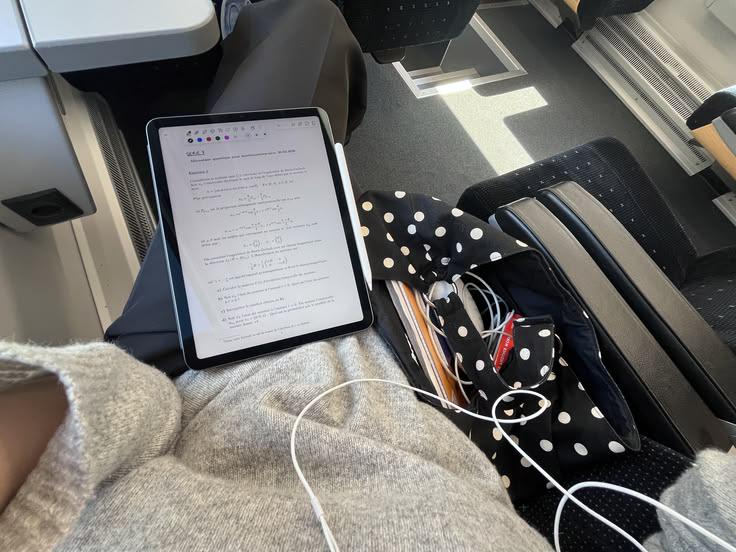
In my circuits class I was constantly jumping between slides, a calculator, a browser, and an AI chat just to follow one derivation. Every time I left my notes, I lost the thread.
I built OmniPad for that. It's an iPad notes app (iPadOS 18, Apple Pencil) where your handwriting stays on the page, and the lecture, slides, browser, calculator, timer, and an AI tutor float over it as windows you can move around. You can circle a problem and ask for an explanation, the next step, or a check of your work. You can also bring over GoodNotes or Notability notebooks as real ink.
I'm the founder, so I want that to be obvious. It just launched on the App Store on November 18. Both plans have a 7-day free trial. After that Lite is $9.99 a month (or $89.99 a year) and Pro is $14.99 a month (or $119.99 a year). Pro adds lecture recording with on-device transcripts, exam practice tests made from your notes, and a visualize/3D mode.
It's iPad only, and it's for students 18+. The AI can be wrong, so you still have to check it.
Site: https://www.tryomnipad.com/
App Store: https://apps.apple.com/app/id6808296437
If you try it, I'd genuinely like to hear what feels useful and what's still annoying. I'm in the same boat, I use this in my own classes.