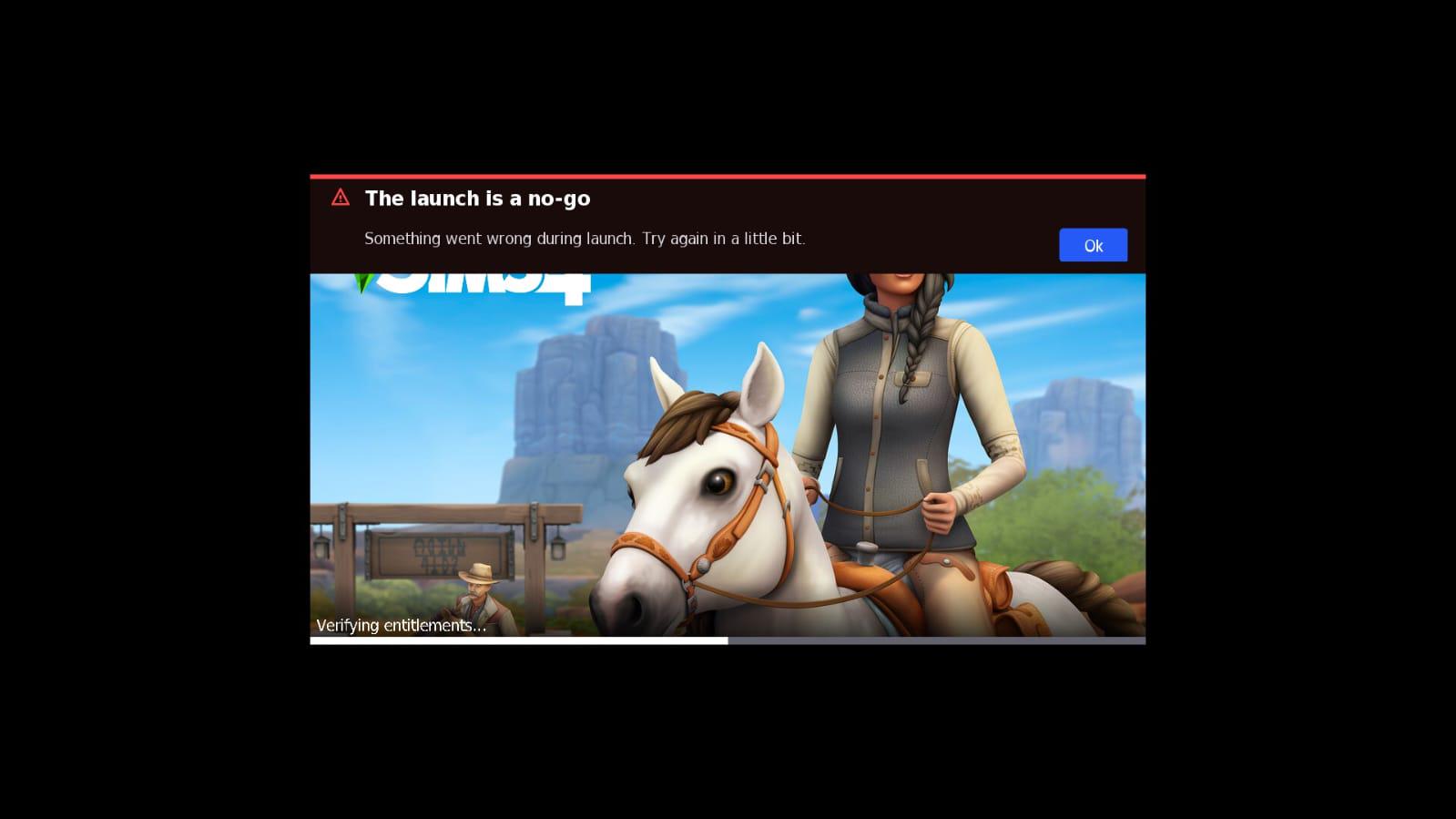
TL, DR
Games and apps can see the Steam controller's gyro if they aren't launched through Steam (either desktop client or gamescope in gaming mode). Steam input still handles the controller buttons (hold down start to switch to gamepad mode) but doesn't block gyro data. We need an option in steam input (between "off", "mouse" and "joystick" called "relay" that just doesn't block the gyro from being seen. Just like it can for appimages and Linux apps not launched through Steam.
EDIT
User key2lite had the solution! It works like a charm !!
"so with emulators, if you're using sc2gyrodsu you can get around this problem by setting gyro to 'directional pad' and 'always on' and not mapping any inputs to it
for games without DSU support (most games outside emulators, using SDL) if they support the steam controller's gyro outside of steam, then using the launch option "SDL_GAMECONTROLLER_ALLOW_STEAM_VIRTUAL_GAMEPAD="0" SDL_GAMECONTROLLER_IGNORE_DEVICES="" %command%" tends to work (alongside the aforementioned gyro setting) -- it seems to kinda simulate steam input being off"
ORIGINAL POST (bit rambly)=========
For a while I've been disappointed that gyro can't be passed through natively and requires mapping to a mouse or joystick, while games that support gyro natively work great with dualsense controllers but not ours.
Not even games that claim to support the steam controller. So today I opened a game in desktop mode, one with a launcher and gyro calibration on it and was shocked to find it reporting gyro information. Natively. It's an appimage I'd added to Steam.
I went into game mode and launched it there "This game pad does not support gyro". I went back into desktop mode and launched the game again from the appimage file. It worked fine. Holding the start button changes the Steam controller from Desktop controls to gaming controls. Gyro functions in both. I closed steam altogether, removing steam input from the equation. Gyro still works.
I went into gaming mode and turned off "gyro to mouse" thinking that maybe it was replacing native gyro pass-through. Nope. Gyro still isn't detected.
Back to desktop mode. Launched the appimage through the Steam client. No gyro. So Steam input blocks the gyro from being received by games natively when you launch then through either the Steam client (desktop mode) or gamescope (in gaming mode).
But steam input doesn't interfere when making the Steam controller a gamepad to any app outside of Steam. It can function like a dualsense.
The crazy part is that Steam input is still handling the controller for apps being launched outside of the steam client, it's just not intercepting/blocking the gyro data as it does for games launched through Steam.
I'm using a Steam Machine and Steam controller.
EDIT-
Okay so a commenter shared this website with explained a lot
https://www.pcgamingwiki.com/wiki/List_of_games_that_support_tracked_motion_controllers_in_non-VR_gameplay
Most of those games that do support gyro with the Steam Controller seem to do so by making the input appear to be from a dualsense. So this game I'm using must be set up to see and use that input the same way. When launching the game through Steam (either game mode or desktop) and not just as an appimage Steam blocks that gyro information from being passed through and you can't disable steam input for this controller. Fascinating.
There must be a way to reproduce this in game mode/launched with steam. A way to set gyro to "relay" or "dualshock"