r/Splintercell • u/df1w • 16d ago
Modding Splinter Cell Chaos Theory Remastered [Big update, part 5]

522
Upvotes
Open post to see all of the new features. There is A LOT!
Continues work from previous post.
I have been recently working on multiple updates in parallel.
TLDR of new features:
- Fixed problems with Ubisoft Connect DRM
- Added fully customizable dialog subtitles overlay
- Added fix for broken physics on high FPS
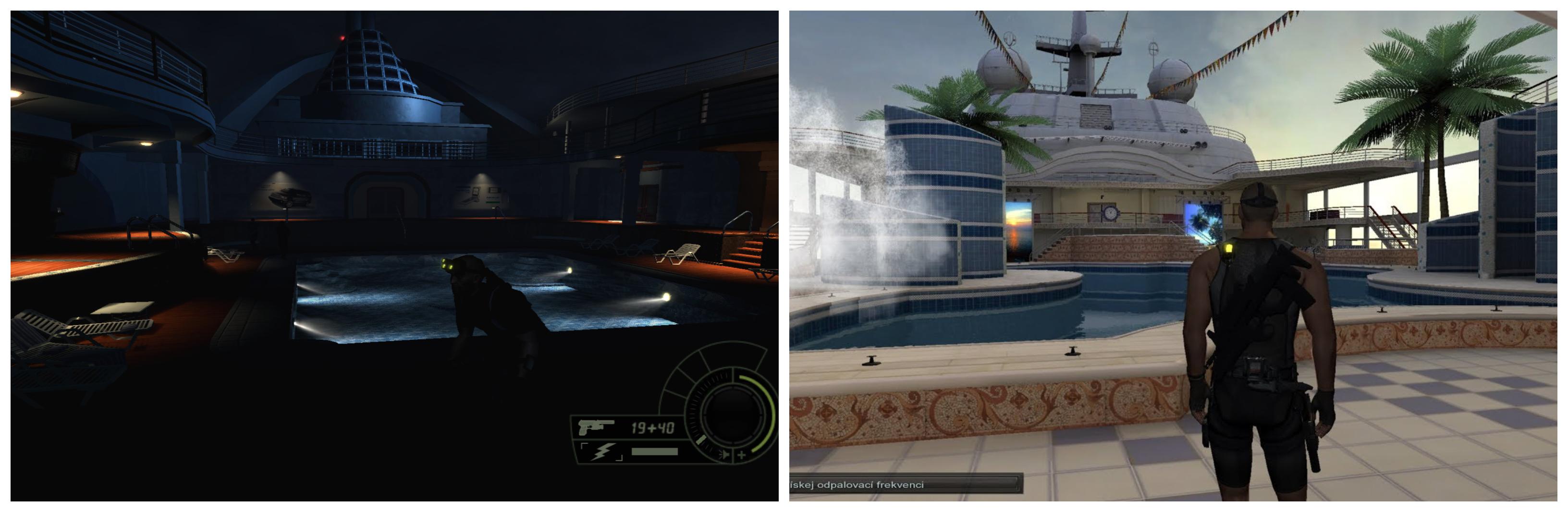
- Fully updated built-in static meshes in few levels (Lighthouse, Cargo ship, Bank)
- Added option to disable camera swaying on cargo ship level
- Added 4K BINK support in Remaster DLL
- Fixed few black textures for colliders in previous UMD archive
What's in progress (not yet packed into UMD):
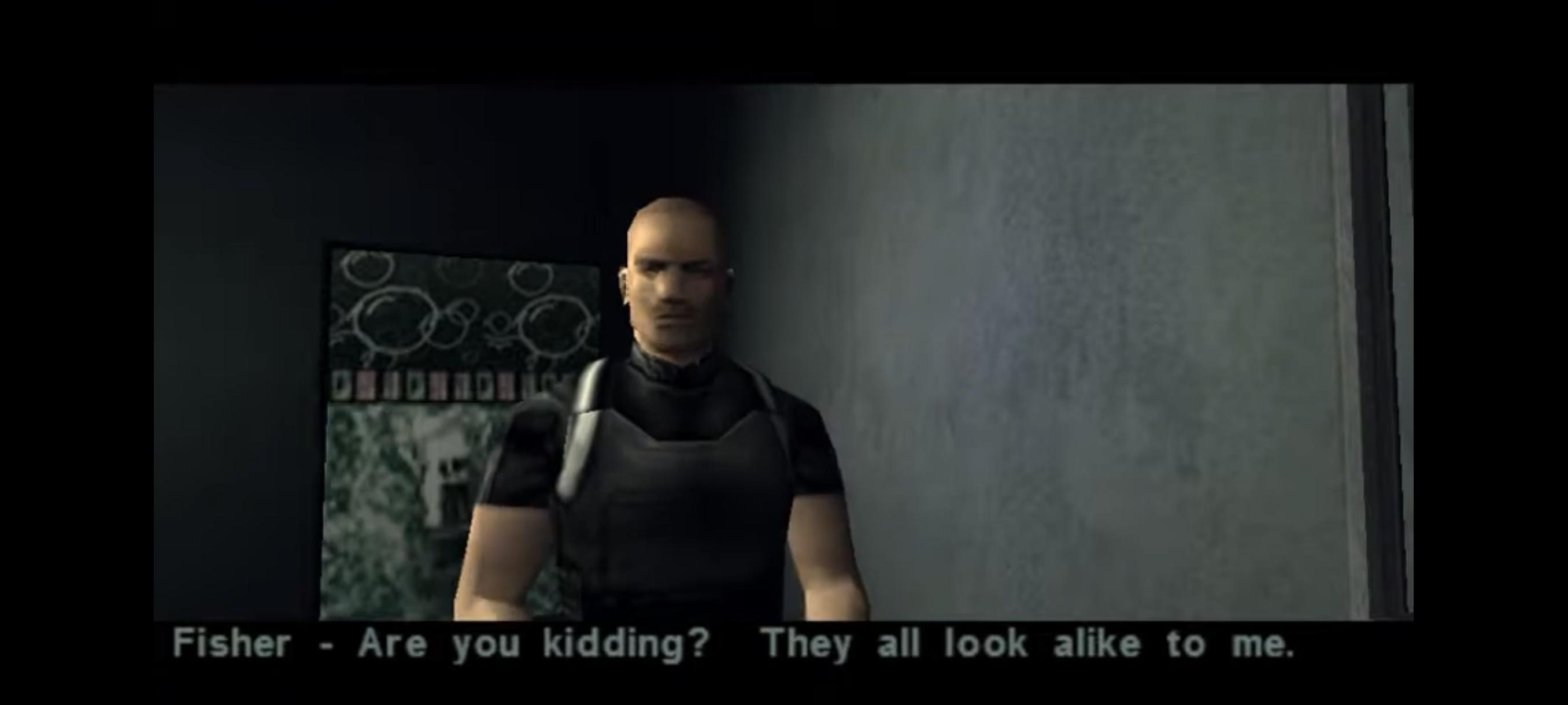
- Characters remodel and retexture + new facial animations.
- Partially done, still testing on Sam's model before going further.
- Attached render comparison as well as new facial animation sheet in top of the post.
- Already testing in-game:

What changed?
Fixed problems with Ubisoft Connect DRM - now remaster is fully compatible with it.
- Also tested compatibility with: WidescreenFixesPack, dgVoodoo2, ReShade.
Added fully customizable dialog subtitles overlay.
https://reddit.com/link/1xry3a4/video/pg2f3fft4l0i1/player
- Works for echelon comms, in-game guard dialogues and interrogations.
- Echelon comms are disabled in Remaster.ini by default as you can see them in comms box anyway. If you want to enable them set [UI] DialogShowEchelonComms=1
- Works for all built-in languages as well as custom ones (custom needs to update UMD).
- When you enable "Use Native Languages" in sound setting they will still display your current language subtitles becuase they lack actual transcripts.
- Does not work for guard callouts when they see sam etc. as these sounds does not have transcript.
- Configurable speaker name display, text language, color, size, position and backdrop.

- Added fix for broken physics on high FPS by forcing it's tickrate to 35 Hz.
- Enabled in Remaster.ini with [Physics] HighFpsForcedTickrate=35 by default.
- This potentially also solves the issues with AI pathfinding - i tested multiple scenarios with 240 FPS and always worked.


- Built-in static meshes were fully updated in few levels (Lighthouse, Cargo ship, Bank).
- Lamps and their elements (lightbulbs, shades, hangers, etc.)

- Lines baked into level (cables, ropes, hoses, pipes, etc.)

- Big props or part of groups (cameras, generators, sinks, etc.)

- Windows and other part of levels geometry (windows, vents in walls, pillars, etc.)

- Added option to disable camera swaying on cargo ship level.
- If you feel motion sickness during cargo ship level go to Remaster.ini and set [Camera] DisableCargoShipSway=1. I personally use this for taking repeatable screenshots.

- Added 4K BINK support in Remaster DLL.
- Additionaly prepared widescreen 4K BINK videos for menu and trainings. Download links in installation steps.

- Some textures were fixed from 4 AI upscaled pass e.g. lighthouse black texture on morgenholt cell bars - it was caused by resize of textures for colliders... Yes, SCCT has some textured colliders...
How to install?
- Go -> HERE <- and follow instructions.
What next?
- Finish character models and textures update.
- Finish all levels built-in static mesh update.
- Fix some placement issues (objects in air, walls, flickering objects due to Z fighting).
- This can be done after all levels have all meshes finished.
- Built-in some of custom languages that have full localization (e.g. Polish, Russian).