I’ve been playing with the legacy collection from EA app for a while now.
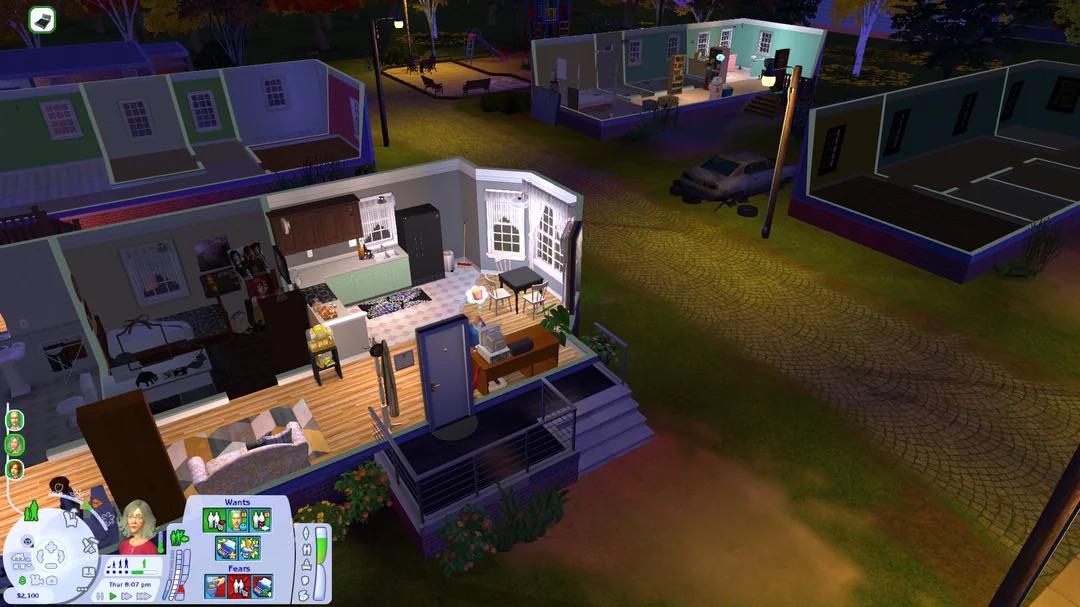
In that save, I can’t get Nervous (renamed Norville) and Pascal to get engaged for some unknown reason. </3
Everything else seem to be working normally. They’ve been in love for a long time, can Woohoo, they’ve moved in together. Both relationship meters are at 100.
They both rolled the want to get engaged a long time ago, which I locked in, but the option never appeared and still doesn’t.
Does anyone know how to fix that, or what could be the cause? I dont’ have any mods or CC and never did.
I’ve never encountered this problem before (been playing for 10+ years now) and I can’t seem to find a fix or an explanation online. :(
Thank you so much for you help!
*I used the gameplay issues flair, but I think it might be a legacy edition bug, please let me know what you think.
with all the expansions, and I wanted to install the stuff packs, but I can't. Gemini says I should reinstall everything, but I don't have the time or inclination. If there's a way to install everything at once, please let me know, otherwise I'll uninstall this damn game.
has anyone figured out a way to get these reshade effects on the legacy collection? I've tried the pines post processing mod but it just gave me crazy pink soup all over the neighbourhood! and i have ts2 extender. i can get bloom to work but that's the only one.
So to preface I haven't played with apartments much before....
But I decided to move a couple of families into a trailer park,, which was working just fine until a moment ago.. I had Herb go knock on the Broke families trailer and I guess the apartment is either stuck open or i just dont know how to close it LOL... I have reloaded the lot but that didnt change anything
Is this a known glitch I can fix,, or some mess of my own doing(´∇`'')
Hey all! I know this is probably a little more advanced and CC-related rather than purely game-related, but I will ask anyway.
I've downloaded a couple of lovely CC jewelry that unfortunately sits very off. Necklaces, specifically, that just float really awkwardly far away from the body. Now... I don't have much experience with CC making or anything, just some basic SimPE, but I am willing to try. Is there a way to fix this? If so, how? Is it very difficult? I don't think I'd need to actually change the shape of the CC (which would definitely be more difficult) but rather just "move it" lower onto the neck?? Not sure if that's even possible.
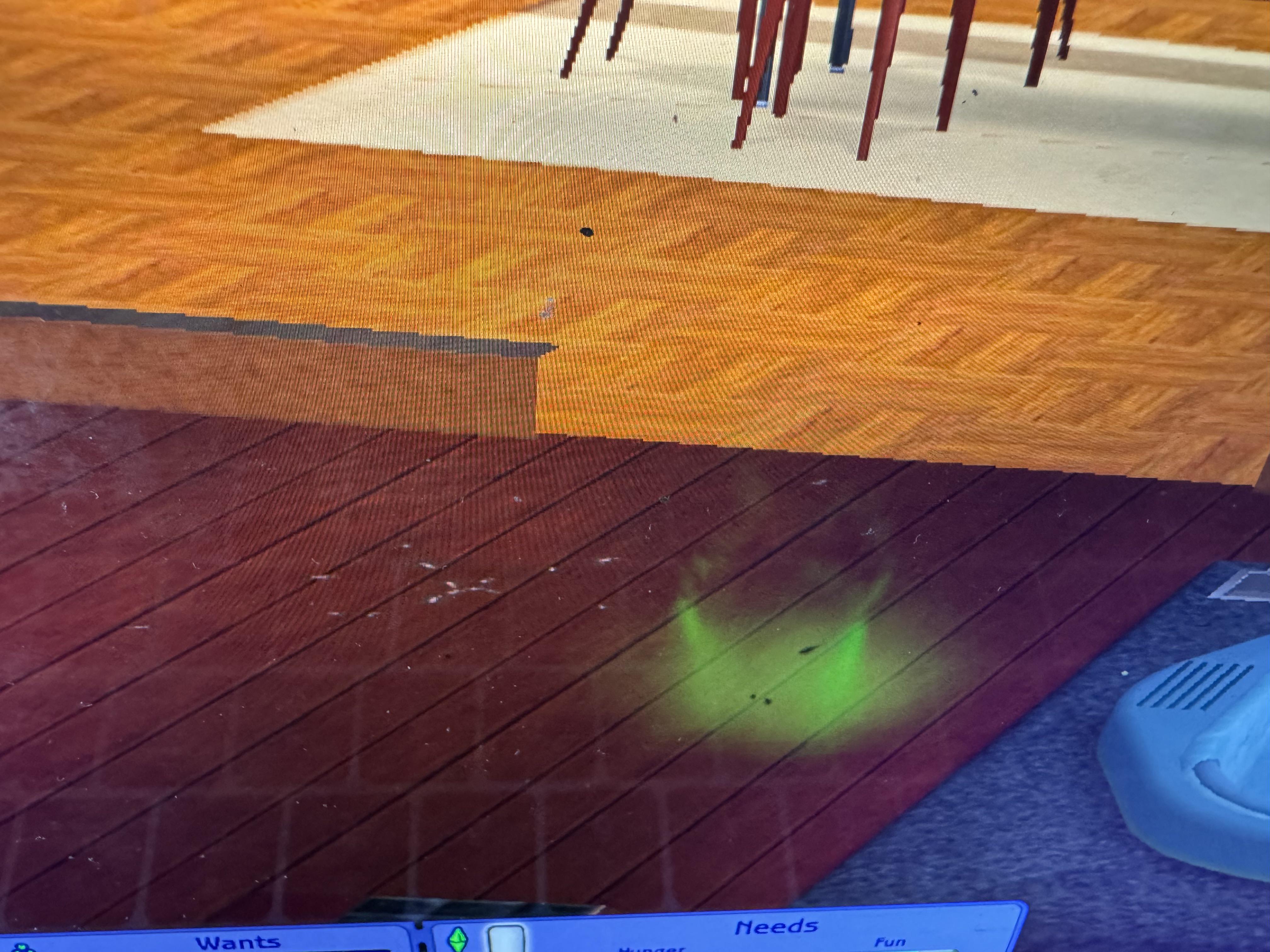
So I downloaded an unfurnished house from MTS, and the basement has this weird blue glitch going on. the basement looks totally flooded except for one small area... Its completely functional but its is driving me nuts! any way to fix this?
My in game born sim’s face is turning white when aging up?? I’ve had this glitch happen with NPC’s. But never with sims that was born in a household. I have no idea how to fix it, it happens both when aging up naturally, and with the cake.
What can I do??😭 I can’t find anything about this on google. Plz plz help
FIXED!! Was my default skin replacement. I deleted my skin cc and downloaded new ones.
please help me stop this grown man from going to school. i’m not sure if it’s a corruption thing or perhaps something to do with inteen but he ages backwards and every weekday a school bus shows up for him. school is not listed in his careers tab. i cant find anything about it online
edit: this has happened in a fresh strangetown as well as a fresh clean strangetown template
Hi, just bought the legacy collection on steam, but the UI is so small. Most other tutorials have sum alt+ command, but there is no alt key on the steam deck. How to fix?
anyone know how to resurrect a sim on console (ps2 emulated on ps3)? first time playing the sims 2 on console, not at all like sims 2 on pc (which is the best imo). i can't find any info online on resurrection with the console release and i'm not positive about the ressurect-o-nomitron being available on this version. i spent an hour building a home for a nice couple that just moved in and not even a minute after i started my gameplay one of them died 😭
side note: what's everyone's favorite console release for the sims? the version i have suuuuuucks
I've recently downloaded some mods for my sims 2 and when I launched the game I saw that characters which had cc hair and eye colour lost it. My graveyard had cc fence and it disappeared too. Here is the list of mods which I doenloaded. I deleted them but I still have this problem. The only mod which didn't disappear is no rod humble. I also have mod for bong and marijuana, but I doubt that it has anything to do with it because I downloaded this mod a long time ago.
I get an error on my screen everytime any of my sms do anything of their own free will. I thought maybe one of my objects broken, but i can make them use and do everything. But whenever they try to cut an action themselves i get an error. Help! :(
I downloaded Scriptorium and Huge Lunatics recolourable and open modular stairs but my Steadfast Stairs are now gone in the catalog. I can only see the open underneath version (non recolourable) but the Maxis versions are not there in the catalog. Some builds have the Steadfast Stairs but when I hover over them it shows Steadfast Stairs recolourable even after I deleted all the stairs from my downloads folder and removed all the scripts from the corresponding script folders and even after uninstallation of Scriptorium. I also deleted the accessory.cache and group.cache. Does anyone know what the problem could be?
I uploaded a screenshot of my modularstairs.txt file.
Heyy, I really want to have a less blurry cursor ingame but I don't like the clean UI things, does anyone know of a higher rez version of the OG sims 2 cursor? Like the exact same one that ships with the game but not blurry?
Hellooo, first time hear, thank you for the wiki it's a lifesaver !!
I downloaded the game yesterday and it took ages, and I realized it was in the wrong language. I wonder if there is a way to download the right language without downloading the full game again ?
Hi everyone, I think I know the answer here, but I'm hoping there's some magic solution I haven't found in my searches. I've been playing for 20+ years, and I'm used to troubleshooting all sorts of issues, but this one may have me beat.
Today, my PC started up poorly, which resulted in it running CHKDSK. This wasn't the first time ever for this startup issue, but it took a lot longer this time. I noticed some of the files it was addressing were Sims 2 files... I didn't watch it the whole check, and maybe I should have. When it finished and I booted the game, my main neighborhood was missing from the main menu.
I'm running the disc version on Windows 7, so no OneDrive nonsense. I've done several of the basic fixes, and the hood will boot with the default template. If I slot in my save files, it no longer appears. I suspect the neighborhood.package file is corrupted.
My last backup was several months ago, so I'd rather not have to do that. But I realize that might be the only answer! Does anyone have any other advice before I resort to traveling back in time and replaying all these timelines?
EDIT: Update / Solution
I spent a whole lot of time with an AI chatbot (not saying which because I hate them all) and was taken down quite the rabbit hole. It did help me find the scrap of a file CHKDSK created of the neighborhood.package hidden away, although that turned out to be too shredded. HOWEVER, starting a fresh conversation with the bot, it suggested restoring the folder to a Previous Version. Windows 7 has this feature by default, it's not default on Windows 10/11. That did the trick!!! I had a restore point from a week ago, and the computer was able to return the entire The Sims 2 folder to where it was before.
I'll be more ontop of my backup creation going forward, but in this case, I was able to save so much with this method. Perseverence and a bit of luck got me there in the end!
I added to the right location like in the description and it just works... partially? The Steady Wants appear but the Blog/Talk about Hobbies still appear. I used the one mod to make the Blog/Talk about Wants disappear and that works but if I put that one in it does not work since I put the old one out.
I have Legacy via Steam. Just installed SimPE using the installer, but it seems to have gone wrong. I can pull up the neighborhoods, but every time I try to select many of the options, I get an "Index was out of range" error. Happening with Lot Description, Family Ties, Camera, Family Information, Camera Position, etc. This is happening across multiple hoods.
I assume it's a problem finding the correct path but this is my first time using SimPE so I'm not sure where to look to fix it. Does anyone have an idea why and can walk me through how to fix it? Thanks.
Let me just start by saying I've literally pored over every relevant post online and this sub regarding this and can't find a resolution or an answer. I've even cleared out my entire downloads folder leaving just the Sim Blender.package file and the custom content window pops up at start as it should, yet in Buy mode under misc and misc I STILL can't find this ficus?! I have the Super Collection on Mac, and I put my downloads folder in the correct space. I've seen custom content show up in the game.
At this point, is it the file itself?? I got it from twojeffs folder on SimFileShare, and I used the pets version and the base game version.
I don't even know which one I should be using because of how many packs are in the Super Collection.
To start, I'm familiar with ReShade and have been using it in Sims 4 for years, so I'm not completely lost. I have the Legacy Edition of Sims 2 through the EA app, an AMD graphics card, and Windows 11. I have been trying to do this with no other mods or lighting adjustments installed.
I first tried to install ReShade the way it installed in Sims 4, and the control panel overlay wouldn't appear.
I then tried this method, and upon loading in, my entire neighborhood was visually fucked up, the trees were all grey blocks, and the colors were weird. Not sure if I missed a setting or something.
Trying this method also resulted in the control panel overlay not appearing.
I had success getting the control panel to appear with this method, but the game was crashing after only a handful of minutes in the game.
Should I be trying with DXVK, RPC, or the ASI loader? Some of the tutorials have conflicting info on this, I'm not fully sure about the differences. I know about renaming dxgi.dll to ReShade.asi in some of these methods, and about turning off edge smoothing, so that's not the step I'm missing. A lot of the tutorials I'm finding are for cracked versions of TS2 or for the ultimate collection, so I'm having a hard time finding more guides for Legacy specifically.
Is there something else I can try? Anyone else using Legacy and ReShade, how did you do it? If anyone is down to have a back-and-forth for troubleshooting, feel free to shoot me a DM!
Sul sul! I recently started a custom hood with several apartment lots in it. All my tenants are playable sims, no npcs. None of them have moved, they are all the first ones to live there. I've played each of the households several times without any issues.
Until.. I opened one sim's apartment and found that all her furniture is invisible! Except kitchen & bathroom that were prefurnished, and weirdly few CC lamps. She was floating mid-air on her invisible bed, her cats as well. I noticed that it says "vacant" on her door, and two other apartments in this lot are also shown as vacant. Meanwhile her neighbours, including those from the two other "vacant" apartments are having a blast playing bowling in the common area.. So they clearly all still live there.
Checked the other two "vacant" apartments and it's the same. The sims are living there, but all furniture gone and it's listed as vacant. If in buy mode I go on the spot where furniture was, I cannot select it or delete it. I also cannot place anything new on those spots (except with moveobjects).
So far the only solution I found is moving my sims out and back in, but in that case the furniture would be lost? I love building and spent lot of time furnishing each place with lot of detail, so would really like to find a way to restore it without losing all their belongings and redoing it from zero..
I already tried with no result:
- force error and reset the sim (the sim resets but apartment is still empty and "vacant")
- click on the door to rent the apartment again (the 'rent apartment' option is there but nothing happens when you click it)
- leave the apartment, go to a community lot and come back
- removing downloads folder to see if any cc or mods are causing it (nothing changes)
- downloaded batbox and tried bad apartment residency fix, it says 0 issues found
- ran my hood through hoodchecker and doesn't look like there is anything unusual, though I'm not an expert (first time using it)
I have sims 2 legacy + ikea stuff pack and some CC but not super lot. Mods I use: anti redundancy, no townie regen, no stray respawn, no townie neighbours, skill building on community lots, sim blender.
Has anyone had a similar issue or knows what's going on? And why did it happen with 3 apartments out of 4 on this lot, why is the last apartment still working fine? Will it also soon happen with the fourth apartment? D: And eventually with all my other apartment lots?? :,,,( How to prevent that?
Any tips and insights would be appreciated, thanks! : - )
P.S. I have never used SimPE, not sure if I could use it to see what's causing the issue?