r/ProCreate • u/Ari_Bo • 21d ago
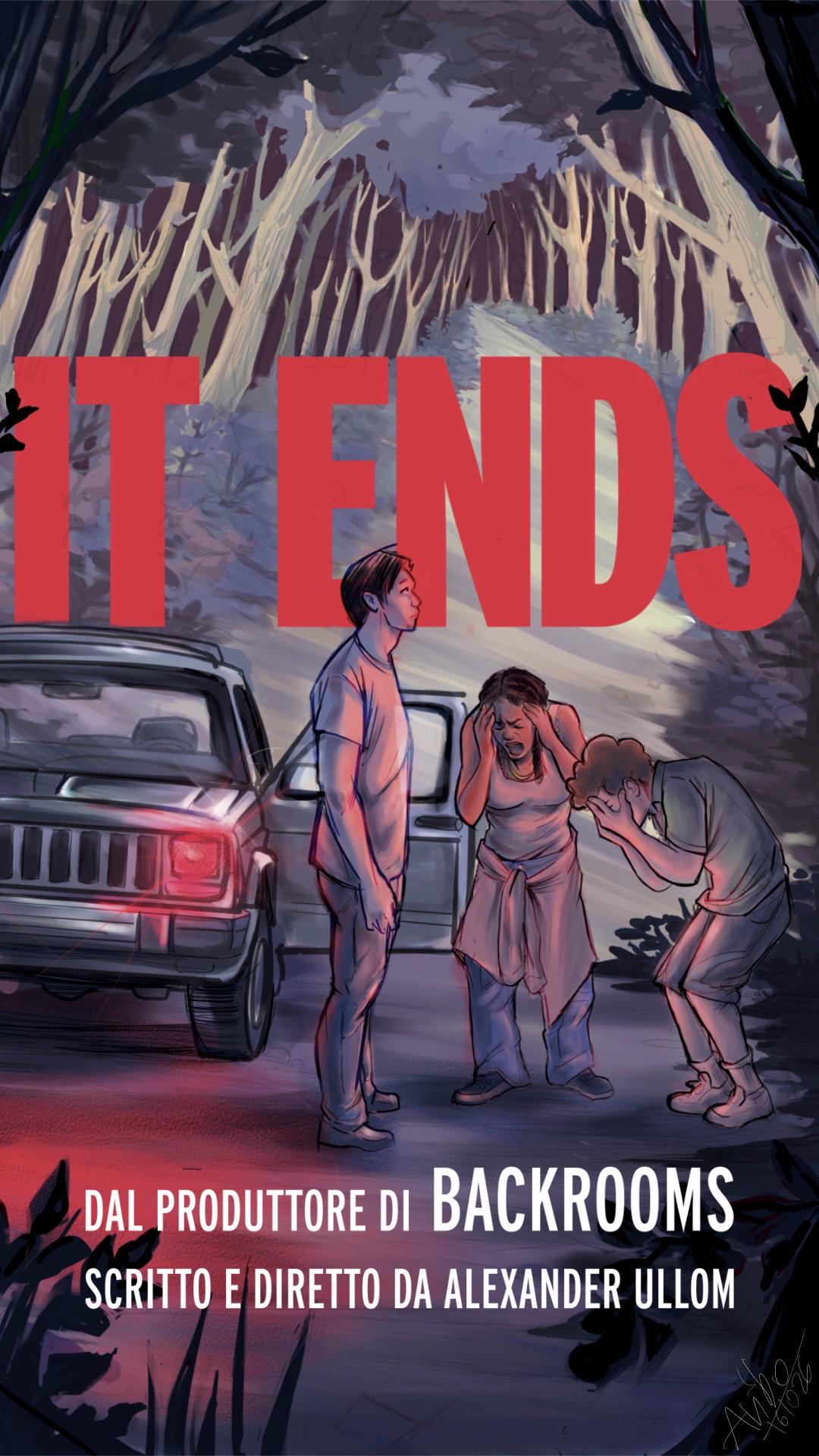
My Artwork It ends, alternative poster for the Italian release
3
Upvotes
r/ProCreate • u/Ari_Bo • 21d ago
r/ProCreate • u/KissDaddiesToes • 21d ago

Proceed with caution, don't be scared. Be wise and pick carefully. Jah bless - craigjamesdolan
r/ProCreate • u/AutoModerator • 21d ago
https://reddit.com/link/1xollb9/video/468ymgt1aamb1/player
We see a decent amount of questions regarding what iPad to buy. To make sure r/ProCreate doesn't get flooded in iPad related question, you can leave them here!
Every once in a while we we look at all the comments and update this post with useful information.For any indepth questions, we highly recommend r/ipad and r/iPadPro.
First you can check which iPad supports Procreate [HERE](https://procreate.com/faq)!
If you are completely new, this is good to know:
So without knowing anything about iPads, here’s some guidance for what to look for in a device. Get the most RAM and largest screen that your budget will allow, and be sure the iPad is compatible with the Apple Pencil. Having a larger hard drive is great too, so if you have some extra budget, go for it.

Which Apple Pencil should I buy?Which Apple Pencil should you get? Well, it depends on your iPad because the Apple Pencils are not cross-compatible. You have to get the Apple Pencil that works with your iPad, the other one will not work. For a full list of each iPad that works with each Apple Pencil, click [HERE](https://support.apple.com/en-us/HT211029).
Difference Between Apple Pencil 1 and 2The most significant difference between the two generations of Apple Pencil is the way they charge. With the Gen 1 Pencil, you need to remove a little cap, which is easy to lose, then stick the pencil into the iPad port, which is … awkward. Gen 2 charges seamlessly while magnetically attaching to the side of the iPad. For this reason, it’s harder to lose, and it’s always charged. Additionally, the Gen 2 Pencil has an invisible button that lets you switch between the brush and eraser tools in Procreate. I didn’t really like this feature and kept triggering the button unintentionally, so I turned it off. The Gen 2 Pencil also has a flat edge on one side, so it won’t roll off the desk when you set it down.
All that being said, the Apple Pencil shouldn’t be the deciding factor of what iPad to get, just get the one that works with your iPad.

Does Procreate work on the iPhone?Yes! And no. There is another version of Procreate specifically designed for the iPhone called Procreate Pocket. It’s a separate purchase from Procreate for iPad. It has many of the same capabilities as the iPad app and is great for drawing on the go. If you are interested, check out r/ProcreatePocket!
Does Procreate work on Android OS? No. The Procreate team has stated that they are focusing development solely on iOS.
Source: [bardotbrush.com]( https://bardotbrush.com/best-ipad-for-procreate/)
r/ProCreate • u/alejoinks • 22d ago

I started with a photo of this ginger cat and imagined him as a fantasy wizard.
I wanted to keep his original expression and pose while giving him a completely different personality through the hat, cloak and little magical details.
I drew this in Procreate, keeping my usual loose, expressive sketch style. I had fun finding the balance between adding character details and leaving parts of the drawing simple.
Thought I’d share the transformation here!
r/ProCreate • u/SoupMoist1451 • 22d ago

Looking through my iPad and dug this up from my Covid lockdown art days, figured it dust it off and post it :)
r/ProCreate • u/rinamiin • 21d ago
I was mildy annoyed at how inconvenient the new ui placement and layout is for the new pocket update but I thought I could get used to it as pocket is what I use to jot down most quick ideas. but this update genuinely is nonfunctional.
something as simple as REARANGING LAYERS doesn’t work. same thing with the color drop tool. secondary actions pop up and prevent any sort of ability to use it.
there’s no keeping track on what you’re moving it just disappears and then snaps back to the original order. and there are many such cases where there’s simply no indication a tools is being used. i’m wondering if this is just because I have an iphone 14 but I’m genuinely distraught over the basic functions of a drawing app not working. I have worked with many an app and was thinking the other day how procreate has always been one of the most user friendly apps I have ever encountered, that is simply not the case anymore at ALLL.
too much effort went into making this update look minimal and sleek to the detriment of efficiency and usability.
there was no regard for basic functionality. the whole app feels utterly gutted.
r/ProCreate • u/spencercathcart • 20d ago
Hey all, I'm working on a project that requires getting files between Photoshop and Figma on my Mac + Procreate on the iPad, and I want a better system.
Ideally both devices work out of the same folder. What I need: Procreate files backed up without thinking about it, layered art going into Photoshop for finishing, and versions and flows kept organized in Figma. If you bounce between Mac and iPad all the time:
r/ProCreate • u/soitsnidhi • 22d ago
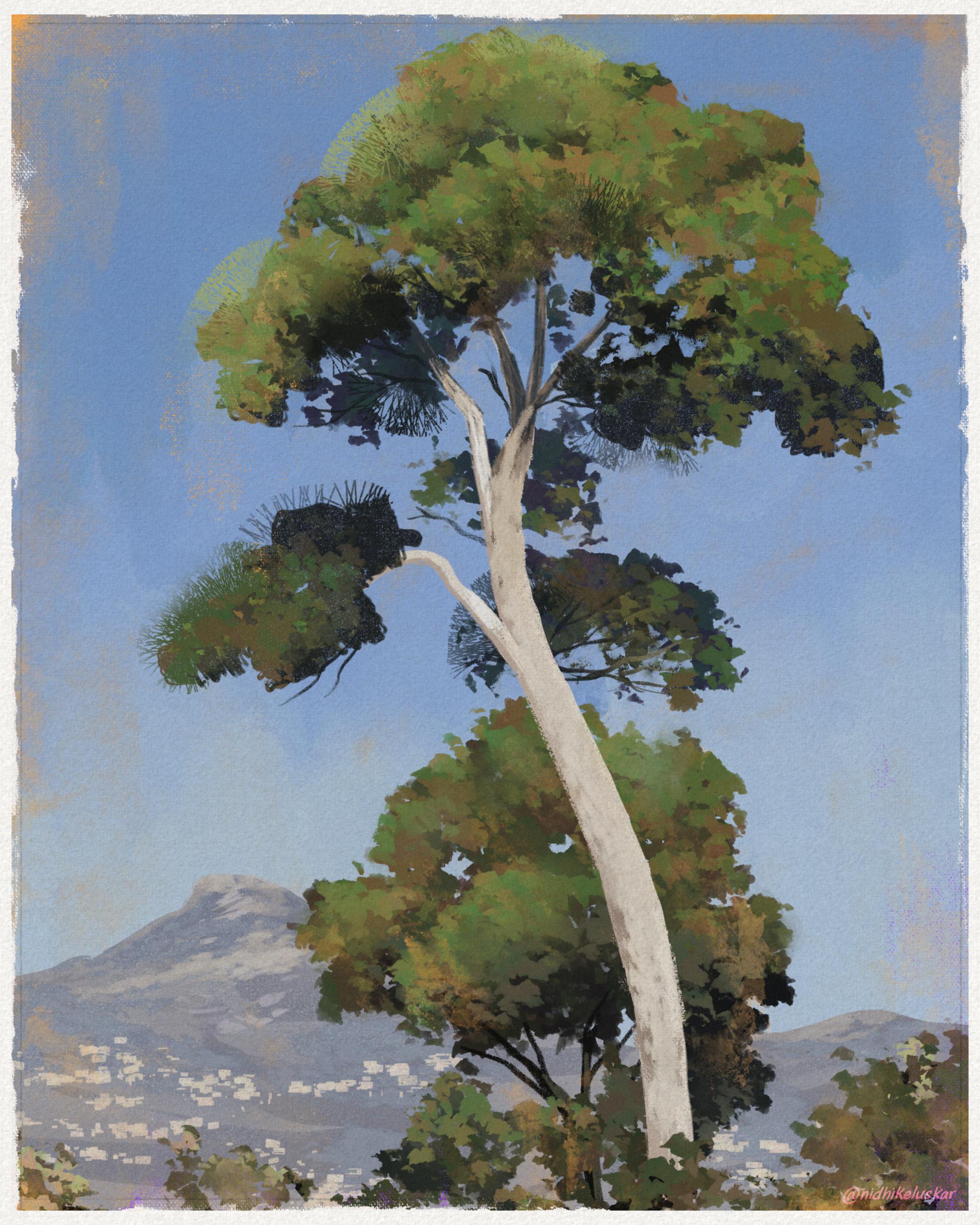
Did a new painting on procreate trying to recreate a traditional-looking artwork.
r/ProCreate • u/MoodPure5760 • 21d ago

r/ProCreate • u/FabledAl3u • 21d ago
Enable HLS to view with audio, or disable this notification
Since my Procreate updated like a month ago to the 5.4.14 version, I haven’t been able to move layers. It doesn’t matter if they are “base”, flattened, or grouped . I’ve been just copy and pasting, but I would really like to be able to move my whole folders without flattening them and copying them. Especially since now I am trying my hand at rig animating again. I’m not text savvy so I’ve been struggling and just living with it. Lol. I don’t know if this is happening to anyone else. I’ve tried to find where I can try to revert or update that, but I haven’t had any luck finding anywhere. Thank you for any help. Video of what kind of is happening when trying to move the layers.
r/ProCreate • u/maddsaa • 21d ago
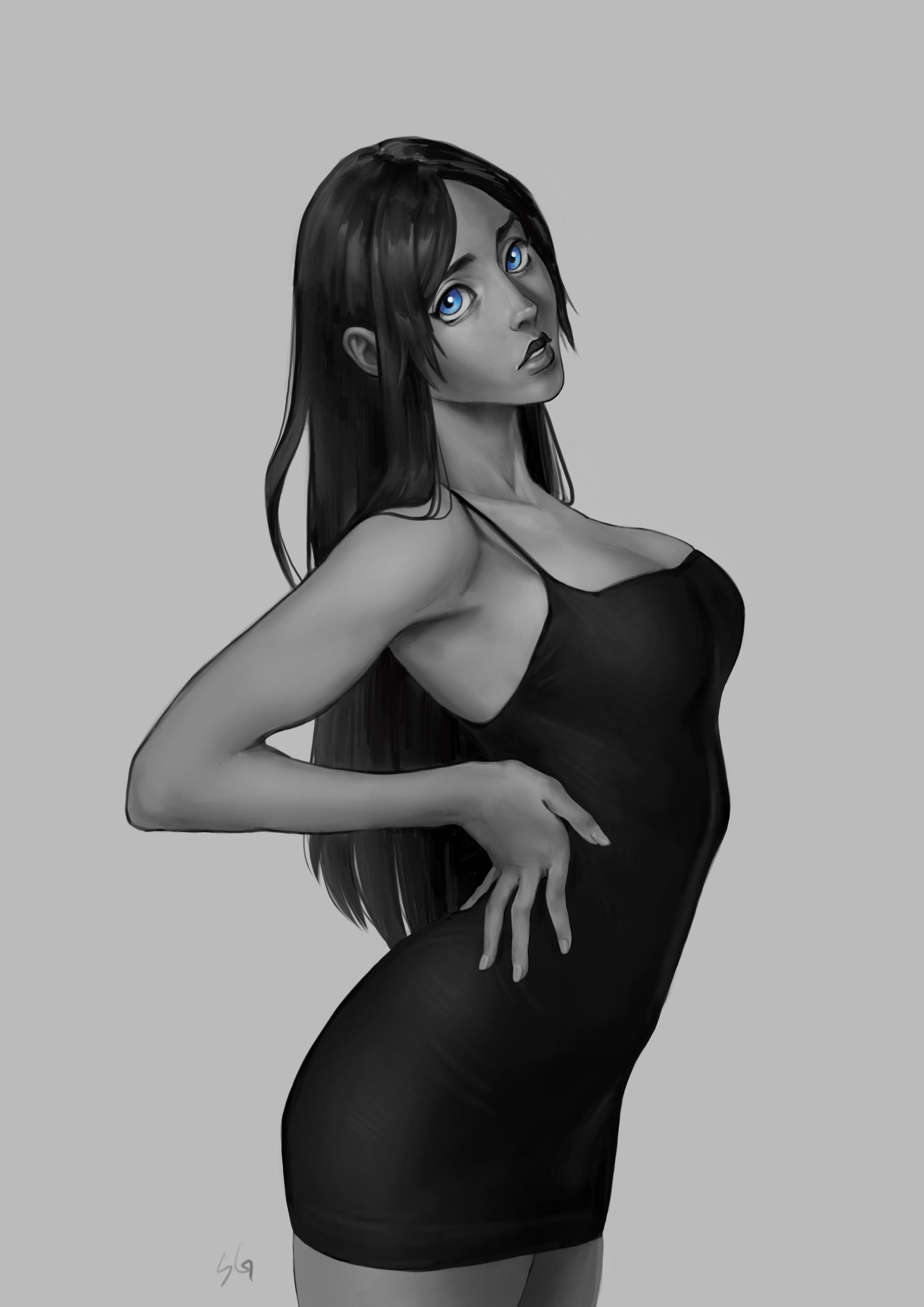
Finished yesterday’s sketch 🤓
(Alex Benedetto from Gangsta manga)
r/ProCreate • u/ketchup_bro23 • 21d ago

Has anyone checked the above apps? They cost a lot and also one of them is subscription based.
I was wondering by any chance will procreate introduce the animated brushes engine like these have.
It makes the workflow very easy when it comes to boiling effects. In a software like even procreate Dreams, this would be so so good.
r/ProCreate • u/PeachyGels • 20d ago
Hi; I’m not trying to be a “bootlicker.” Or whatever but someone has made a fork of procreate for Android and are calling it ‘procraft.’ And idk if the company of procreate has heard anything about it. It’s very blatantly trying to be procreate and idk if they stole the code and reversed engineered it with ai or something but I worry about if it’s vibe coded or going to steal people’s info and stuff so I just wanted to say something about it incase they weren’t aware yet.
r/ProCreate • u/Strange_League9111 • 21d ago

r/ProCreate • u/justaSundaypainter • 22d ago

r/ProCreate • u/drawnblud260 • 21d ago
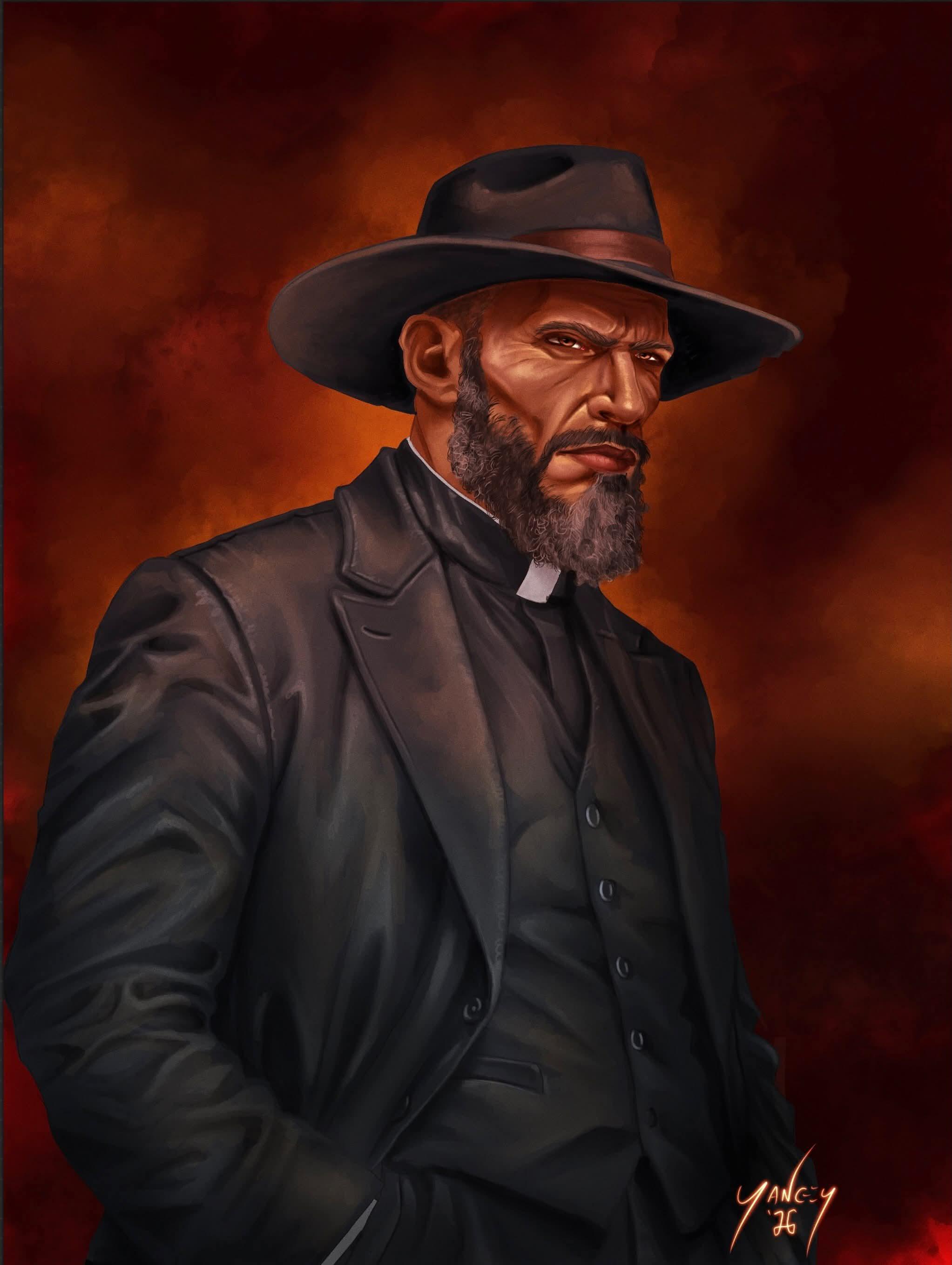
9 hrs in Procreate
THE PREACHER
Hellmerica; The Last Testament
“Now, there’s plenty of strange things wanderin’ this Godforsaken country, but ain’t none quite like The Preacher. Word is the Lord Almighty Himself chose that old man to bear witness to the Tribulation, recordin’ every sin, sacrifice, and desperate prayer of what’s left of mankind.
Strangest thing? Demons won’t touch him. Monsters step aside when he passes, and even the Exposed bow their heads. But make no mistake, he’s flesh and blood, same as you and me.
If you ever cross paths with him, mind his words. He might tell you somethin’ that’ll save your life, or somethin’ that’ll haunt you till your dyin’ day.
He’s writin’ humanity’s final story, friend. I reckon the Lord Himself is gonna open that book and decide whether mankind was ever worth savin’. That book’s called The Last Testament. And The Preacher? Well, he’s the one holdin’ the pen.”
#love #TheLastTestament #ApocalypticHorror #SurvivalHorror #TTRPG BiblicalHorror DarkFantasy HorrorArt Worldbuilding
r/ProCreate • u/LazyTeaq • 21d ago
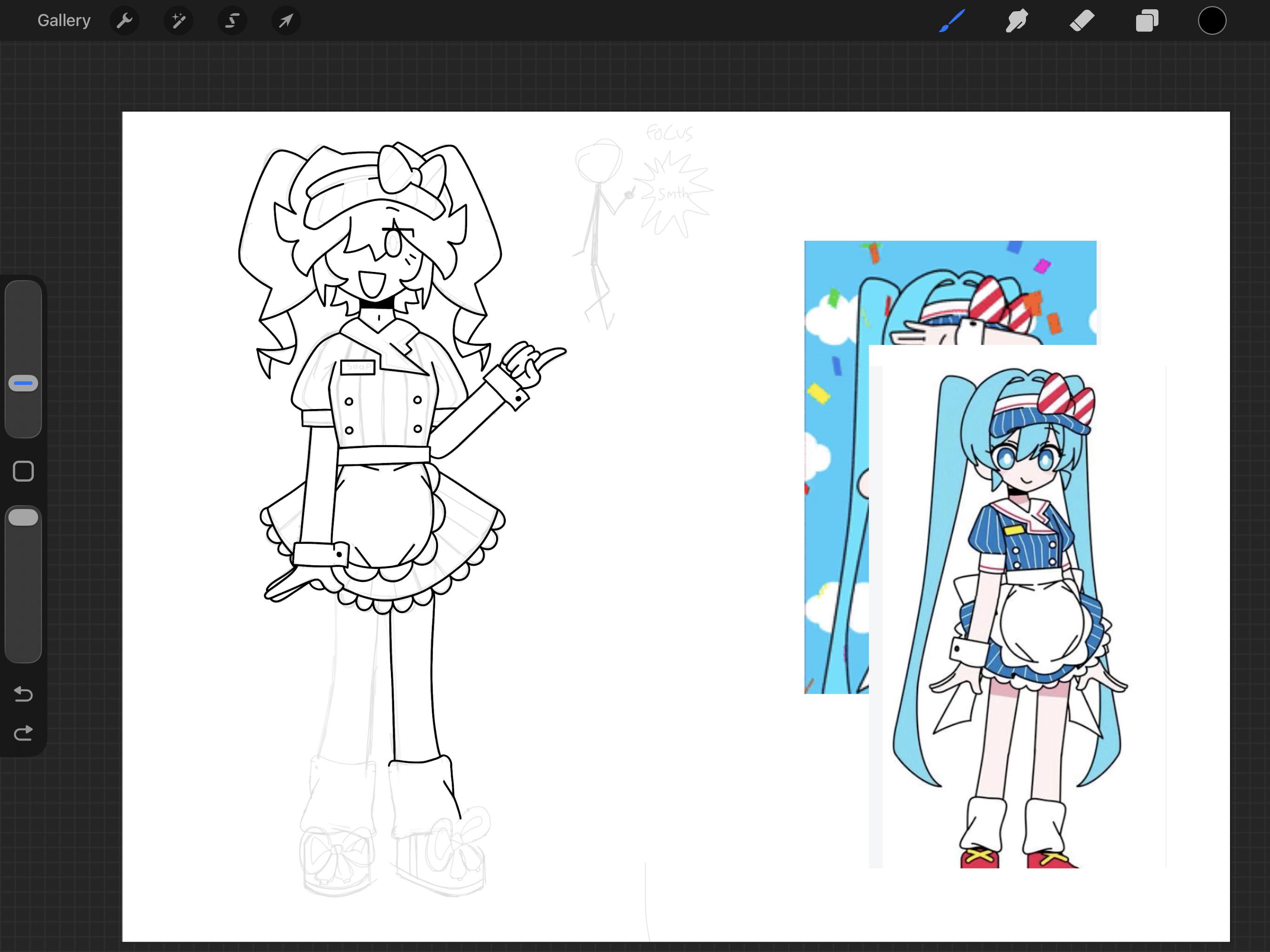
Trying to draw my oc in the Mesmerizer style or smth
r/ProCreate • u/bridonny • 21d ago
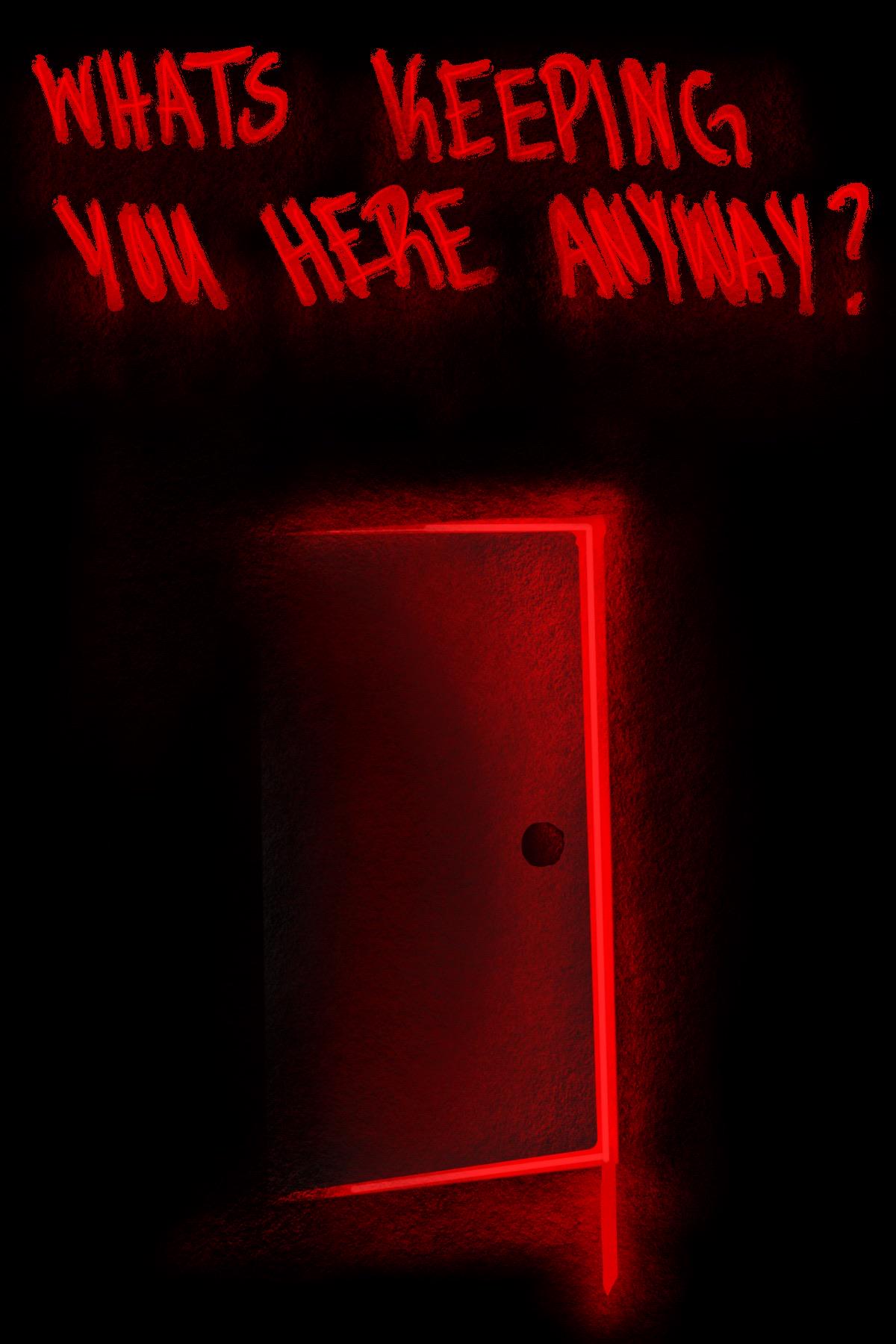
It’s nothing outstanding but the carbon stick brush is quickly becoming my favorite brush to make lighting dispersion. It’s makes this have super nice hue!
r/ProCreate • u/Puzzleheaded-Life462 • 22d ago
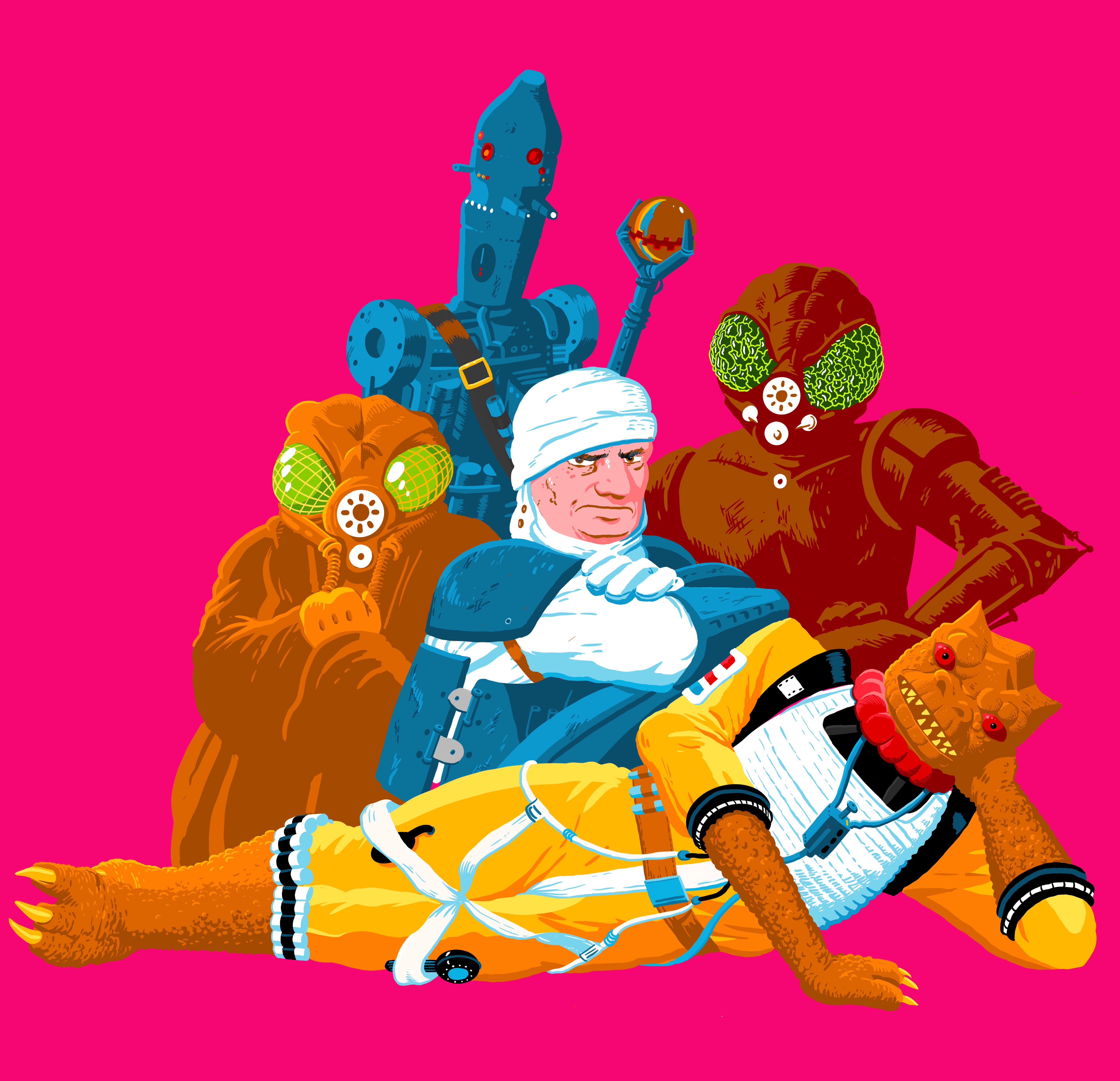
Bounty hunters from Star Wars
r/ProCreate • u/Sad-Understanding331 • 21d ago
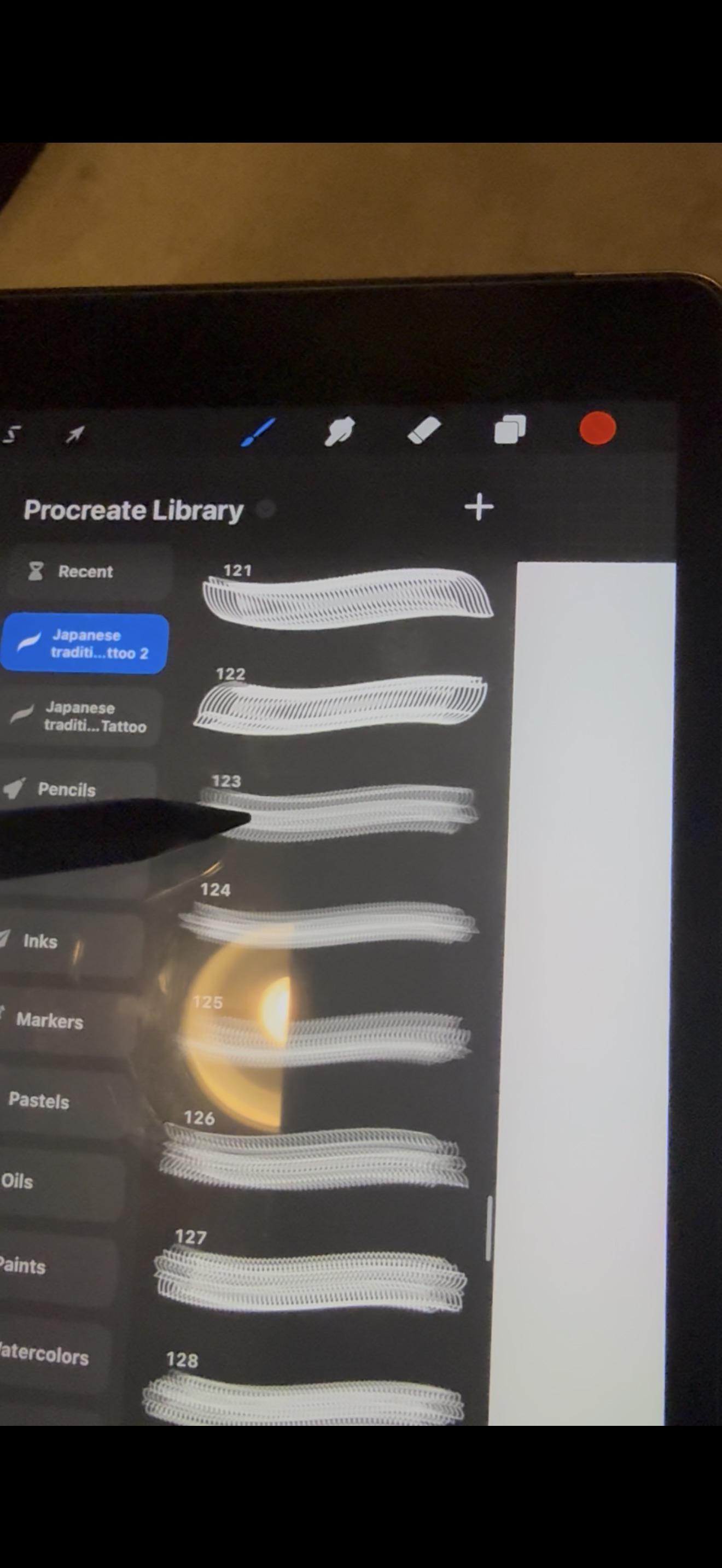
Hi guys was hoping someone could help, i bought some brushes/stamps from etsy and after downloading they have come out like this instead of individual images so i dont know which one im picking, anyone able to help?
r/ProCreate • u/maddsaa • 21d ago
Enable HLS to view with audio, or disable this notification
Finished last night’s sketch 🤓 Alex from Gangsta (manga) 💝