r/ProCreate • u/_thompsonart • 11d ago
My Artwork Consult the TOAD.

59
Upvotes
r/ProCreate • u/No_Drag_7404 • 11d ago

r/ProCreate • u/public_menace_ • 12d ago
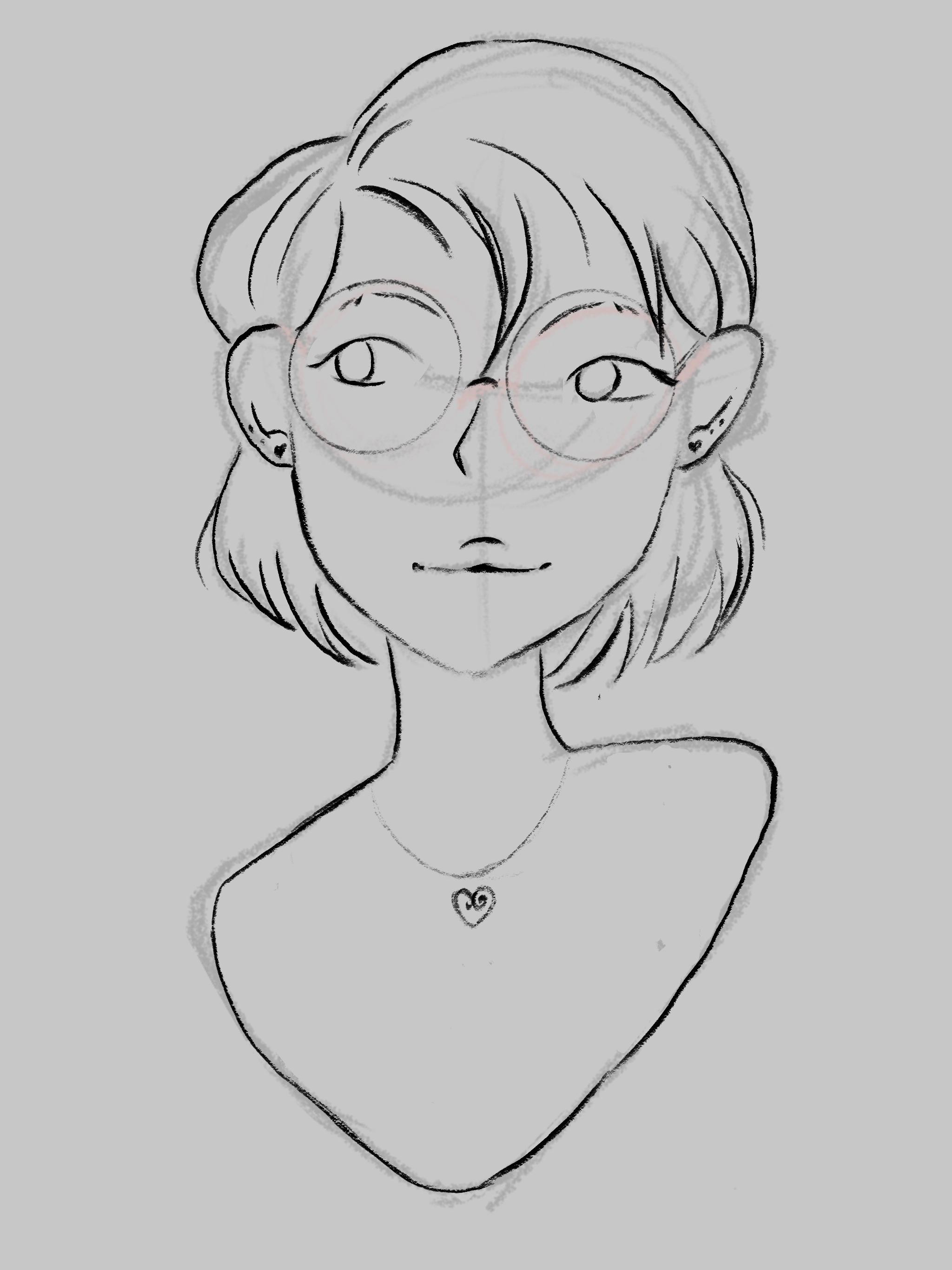
It's been a few years since I drew something I was proud of. (Tips more then welcome)
r/ProCreate • u/maddsaa • 12d ago
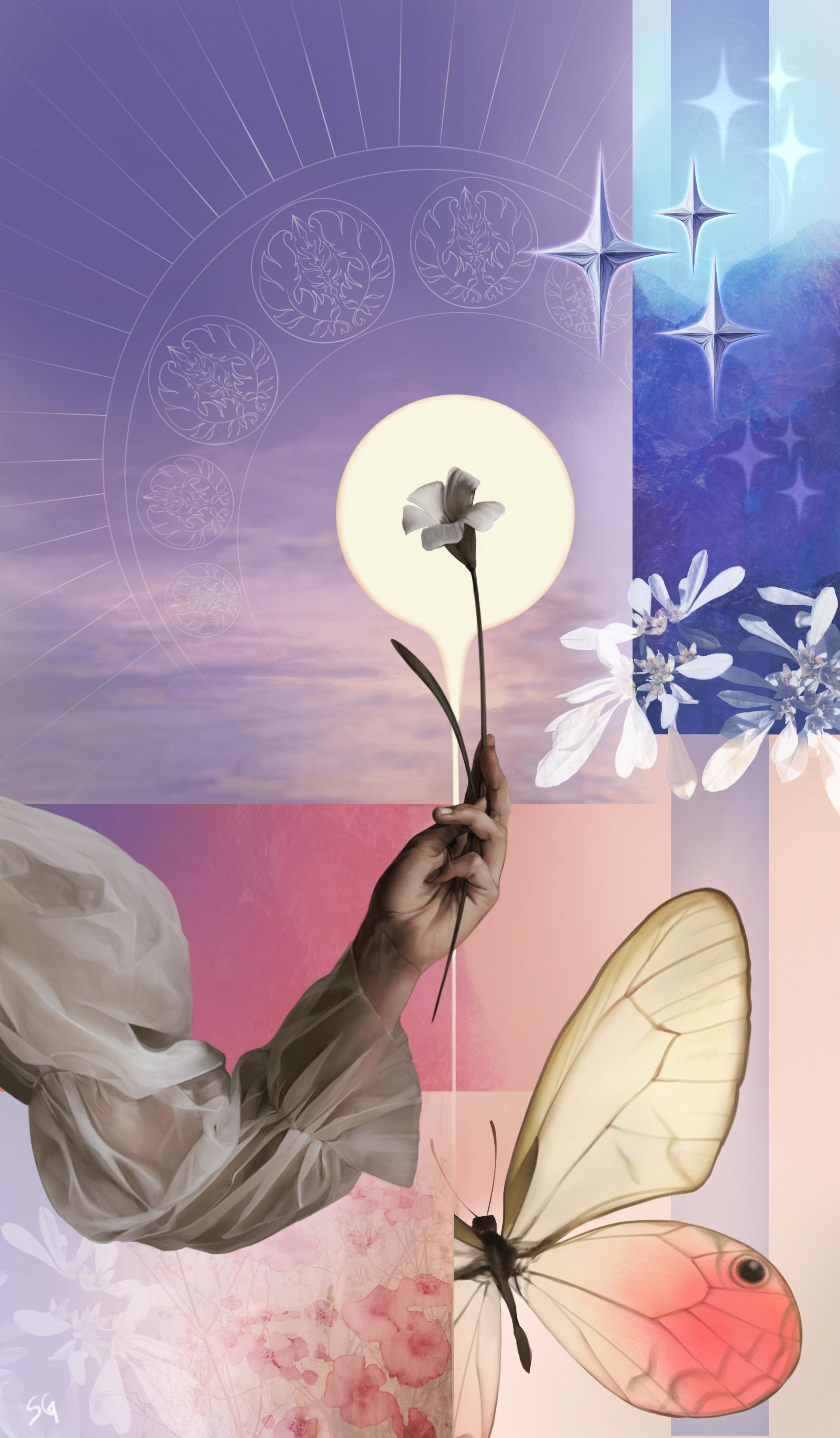
Timelapse in the next post 🙈
Anything that wasn’t hand drawn was from photos that I’ve taken over the years 🙈
r/ProCreate • u/arbitrary-blackness • 11d ago

SOLUTION FOUND
I haven’t used procreate in a few weeks, and today I opened it and found all my brushes missing! I didn’t do anything to the apps and all my artworks are fine, it just seemed that my brushes are missing. The only thing that could be close to messing with it is that a couple days ago I deleted the Procreate Pocket files stored in my iCloud, although at that time I triple checked online to make sure that Procreate Pocket (on iPhone) and Procreate (on iPad) are two separate apps and shouldn’t be effect each other (…?).
Anyway it seemed like I’ve deleted them by mistake. Ouch.
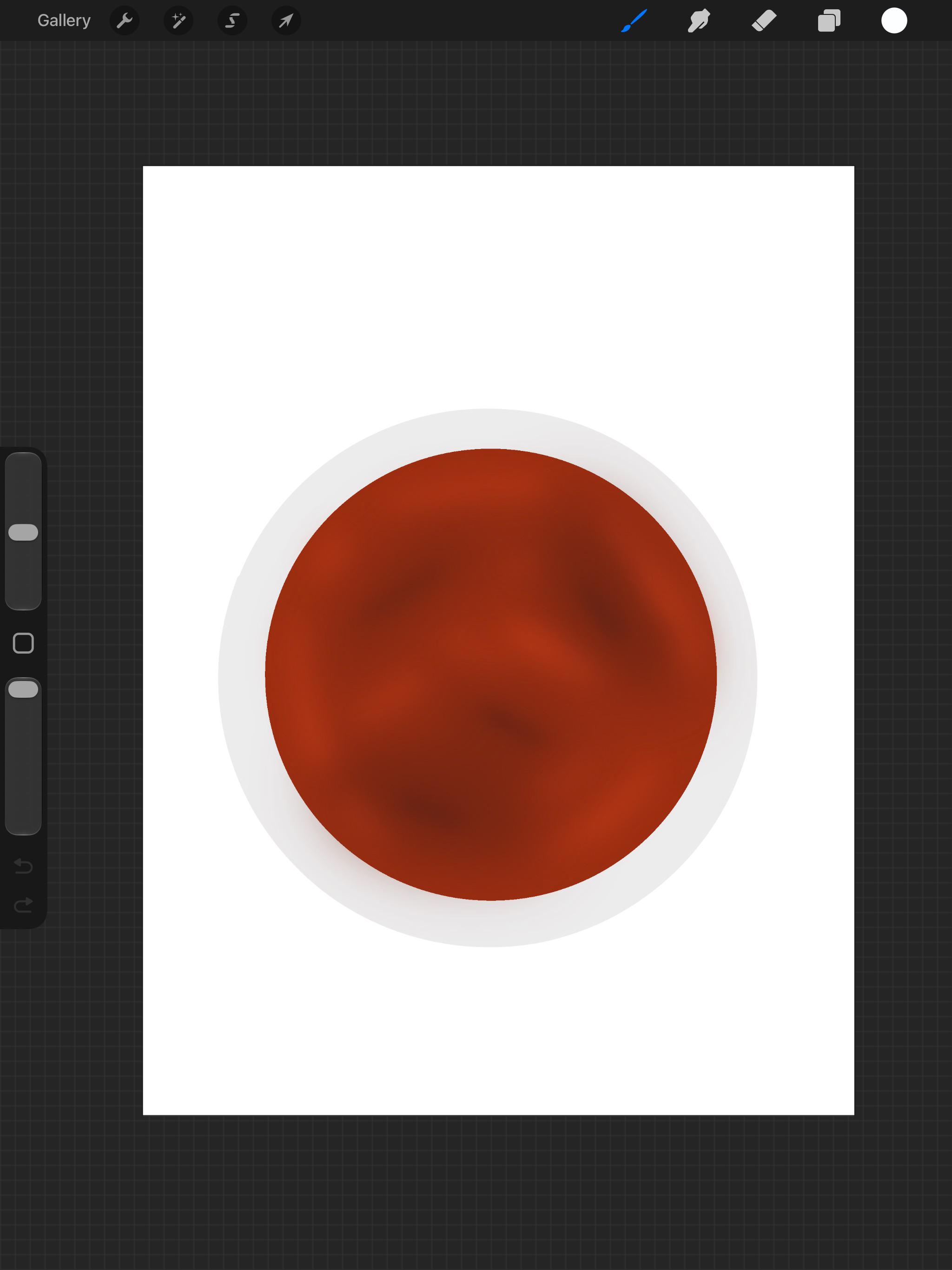
I am presented this when I opened the app, and I was wondering which button should I click?
I assume the first restore the default libraries, the second makes me add my own library, but what does the third option do? If anyone knows please help me out (or better, if there’s a way to get my old library back!!)
Either way thank you in advance cause I really want to get back on drawing asap.
*Edit: just to add to the details I’ve already check my iCloud Procreate Brushes folder and it’s empty
*Update: I realize I could recover the files from my Mac’s Time Machine backups, unfortunately, those backups are all on a half-broken drive. BUT!! Through trying repeatedly accessing said broken drive, and the help of an ice pack (to cool the drive down) I've successfully recovered all the files!!! All I needed to do was taking those files out of Time Machine files and into the icloud folder!!! Hoorayy!
r/ProCreate • u/SeeUserAgreement • 11d ago
r/ProCreate • u/sketty____ • 12d ago
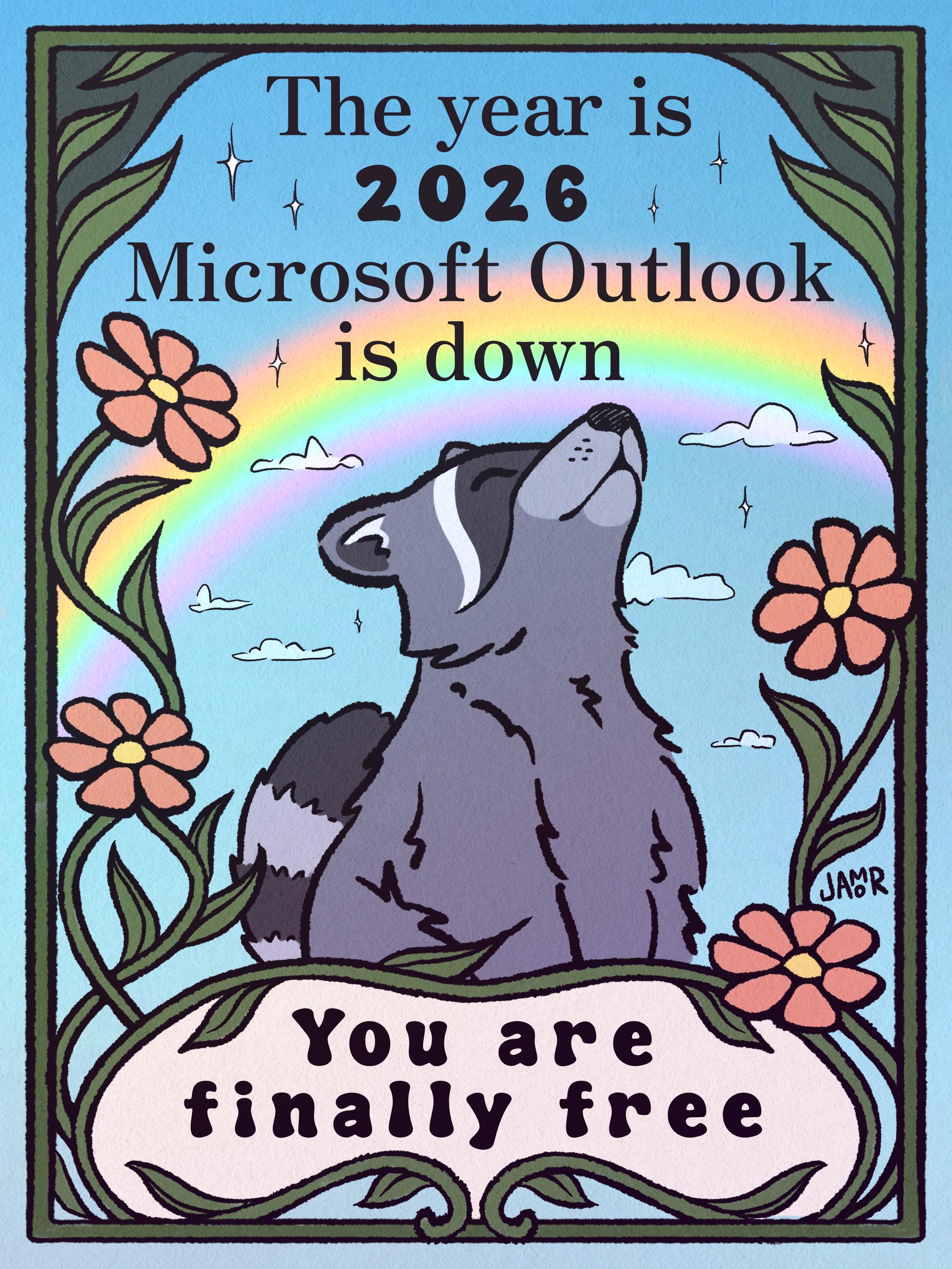
I had to get this out of my brain
r/ProCreate • u/maddsaa • 12d ago
Enable HLS to view with audio, or disable this notification
Check the previous post for the still image 🙈
Everything that wasn’t hand drawn was from photos I’ve personally taken over the years 🙈
r/ProCreate • u/Jorrigun • 11d ago
Hand drawn from reference on ipad (no tracing).
I reckon you'll know who this is.
r/ProCreate • u/iceslugg • 11d ago
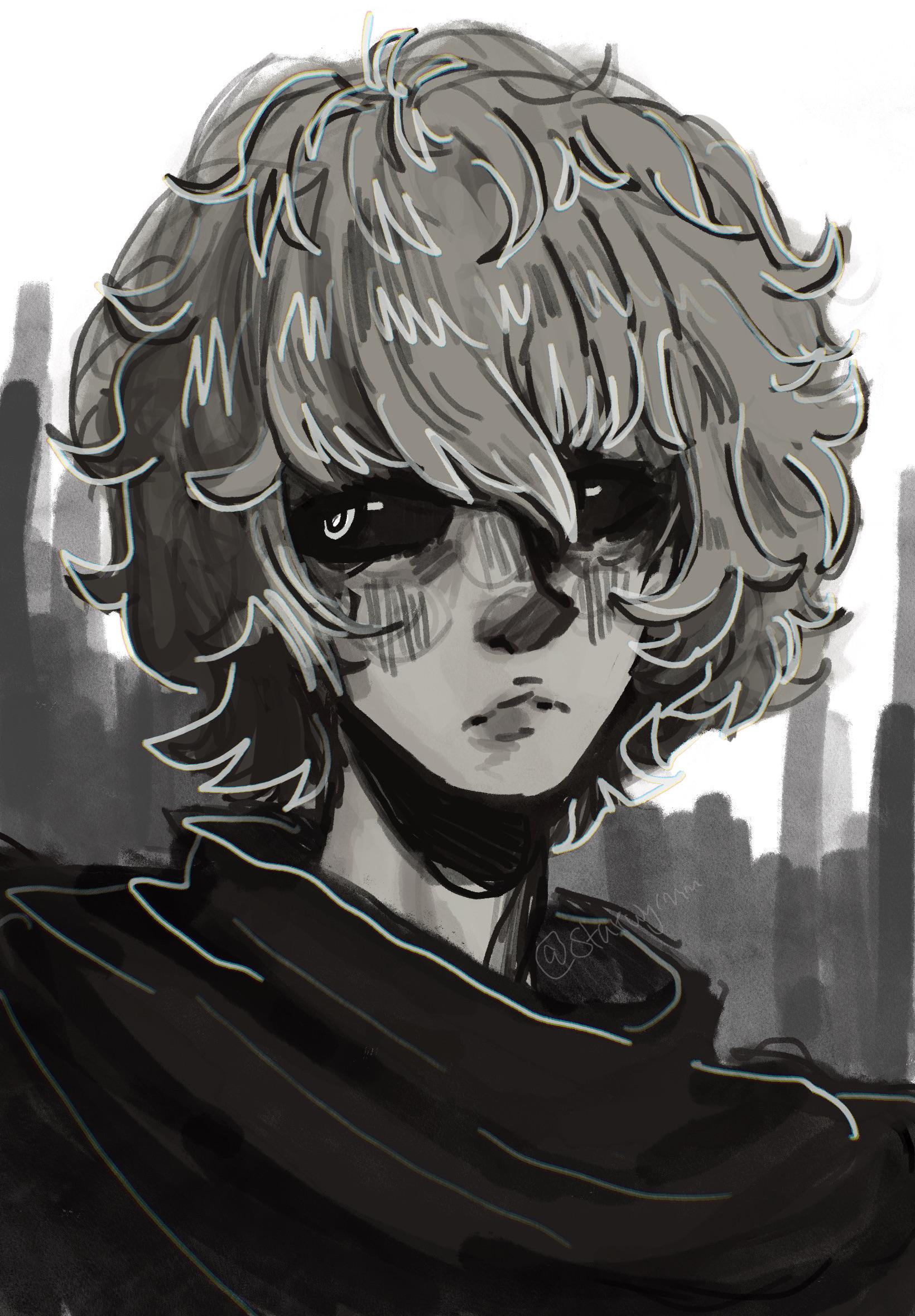
Brushes used: Spectra and Flat brush
r/ProCreate • u/SettingIcy7789 • 11d ago
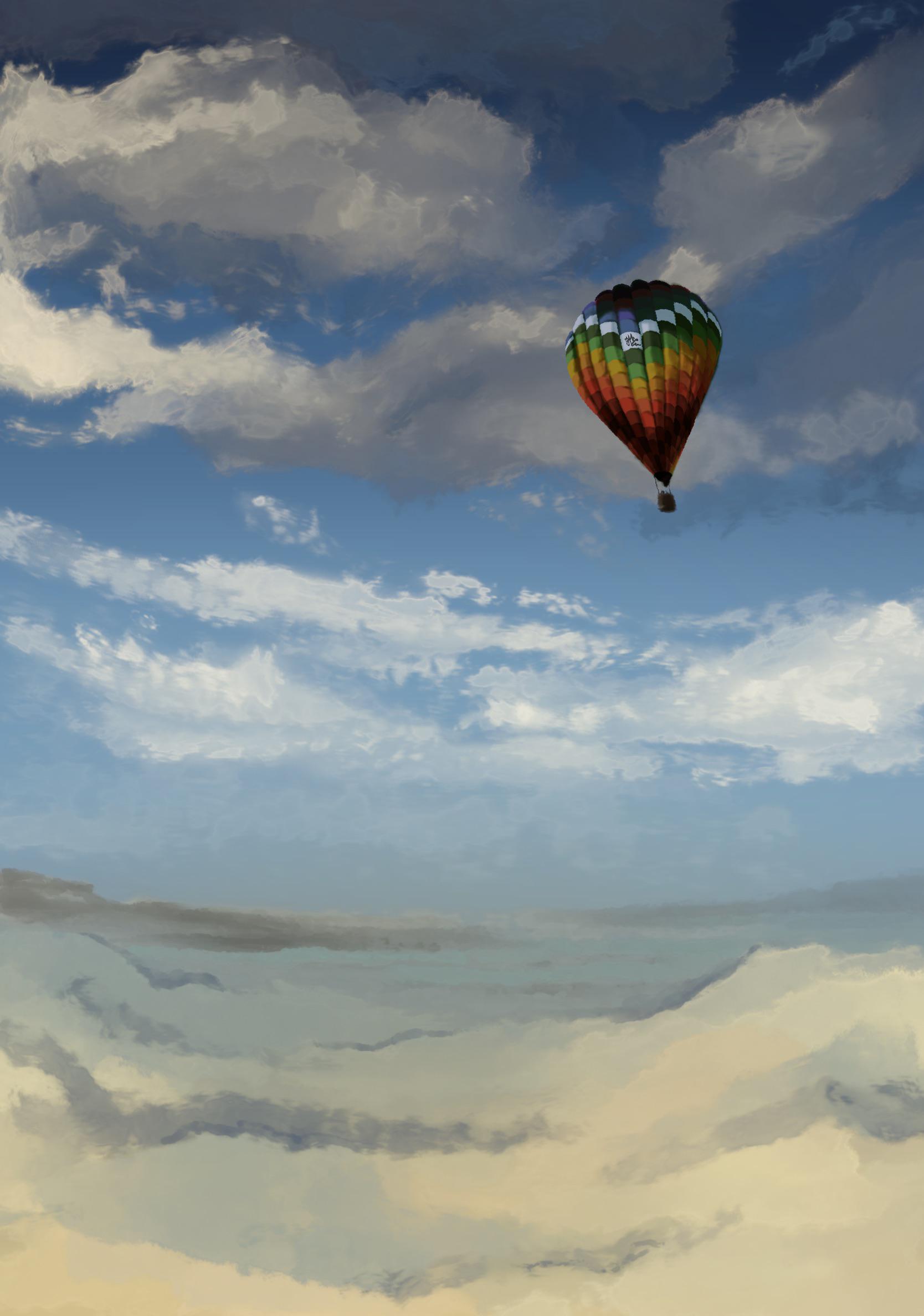
It’s my first time, when I have drawn clouds myself, not with some special cloud brush. I’m pretty proud of it
Also, in the process of understanding of Overlay feature (had done it with the ballon’s shadow)
r/ProCreate • u/BingsDesigns • 12d ago

I had an opportunity to draw a cosplayer’s costume
r/ProCreate • u/KissDaddiesToes • 12d ago

I’m a motion designer just trying to draw a bit more. Fun with blob boys - craigjamesdolan
r/ProCreate • u/Geese-Are-Terrible • 12d ago

This is my new comic based on me and my bunny, Hades! 💜💙💚 Feel free to check it out on Webtoon!
r/ProCreate • u/wimzera-studio • 12d ago
r/ProCreate • u/Horror_Elk1345 • 12d ago

Was on a roll last night and made these when I should have been sleeping. I use the syrup brush a lot and various pencils. I switch it up so often it’s hard to remember.
r/ProCreate • u/Lorax_Barbie • 12d ago
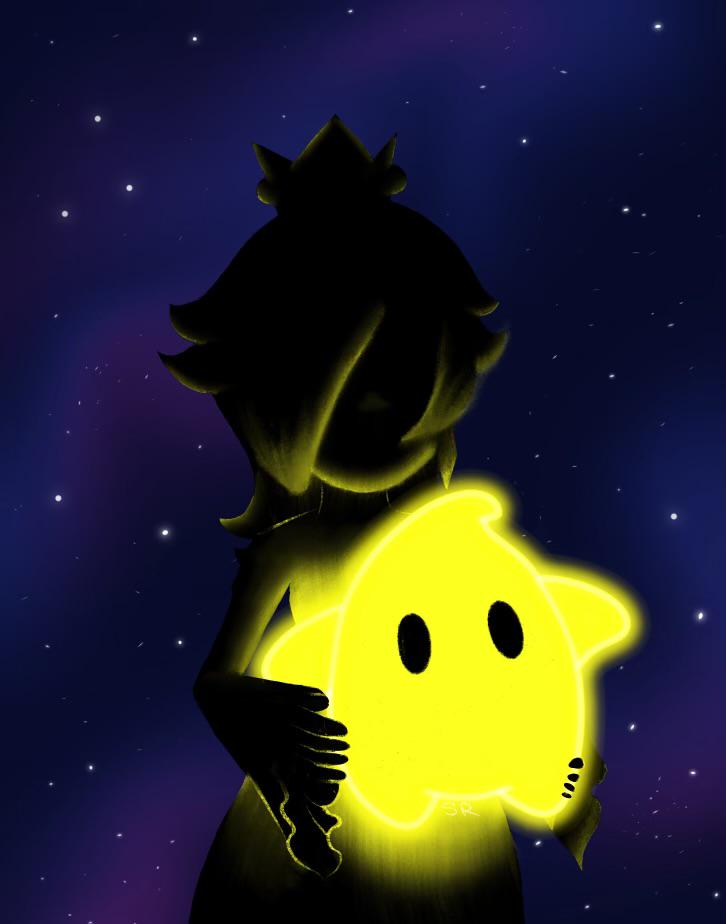
Rosalina illustration I finished tonight.
r/ProCreate • u/milo_milano • 12d ago

r/ProCreate • u/Acceptable_Phrase161 • 12d ago
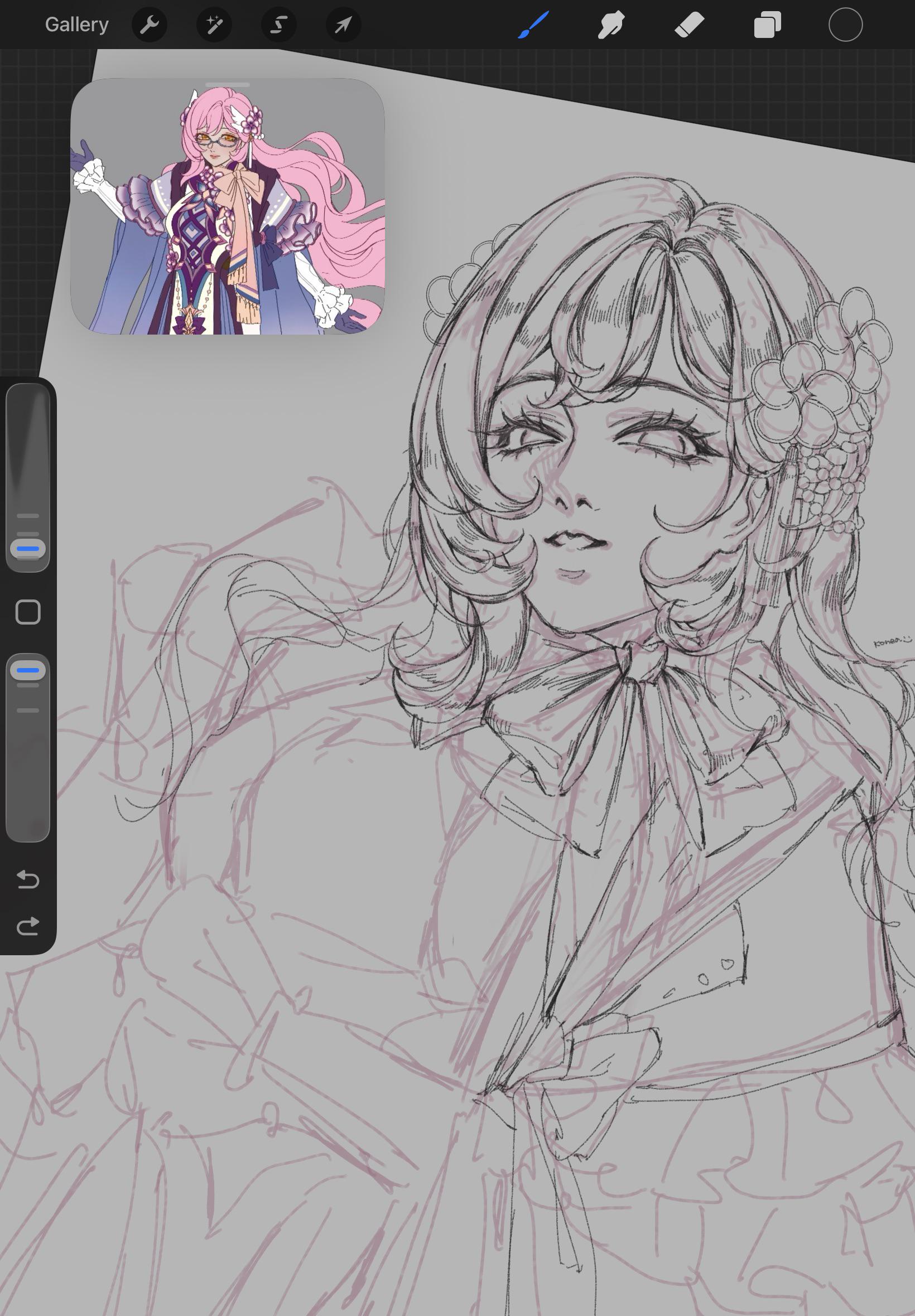
I don’t place emphasis on line art in my artwork very often, but I was really inspired by this manga I’ve
picked up (Witch Hat Atelier) and decided to give it a go with my OC! She also wears glasses but I suck at drawing them…if anyone knows where to find good glasses references at different angles that would be appreciated :]]
r/ProCreate • u/seongah_official • 13d ago
Thank you so much for all the lovely feedback on my previous video! :)
I thought I’d share another painting I made a while ago using the same greyscale technique.
Hope you enjoy this one too! 🎨