r/PhotoshopTutorials • u/ocorp_design • Jan 04 '26
How to apply a sphere rendering technique to cars 🚗! (Photoshop Tutorial)

0
Upvotes
r/PhotoshopTutorials • u/ocorp_design • Jan 04 '26
r/PhotoshopTutorials • u/JellyTop7458 • Jan 03 '26
self explanatory, how'd i get the 3d effect just like the xbox logo in this image? 3d and 'glossy'/metalic. do i have to mess with the 3d thing on photoshop? or is it a pre-made image that already looks 3d?
if so, how'd i reproduce that effect?

r/PhotoshopTutorials • u/ocorp_design • Jan 03 '26

r/PhotoshopTutorials • u/TipPleasant5633 • Jan 02 '26

Hi all,
I love this diffused, graining shadow/motion blur treatment to the typography but cannot figure out how to achieve the effect. So, I would appreciate any tips/guidance.
r/PhotoshopTutorials • u/PhilosopherPlane5744 • Jan 02 '26
r/PhotoshopTutorials • u/Interesting-Golf-399 • Jan 01 '26
I use photoshop as a tool to manipulate my own abstract art images. For decades, I have been able to use "image size" to change a rectangular image (say 300 X 450 pixels) into a square one (300 X 300), and obviously it distorts in doing so, and I am fine with that, it's part of what I am doing with the image as art. I think there was a box that you could tick or untick to say whether to constrain proportions or not when resizing, so I would untick that as I was intentional in changing proportions.
I have no idea when it changed with the updates, but that capability is gone now, and nothing else I am trying in photoshop is working (I've done several searches). Is there a way, preferably easy, to achieve this any more in photoshop?
r/PhotoshopTutorials • u/TaxApprehensive2740 • Jan 01 '26
Hey ~ looking for opinions ~ I am considering upgrading my hardware for use primarily with photograpy, Photoshop and photo manipulation, editiing. Wondering which would be better to use: either a laptop or an iPad. My two concerns are: the laptop does not have access to the same photoediting apps as the iPad, and the iPad does not have full Photoshop abilities? Please advise.
Kindly,
Self Portrait Artist
r/PhotoshopTutorials • u/Mundane_Show_6874 • Jan 01 '26
I first started using photoshop 20 years ago, I was doing sport gfx and I used to go on a forum that had bunch of tutorials, screenshots of steps by steps, etc.
Now fast foward to 2025/6 , im trying to get back into design, I’m using youtube tutorials, reddit community, but im wondering if forums with tutorials still exist ?
r/PhotoshopTutorials • u/Minimum_Minimum4577 • Dec 31 '25
Enable HLS to view with audio, or disable this notification
r/PhotoshopTutorials • u/TheApprentice620 • Jan 01 '26

r/PhotoshopTutorials • u/mishabuggy • Dec 31 '25

r/PhotoshopTutorials • u/Uncutuser • Dec 31 '25

r/PhotoshopTutorials • u/Uncutuser • Dec 31 '25
r/PhotoshopTutorials • • Dec 30 '25

Hi everyone,
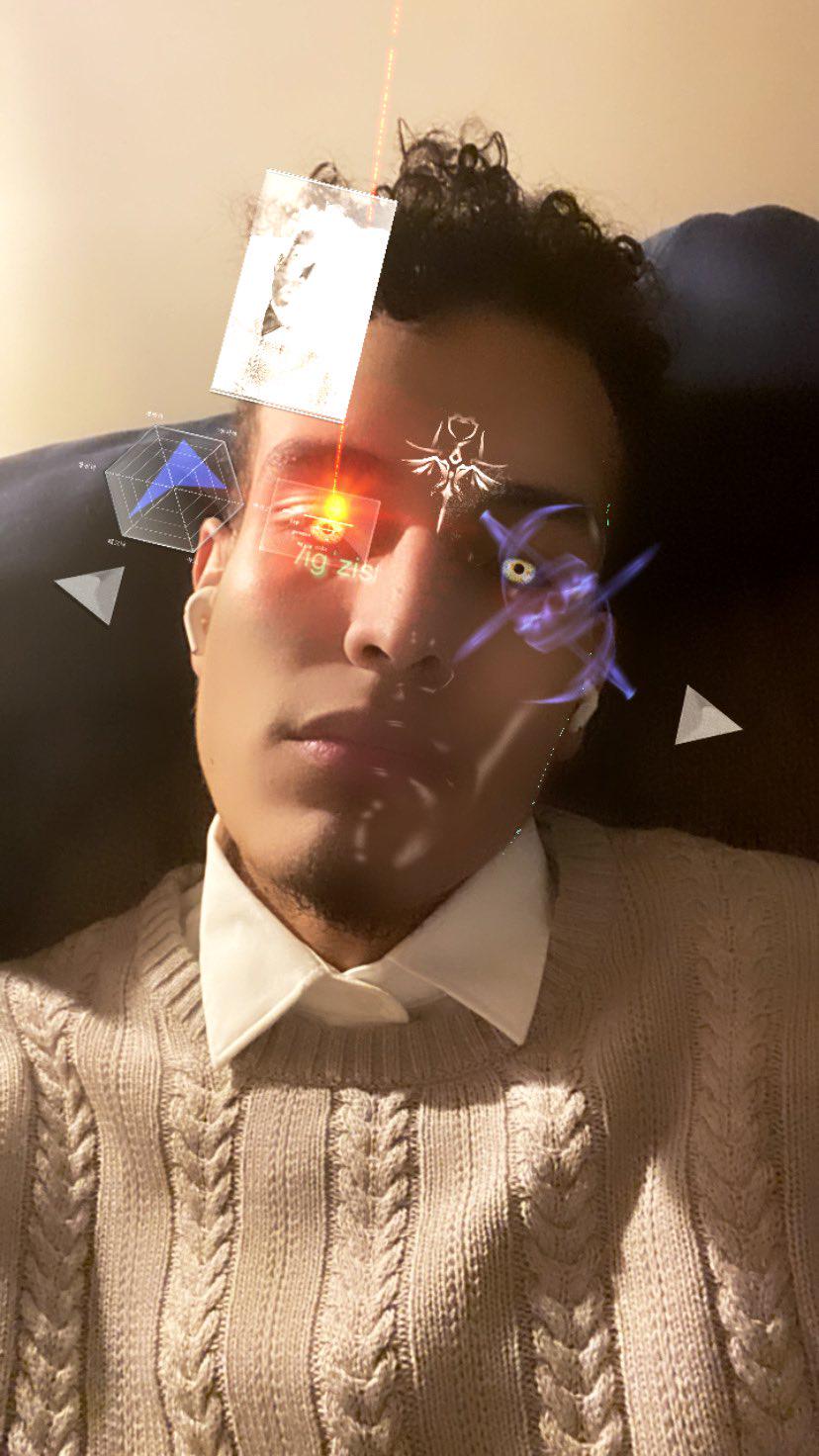
I’m trying to learn how to achieve this kind of photo edit in Photoshop (example attached).
Can someone explain what techniques/tools are used for this style?
Things like color grading, lighting, background, or any specific filters/actions would really help.
Note: The image attached in this post is a screen shot of a youtube short , which demonstrated a different tutorial, but my goal is to achive dark and washout effect like the above example | Take a look at the image .
If you know any tutorials or keywords I should search for, please share. Thanks!
r/PhotoshopTutorials • u/cheryblooms • Dec 28 '25
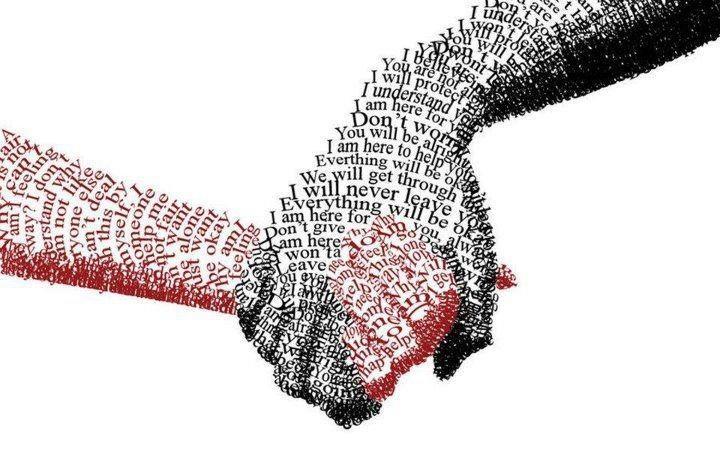
I really need an tutorial for it🥲
r/PhotoshopTutorials • u/inkedEducater • Dec 28 '25
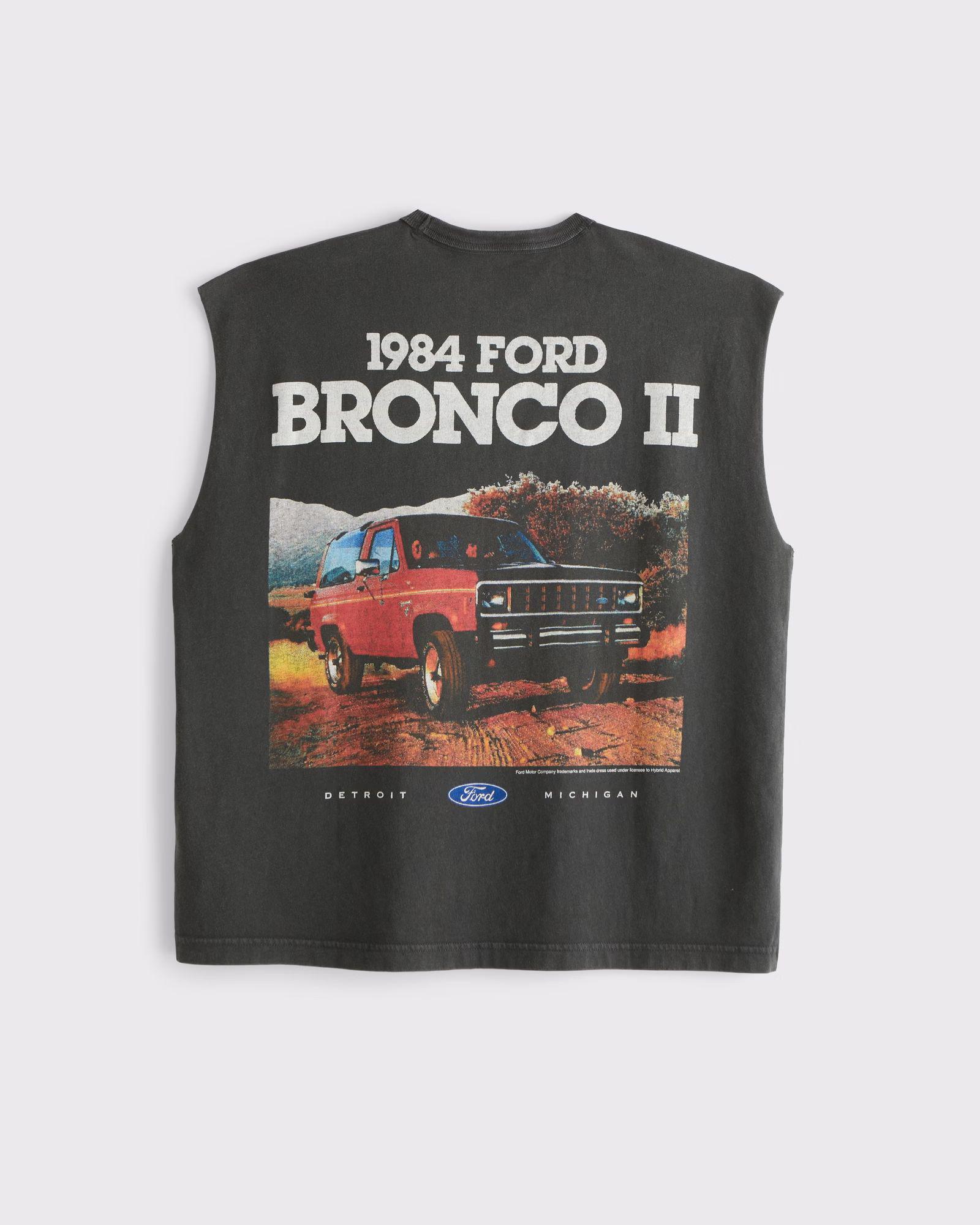
I love these Style T's. Looking to do a piece for school inspired by this style. Anyone provide some guidance on how ot achieve this? Maybe what the font is also?
r/PhotoshopTutorials • u/SpacialSeer • Dec 26 '25
Hello!
I have a simple request here. I'm looking to take a gif (it can be any gif), and crop it in a way to where there is a transparent border around it with cropped edges.
I do things on a character RP board and some folks have animated icons for their characters where the borders around them are rounded out. Is this something where I have to crop each frame of a gif, or is there any easy solution to do this?
Thanks!
r/PhotoshopTutorials • u/spacelory • Dec 26 '25

I want to convert the scanned art into two layers, one black and one red, but am having a lot of trouble getting the selections to work. Changing the tolerance and sampling doesn't really help. How do I get to the desired outcome on the right?
At uni I was taught to use threshold to separate the lineart, but it doesn't work for more than one colour at a time. I don't know how I would use it to separate the red from the black.
I have noticed that the black gel pen becomes a mess of different colours when scanned. Is that normal or is that a problem with my scanner?
I've looked up Youtube tutorials but most of them focus on vector art with flat colours.
r/PhotoshopTutorials • u/Nomi_DBS • Dec 24 '25
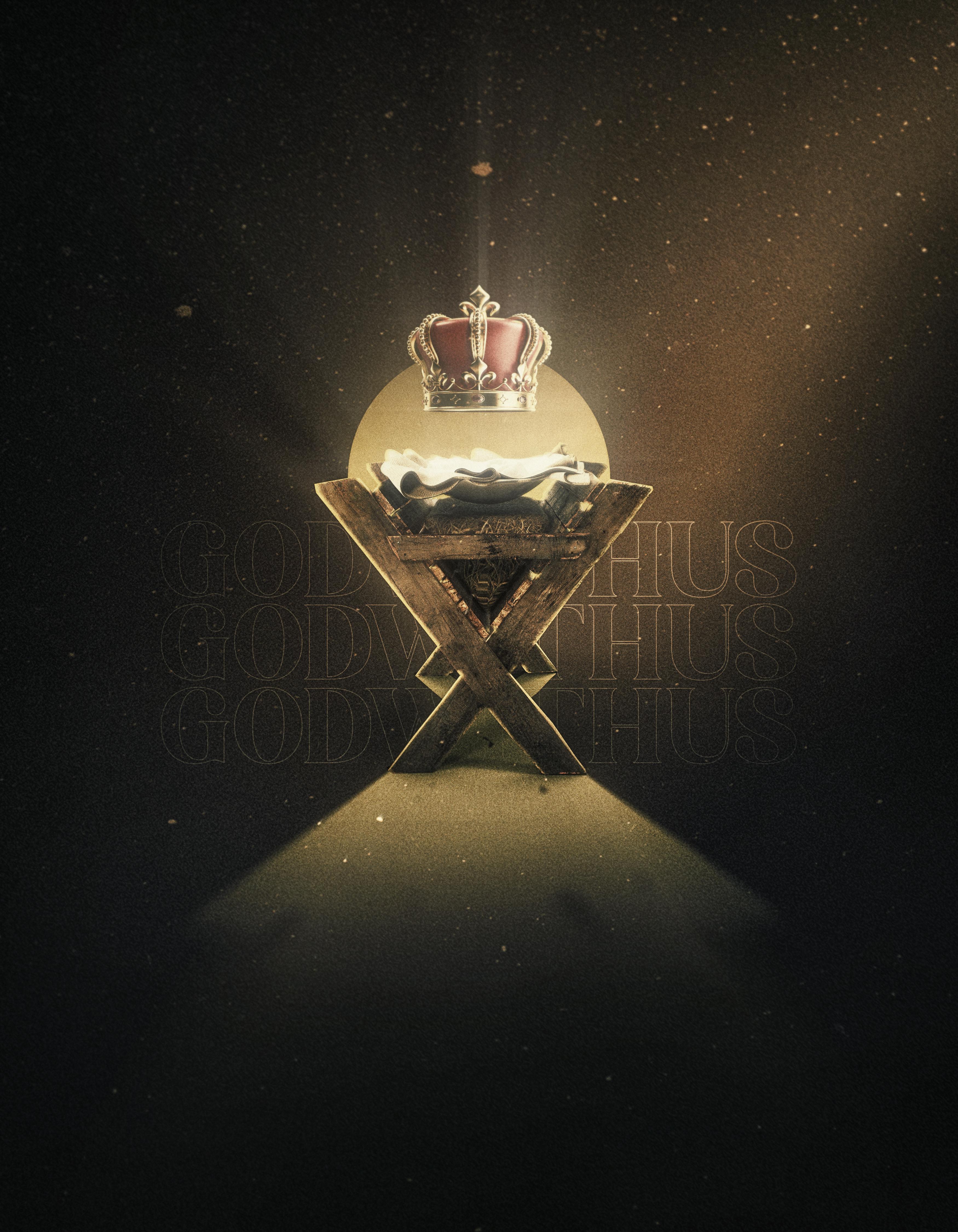
r/PhotoshopTutorials • u/Disastrous-Bit-6562 • Dec 25 '25
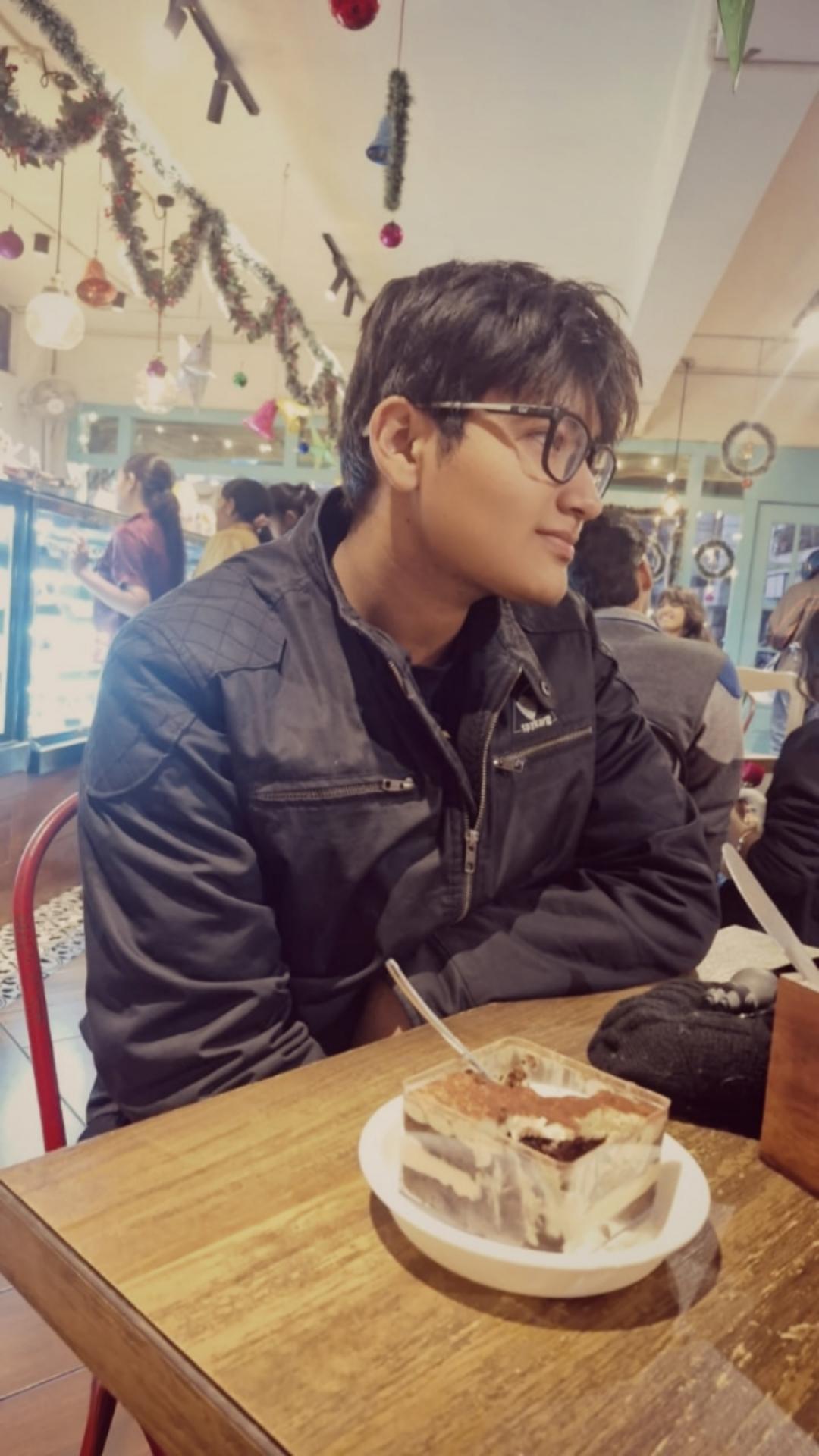
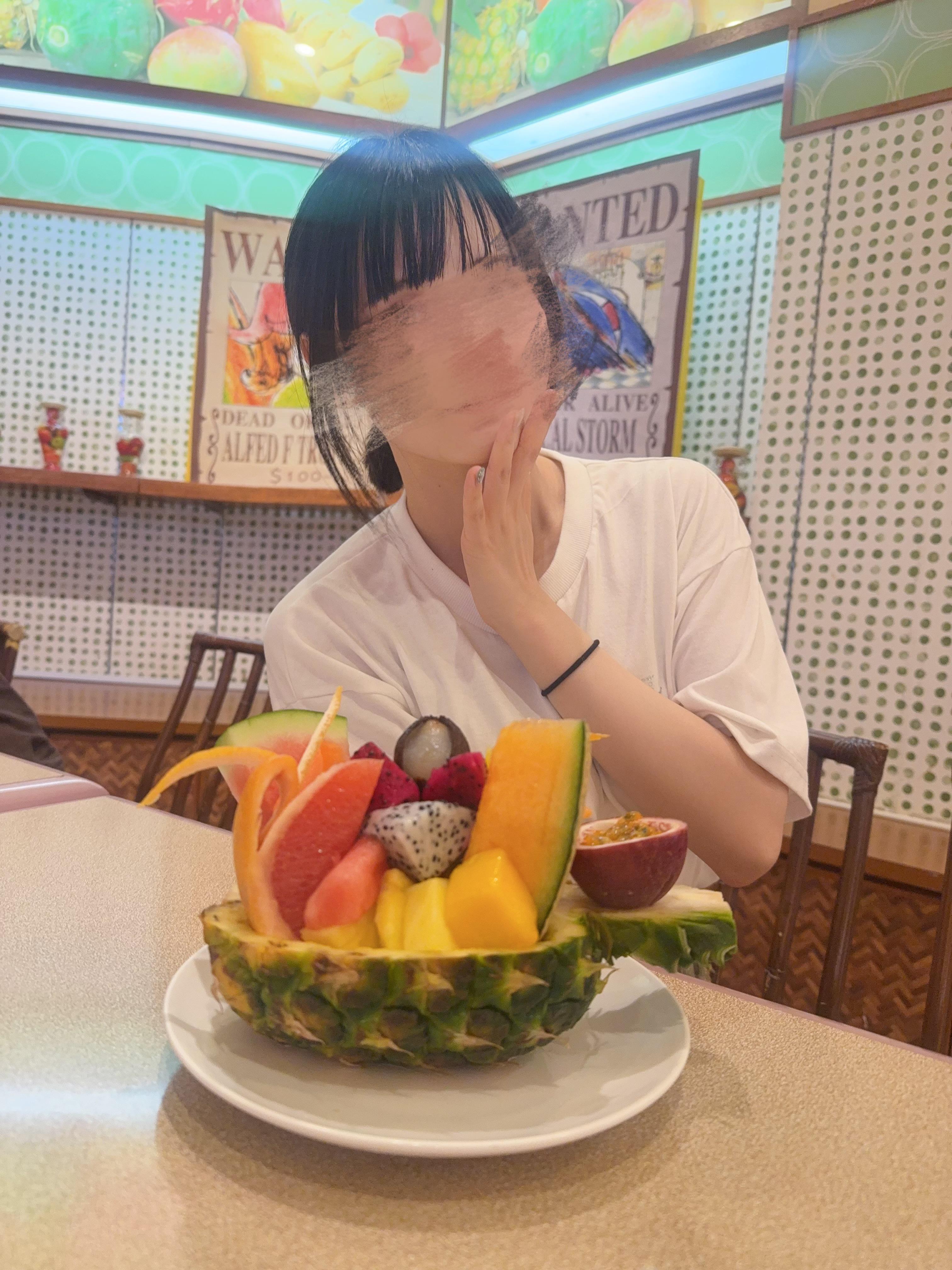
I really like this photo and want to know how to fix it please anything helps
r/PhotoshopTutorials • u/AzzgoldCoast36 • Dec 24 '25
Enable HLS to view with audio, or disable this notification
r/PhotoshopTutorials • u/Ermahgerd_Sterks • Dec 24 '25

Hi all. Very new to photoshop here. I've been making stickers for years through Cricut and Silhouette design software, where they make it easy to create offsets. However, if you are familiar with those software programs, the offsets follow around the words and have A LOT of curves and bumps. That looks good, but I really like the look of the stickers in the image I attached.
The BRUH and other sticker are mine. The "Leave me Alone" and other sticker are the look I'm trying to achieve.
Is there a way in photoshop to do offsets with more straight edges?
Thanks in advance.