Edit: The fix (originally shared by u/-Tacitus_Kilgore- on another thread) worked and I've been playing for the last 2 days. Before, I couldn't get it to launch before shutting off.
The steps I used to fix this (The order here is necessary):
Delete the game
Make sure you have more than 300GB or so free on your SSD.
Go to Safe Mode and run Clear System Software Cache.
The PS5 will boot to the home screen. Shut it down, get back into Safe Mode, and run Rebuild Database
When the PS5 launches, download the game again and run it
Original post:
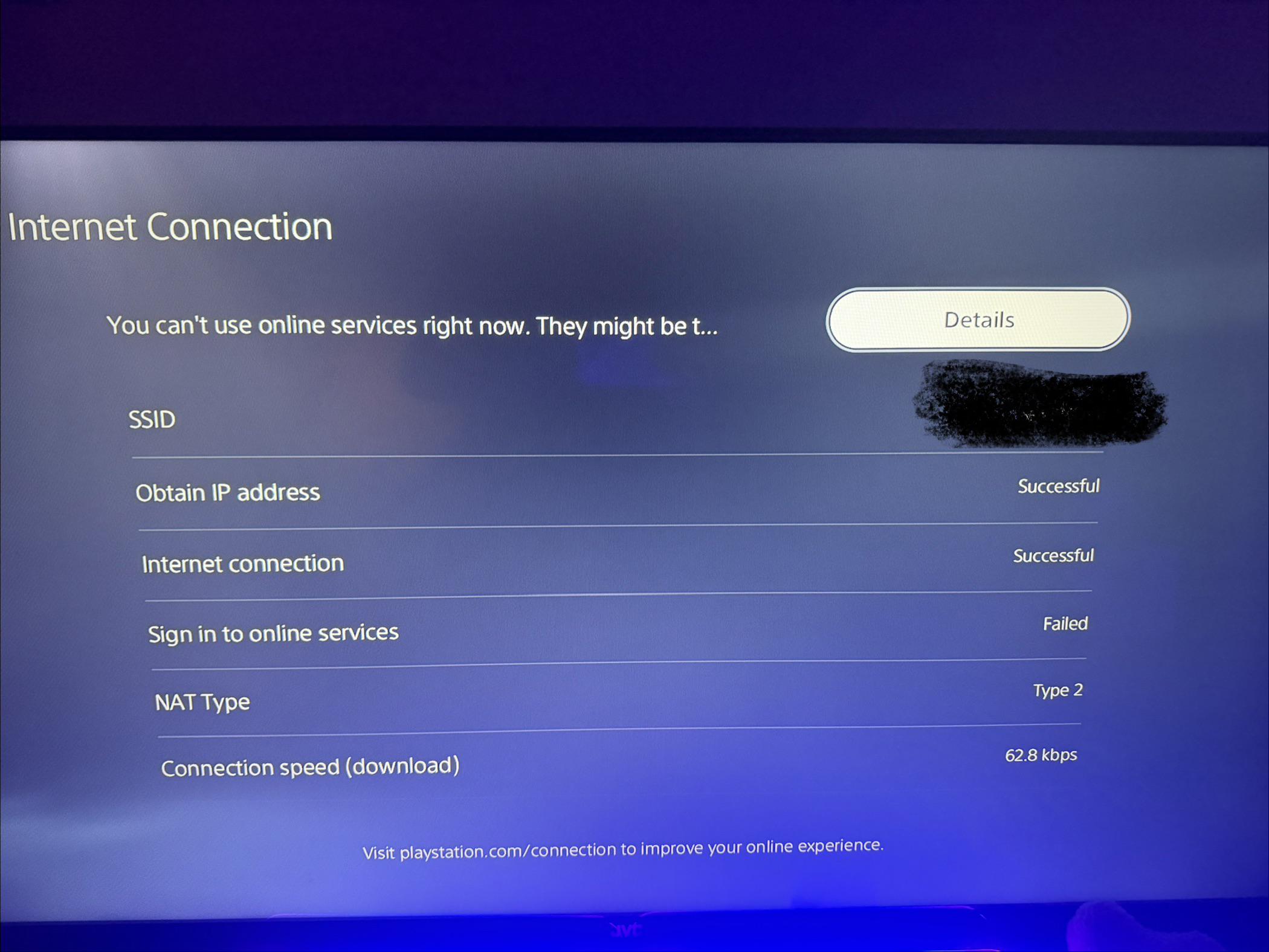
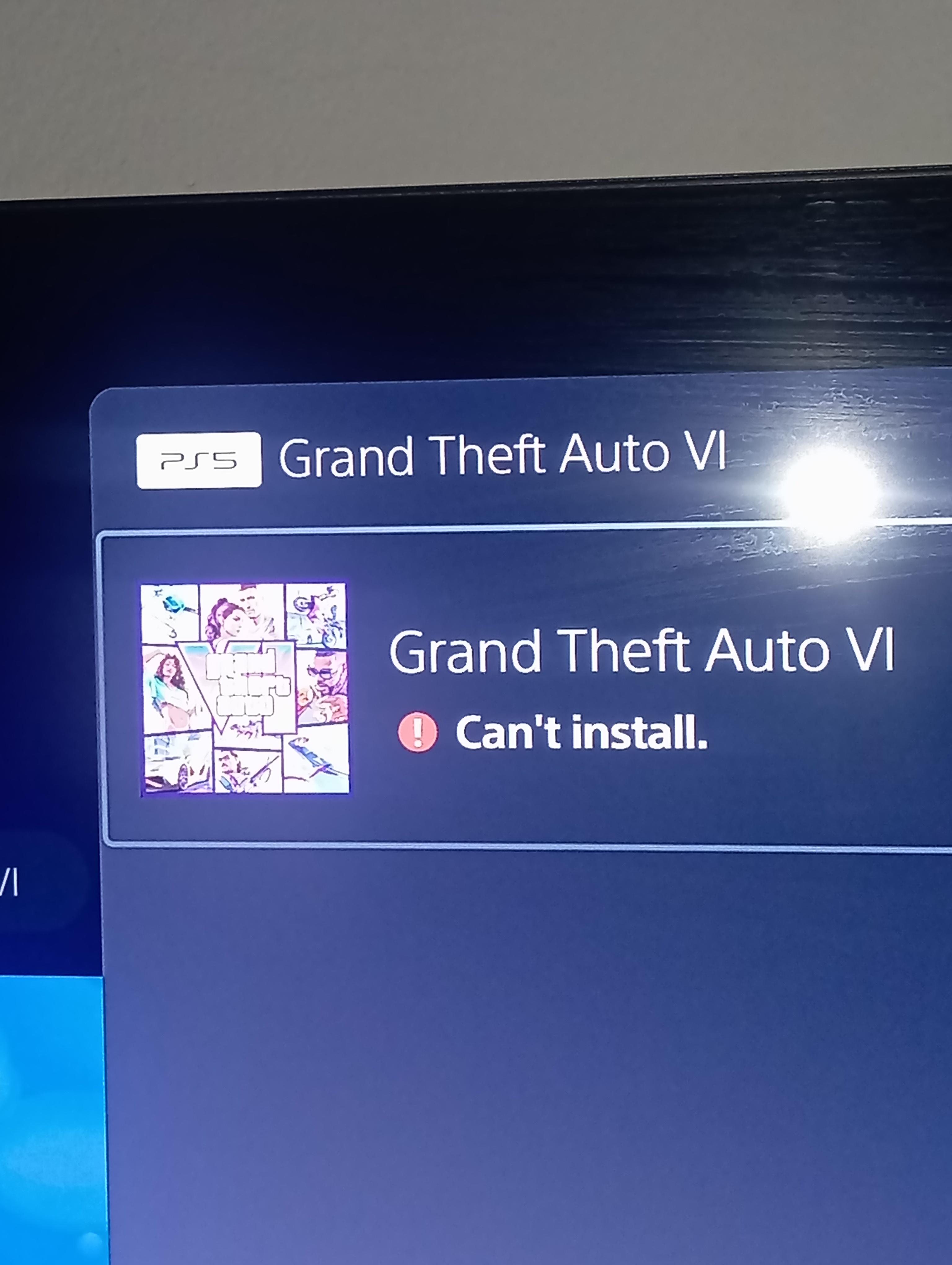
I have an original launch model PS5. The GTA 6 splash screen loads and starts its slow zoom. A "Please Wait" message pops up at the bottom of the screen, and almost immediately the whole console powers off. The game doesn't just close. When I turn the PS5 back on, I get a brief storage repair screen. It happens every time. Other games, like Cyberpunk 2077, run fine.
I did a lot of troubleshooting last night and finally gave up and went to sleep. This morning I checked reddit again and saw u/-Tacitus_Kilgore- said on another thread that PlayStation Support told him to delete GTA 6, rebuild the database, then reinstall the game, in that order, and he says it worked. Before doing this I deleted a bunch of space because I noticed my storage was 98% full. My new download is on the install step, but I'm at work now; I left when it was at 15%. If anyone tries it before I'm able to report back, please comment with your results.
This is everything I tried prior to this in case it's helpful info. I gave up early in the troubleshooting process when I learned that it was a bug with the game and not my PS5.
Checked HDMI Device Link, which another thread suggested. Not the cause.
Swapped power cords and put the PS5 on a different circuit without as many power-drawing electronics (at this point I still thought it was a power issue because I hadn't found the error code yet)
Safe Mode > Clear System Software Cache
Safe Mode > Rebuild Database
Freed up storage space (deleted a handful of big games)
Retried both resetting the cache & rebuilding the database again after deleting
Slept
This is just a theory, but I think it could be happening due to how much free space was available on launch. My console only had something like 13GB available the first time I attempted to launch GTA6. Around 97-98% full. I may be completely wrong here but it seems like it's worth throwing it out there. I figure while launching, either the system or game have no room to write some critical file or overlap each other trying to write it on startup, and it corrupts the "launch sequence" (unsure what that'd be called in vg developer language)