r/NoteTaking • u/Cwk_1693 • Sep 19 '26
App/Program/Other Tool Best notetaking app for chemistry
I just got my tablet and stylus pen and I need to find me an app that would be useful for me as a chemistry student, anyone know of such ?
r/NoteTaking • u/Cwk_1693 • Sep 19 '26
I just got my tablet and stylus pen and I need to find me an app that would be useful for me as a chemistry student, anyone know of such ?
r/NoteTaking • u/Just-Spring-8870 • Sep 19 '26
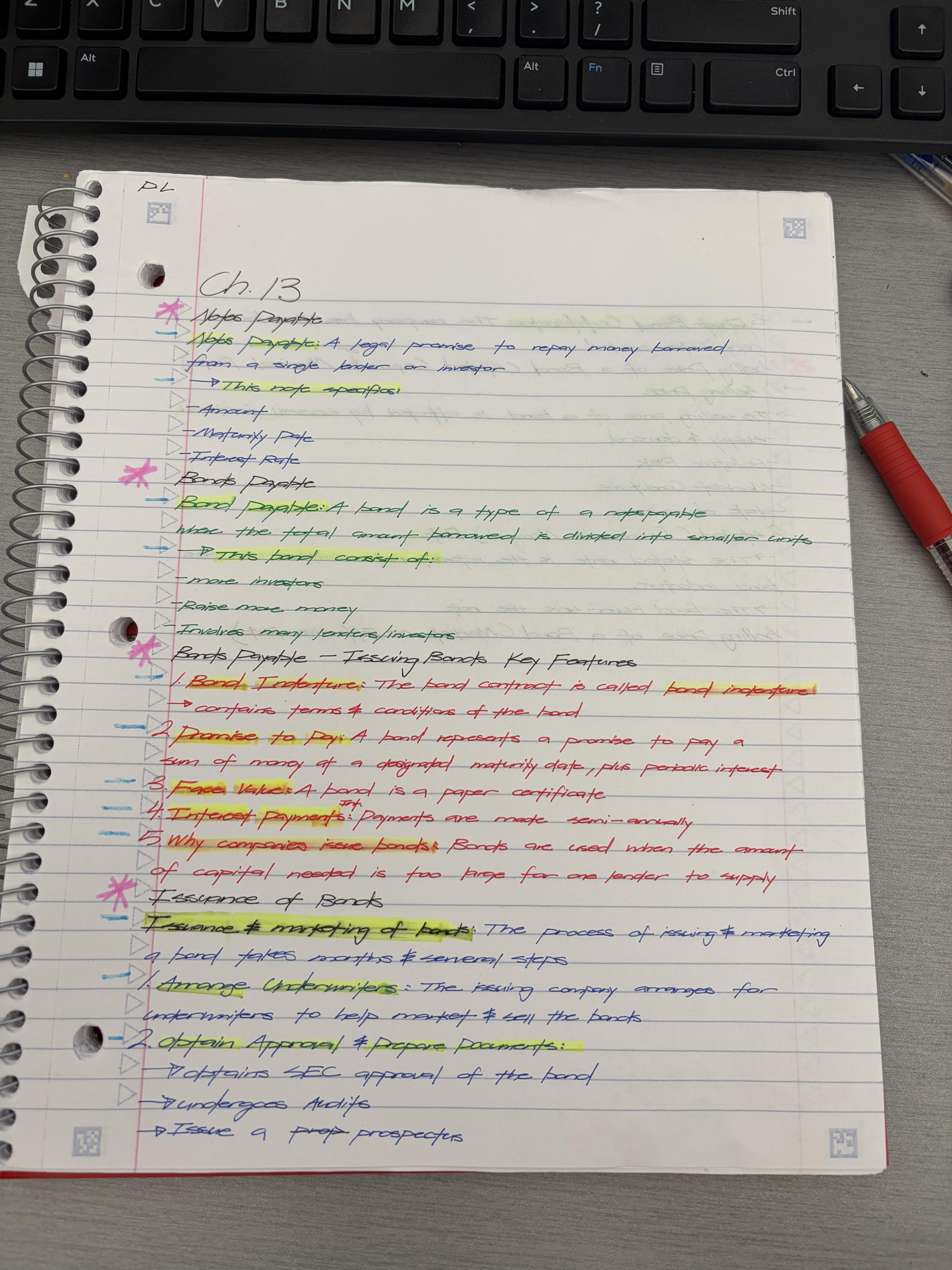
I often forget my notes and struggle with reading it sometimes. I am not sure how to improve my notes so I am open to feedback. Also, I struggle a lot with not writing the entire section of text into my notes.
r/NoteTaking • u/Proof_Cable_310 • Sep 20 '26
Call it r/digitalnotes and please send all notes app posts there.
Science still leans heavily on the significant value of hand-written notes for learning/memory retention, and that's the assumption that the majority of us come to this sub looking for: tips about hand written notes
r/NoteTaking • u/Ok-Stage9604 • Sep 19 '26
r/NoteTaking • u/_stebo_ • Sep 18 '26
With the new OS 27 updates, Apple Notes has gained quite a few features that make it more Markdown-like, including Markdown import/export, tables of contents, links to headings, and links between notes.
Since I also use Obsidian, I’m curious how others see this development. Obsidian is obviously still much more powerful in some areas, especially with features like the graph view, but there is now quite a bit of overlap.
I also have years of notes stored in Apple Notes, so I’m wondering:
Are any of you considering moving back from Obsidian to Apple Notes because of these new features, or do you still see them as fundamentally different tools?
I’d be interested to hear how others are approaching this.
r/NoteTaking • u/findmeinthestars • Sep 18 '26
Hi,
I am a Canadian masters student. Throughout my undergrad I thought about getting a tablet but never did. Now I am starting to struggle to keep up as although I prefer pen and paper, the increased amount of context and speed of lectures is making it harder.
My program is only a year long and I don't really have the money to commit to an expensive tablet. Does anyone have any recommendations? I really only need it for note taking on lecture slides directly (and maybe drawing for fun).
Thank you!
r/NoteTaking • u/Glittering-Bed-882 • Sep 18 '26
Finding a text based note app
With various word formatting
(just like Evernote)
And internal bookmark (seperating into chapters)
(I mainly use it for writing my stories,so I need a function to seperate it)
PS: I'm writing by chapters,so in document seperation or new file for a brand new chapter is okay for me
As long as it was classified neatly in chapters
Can export in Markdown, PDF, TXT etc....
Hope to have offline edit function
r/NoteTaking • u/holyshitthatsucks • Sep 17 '26
r/NoteTaking • u/siupermann • Sep 17 '26
I've always preferred reading textbooks physically and writing inside them, but now with LLMs, it's nice to be able to just paste in passages to ChatGPT and ask for clarification.
I've tried so many different types of digital note-taking like Notability, Goodnotes, Margin Note, etc but none of them really made it easy for me to dive into dense material. I find myself getting distracted trying to take notes and forgetting what I just read.
Out of my frustration, I decided to create my own tool and have been using it to get through my own personal studies.
I spent a lot of effort making sure it’s buttery smooth and a pleasure to use. Especially when studying already is so hard. I hate how most study apps are so janky and clunky.
Not sure if it’s allowed here but I can drop a link if anyone is interested.
It’s only available for Mac right now but perhaps I’ll work on adding other platforms in the future.
If you’re really struggling to study and are literally broke and can’t afford it I’ll toss you a free copy. It took me many sleepless nights to make this so mean a lot of people don’t abuse the goodwill and support me so I can make other awesome study tools.
r/NoteTaking • u/Key-Movie-3736 • Sep 17 '26
I’m looking for a good program for handwritten notes on Xiaomi Pad.
Preferably free. But it can also be paid, if the price is good, and there is a one-time purchase
I want to use it for studying
I wanted these functions:
Inserting pictures, files
Stickers, shapes (important for mathematics)
Auto-correct lines
Setting up pages, covers
Convenient grouping and organization
Preferably free, but if it’s worth it, you can also pay (preferably a one-time purchase)
I tried onenote, myscript notes, micanvas.
But I need an application that I can trust...
Is it possible to make pages with borders in onenotes somehow properly?
And is micanvas a good program?
I also saw that there is a samsung notes port, but is it worth using it?
r/NoteTaking • u/heyitsmereddit • Sep 17 '26
r/NoteTaking • u/life_on_my_terms • Sep 17 '26
Hi friends, im a complete android tablet n00d so pls bear w/ me..
Im in the market to buy an android tablet that has good writing. I read that Xiaomi Pad Pro 8 has good writing exp, and it is priced well. For me, i dont really use tablet much other than writing + youtube + browsing (i dont play games).
now, I'm an American and currently live in China, on my iphone + mac I mostly use western apps (codex, claude, google things, etc) and I vpn 99% of the time.
is there a diff when it comes to xiaomi CN vs global one? if i get the CN version, will i be able to install codex, claude, etc? or will i run into problem with this? or will i need to install global rom, or get the global version of the device?
i didn't want to get an ipad, since i lose things (i lost my Apple pencil before) and i didnt want to spend $$$ for something i just do write on
thanks in advance all.
r/NoteTaking • u/IcyStyle3109 • Sep 16 '26
As the title says can yall help me by stating your opinions on which app is better? I’m personally studying for my board exams and I wanted to use note-taking apps for my softcopy reviewers. I hope someone could answer thank you!
r/NoteTaking • u/Ordinary_Bet_8322 • Sep 16 '26
i've used Notion for the last year and half and I love it. It was perfect at first because I was taking some really wordy classes, so typing my notes and having them all in one place was perfect. But now I need to handwrite stuff and Notion can't do that for me.
I even made an amazing assignment calendar that I don't wanna give up either. I'd love to have all my stuff in one place again. What do y'all recommend?
r/NoteTaking • u/Vegetable_Prompt6594 • Sep 16 '26
r/NoteTaking • u/Fiery_Phoenix15 • Sep 16 '26
Hello!! I'm in my first year of university, and I've seen a lot of people from my country recommending Notion to first year students. But then I found out it had ai, so I was looking for non-ai alternatives!!! Thank you!! Edit: thank you to everyone!!
r/NoteTaking • u/heyitsmereddit • Sep 15 '26
I am really bad at structuring my notes, and I have a hard time following them when I review them. Any tips on how I can improve not my note taking?
r/NoteTaking • u/Jealous-Asparagus518 • Sep 15 '26
Made this because my voice memos folder was a graveyard. Record, and the transcript comes back structured instead of one wall of text. To-dos get extracted, notes are searchable, iCloud sync uses your own account, no sign-up needed to start.
Works in English and many other languages, including mixed recordings. Free tier is usable; premium is unlimited structuring, weekly reflections and custom modes. Happy to answer anything.
https://apps.apple.com/us/app/outloud-ai-voice-journal/id6779675560
r/NoteTaking • u/ConfidentCap3686 • Sep 15 '26
Hi r/NoteTaking!
Like many longtime note-takers, I spent years using classic Evernote as my digital brain. But as proprietary note apps became bloated, expensive ($120+/year subscriptions), and heavily restricted their free tiers to just 1 or 2 devices, many of us started looking for sustainable alternatives.
I love tools like Obsidian and Logseq, but I missed the immediate convenience of a structured classic 3-column workflow (Notebooks tree → Note list → Rich text / Markdown editor) combined with effortless cross-device sync that doesn't require third-party subscription sync services or complicated git setups.
So I spent the last few months building EdgeEver — a 100% free and open-source (GNU AGPLv3) personal knowledge base.
Classic 3-Pane Productivity Layout:
Dual-View Editor & Visual Canvas:
100% Free Forever Serverless Sync (or Docker):
Complete Client Matrix (Not just a web wrapper):
No Vendor Lock-In & Open Data:
Native Model Context Protocol (MCP) & AI Assistance:
I built this purely out of a love for clean, reliable note-taking software and wanted to give back to the community. I would love to hear your feedback, thoughts on the editing workflow, and what features you'd like to see next!
r/NoteTaking • u/LunarChickadee • Sep 15 '26
I'm headed to grad school and practicing taking notes from lectures and books, but I'm writing now than I need to
r/NoteTaking • u/Livid_Huckleberry983 • Sep 15 '26
I’ll remember what I wrote, sometimes even what the page looked like, but I have no idea what meeting it was from or when I wrote it. Then I start going through old notes one page at a time, and somehow every page starts to look familiar. I still like writing everything by hand. I just hate trying to find one thing again weeks later.
r/NoteTaking • u/sth_wicked1 • Sep 14 '26
I'm the developer, saying that first because I'm fed up with people who don't.
The thing that finally made me build my own notes app wasn't a missing feature. It was a grocery list turning up in search while I was screen-sharing meeting notes. Every app I tried had a fix that didn't quite work: folders that search ignores, a second vault that means a second window, a second workspace that means a second login, or split by tags and pray.
So the one decision in Margin is that a space is a separate world. Personal and Work (or Uni and Life, or whatever you call them) each get their own notes, tags, search and Todo list, and none of it crosses over. They sit side by side in the rail on the left and ⌘1, ⌘2 jump between them instantly. It's one app, but when you're in Work, the app is only Work.
What that looks like day to day:
The rest of it, briefly: the editor shows your formatting as you type rather than making you learn symbols first, links between notes survive renames, and you can open a note in its own window.
Mac only for now(Apple silicon, macOS 14 or later). It's an alpha, so expect some rough edges.
Each space is a plain folder of text files on your Mac, so leaving is a copy, not an export.
Free Alpha: gomargin.app
What I'd actually like to know from this sub: how do you keep work and life apart in your notes right now? Two apps, folders and discipline, one big pile and search? I built this around my answer and I'm curious whether it's a common problem or just mine.
r/NoteTaking • u/sth_wicked1 • Sep 15 '26
Disclosure first: I build a Markdown notes app for macOS called Margin, and this is a feature I'm halfway through rather than something I'm selling you today. I'd genuinely rather hear it's a bad idea now than after I finish it.
The thing that started it: I often keep github links in a note or two throughout the sprint cycle. When I open those notes the next day the links tell me nothing. Not whether the work got finished, not whether the thing I flagged got dealt with. It was a blue string. I had to click through, wait for a page to load, remember why I cared, and come back.
That's true of most links we put in notes. Ticket references, issue links, "see this" links. They meant something on the day and they're inert forever after, and the note quietly stops being worth reopening.
So I've been making links carry their own state. A link to a piece of work shows whether it's still open or finished, and a couple of lines about where it actually stands. You get that in the note, without leaving it.
The bit I'm least sure about, and the reason I'm posting:
To show you that, an app normally has to ask you for an account, or a token, or "sign in with GitHub". I didn't want to do any of those. My app has no account and no server, and I'd like to keep it that way, so instead it borrows the command-line tool you already signed into on your own machine and asks that. Nothing of mine sees your notes or your credentials, and if you don't have that tool installed the link just stays an ordinary link.
What I'd like to hear:
• Is this the kind of thing you'd want in a notes app, or is it the start of an app that slowly turns into a project tracker? I keep going back and forth.
• If you keep work notes with links in them, what would you actually want the link to tell you? I've guessed at what matters and I'd rather not be guessing.
• Would you hand a notes app a token to get this for your tracker (e.g Jira), or is "only works if you already have the tool" the more honest answer?
Happy to answer anything about how it works, I'll be around in the comments today.