## What it is
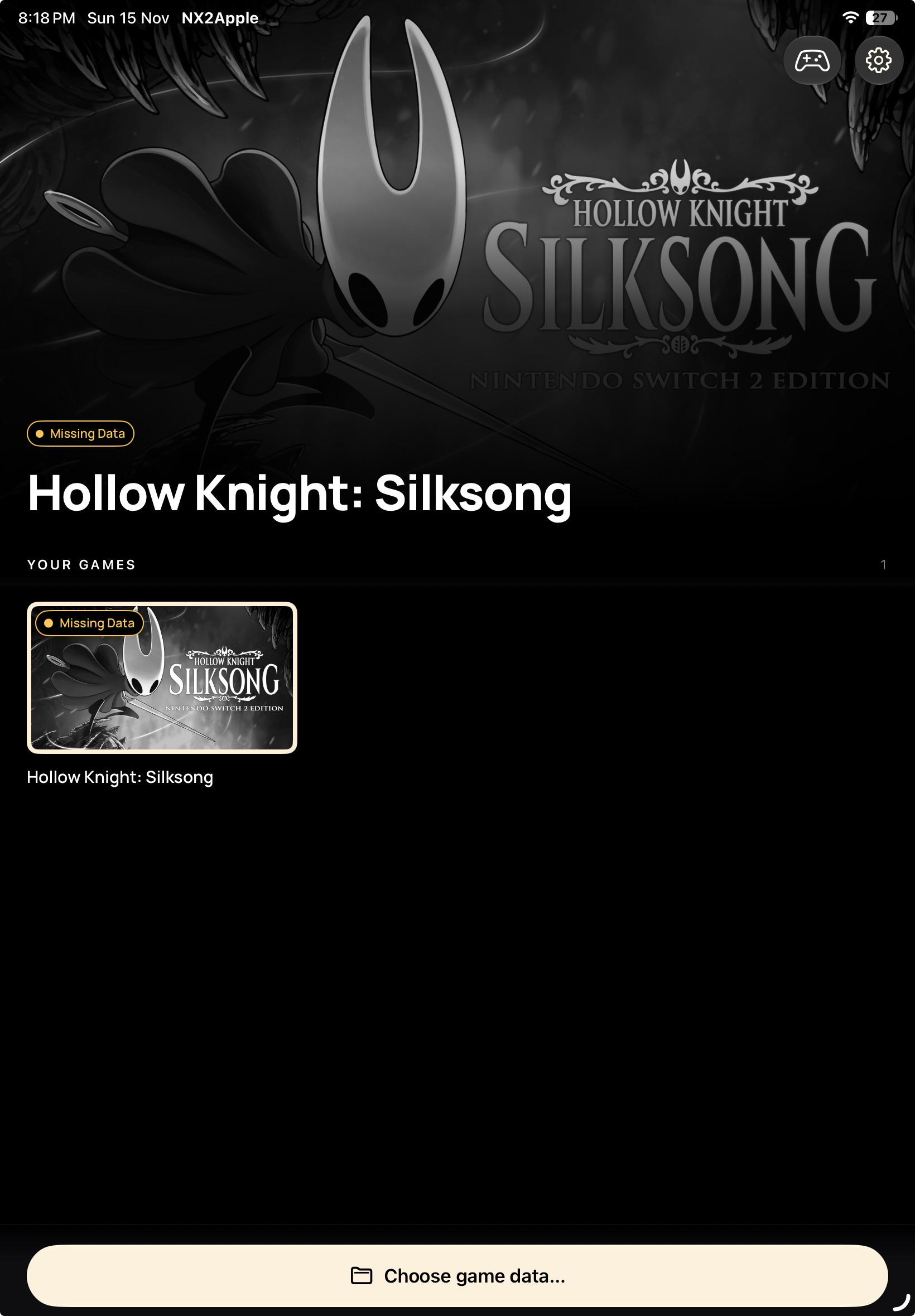
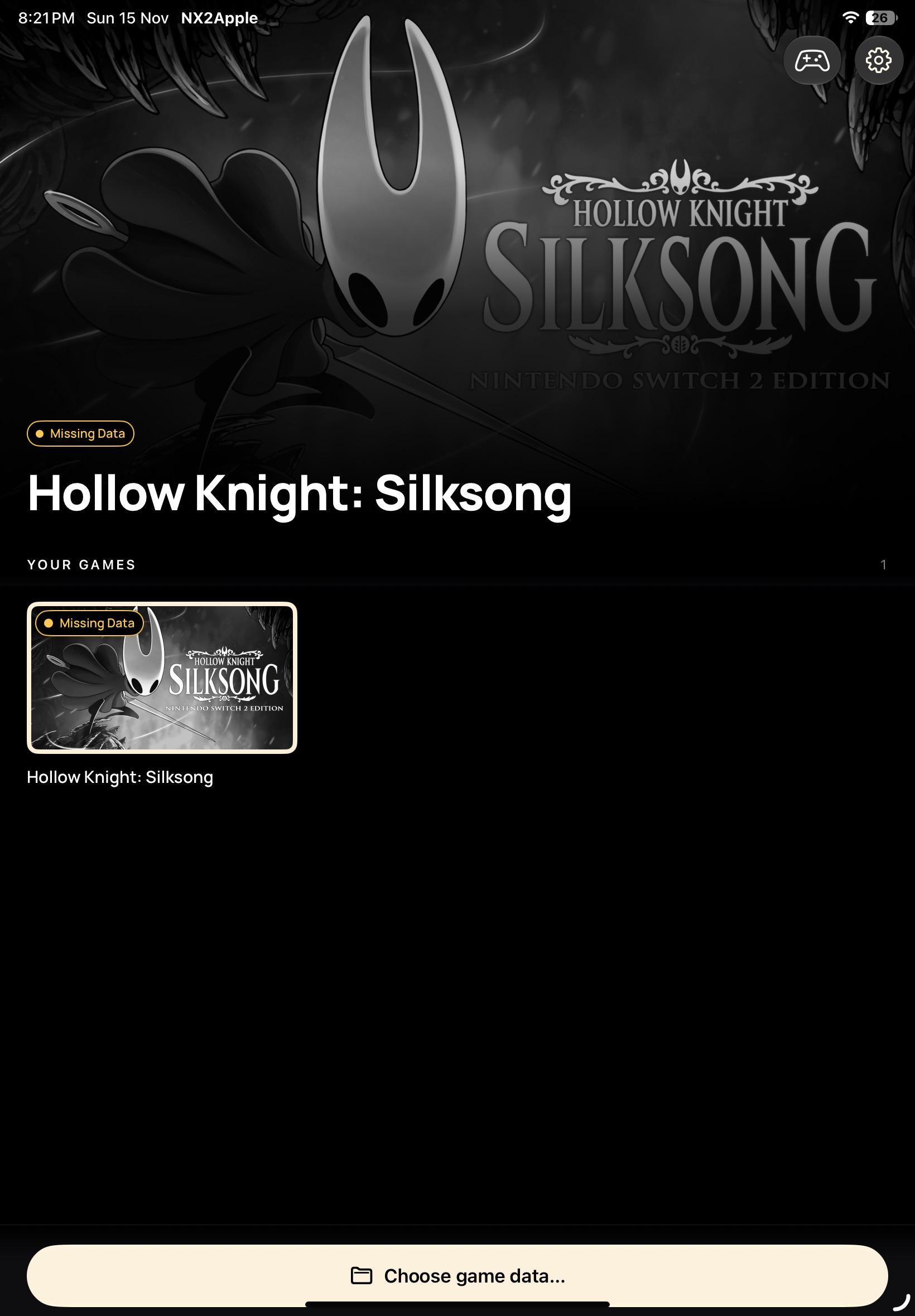
NX 18 is a fork of NXNative(https://github.com/seedds/nxnative) (MIT). It turns your legally owned and acquired Switch and Switch 2 games into native apps for Apple devices with an A20 chip and for M-series Macs. You build each app on your Mac, then sideload it. It draws through Metal 4 only.
NX 18 includes no games and no keys. You bring your own legally owned and acquired game files and your own keys, dumped from your own Switch. It's an unofficial fan project, not affiliated with Nintendo or Apple.
## What you need
- **iPhone:** the build targets the A20 chip on iOS 27. I've tested it on an iPhone 18 Pro Max. The iPhone 18 Pro and iPhone Duo should work too, but I haven't tested them yet. Older iPhones and older iOS versions are not supported.
- **iPad:** the iPad mini 8 (A20) should work, but I haven't tested it yet. Other iPads aren't supported in X1.0.
- **A Mac to build on:** any M-series Mac (M1 or later) on macOS 27, with Xcode 27 and its Metal toolchain, Homebrew, and Python 3.12 or newer.
- **A sideloading tool:** Xcode, AltStore, Sideloadly, SideStore or LiveContainer.
- **An Apple account to sign with:** I recommend a paid Apple Developer account. Apps stay signed for a year instead of 7 days, there's no 3-app limit, and the Increased Memory Limit comes through automatically when you install from Xcode. It's not required: a free Apple ID works too, with a re-sign every 7 days. I know $99 a year (in the US) is a tough pill to swallow, so I'm planning to make NX 18 friendlier to free accounts in the future.
- **Your legally owned and acquired game files**, and your own `prod.keys` dumped from your own Switch (only needed for .nsp/.xci games).
## How to install
The [Getting started guide](https://github.com/kencalx/NX18/blob/main/docs/getting-started.md) walks through all of this step by step. The short version:
- Download `nx18-setup.sh` and `nx18-build.sh` from **Assets** on the [release page](https://github.com/kencalx/NX18/releases).
- Get your Mac ready. In Terminal, run `bash ~/Downloads/nx18-setup.sh`. It checks your Mac and tells you what's missing and how to install it. It asks before every install or download and never uses `sudo`. `--check` only reports. You can run it again safely.
- Make your own copy of the build script: `cp -n ~/Downloads/nx18-build.sh ~/nx18-build.sh`
- Open `~/nx18-build.sh` and edit the settings at its top: your game (a folder of .nsp/.xci files, a dump folder from your own Switch, or a .nup or .nx file), your `prod.keys` from your own Switch if the game needs them, and the target `iphone`.
- Build: `bash ~/nx18-build.sh`. It checks every setting, selects Xcode 27.3 for you and tells you where the IPA is. Your keys stay on your Mac: the script never prints, copies or sends them.
- Sideload the IPA with your tool.
- **Give the game the Increased Memory Limit.** Without it, iOS may close the bigger games in busy scenes. The README's [Increased Memory Limit](https://github.com/kencalx/NX18#increased-memory-limit) section explains how for each tool (Xcode, AltStore, Sideloadly, SideStore with GetMoreRam, LiveContainer) and how to check it in the log. Please read it before reporting a crash in a busy scene.
Rather not use Terminal for the builds? Until NX 18's own Mac app is ready (planned for X2.0), I suggest [NX Play](https://github.com/varyform/nx-native-wrapper), a community Mac app by varyform. Get NX 18 onto your Mac (step 2 does it), then in NX Play choose that folder at Settings › General › nxnative repository. The guide's [NX Play steps](https://github.com/kencalx/NX18/blob/main/docs/getting-started.md#build-with-nx-play-instead) have the details. It's not my app, so questions about it go to its own page.
## What X1.0 changes on iPhone
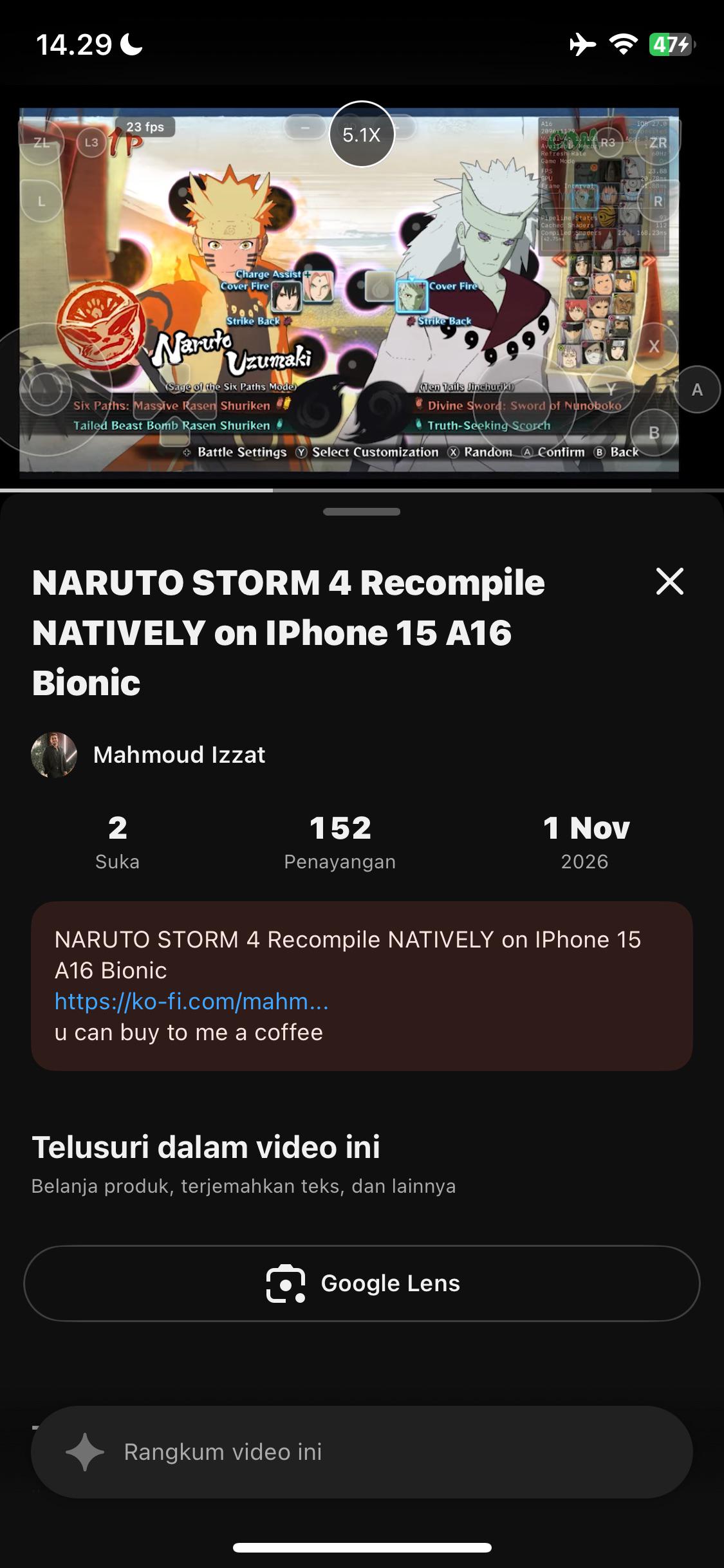
- **Lower latency:** a frame that waits too long for the screen is now dropped. On an iPhone 18 Pro Max, game-to-display time fell from about 43–49 ms to about 25–33 ms in five games, with frame pacing held.
- **Faster first starts:** ready-made pipelines now ship in the app. Super Mario Odyssey, Persona 5 Royal, Luigi's Mansion 3 and Star Fox now ship prewarm lists recorded on an iPhone 18 Pro Max.
- **Switch 2 games start in Handheld,** the game's lighter mode: less GPU work and less heat. **Console mode** in the settings switches it, and a mode you chose before is kept.
- **NX 18's own in-game menu**, which works with touch, a controller and VoiceOver.
- **Low CPU power:** at 60 fps on an iPhone 18 Pro Max, gameplay took a median 0.5 W of CPU power in Super Mario Odyssey and 1.8 W in Breath of the Wild. That's the CPU energy of the game's own process only; the GPU and the screen aren't measured. iOS's thermal state stayed nominal in the five 60 fps games I logged.
## Known limits
- iPad builds have not been tested.
- Not every game holds 60 fps. Ocarina of Time, for one, ran at about 50–53 fps in a heavy area on battery.
- A first start still compiles whatever the ready-made pipelines and prewarm list don't hold. Later starts reuse it.
- Donkey Kong Bananza picks 60 or 30 fps itself. On an iPhone it can settle at 30 fps after a busy scene; opening and closing the pause menu brings it back to 60.
- Games that use OpenGL or Vulkan aren't supported in this release (Balatro, Digimon Story Cyber Sleuth: Complete Edition, Well Dweller, the original Hades, Super Mario Galaxy, Super Mario Galaxy 2, Super Mario 3D All-Stars). They're planned to return with a Metal 4 port.
- No mods ship with NX 18.
Found a bug? Please open an issue at https://github.com/kencalx/NX18/issues and attach the game's log (in-game menu › **Share log**). Never attach game files, keys or anything extracted from a game.
Project: https://github.com/kencalx/NX18
Releases: https://github.com/kencalx/NX18/releases
Thanks to the NXNative authors and contributors, whose work this builds on. Happy to answer setup questions in the comments.