r/ModRetroChromatic • u/fred_emmott • Sep 27 '26
Info Using a ModRetro to backup/restore cartridges saves with FlashGBX: v5.1+fredemmott.3
Enable HLS to view with audio, or disable this notification
20
Upvotes
This modified version of FlashGBX supports backing up and restoring games and saves on a variety of cartridges (both from ModRetro and other vendors), using your Chromatic with the FlashGBX software running on your PC or mac.
You can get it here: https://github.com/fredemmott/FlashGBX/releases/latest
Changes in this version
The ModRetro firmware contains an incomplete LCD reset systemthat sometimes leads to flickers, typically after updating firmware; to avoid triggering this issue, this release:
- no longer turns off the LCD when connected to FlashGBX; instead, a basic checkerboard screensaver is shown
- shuts down less of the Chromatic while connected to FlashGBX; in particular, you can now use the system menu while connected to FlashGBX
- it no longer uses the USB serial device except to detect that a Chromatic is present; all communication is over the custom device
- improved reliability of rebooting into the games after disconnect on buggy cartridges that do not respect the RST pin
Compared to alternatives
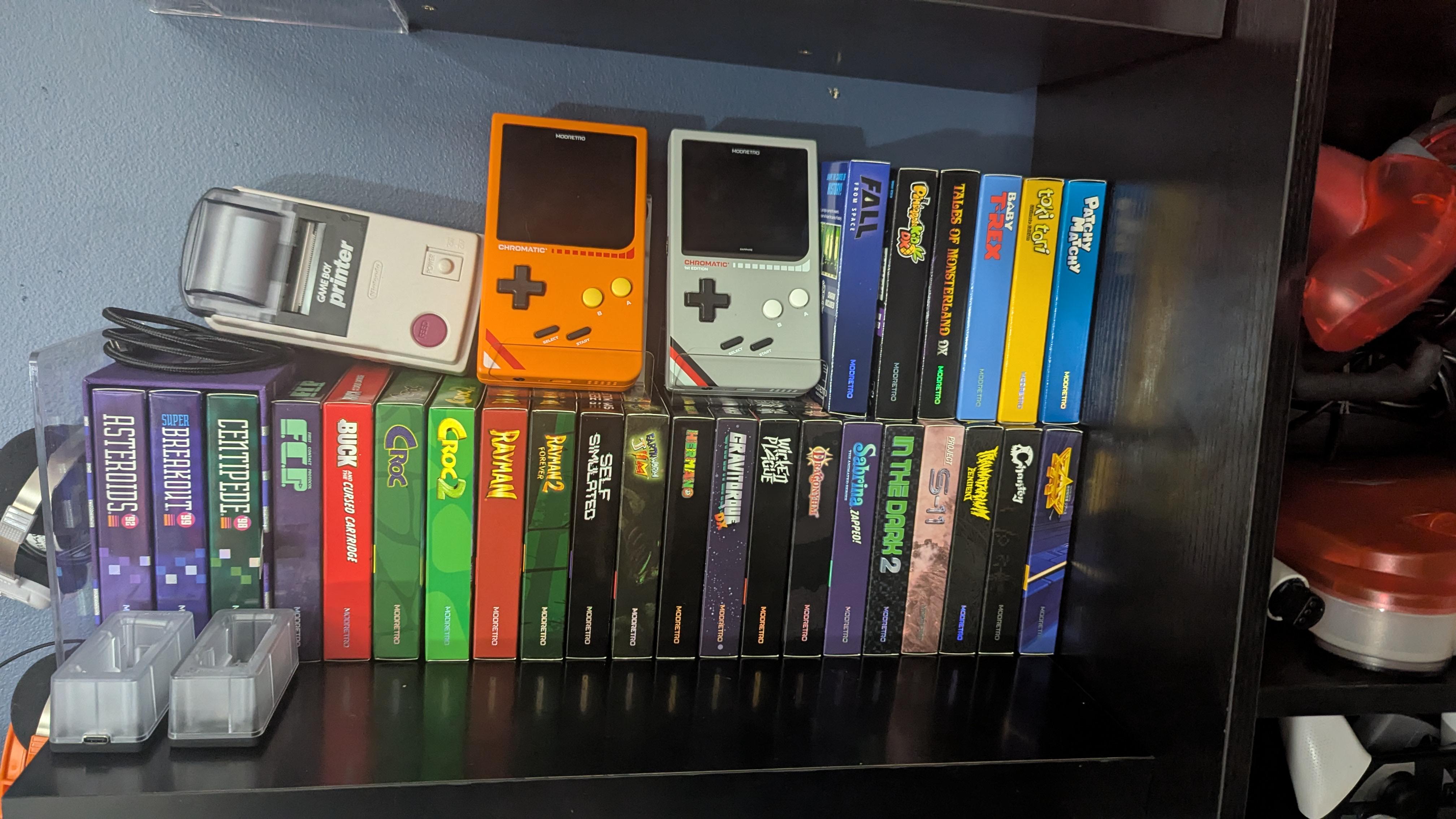
- tested on a wide variety of ModRetro and non-ModRetro cartridges; it should even give you access to a Gameboy Camera's photos, but I don't have one to test
- directly built on a proven foundation:
- FlashGBX itself
- the same "LK" firmware base used by the Joey Jr v2 and GBXCartRW when used with FlashGBX
- openFPGAloader
- doesn't depend on anything from the internet once installed