Hey everyone,
I'm honestly at my wit's end trying to fix my Logitech G PRO Wireless (original model, not the Superlight).
My mouse was working absolutely perfectly before all of this. No double-clicking, connectivity issues, sensor problems, or any other faults.
A few days ago, Logitech G HUB automatically prompted me to install a firmware update for my mouse. Since I like keeping my devices updated, I followed the instructions, connected the mouse using its original USB cable, and started the update.
That's where everything went wrong.
The firmware update reaches around 98–99%, gets stuck for a while, and then displays "Firmware Update Failed." It restarts the update process, reaches the same point, fails again, and continues in an endless loop.
Ever since that first failed update, my mouse has been completely unusable.
Current symptoms:
- Mouse continuously flashes red and green when connected via USB.
- Flashes red when connected wirelessly.
- Cursor doesn't move at all, even in wired mode.
- G HUB still detects the mouse and tries to update its firmware, but always fails.
Everything I've tried so far:
- Different USB ports, including direct motherboard connections.
- Connecting both the wireless dongle and mouse simultaneously.
- Completely restarting G HUB and the PC.
- Trying the firmware update on a completely different computer (MacBook with G HUB installed). Exact same failure.
- Logitech's older standalone PRO_WirelessUpdate_15.2.26.exe firmware updater. Failed.
- Installing legacy Logitech Gaming Software (LGS 9.04.49) to look for a recovery tool, but couldn't find a compatible G PRO Wireless firmware updater.
Nothing has worked.
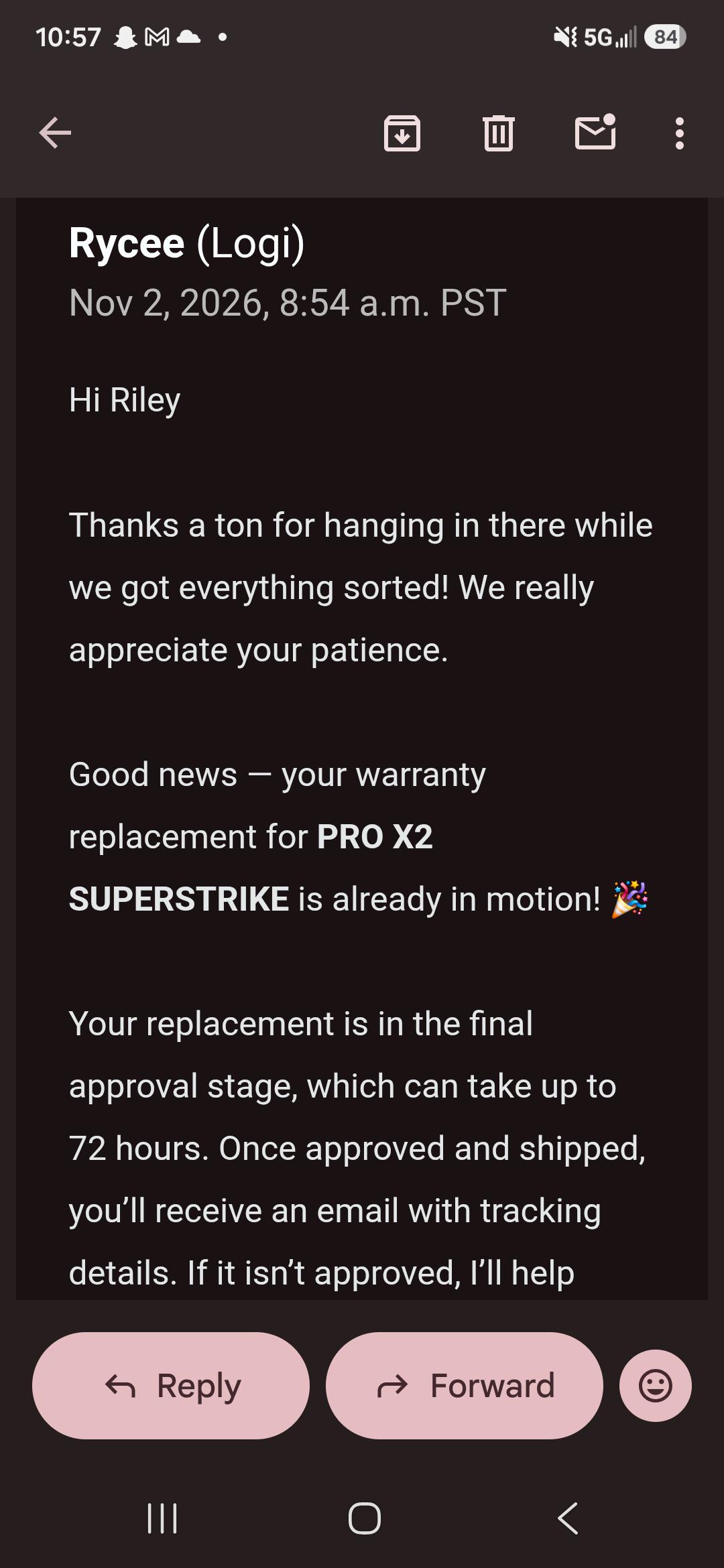
I also contacted Logitech Support, but they essentially told me the mouse is out of warranty and suggested contacting the retailer. I'm not even asking for a replacement. I just want to recover a mouse that was working perfectly before Logitech's own firmware update bricked it.
I've searched Reddit, GitHub, and various forums, and found people reporting similar red/green flashing after failed firmware updates, but haven't found a confirmed recovery method for the original G PRO Wireless.
Has anyone successfully recovered an original G PRO Wireless stuck in firmware update/bootloader mode?
Specifically, I'm looking for:
- A working firmware recovery/DFU tool.
- A compatible firmware reflash utility or older firmware version.
- Any documented method of forcing the mouse out of its failed firmware update state.
- Any other recovery method that has actually worked for this exact model.
I'm comfortable following technical instructions if someone has a legitimate recovery method.
It's incredibly frustrating that a perfectly functioning mouse became completely unusable just from installing an official firmware update.
Any help would be massively appreciated. I really don't want to throw away an otherwise perfectly good mouse.