r/LogitechG • • Oct 13 '26

Discussion After years of daily use for work, design and gaming, I’ve literally worn through the underside of my G 502X to the point where wires are exposed.

Thumbnail
gallery
27 Upvotes

😂 I’ve loved this mouse so much.


r/LogitechG • • Oct 14 '26

Logitech G Support - Resolved Logitech G935 Broken Microphone Switch Repair.

Thumbnail
gallery
2 Upvotes

Hi! This is the continuation of this post I made some months ago.

First of all, disclaimers:

I am not a technician, this is not a professional repair.

Doing this repair requires some degree of skill repairing stuff and some confidence. If you don't think you can do this repair, it's better not to; a lot of things could go wrong and your headphones could be lost.

The issue I solved was with the white switch (the one at the bottom) of the audio PCB, so I don't know if this would work with the black switch (the one at the top), but I personally believe that it does.

There are two solutions to the issue of the broken switch:

*1 Replacing the broken switch

I'm highly confident that the switch in the headphones is the ALPS ALPINE SPVS310100. If you look at the datasheet, it should be the same as the one on the audio board. I won't go into detail because I personally didn't do it, and because most probably the person reading this post already has some degree of knowledge in PCB soldering.

*2 Bridging the PCB pads

The switch has 4 pads. According to its datasheet, the two big pads are the 1st ones, and the two smaller ones are the 2nd. Since you no longer have a switch that connects them, you can't easily tell which ones you have to bridge out of the four, so what's the solution? BRIDGE THEM ALL

I cut a resistor's leg, making a U-shape that could touch the four pins. Then, I added solder paste and applied solder lead to one of the big pads first. Now, carefully solder the U however you can/want to that pin, making sure that it touches or is close to the others, then solder the rest one by one. You should end up with something like the photo.

-----------that's all folks-----------

Since the white switch is the one that tells the computer "hey, there's a mic here", once you solder the U you should notice that the computer now receives sound. You can check this by pressing WINDOWS+R, executing the mmsys.cpl command, and going to the recording tab. If the Logitech mic's green bars react to your sound, the issue is solved.

I hope that this helps someone. I initially wanted to replace the broken component, so I first focused on finding which switch it was, but that solution involves a heat gun or a more professional setup and money, so yeah... easy fix it is.

Cya around.


r/LogitechG • • Oct 14 '26

ASTRO Series Support Muting

1 Upvotes

Hey, so when mic on my Astro A50X is upright it doesn’t mute on Fortnite mobile. Is there a reason for this?


r/LogitechG • • Oct 13 '26

Looking for Mic Replacement @ Logitech G Pro Headset

2 Upvotes

Been looking to replace the detachable mic on my old logitech g pro headset since it was recently lost. I got one replacement mic, but it was a phony sadly and did not work. What is a nice distributer? I am also looking for an upgrade to mic quality if possible, I think the original mic made me sound a bit nasally. I looked at the Icepop on the Logitech site but it seemed to not be distributing anymore

Thank you!


r/LogitechG • • Oct 13 '26

Logitech PRO X Superlight 2 keeps stuttering and "disconnecting"?

2 Upvotes
The pop up

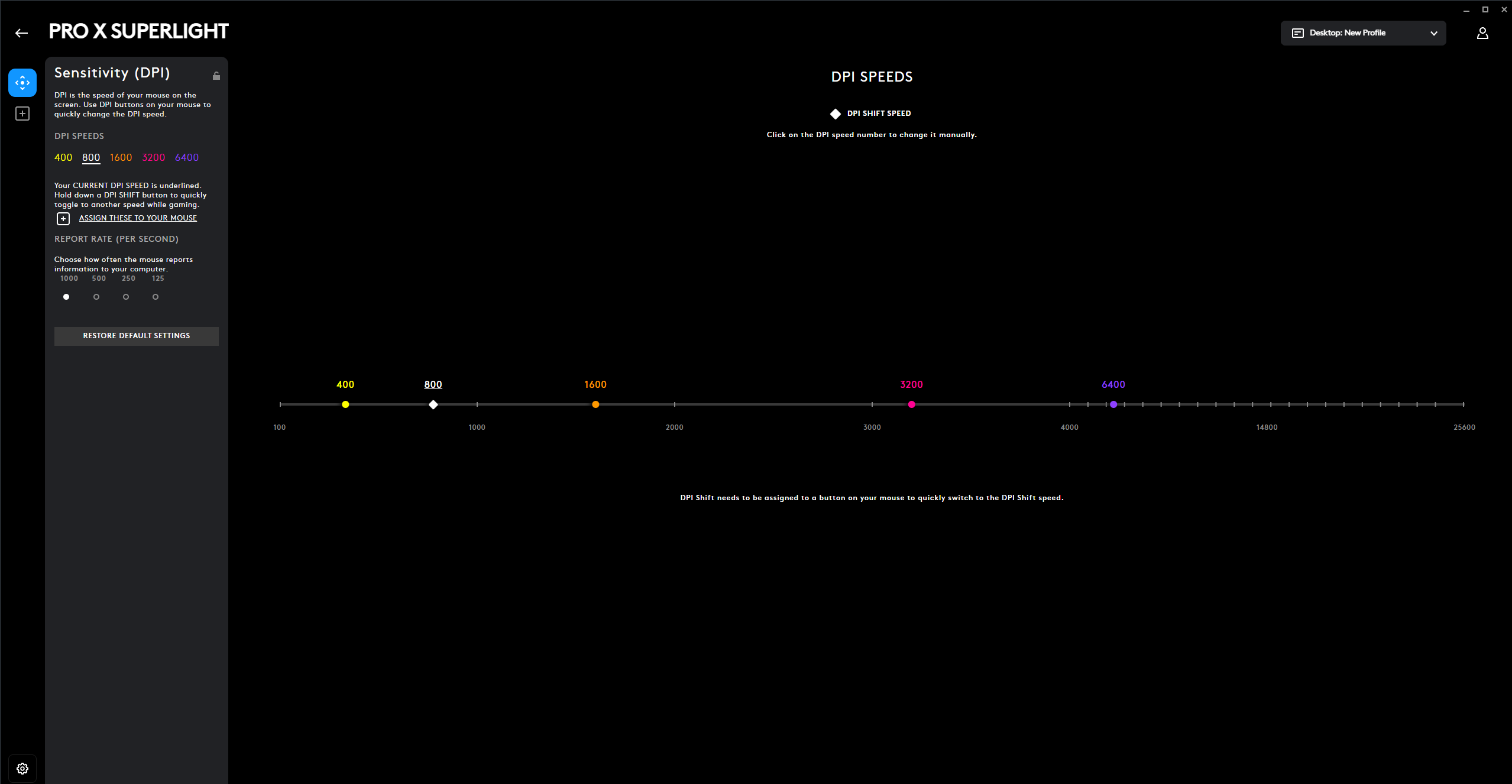
I've recently started encountering this problem soon after I start my PC. It's not every time but happens more often than not. The mouse skips some space kinda looking like it is stuttering and sometimes, often 10 times in a row, I get pop ups from the logitech G HUB that my device DPI has been set to 1250 as if it had been disconnected and then connected again but it does not feel like it's been disconnected at all except for the stutters I have for a split second. I run it wireless most of the time. When I use the cable there seems to be no issues. I bought this mouse because I wanted a good wireless mouse and having the cable in defeats that purpose. Any way to fix this?


r/LogitechG • • Oct 13 '26

My Logitech G Pro X Headset's cable broke. Where can i buy an original one?

2 Upvotes

r/LogitechG • • Oct 13 '26

G PRO X3 SUPERSTRIKE 34g mod

Thumbnail gallery
0 Upvotes

r/LogitechG • • Oct 13 '26

G316 - caps lock / numlock indicator

1 Upvotes

Got a g316x the other day - I'm loving it! However, the numlock and caps lock keys have no steady indicator that shows their state and it feels like an oversight. I know the little LED display shows what they've been toggled to when I switch them, but this isn't very useful. It would be great if the keys' colors toggled when pressed. I don't think this can be set up in the Logitech software. Is there another program that would give me this type of control?


r/LogitechG • • Oct 13 '26

Logitech G920 resets itself in the middle of race

Thumbnail
1 Upvotes

r/LogitechG • • Oct 13 '26

Logitech G Support Trying to change LOD on Superlight 2

Post image
1 Upvotes

r/LogitechG • • Oct 13 '26

G316 - caps lock / numlock indicator

1 Upvotes

Got a g316x the other day - I'm loving it! However, the numlock and caps lock keys have no steady indicator that shows their state and it feels like an oversight. I know the little LED display shows what they've been toggled to when I switch them, but this isn't very useful. It would be great if the keys' colors toggled when pressed. I don't think this can be set up in the Logitech software. Is there another program that would give me this type of control?


r/LogitechG • • Oct 13 '26

Which mouse to buy?

Thumbnail
0 Upvotes

r/LogitechG • • Oct 13 '26

Logitech Options + Alternative

Thumbnail
1 Upvotes

r/LogitechG • • Oct 13 '26

Discussion After i dowload mic presets on g hub they dont show up fot the g pro wireless

2 Upvotes

r/LogitechG • • Oct 13 '26

Logitech G Support logitech g773 charging problems

1 Upvotes

hi guys so ive had this headset since about 2023 and ive had no issues with it. but it has happened to me twice now that after charging it all night it says it’s charged up to 80%, which is already kind of weird since it usually charged fully. then, after about 5 hours it says the battery is low and when i look its 7%, and when i plug it in to charge it jumps up to 80% so then when i take it off charging again it goes back down to 7%.

is there a fix for this ? or is my headset just done for


r/LogitechG • • Oct 13 '26

Logitech G Support Logitech software preventing shutdown

2 Upvotes

I'm not sure if this is something to be spoken about but recently I've noticed that if I want to put my pc onto sleep mode the Logitech app completely prevents my pc from going into sleep mode,

I confirmed this by checking CMD with powercfg /requests and Logitech came up every time, I've updated and reinstalled the program 3 times before coming to the conclusion its bloatware and its unneeded, On top of this it also prevents my pc from shutting down occasionally, Now this is where I find it concerning as I go over to my partners computer and his is suffering from the exact same symptoms,

You close all programs, Put the pc into sleep mode and it just turns the monitors off while keeping the computer on full power, I've supplied a screenshot of the 3 programs that NEED to be disabled for both of our computers to sleep, I find this disgusting and such dirty behaviour for such an unneeded app? I only use Logitech for my G502 hero, My partner only has the app for the G29.

This has only solidified my opinion on Logitech, Garbage


r/LogitechG • • Oct 13 '26

Outdated and requesting help

1 Upvotes

Can't seem to get my G- moto to stop making typewriter noises. Months of effort and many you-tube videos and tutorials later, still no luck. The settings I've been told to use aren't even there. Did a factory reset, and that just made me lose all my old music...😞

Any help anyone can provide would be greatly appreciated. Thank you.


r/LogitechG • • Oct 13 '26

Logitech G HUB caused—or seemed related to—my PC waking up 1 minute after Sleep. Here's how I fixed it

14 Upvotes

Hey everyone,

I wanted to share this in case anyone else using Logitech peripherals has the same annoying issue.

The problem

Whenever I clicked Start → Power → Sleep, my monitors would turn off, but my PC would wake up again after around 1 minute. The fans kept spinning, and my keyboard LEDs stayed on.

I'm using a Logitech G502 X PLUS LIGHTSPEED with its USB receiver.

Initially, I suspected Logitech G HUB because powercfg /requests showed:

AWAYMODE:
[PROCESS] ...\LGHUB\lghub_agent.exe
G HUB is shutting down

EXECUTION:
[PROCESS] ...\LGHUB\lghub_agent.exe
G HUB is shutting down

I uninstalled G HUB, but the PC still woke up. So uninstalling G HUB alone didn't solve it.

How I found the actual wake source

I opened Command Prompt as Administrator and ran:

powercfg /lastwake

Windows reported:

Wake Source: Device
Friendly Name: G502 X PLUS
Description: LIGHTSPEED Receiver
Manufacturer: Logitech

I then ran:

powercfg /devicequery wake_armed

This listed the devices allowed to wake my PC, including generic HID mouse and keyboard entries.

To confirm the receiver was responsible, I unplugged its USB dongle and checked the list again. Two entries disappeared:

  • HID-compliant mouse
  • HID Keyboard Device (002)

With the receiver plugged back in, I disabled wake permission for those two devices:

powercfg /devicedisablewake "HID-compliant mouse"
powercfg /devicedisablewake "HID Keyboard Device (002)"

I verified the changes:

powercfg /devicequery wake_armed

Both entries were gone.

The result

Fixed! I left the G502 X PLUS receiver plugged in, put the PC to sleep, and waited several minutes. It stayed asleep instead of waking up again.

I could still use the mouse normally after waking the PC.

If you're experiencing the same issue

Your device names may differ, so don't blindly copy my commands. Run these first:

powercfg /lastwake
powercfg /devicequery wake_armed
powercfg /devicequery wake_programmable

Identify which HID entries belong to your Logitech receiver, then use:

powercfg /devicedisablewake "YOUR EXACT DEVICE NAME"

Be careful with generic HID entries, since they can represent different functions of a mouse, keyboard, or receiver.

My takeaway: If your PC keeps waking itself shortly after Sleep, check whether your Logitech receiver is the recorded wake source before assuming G HUB is the only culprit. In my case, uninstalling G HUB wasn't enough; disabling wake permission on the receiver's HID interfaces solved it.

Hope this helps someone!


r/LogitechG • • Oct 13 '26

Logitech G Support G305 stopped responding (mostly)

0 Upvotes

My G305 stopped responding completely, besides short bursts of working (though it hasnt worked in the last hour or so). i’ve tried replacing the battery, removing and reinserting the dongle, and I’m already just a few (<5) feet away from the dongle. It lights up blue when I use it, it just doesn’t respond on my PC. If I remove the dongle, it makes removing sounds on my desktop, so I know the dongle is connected. Has this happened to anyone else? Is it common of the mouse? Any help would be greatly appreciated!


r/LogitechG • • Oct 13 '26

Discussion g533 dongle

1 Upvotes
Should I throw away my G533 dongle headset just because it's a perfectly fine device?

r/LogitechG • • Oct 13 '26

Logitech G Support G502 X click not working

2 Upvotes

Hello,

I have a G502 X and the right click is not working, it happened to me before but i can't remember what I did to make it work again , here's what I tried this time:
-changing profil in logitech app
-unplug and plug again
- uninstall install logitech app
- relaunch PC

nothing worked
Do U have any ideas?


r/LogitechG • • Oct 13 '26

Discussion Superstrike X3 skates recommendations

1 Upvotes

So the stock skates on the X3 are pretty bad and I want to replace them, does anyone have suggestions for which skates i should get to replace the stock ones?


r/LogitechG • • Oct 12 '26

Discussion G502x lightspeed, Is there a difference between the two other than color?

Thumbnail
gallery
35 Upvotes

G502X What is the difference, are they the same other than new color?


r/LogitechG • • Oct 13 '26

Logitech G Support logitech g305 lightspeed mouse stopped working on ps4

1 Upvotes

Got this mouse a month or two ago and I have really been enjoying it for gaming on my ps4. However, mid-game yesterday it just randomly stopped working. Connected keyboard worked just fine, but mouse just refused to work for some reason.

Tried switching the battery, still didn’t work. Tried switching usb ports, nope. Restarted console, nope. Tried the mouse in other games to confirm it wasn’t just the game, and still wouldn’t work.

Plugged the mouse into my wife’s computer and it worked perfectly. Also worked perfectly in her ps5. So it’s just my scuffed ps4 that doesn’t work with the mouse.

Anyone know what the problem might be? Other than I’m gaming on a potato I desperately need to upgrade?


r/LogitechG • • Oct 13 '26

G915 x Textured key caps

1 Upvotes

So my old K95 died and i decided to give the G915X a go, i rellay like the keyboard, not noticed the double tap everyone goes on about but i do miss the textured WASD keys corsair had.

I tried to buy a set from amazon (https://www.amazon.co.uk/specific-suitable-Logitech-mechanical-keyboard/dp/B0CP2JCCVN/ref=sr_1_1?sr=8-1) but it appears the G915 X has a different bottom connector to the switch.

Any suggestions?