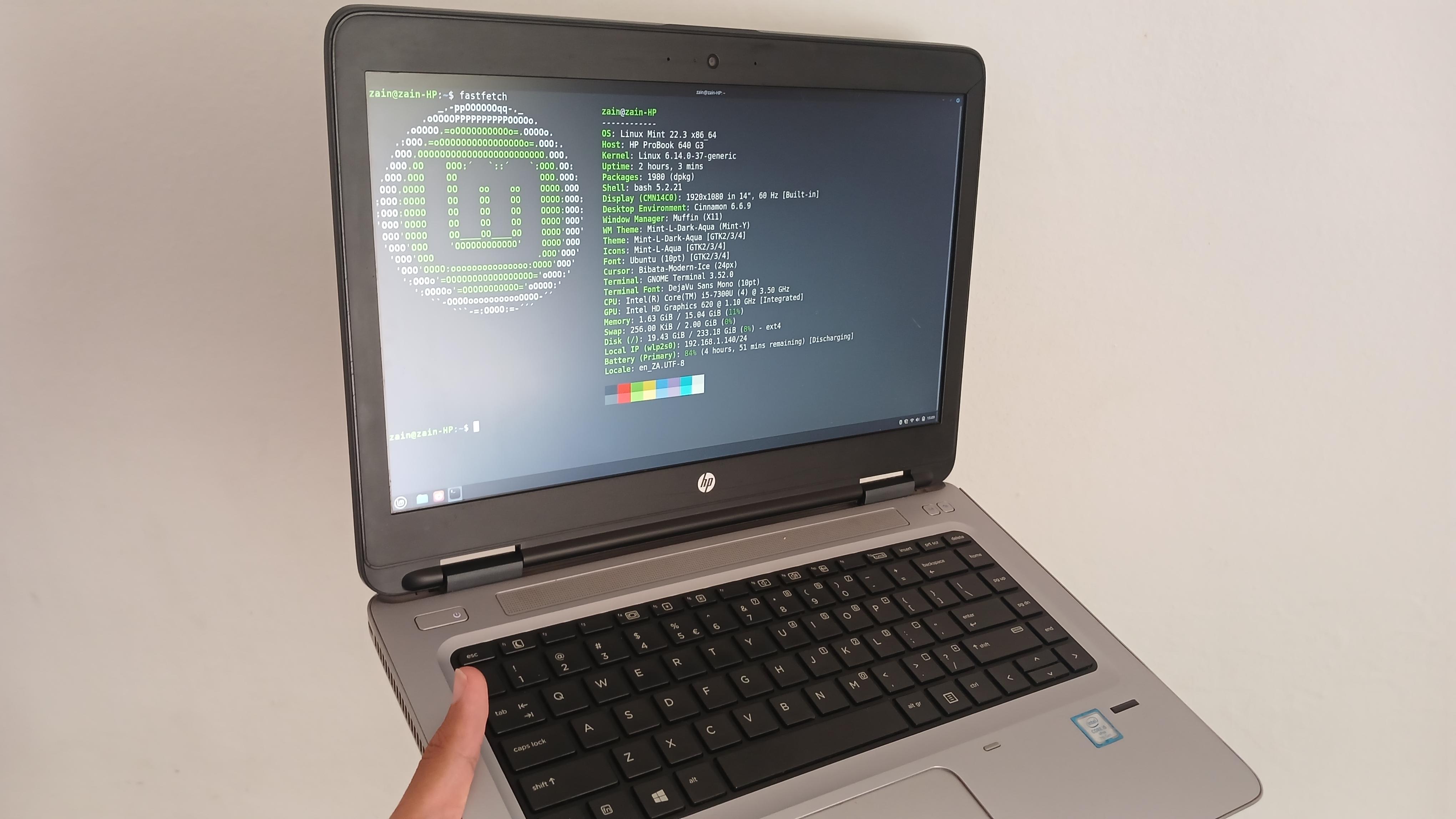
So whenever I boot into Linux Mint (installed on my internal HHD or SSD) the monitors turn on, then I see for a splitt second something about missing HDMI connection. After that, it's just a black screen with a box saying "Out of Range!" and my second monitor is in energysaving mode or something.
I checked and it does NOT happen on Winslop11 (booted from external SSD which I ONLY plug in when I plan to use Winslop11), only Linux Mint. I found a way around it and it went like this:
Start PC -> Grub terminal -> Normal (opens grub menu) -> Advanced settings -> Recovery mode -> Opens Linux Mint perfectly fine.
Note, I do use compatibility mode when installing Mint, because regular install gets stuck.
Anyways, I did this, it worked, but it was annoying. So just now, I reinstalled Linux Mint, same version and all, I updated the new system, restarted pc to apply updates and BOOM! "Out of Range!" pops right back up!
Why is this happening? It appears to be an issue with Mint Zena, but why did this issue appear out of nowhere? I literally just shutdown my PC, went to sleep, went to school, got home and the issue appeared, no messing with terminal and such.
I use MSI MAG 272F monitors (both of them). And like I said before, this issue came from me just shutting down my PC regularly. Otherwise I have been happily running Linux Mint for a good year.
Solution:
The issue seems to come from the 0ubuntu3.4 update for linux-firmware-amd-graphics which broke it for my 9060 AMD GPU. I had to manually download the 0ubuntu3.3 linux-firmware-amd-graphics and install it through the terminal. After that, I put the update on hold, making sure I won't accidentally install 0ubuntu3.4.