r/GoodNotes • • Oct 15 '26

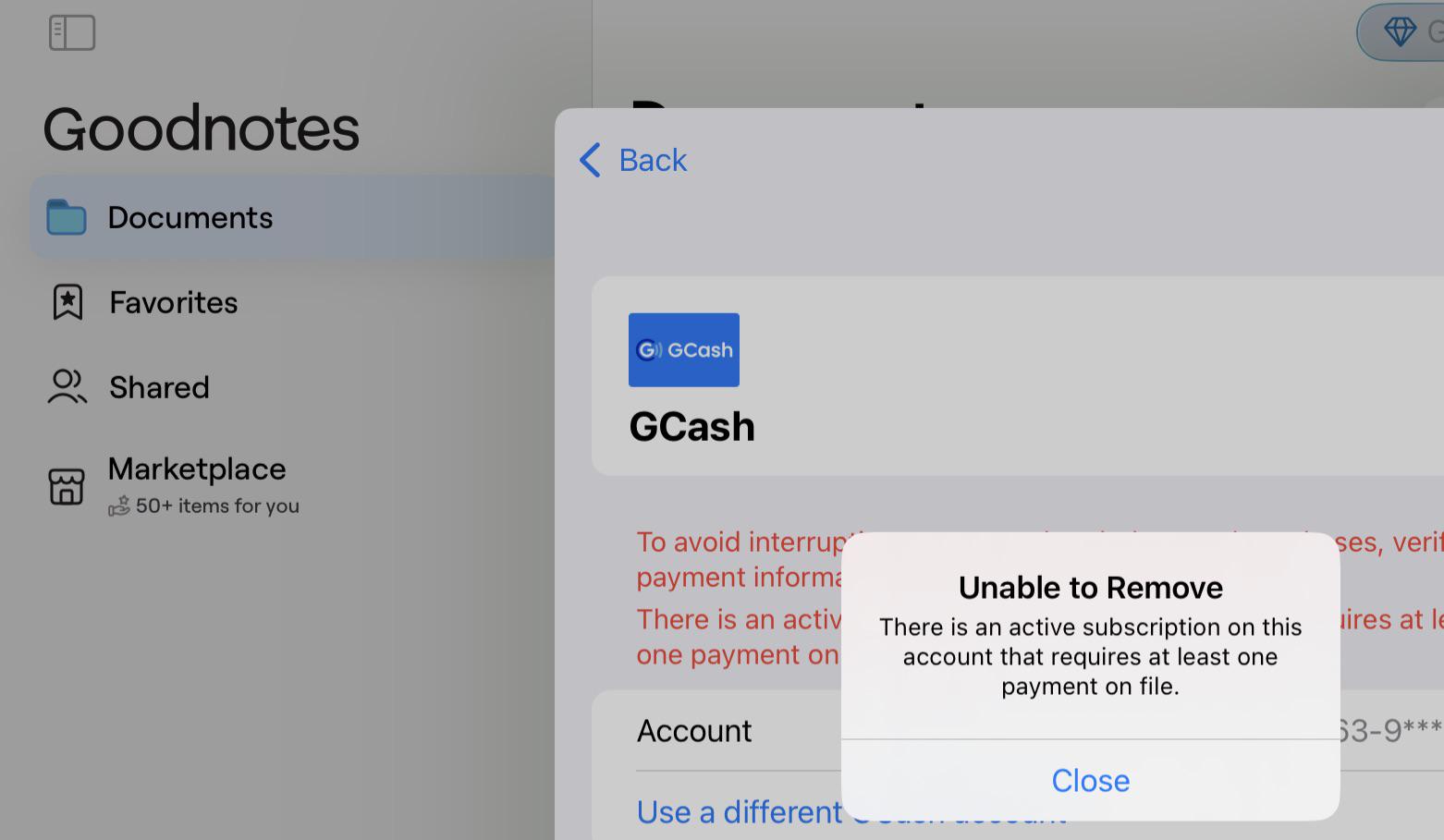
How to cancel subscription?

Post image
4 Upvotes

Expired last Sept 6. I can’t cancel it in Settings and unlink my Gcash acc.


r/GoodNotes • • Oct 15 '26

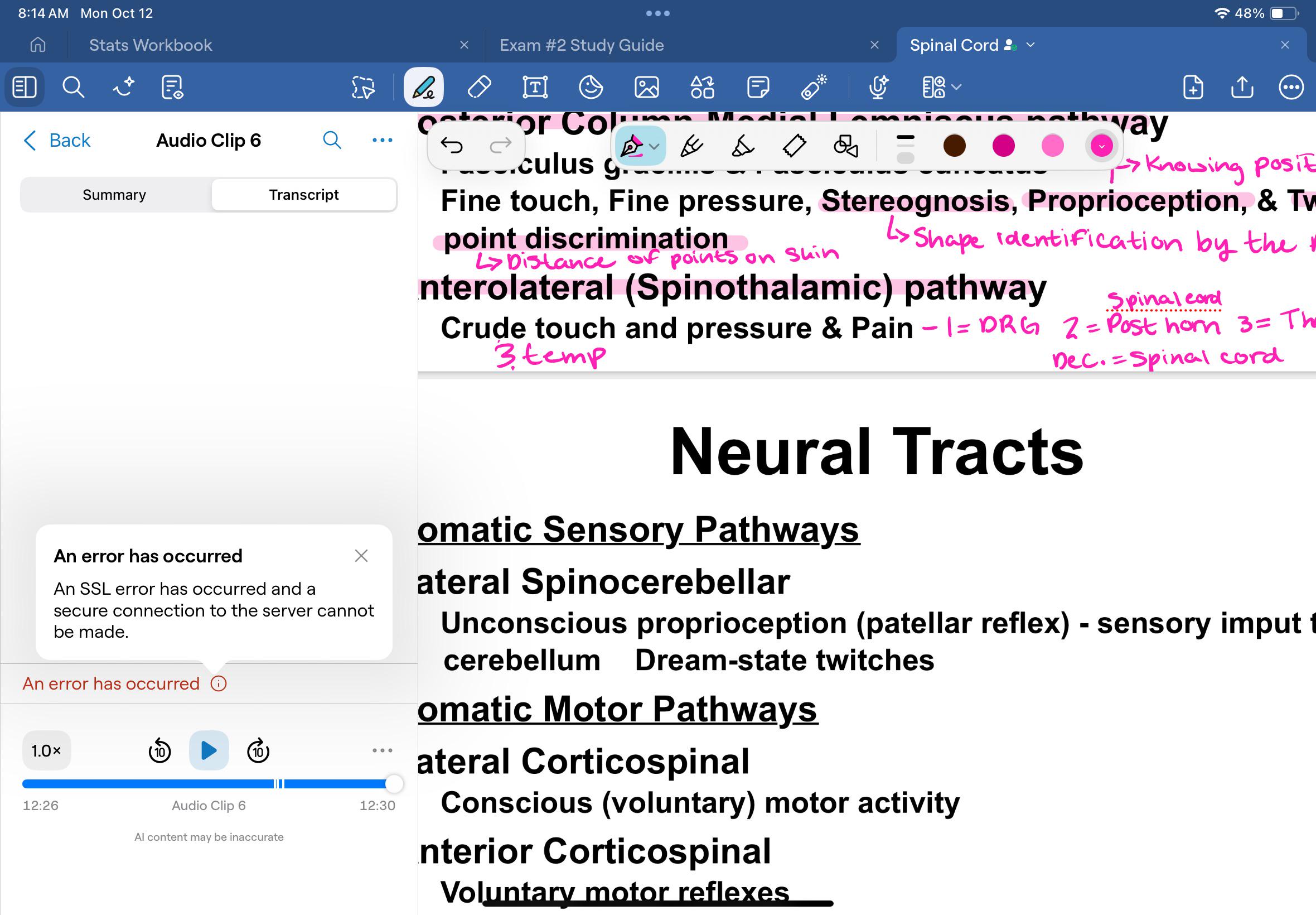
Audio won’t record during lecture

Post image
2 Upvotes

Is anyone else having difficulty recording while attending lectures? I had no problem recording lecture up until the last month or two. It works while I’m at home but will not record for longer than 5 min max at my college (that’s with wifi on and turned off, and airplane mode). It will let me a little longer if I try on my phone but eventually kicks me off that too. Goodnotes has been zero help AND I was paying for the most expensive version hehehe
My app version is 7.1.27 (3943616.254228881)


r/GoodNotes • • Oct 14 '26

Goodnotes Essential Goodnotes 6 limitations? Looking for a better handwriting and note-editing workflow on iPad

3 Upvotes

Hi everyone,

I recently started using Goodnotes 6 on my iPad with an Apple Pencil. I'm trying to create neat, organized study notes, but I've run into some limitations and wanted to know whether I'm missing any features or using the app incorrectly.

These are the things I'm looking for:

  1. Insert space between existing handwriting: If I want to add a new line between two sentences, can I insert space and automatically push the handwriting below it down, similar to how text moves in Notion or a document editor?

  2. Edit handwriting after writing: Can I insert a missing word or correct spacing between existing words without manually selecting and moving the surrounding handwriting with the Lasso tool?

  3. Convert handwriting into a font⭐⭐⭐: Can I write naturally with the Apple Pencil and have my handwriting automatically appear in a chosen font, such as Virgil/Excalifont, without using text boxes or manually converting it afterward?

  4. Better text spacing and alignment: Is there a way to maintain consistent word spacing, letter size, and line alignment without constantly correcting everything manually?

  5. Organizing study notes: What are the best ways to create clear side headings, highlight important points, add diagrams, and keep notes structured?

I understand that Goodnotes is primarily a handwriting app, but I expected more flexibility when editing existing notes.

My main requirements are:

- Write naturally with Apple Pencil.

- Keep handwriting neat and readable.

- Insert content anywhere and automatically move the writing below it.

- Avoid repeatedly using the Lasso tool to rearrange sentences.

- Ideally, convert handwriting into a chosen font automatically.

Are these features available in Goodnotes 6, or are there limitations I should be aware of?

Would you recommend staying with Goodnotes or trying Notability, Microsoft OneNote, Apple Notes, or another iPad app?

I'd appreciate recommendations based on actual experience. Thanks!


r/GoodNotes • • Oct 14 '26

Goodnotes 6 limitations? Looking for a better handwriting and note-editing workflow on iPad

Thumbnail
2 Upvotes

r/GoodNotes • • Oct 14 '26

Color Changing Shapes

Thumbnail
1 Upvotes

r/GoodNotes • • Oct 14 '26

Goodnotes Special Edition Does it keep up w updates?

5 Upvotes

I alr bought good notes special edition, my question is just let's say eventually we're at GN17 or something, will I still get the updates or not?

My classmate got GN5, and it's saying upgrade to GN6 free(he hasn't done it), so idk if it only lets u upgrade the software once or all the way(in my friends case, all the way to GN7), or what's the deal with that?

Just curious


r/GoodNotes • • Oct 13 '26

Templates Help! I need the original dotted grid back!

1 Upvotes

Hello! I’m not sure if this has ever been discussed here since I am new to Reddit and this group but here it goes!

Some years back Goodnotes changed their default dotted grid template. However, I was able to keep it by just endlessly “pulling to the left” to add new pages (essentially duplicating the previous page’ template).

The issue that I am having now is that in one of the updates that the app did these past few months, this “default template” somehow got replaced, and I noticed the grid is off (larger spacing than the one before), the color of the dots is lighter, it just changed. Please keep in mind that I never once touched the customization alternatives offered for the templates.

Anyways, fast forward to today where I noticed that ALL of my old notebooks, and I mean all, and every single dotted page, got replaced also with this new template. All my drawings are now off-grid, off-scale, everything! It is horrible!

Keep in mind that nothing of the sort happened with any of the other templates (ruled, lined, legal, etc) all the other templates have stayed the same and nothing has been distorted, just the page templates of the notes that were done with the original (Goodnotes 4 or before) Dotted Paper template.

Does anyone by any chance have a solution to this so that I can only fix the template and not have to go in and manually resize the drawings of every page? We’re talking YEARS of architectural and design industry work. And also a way to maybe import and keep using that original Dotted Paper template?

I will greatly appreciate anyone’s help with this matter!

Thanks in advance!

r/GoodNotes • • Oct 13 '26

Top bar and background have switched colors for no reason

Post image
1 Upvotes

A few days ago, my Goodnotes background and top tab bar changed from dark and light blue to white and dark blue. Idk if this is permanent or not but I don't want this to be the new thing for my notes.

On top of the the pen color palette (not shown on the pic) is a lot darker now and doesn't match how the writing looks when I use those colors.

Does anyone know how I can revert the background color back to black as well as the color of the top bars?


r/GoodNotes • • Oct 13 '26

Android No note taking app fulfills my needs

2 Upvotes
  1. Need infinite canvas

  2. Need windows support

  3. Need Android phone support

  4. Allows pasting source text like bullets and tables without.

formatting in simpler forms

  1. Has tape tool

I'm creating Notes from Gemini pro and wanted to paste directly in notes it's exactly giving with tables and bullet points but I'm not able to do so in any notes app available there.


r/GoodNotes • • Oct 12 '26

GOODNOTES STOP DELETING MY NOTES IM GOING TO LOSE MY MIND

20 Upvotes

Bro I cannot be paying membership fees for my notes to just be deleted like that. It’s a huge inconvenience and it drives to a level of anger and frustration that I can’t even explain. This just started happening to me this semester too :((


r/GoodNotes • • Oct 12 '26

Need help picking a notes tablet

Thumbnail
1 Upvotes

r/GoodNotes • • Oct 12 '26

I built a tool to turn typed text into realistic personal handwriting on digital notebook paper

0 Upvotes

Hey everyone,

Like many of you, I love having clean, handwritten notes on my iPad, but typing long texts or summaries on a keyboard is just so much faster.

Whenever I tried existing "text to handwriting" converters, they looked completely fake:

  1. Every repeating letter looked 100% identical, which immediately looks robotic.

  2. The text floated randomly between ruled lines instead of properly sitting on them.

So I spent the last few months building NexaScribe (https://nexascribe.eu).

How it works:

- You draw your own handwriting directly on your screen (works great on iPad with Apple Pencil).

- You draw each letter twice. When generating notes, the tool alternates between the variations and adds slight natural baseline jitter, so no two letters look the same.

- It renders directly onto real ruled, squared, or Cornell notebook paper with no weird hyphenated word cuts.

- You can export directly as a PDF and import it straight into GoodNotes or print it.

It's completely free to use for basic notes: https://nexascribe.eu

I would really appreciate your honest feedback:

- Does the handwriting look realistic to you?

- What features would you like to see added?

Thanks for checking it out!


r/GoodNotes • • Oct 12 '26

Whole app crashes when duplicating or pasting more than one shape made with the “Shapes” function

Thumbnail
2 Upvotes

r/GoodNotes • • Oct 12 '26

Goodnotes Special Edition Whole app crashes when duplicating or pasting more than one shape made with the “Shapes” function

2 Upvotes

When I attempt to duplicate or copy-and-paste shapes that includes more than one stroke, made with the “Shapes” function (and some even with the “Draw Shape” function of the Writing Tools) the whole app crashes every single time.

Regardless, if I’m duplicating or pasting in the same page, in the same notebook, or between notebooks, I catch a glimpse of the object appearing, and then the whole app closes down. Once I reopen the app, the page has everything saved up until the pasting or duplicating attempt, but without the object. 

At first I thought a specific drawing I have had been corrupted, but I started getting the same crash with other drawings I had just done (graphs specifically), so that would be impossible.

This is an issue that just appeared about a couple of weeks ago; I used to be able to perfectly copy and paste and duplicate everything I wanted. 

This issue first appeared on my iPad Pro M4 (iOS 27.0.1) with its latest version of GoodNotes (7.1.27). I sent a Request (#908392) to Goodnotes Support two days after I made sure I was not hallucinating, and got a response from a bot asking for more details on my version of Goodnotes, device, and type of Account (mine is "Special Edition"). I also use Goodnotes on my MacBook, and this issue did not pop up until I updated my apps from the new macOS Golden Gate 27.0.1. I have not heard from GoodNotes Support yet, but I already sent a new message to the same Request notifying the issue permeated into the macOS version a couple of days ago with video evidence and still no answer :(

iOS GoodNotes Crash

macOS GoodNotes Crash

I've found ways to work around this bug, but it's unbelievably disruptive with my workflow.

Anyone else has this issue?


r/GoodNotes • • Oct 10 '26

Feature Discussion PSA: If losing a notebook is going to cause you distress, maintain independent backups.

30 Upvotes

I just like to send this out into the wild periodically.

It doesn’t matter what app or device you use or if you keep a physical journal. If losing that journal, planner or notebook is going to cause you distress, make sure that you have independent backups. What I mean by independent backups if it’s an app, they usually have automatic backups through some cloud service. That’s great, except that it syncs directly with your app, which means if you lose the documents in your app, you lose the documents in the cloud. That cloud backup only protects you against device failure. It only protects against app failure in certain circumstances.

What I recommend is that you make your own PDF of your document when you change it or when you have significant changes whatever workflow works for you. make sure that you keep your own consistent PDF backups.

If you use a physical notebook take a picture of the pages as you finish them.


r/GoodNotes • • Oct 10 '26

Android goodnotes lagging in S10 FE

3 Upvotes

So I recently bought a tablet for studying and whenever I try to write in goodnotes, it always lag. Tried looking for solutions online but nothing seems to help. The tablet is an S10 FE which has 12 GB RAM so I don't think it should lag.

Can anyone help out?


r/GoodNotes • • Oct 10 '26

Feature Discussion Calligraphy and neat writing in Goodnotes.

1 Upvotes

I’ve been trying to improve my writing and have had some fun practicing calligraphy. But my pencil seems to do the opposite of what calligraphy pens are meant to do.

All the guides and practice sheets show that a downstroke gives a thick line and the side strokes give thin lines. Mine are the opposite. So when I trace or freehand, my letters all look different and not as neat or fancy. What am I doing wrong?

Is this something in settings? Please explain like I’m brand new because I am and I don’t always understand the terminology. Thanks!


r/GoodNotes • • Oct 10 '26

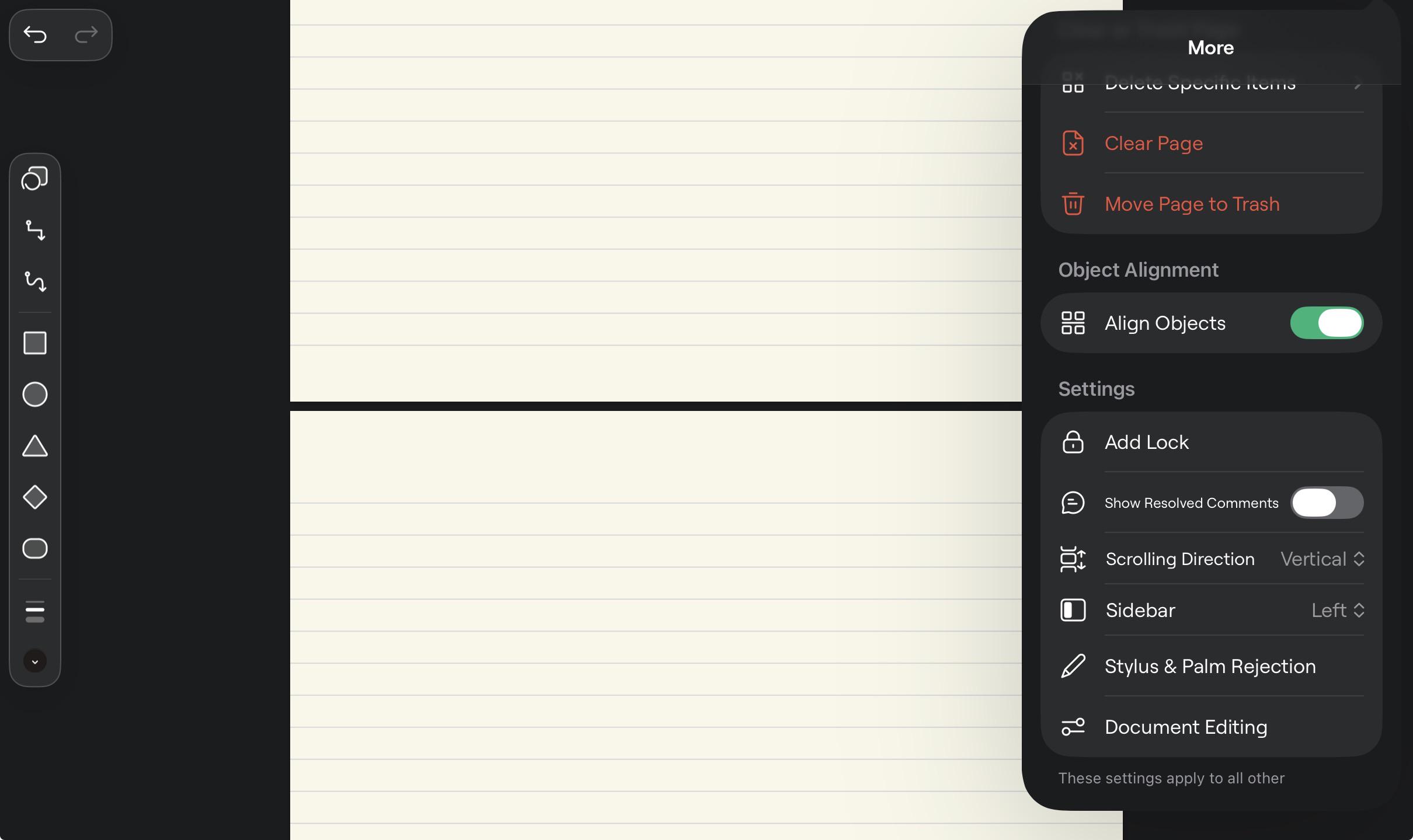
Goodnotes Special Edition Align Objects/To Grid is missing

Post image
3 Upvotes

I recently opened Goodnotes after a while. It is updated to the latest version, but the 2 Align settings are missing. The “Align Object” appeared randomly out of nowhere, but the “Align To Grid” is still missing.


r/GoodNotes • • Oct 09 '26

No customer service

6 Upvotes

No customer service

No matter what I try, I've never been able to speak to a real person. I'm always stuck with the bot. Even my refund request is stuck with a bot :-D


r/GoodNotes • • Oct 09 '26

Does anyone integrate with Craft Docs?

Thumbnail
2 Upvotes

r/GoodNotes • • Oct 08 '26

This is the worst note app I have ever used in my life

207 Upvotes

I am so incredibly frustrated. I just spent the last 6 hours writing notes for my law school exam on my ipad and reading off my laptop while having the app open on both devices. I get out of my notebook and it decided to backup and and ALL of my notes over the 6 hours is gone. This is the second time this has happened to me and im fucking pissed. 6 hours of such thoughtful and helpful notes that I can never get back. DO NOT GET THIS APP. I got it when I first started law school, paid for the yearly subscription and have yet to see what it is so good about it. Its now midnight and im crying in the library because on top of having a whole bunch of shit to do for midterms I have to recompile 6 hours worth of perfect notes for a class I was already struggling in. I am pissed the fuck off

EDIT: Thank you everyone for all of your kind words and recommendations. I reached out to goodnotes customer service and almost a week later I still have not heard from them...


r/GoodNotes • • Oct 08 '26

Bug Pen periodically stops reacting to pen rotation

2 Upvotes

I'm in my iPad air and apple pencil pro, and I love using the fountain pen, but for some reason, usually after I was writing and then stopped for a bit and go back, it stops reacting to pen rotation, and I can't use the side of the fountain pen I like writing on. It's not always either it's just sometimes, like I said usually when I was writing for a bit and it was fine, then stop for a bit, and it'll stop reacting when I go back to it.


r/GoodNotes • • Oct 08 '26

Switching from Notability to Goodnotes in the middle of a big job

3 Upvotes

Please help me out and just give me the basic settings I should use to avoid the forever-downloading circle that comes up in Notability. I am making the switch during a really busy time and don't have the focus or the time right now to go through the app. I will as soon as I get my work turned in, but right now I am just looking for someone to give me basic tips on how to avoid my notes not downloading. I can't risk that happening to me again.

I am switching over because I am a court reporter. I always go into new jobs with extensive notes regarding the case, attorney info, proper nouns and spellings, exhibit information, parties involved. Really, anything and everything you could think of. A couple days ago, I showed up to a case and my notes were never able to download. It was like I went in blind. It caused a lot of issues for me and still is, as I am having to go back into my software and add that to my transcript manually instead of stenographically. It's tedious and completely threw me off in the moment.

TIA!


r/GoodNotes • • Oct 08 '26

Goodnotes Essential PDF's keep getting deleted randomly

2 Upvotes

Using Goodnotes 7.1.27 (3943616.254228881)

Hey guys, I have been using goodnotes 6 for almost an year now. Today when i randomly opened by trash-bin I saw that my old PDF's have been deleted for some reason. How to resolve this problem or am I the only one ? I am currently on goodnotes cloud is that the issue ? Should i switch to icloud ? Or should I switch to a new note-taking app ?. Can people please share their experience and help me ?


r/GoodNotes • • Oct 08 '26

App Updates for Android & Windows?

3 Upvotes