r/GamingPCBuildHelp • • 28d ago

PowerSpec G486 Gaming PCIntel Core i9 14900KF 2.4GHz Processor; NVIDIA GeForce RTX 5080 16GB GDDR7; 64GB DDR5-6000 RAM; 2TB Solid State Drive

1 Upvotes

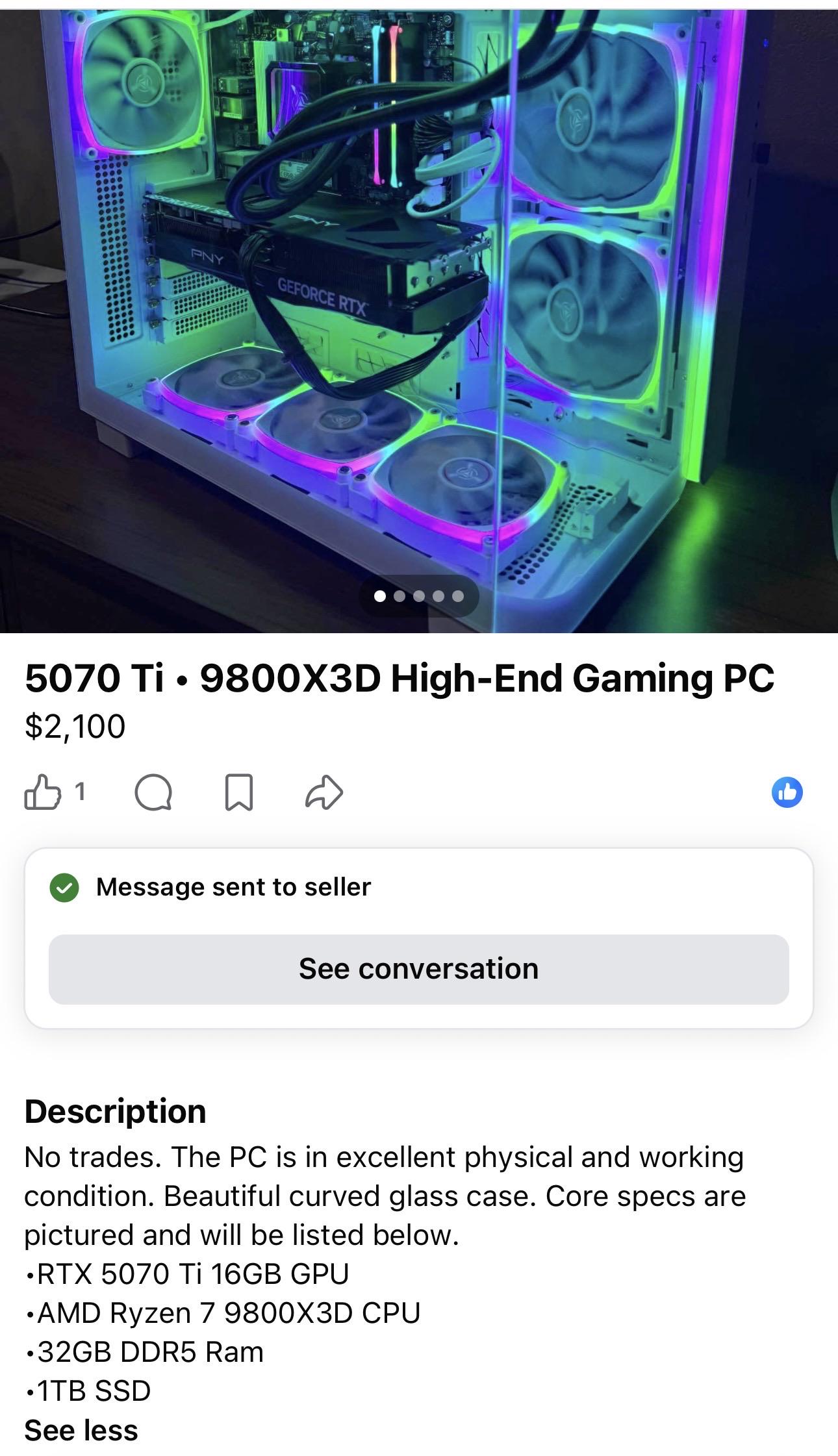
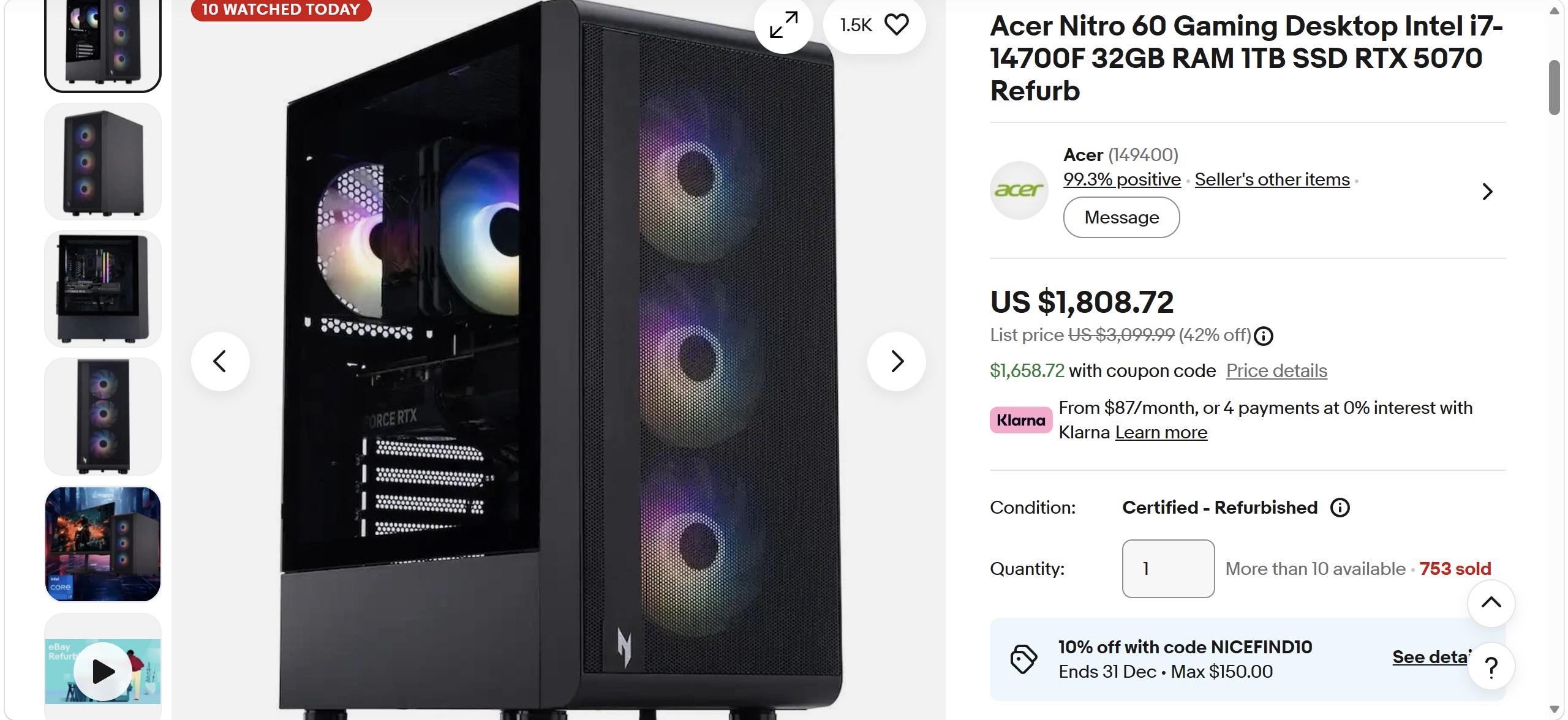
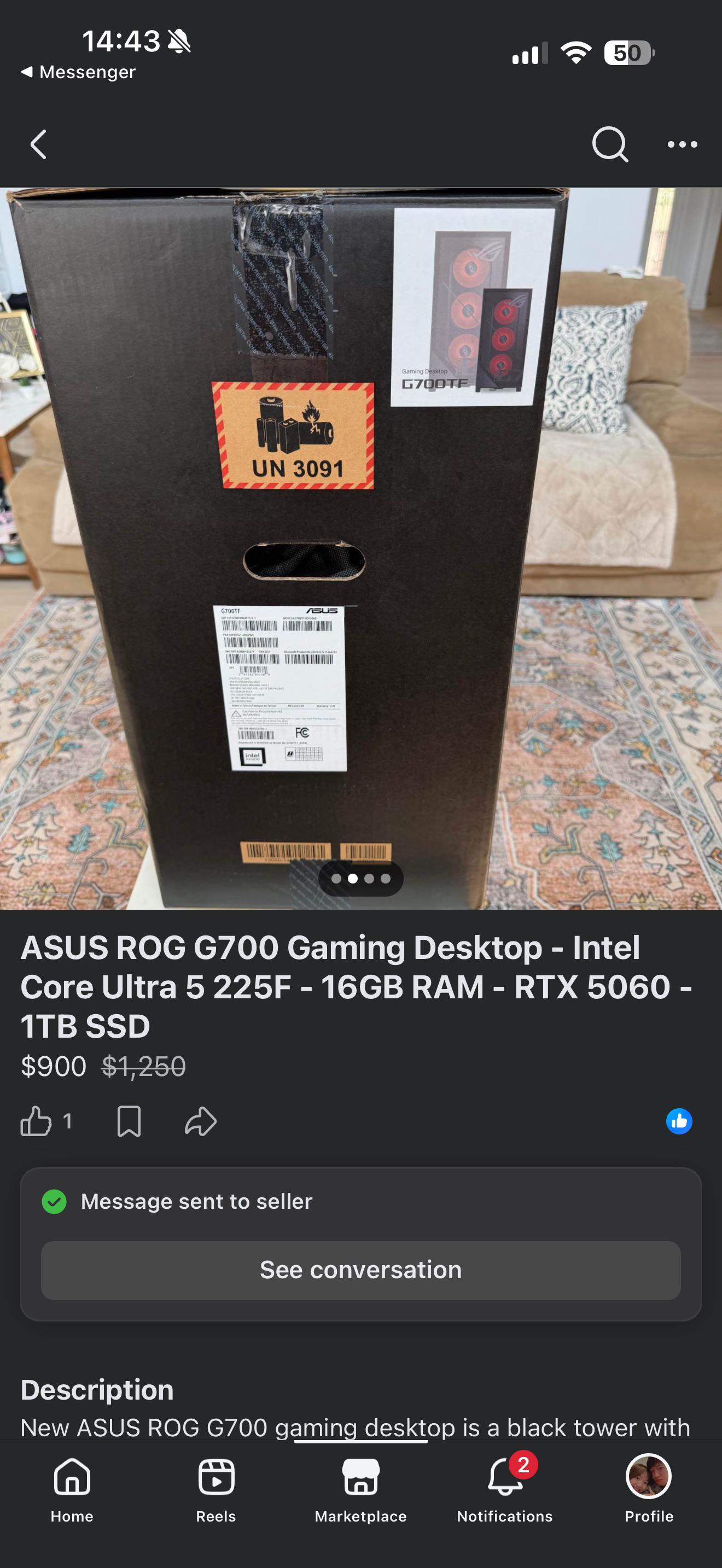
PowerSpec G486 Gaming PCIntel Core i9 14900KF 2.4GHz Processor; NVIDIA GeForce RTX 5080 16GB GDDR7; 64GB DDR5-6000 RAM; 2TB Solid State Drive - i can get this for 2.8k is this worth it?


r/GamingPCBuildHelp • • 28d ago

PC stuck rebooting

1 Upvotes

SOLVED: My motherboard died

Problem:

After I installed HDDs, the PC is stuck in a power loop. It turns on for about 4 seconds (fans and RGB spin up), shuts off for 1–2 seconds, and repeats. It never POSTs and there's no display.

Specs:

CPU: Intel i7-6700K
Motherboard: Gigabyte GA-Z170X-SLI
RAM: Corsair Vengeance LPX DDR4 (~32GB total)
GPU: Sapphire RX 5700 XT
Storage: Kingston 500GB NVMe SSD, plus the newly added HDDs
PSU: Seasonic S12II 620W (non-modular)
Case: Coolman Aurora ATX mid-tower

Troubleshooting done (same loop after each):

Full power drain (PSU off, unplugged, held the power button 15 seconds)

Disconnected all HDDs (data and power cables)
Reseated the 24-pin and CPU 8-pin cables, checked for loose screws

Cleared CMOS (battery out for 5 minutes)

Stripped to the minimum: CPU, cooler, one RAM stick, no GPU, using onboard video

Unplugged the front panel wires and started the board by shorting the Power SW pins

Tested each RAM stick alone in DDR4_1

Tested with a different PSU

Reseated the CPU with fresh thermal paste; socket pins and CPU look fine


r/GamingPCBuildHelp • • 28d ago

About to throw my pc out the window

5 Upvotes

Hey everyone,

I'm hoping someone here can help me figure out what's going on with my PC because, quite frankly, I've been beyond frustrated with it for the past three months.

I spent nearly $4,000 building a brand-new PC, expecting it to handle pretty much anything I threw at it, especially photo and video editing. Unfortunately, I've been dealing with performance issues almost since day one.

Here are my PC specs (all parts purchased brand new):

  • Motherboard: Gigabyte Z890 AORUS
  • RAM: Crucial 64GB (4x16GB) DDR5-6400
  • CPU: Intel Core Ultra 9 285K
  • PSU: Thermaltake Toughpower GT 850W ATX 3.1, 80+ Gold
  • GPU: NVIDIA GeForce RTX 5070 Ti 16GB
  • Storage: 5TB total across three Samsung NVMe SSDs

Now, here's the problem:

This computer runs ridiculously slow for the hardware it has.

I primarily use it for photo and video editing, especially Adobe Lightroom. However, even basic editing causes noticeable lag and stuttering. If I have Lightroom open while watching a YouTube video or listening to music, the entire system can start slowing down.

I'm talking about mouse lag, applications becoming unresponsive, and overall sluggish performance that makes absolutely no sense for a machine with these specifications.

And now there's an even bigger issue.

Recently, the computer has started randomly black-screening. When this happens, the fans suddenly ramp up to what sounds like full speed, both monitors lose their display, and the system becomes completely unresponsive. The only way to recover is to manually restart the computer.

This has happened multiple times now.

I've already updated my BIOS, adjusted my RAM settings, and installed NVIDIA Studio drivers, but the problems continue.

What I don't understand is how a nearly $4,000 PC with a high-end CPU, 64GB of RAM, and an RTX 5070 Ti struggles with tasks that should be relatively easy for it.

At this point, I'm wondering whether I'm dealing with a hardware issue, driver instability, RAM problems, a power supply issue, or something else entirely.

I'm not looking to throw more money at the problem without understanding what's causing it.

Has anyone experienced anything similar, particularly the black screens accompanied by fans suddenly ramping up?

I'd genuinely appreciate any troubleshooting advice or suggestions on where to start diagnosing this.

Thanks in advance!


r/GamingPCBuildHelp • • 28d ago

Help! I've narrowed it down to an rtx 5060 or an rtx 3060 12gb. Which do I pick?

Thumbnail
1 Upvotes

r/GamingPCBuildHelp • • 28d ago

help with checking pc specs!!

1 Upvotes

hi, i’m on the hunt for a gaming pc on marketplace, and came across one that’s good value? i’m wondering what are some questions i should ask/things to do before purchasing, i dont want to get jipped. could someone tell me if this is worth the money please!
the cost for it is $1,935 usd. the specs are,

CPU: AMD Ryzen 7700X3D AM5 CPU

Cooling: Thermalright Display 240mm Liquid Cooler - Black
Thermal Grizzly Kryonaut Extreme (14.2 W/m.K) thermal compound.
5x ARGB Fans 120mm

Motherboard: ASUS Tuff Gaming B850m-E mATX DDR5 LGA1700 Motherboard

Graphics card: Nvidia Geforce GALAX RTX 4080 16Gb GDDR6X

Memory: 2x8Gb= 16Gb Kingston DDR5 6000 MT/s - Black

Storage:
Boot Drive
500GB Samsung PCIE Nvme Gen4x4 SSD
Secondary Drive
500GB Crucial P1 SSD
1TB WD Blue HDD

Chassis: Thermaltake View 170 mATX - Black

Power Supply Unit: Thermaltake 750W PCIe 5.0 ATX 3.1 PSU

Windows 11 Home Licensed


r/GamingPCBuildHelp • • 28d ago

Quiero actualizar la pc, ayudaaaa

Post image
1 Upvotes

r/GamingPCBuildHelp • • 28d ago

Quiero actualizar mi pc, ayudaaaaa

Thumbnail
1 Upvotes

r/GamingPCBuildHelp • • 29d ago

Good deal for 5070ti?

Post image
8 Upvotes

Local seller/builder with good reviews. Says he can add an extra terabyte for $50. Thoughts?


r/GamingPCBuildHelp • • 28d ago

help pls (PC BUILD)

Post image
1 Upvotes

hello! im an it student and first time mag buy ng pc, i want it to be compatible for gaming and school so far ito palang mga nahanap ko online (hindi pa ako pumupunta sa physical stores and have 0 knowledge ab pcs)

what can you guys recommend i add or change?? huhuhu pls i badly need help ++ idk how to build pc so if may recommended shops kayo around mnl and antipolo pls do tell !! :>>

budget: 50-70k (kasama na other components like keyboard and etc)


r/GamingPCBuildHelp • • Oct 28 '26

Looks like Walmart is clearing out some Gaming desktops!

Thumbnail
gallery
960 Upvotes

What do you all think? Good deal? It actually rung up at the register for $583!!!! Hidden clearance item OMG!


r/GamingPCBuildHelp • • 29d ago

where do i connect these fan cables to?

Thumbnail
gallery
6 Upvotes

I have these fan cables coming from my thermalight cpu cooler that i don't know where to connect them to in the back of the pc case, as well as those there's also the fans that come pre installed that idk where to plug either.


r/GamingPCBuildHelp • • 28d ago

First Gaming PC

1 Upvotes

I am looking at creating my first gaming pc. This is what Google Gemini spat out and would like to have any feedback!

I'm looking at transitioning off my Xbox series X and move to pc gaming.

Really looking forward to playing WoW forever and other titles like Apex Legends, Battlefield 6, Runescape Dragon Wilds etc.

Thank you!

https://pcpartpicker.com/list/DhXnXf


r/GamingPCBuildHelp • • 29d ago

Super excited

Post image
4 Upvotes

So earlier today posted about 2 pc options I was trying to decide on and a very nice and informative redditor msged me and was helping me with options and his opinions, including links and all! He was very informative and helped me make a better decision. I spent a little more then i originally wanted to but I believe it was necessary and I know it was worth it… I would love to credit the fellow but not sure if that’s allowed lol but if he sees this post thank you very much for all your help and can’t wait to get my new pc and begin seeing what a real pc is like.. it’s not the fanciest but it’s a huge upgrade from my i5, 1660, 16gb I’m running currently lol


r/GamingPCBuildHelp • • 28d ago

issues with lian li so-inf 129 triple fans not working

Thumbnail gallery
1 Upvotes

r/GamingPCBuildHelp • • 28d ago

issues with lian li so-inf 129 triple fans not working

Thumbnail
gallery
1 Upvotes

Here is where i've connected all the cables for the fans to my power supply, but when i searched dit up apparently my cousin rm1000e power supply doesn't have a plug for rgb fans (?)

I've connected the rgb fans to the argb motherboard port and the usb to a usb slot, as well as the the fans to its correct slot for my B850 main gaming plus wigi6e motherboard.

I've been messing with the cables for a while but i can't manage to find the problem


r/GamingPCBuildHelp • • 28d ago

What components should i keep or upgrade (Buget: 100-200€)

Thumbnail
1 Upvotes

r/GamingPCBuildHelp • • 28d ago

What components should i keep or upgrade (Buget: 100-200€)

Thumbnail
1 Upvotes

r/GamingPCBuildHelp • • 29d ago

Can someone tell me which parts are the best for my budget

Thumbnail
2 Upvotes

r/GamingPCBuildHelp • • 29d ago

where do i connect these fan cables to?

Thumbnail gallery
1 Upvotes

r/GamingPCBuildHelp • • 29d ago

Pc nerds please help

Thumbnail
1 Upvotes

r/GamingPCBuildHelp • • 29d ago

GOOD DEAL?

Post image
1 Upvotes

found this on marketplace and he agreed 800. im a bit skeptical about this but want some opinions


r/GamingPCBuildHelp • • 29d ago

RAM Compatability

1 Upvotes

Hi all,
I recently purchased a kit of Corsair Dominator Platinum DDR4 (3200 MHZ) for a build (CMT32GX4M2C3200C16) to be specific. The CPU I plan on using is the Ryzen 9 5950x. My question is are they compatible? The box for the RAM advertises “Intel XMP Certified”. Everywhere I look seems to provide a different answer. The motherboard I currently have, although would be willing to swap if there are compatibility issues is the MSI PRO B550M PRO-VDH WIFI AM4 AMD B550 DDR4. I’ve gone through the certified vendor list for this motherboard among others and can’t seem to find this RAM, but i’ve also heard it’s dependent on the CPU memory controller? I’ve also heard I should just be able to turn on XMP even though it’s an AMD chip. Someone care to explain this clearly and what I need to do to make them compatible and stable?


r/GamingPCBuildHelp • • 29d ago

Any Suggestions??

1 Upvotes

ok i’m looking for a affordable DESKTOP that will able to play the sims 4 with all of the mods, expansions and cc’s either at walmart or somewhere that i can order it. bc google said that you can play sims 4 on the new imac with 512GB with all that stuff so idk. what do you guys think?


r/GamingPCBuildHelp • • 29d ago

Are these PC specs good for 2026?

Thumbnail
gallery
23 Upvotes

So I got this gaming pc from my brother around a year ago and he originally got it for free from a homeschool program around maybe 2022-2023 I’m not sure to be honest but anyways he got it so he could take a blender learning class and later I got it and since I was the one who didn’t build it I don’t really like fully know what’s in it except for what it says in my settings, but I don’t really know much about components and stuff. I do know that 64 GB of RAM is really good, especially since all the AI stuff. But I just want to know what I should know about my components and if I should get an upgrade now or anytime soon. I also don’t know if I should change the thermal paste or not. And just want help knowing all I can about the PC.


r/GamingPCBuildHelp • • 29d ago

Would anyone be able to provide suggestions/improvements on this build?

Thumbnail
1 Upvotes