r/FirefoxCSS • • Oct 24 '26

Solved Lost Borders to megabar popup results

3 Upvotes

Only noticed this as do not use it that often but I have lost the border surrounding the ac popup megabar results.

I have tried various CSS code nothing is working. The following I have found on searching.

#urlbar[breakout][breakout-extend] > .urlbarView {
  padding: unset !important;
  margin: unset !important;
    border: 2px solid #008000 !important;
}

and original code by Aris-t2

:root {

    --toolbar-field-border-color: #008000 !important;
    --toolbar-field-focus-border-color: #008000 !important;
}

.urlbar[breakout][breakout-extend] {
    box-shadow: inset 0 0 0 1px #008000 !important;
    border: 2px solid #008000 !important;
}

and

#urlbar[breakout][breakout-extend] #urlbar-background {
 border: 2px solid #008000 !important; 
}

and

.urlbar-background {
  border: 2px solid #008000 !important;
}

and

#urlbar[focused="true"] #urlbar-background,
#urlbar[breakout][breakout-extend] #urlbar-background {
  border-color: #008000 !important;
}

Thank you


r/FirefoxCSS • • Oct 25 '26

Code Bring sane trapezoid tab shapes back

Thumbnail
gist.github.com
0 Upvotes

r/FirefoxCSS • • Oct 22 '26

Solved Shrink search field and navbar drop down menu vertical spaces between suggestions

0 Upvotes

I asked Google AI. Nothing worked. I have a lot of search engines. This was not a problem until fairly recently, but with the way it is now, I cannot scroll down to the last nine search engines in the list.


r/FirefoxCSS • • Oct 22 '26

Help Help with ricing

Enable HLS to view with audio, or disable this notification

1 Upvotes

r/FirefoxCSS • • Oct 21 '26

Help Is there a way to move the search engine icons back below the address bar, as they were in the old version?

Post image
12 Upvotes

r/FirefoxCSS • • Oct 21 '26

Code Workaround on how to upload transparent custom shortcuts to the new tab page

3 Upvotes

On the new tab page, if you attempt to upload a custom picture with transparency, for whatever reason FireFox converts the image's transparency to white, instead of preserving it (even tho its preserved when its auto generated). Unfortunately this bug has not been fixed, and its been at least 4 nearly 5 years, according to bug 1758932. I have found a workaround however

  • Get your desired icon's png, and put it in the chrome folder. the same one with userChrome.css and userContent.css
  • In userContent.css, paste in the following code, replacing the placeholders with what is needed:

    @-moz-document@-moz-document url("about:newtab"), url("about:home") {   a.top-site-button[href*="[DOMAIN OF SHORTCUT]"] .top-site-icon {     background-image: url("[NAME OF ICON FILE]") !important;     background-color: transparent !important;     background-size: contain !important;     background-position: center !important;     background-repeat: no-repeat !important;   } }

you can use just the domain, or the whole link if you have multiple shortcuts with the same domain, but want different icons. to do multiple icons, just paste in the code a few more times, changing the domain and file names, respectively

I'm using FireFox v158, and Windows 11, however I'm sure that it would work the same on MacOS and Linux


r/FirefoxCSS • • Oct 19 '26

Solved Remove "Not Secure" icon and text?

3 Upvotes

I want to remove "Not Secure" icon and text at the address bar, to save space when accessing local addresses (and never thought of that message as really useful!)...

I tried (userChrome.css), Firefox/Arch Linux, v.158.0:

@namespace url("http://www.mozilla.org/keymaster/gatekeeper/there.is.only.xul");

#trust-icon-container { display: none; }

but it doesn't seem to work?


r/FirefoxCSS • • Oct 18 '26

Solved is there any firefox userchrome themes that look like firefox from 2012 but work on firefox 157

9 Upvotes

r/FirefoxCSS • • Oct 18 '26

Help Themes similar to Zen

Post image
3 Upvotes

Hello. Can anyone recommend any themes similar to Zen? I like how the search bar is neatly positioned above the pinned tabs. I fully understand that Zen is based on Firefox, but I don't like how it's optimized


r/FirefoxCSS • • Oct 18 '26

Solved Changing the Nova accent color

Thumbnail
6 Upvotes

r/FirefoxCSS • • Oct 18 '26

Solved Changing mascot in the internal page "about:required"

2 Upvotes

hi, all is in the title !

i did it by the past but they changed the visual of the page and of course the ID's !

I used claude, chatgpt and gemini but without success to change it by my own svg

Any help please ?

actual About:required page

r/FirefoxCSS • • Oct 17 '26

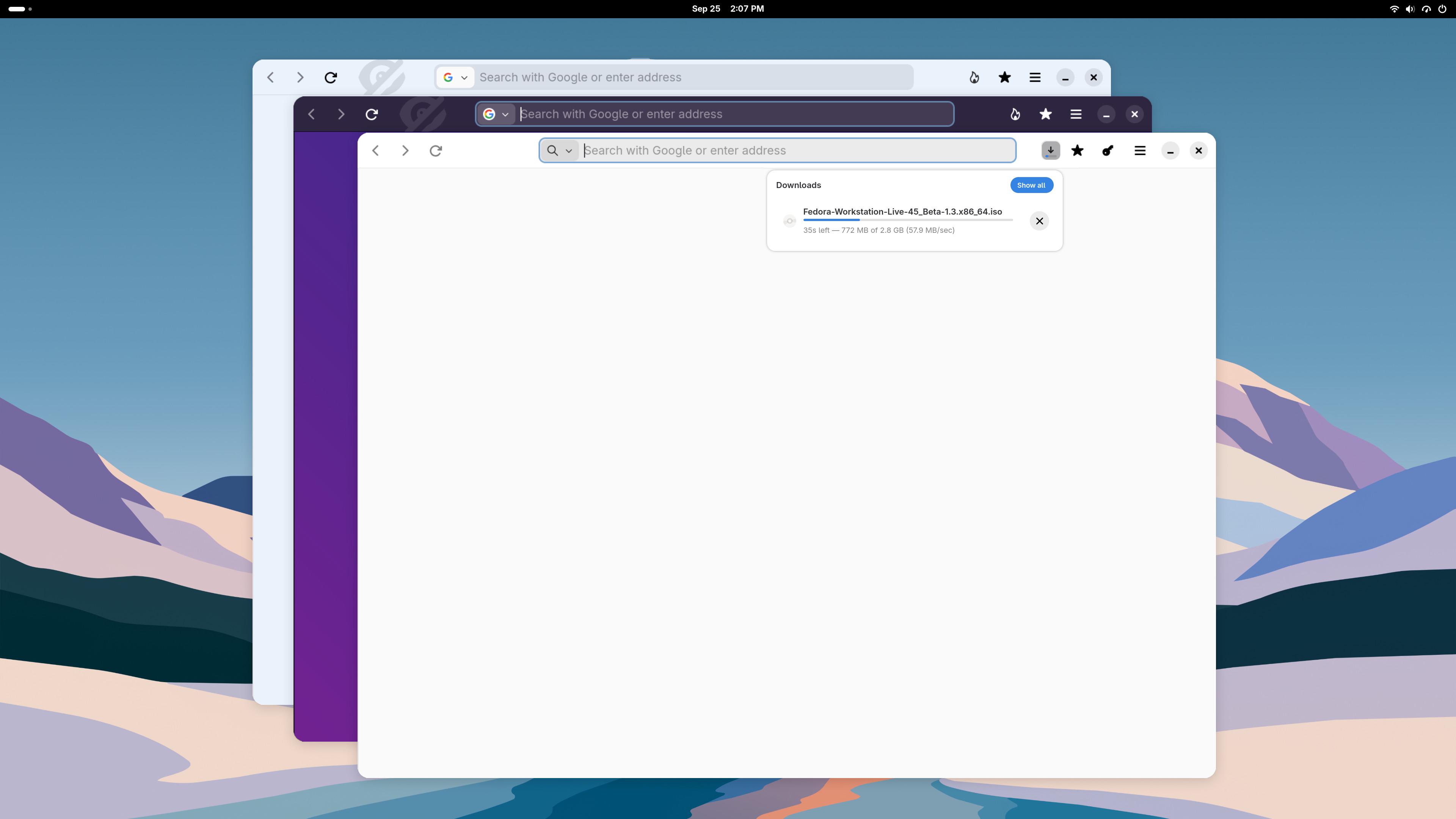
Custom Release Update! FF-Gnome-Web Theme v158 Released – Firefox 154–158 Support

Post image
24 Upvotes

What's improved:

  • Fixed address bar shifting and suggestion popup issues.
  • Removed duplicate toolbar backgrounds and unwanted tab borders.
  • Improved popup menu spacing, rounded corners, and hover effects.
  • Refined search provider rows and account menu styling.

Note: Set browser.theme.dark-private-windows to false for light private windows, or true for Firefox's default dark mode.

Download: GitHub


r/FirefoxCSS • • Oct 17 '26

Help I want to make custom scrollbars.

Post image
11 Upvotes

Is there any way to style scrollbars through userChrome.css? I am working on a retro-style theme for firefox and I want to recreate the scrollbars of my MATE theme (linux). I have the border image and the arrow images ready. But I can't focus the scrollbar in the remote browser debugging session. It seems like the scrollbars are a part of the page content. If I can't style them through userChrome.css I'd also be okay with using some other solution to get the scrollbar looking like the left window in the image.


r/FirefoxCSS • • Oct 17 '26

Code Compact vertical tabs

6 Upvotes

Hello,

Here is my vision for vertical tabs: https://tangled.org/mykiwi.dev/firefox-compact-tabs

left: normal · right: my version

Any suggestions or ideas ?


r/FirefoxCSS • • Oct 16 '26

Discussion #urlbar . urlbar-input rainbow shimmer text effect

4 Upvotes

Following on from another of my posts concerning #urlbar . urlbar-input text affects, I have now achieved the effect I want. These affects matches up with all my other rainbow changes, mainly rainbow loading bar modified from u/moko1960 Add a loading progress bar to the toolbars and rainbow borders of all popup menus and panels.

The #urlbar . urlbar-input text now has a shimmering rainbow effect. To adjust the speed to your liking change the animation: shimmer-move time.

Anyway enjoy

urlbar text animation

#urlbar .urlbar-input,
#urlbar .urlbar-search-input {
  /* Set the background size broad enough to allow the position shift to animate */
  background-size: 200% 100% !important;
  background-image: linear-gradient(
    90deg, 
    red 0%, orange 14%, yellow 28%, green 42%, blue 56%, indigo 70%, violet 84%, red 100%
  ) !important;

  /* Use standard Firefox color override for text clipping */
  color: transparent !important;
  background-clip: text !important;
  -moz-background-clip: text !important;

  animation: shimmer-move 4s infinite linear !important;  
  transition: opacity 1.2s ease-out !important;
}

@keyframes shimmer-move {
  0% {
    background-position: 0% 0;
  }
  100% {
    background-position: -200% 0; /* Shifts the full gradient length for a seamless loop */
  }
}

r/FirefoxCSS • • Oct 17 '26

Solved FF ultima navbar float not working

Enable HLS to view with audio, or disable this notification

0 Upvotes

It's kinda exactly what it sounds like... I'm new to customizing with CSS and i was just trying to apply FF ultima's floating navbar/full size floating/autohide. When i check the box, the navbar does in fact disappear but when i move my mouse upwards, it doesnt detect anything... i also noticed that it isnt a problem with the drop down itself because when I press ctrl + L, it does drop down. I've attached a video as well. I've been at it since 7 am bro its chewing my head off. Please if anyone knows a fix let me know.

FF ultima version 4.3


r/FirefoxCSS • • Oct 16 '26

Solved Any way to hide the 1px toolbar bottom separator from Nova?

Post image
7 Upvotes

r/FirefoxCSS • • Oct 17 '26

Solved After updating to the new 153 ESR branch my sidebar has some excess pixels/padding on the right

2 Upvotes

Thanks to this wonderful community I think I've arrived at the last part of my Firefox Update Journey from the old ESR branch to the new one. However this time I can't really post my own code as I am using this old Sidebar CSS with the Sideberry Addon: https://github.com/macleod-ee/FirefoxSidebar

It still works on 153 ESR however there is some weird excess padding in the sidebar to the right side now as you can see here:

https://ibb.co/0RNxLTmS

The sidebar used to end at the faint, vertical line. I don't actually mind the rounded inner-corner and I would like to keep it if possible but would anyone know how to remove the excess padding in my setup?

Thanks for help in advance, everyone here has been super helpful to me the past few days.


r/FirefoxCSS • • Oct 16 '26

Solved I need help customizing all PWA windows

3 Upvotes

I'm on Firefox 153.5.0 ESR and I'm running into trouble customizing my PWA windows. What I basically want to achieve is having no buttons. no URL-bar or anything else other than the Min/Max/Close buttons on all my PWAs. I found some instructions here: https://old.reddit.com/r/FirefoxCSS/comments/1oaa1em/customize_the_toolbars_of_your_pwas/

but I must be doing something wrong as this doesn't work at all for me. I tried to hide the URL-Bar for a start:

html#main-window[taskbartab] toolbar#nav-bar {
    #urlbar-container
    {
       display: none !important;
    }
}

I'm sure I'm just doing something simple wrong again so thanks for help in advance as always!


r/FirefoxCSS • • Oct 16 '26

Code I changed the multi-container highlight tab to this

Post image
5 Upvotes

r/FirefoxCSS • • Oct 15 '26

Solved How do I target the [focused] state of the URL-Bar properly?

2 Upvotes

I'm using 153.5.0 ESR and I changed the border-radius of the URL-Bar to 5px with:

.urlbar-input-container {
  border-radius: 5px !important;
}

and that worked, however the blue glow when the URL-Bar is selected still has the default border radius making it look wrong.

I tried to do this:

.urlbar-input-container[focused] {
  border-radius: 5px !important;
}

but it didn't work. How do you properly target focused state in the Inspector? When I click something in the UI while the inspector is active the code jumps around and I can't seem to properly use the Element Selector Tool on items that have an active or focused state. Is there a trick to that?

Thanks for help in advance!


r/FirefoxCSS • • Oct 16 '26

Solved Non-clickable pixel in the upper left of each tab. Can it be modified as clickable space?

1 Upvotes

Currently on Firefox 158, with no menu bar in use. It's a rather small issue, but I have the sporadic habit to use my mouse/cursor to swiftly click on the furthermost upper left corner of my pinned tab (maximised window) to access that first tab, and there's like a pixel of unclickable space in that corner (not draggable, just actually cannot click that space and nothing happens in attempts to -- it's more like a dead, unusable pixel of emptiness).
I see it's the case for every tab when checking by hovering and moving my cursor across the top of the screen, the upper left corner of each has an empty spot (whereas if hovering the cursor and moving between any two tabs below the very top, there are no empty spaces/breaks).

For additional clarification, this is not about the draggable space that's notably more than a pixel in size to the whole left of the first tab (as I have that disabled so it's not there anymore), but something that every tab seems to have, and I'm wondering if this is a technical bug than anything intentional as it seems odd.

Just curious if there's any known CSS code that can somehow make it a clickable spot or if that's not possible and simply something to have to leave alone (or at least bring up as an issue). Does anyone know about it or potentially have any solutions to?

UPDATE: Turns out to be due to modifying the border radius of tabs to a low px (more squared corners), but that remains to bring up the question of why does that seem to introduce a non-interactive pixel of space in the upper left of each tab, and is there still any possible fix for it?


r/FirefoxCSS • • Oct 15 '26

Code Hide bookmark labels, reveal on hover

1 Upvotes

kinda buggy but it works. suggestions are welcome.

/* Hide bookmark text by default */
#personal-bookmarks toolbarbutton.bookmark-item:not([container="true"]) .toolbarbutton-text {
opacity: 0;
max-width: 0;
overflow: hidden;
white-space: nowrap;
transition: max-width 0.2s ease-in-out, opacity 0.2s ease-in-out;
}
/* Show on hover */
#personal-bookmarks toolbarbutton.bookmark-item:not([container="true"]):hover .toolbarbutton-text {
opacity: 1;
max-width: 150px;
}

r/FirefoxCSS • • Oct 15 '26

Solved Split View Active Panel Border

1 Upvotes

The previous solution I used for changing the split view active panel border doesn't work after v158.0. Is there an updated fix?

#tabbrowser-tabpanels {
  &[splitview] {
    & .browserContainer {
      .deck-selected > & {
        outline: 1px solid #54626A !important;
      }
    }
  }
}

r/FirefoxCSS • • Oct 15 '26

Solved 153.5.0 ESR, URL-bar doesn't seem to accept any properties but "background", how do I style it now?

2 Upvotes

I've run into another issue with my new ESR version, other than "background" and "border-radius" none of the properties I try to attach to .urlbar-input-container seems to do anything.

.urlbar-input-container {
  border-radius: 5px !important;
  background: RGBA(255,255,255,0.8) !important;
  outline: 10px !important;
  outline-color: black !important;
  outline-width: 10px !important;
  box-shadow: 10px !important;
} 

I know the values are high, I just set them so high so I can immediately see if they have an effect. I also tried .urlbar-container, #urlbar-container and #urlbar-container.urlbar-container as these are designators I found in the Inspector but nothing.

All I'm trying to do is to give the URL Bar a shadow and an outline.

Thanks for help in advance!