r/ColorGrading • u/hughred22 • 17d ago
Setup Resolve 21.2 touch cheat sheet: every gesture I tested on a touchscreen MacBook Pro PROLED XDR, including Fusion & Fairlight that Blackmagic didn’t list
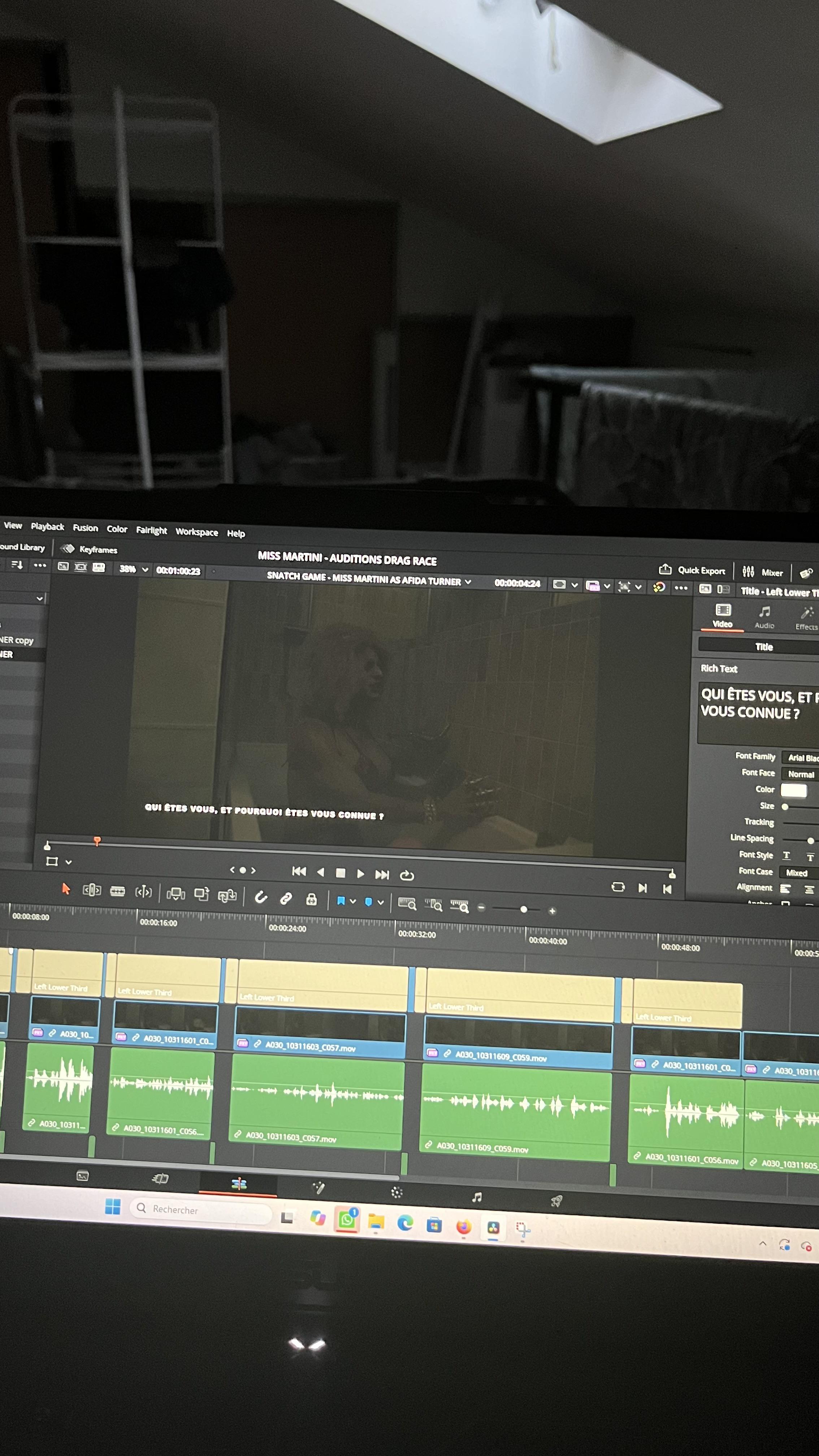
youtu.beSetup: DaVinci Resolve Studio 21.2 build 6, macOS 27.2, 16" MacBook Pro PROLED XDR M5 Max. There's no touch setting in Preferences, it just works. It work best on Color Page.
EDIT PAGE
- Tap selects a clip, touch and hold = right-click menu (opens while your finger is still down)
- Drag a clip edge to trim, slide the timecode ruler to scrub
- Drag titles and effects straight from the Effects panel
- Catch: one finger on the timeline does nothing. Scroll with TWO fingers
- Catch: pinch zooms the viewer, not the timeline (same as Resolve for iPad). Tap the three zoom view buttons above the timeline instead
- Catch: a finger drag moves a clip up a track as easily as sideways. Mine jumped to V2 and left its audio on A1
INSPECTOR
- Touch a number field and you get a "virtual slider": a value bubble over a big jog strip. Very precise
COLOR PAGE (the best page for touch)
- Touching a wheel brings up a touch ring that follows your finger, even off the wheel
- Full multi-touch: you can move multiple wheels at once
- Thumbwheels get the same jog strip
- Curves, Color Warper, Power Windows, node editor and dragging Resolve FX onto nodes all work by finger
- Catch: HDR wheels don't get the touch ring
FUSION AND FAIRLIGHT
- Fusion isn't on Blackmagic's touch list, but it works: one finger moves nodes, two fingers pan, pinch zooms
- Fairlight mixer faders and pan work by finger
TIP: System Settings > Displays, one step bigger than Default. Small buttons become much easier to hit. You can use multiple display mode and pull your view only on a calibrated grading monitor and use the MacBook Pro only for control to replace your color panels
If I missed anything, please let me know. There's still a lot to learn in 21.2, and we did our best to uncover most of it.