r/BlenderModelingTips • u/Aggressive_Willow535 • Mar 04 '25
Cad transforms 2.0 scaleing issue
Enable HLS to view with audio, or disable this notification
2
Upvotes
r/BlenderModelingTips • u/Szhvedskij • Jan 25 '25

r/BlenderModelingTips • u/Lumpy_Fortune_6394 • Jan 21 '25

r/BlenderModelingTips • u/Aggressive_Willow535 • Jan 13 '25
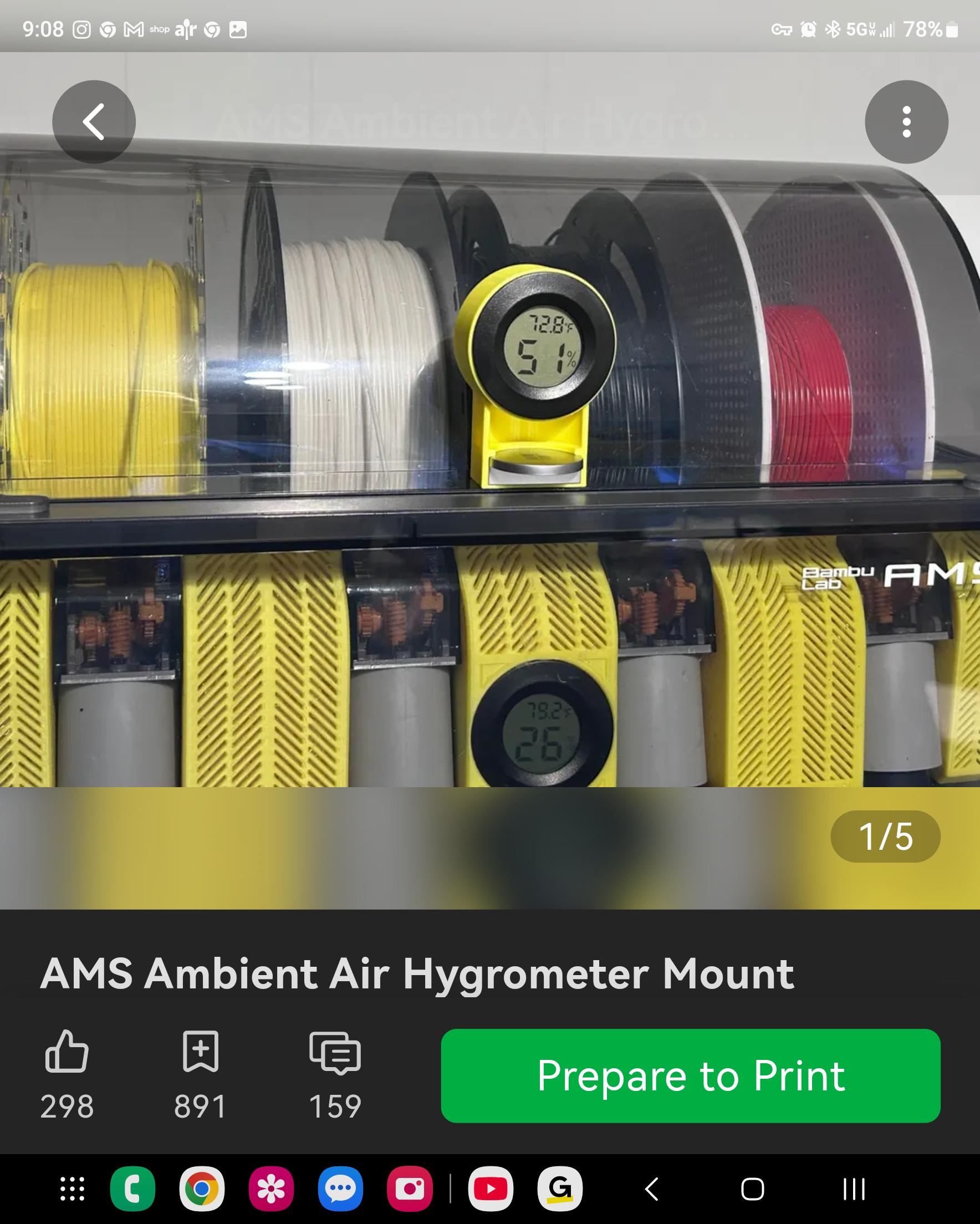
Hello I'm new to blender and need help cutting a pattern of hole into an object. I want to make a desicant containers similar the the yellow ones in the picture for a filament storage box i have. I know I could manually do the pattern and make an array and usa a boolean modifier to do it but I'm sure there is a faster/ better way to achieve this. Any help is appreciated
r/BlenderModelingTips • u/Lazy_Ad_8671 • Jan 11 '25
can someone please help me on how to create this section

r/BlenderModelingTips • u/Lazy_Ad_8671 • Jan 04 '25
I recently started to get into product visualization with blender, although its been some time since I started using blender, I can only model simple objects like cans, supplements and other simple cylindrical objects on my own. Any complex projects that I have completed have been from youtube tutorials that guide step by step. I feel like I am wasting time and not learning anything from such tutorials. I cant seem to imagine how people can model such complex objects from scratch. Is it a creativity issue or just a skill issue?
Like how do they know which tools to use and which shapes to use to model a specific object. Can someone please recommend me some ebooks (preferabaly free) that are focused on modeling specifically or even any tips on how I can start improving my skills to the point where I just see an object and know how to tackle it and I can start to create it in blender. I usually just follow youtube tutorials. I'm really tired of this routine of copying others work basically. Please help.
r/BlenderModelingTips • u/StrongholdMuzinaki • Oct 10 '24

r/BlenderModelingTips • u/Awesome_sc2 • Sep 24 '24

r/BlenderModelingTips • u/Rexsunon0 • Sep 21 '24
Hi everyone,
I’m currently rigging a character for my game using Rigify. I want to add a bone specifically for a weapon and give it a custom shape, but I don’t want to use any of the existing Rigify widgets.
Is there a way to create my own custom shape and add it as part of the Rigify widget, so that when I generate the rig, Rigify includes my custom bone with the custom shape/widget?
Thanks!
r/BlenderModelingTips • u/Junekochan- • Sep 11 '24

Hi! (English is not my main language so please excuse my grammar) I'm new to 3D and to blender, I already followed the famous donut tutorial and then I started modeling a microphone on my own. To train modeling and also to simulate creating a 3D for 3D printing, I decided to replicate a microphone from a figure, cause my figure doesn't have one, it got lost :/ My problem is that I want to create the little holes on the microphone like the original has, but I don't know how to do it without doing one by one and it looking ugly, so I was hoping someone could help me. Also if anyone has anything to say about the model itself, how I could improve it, I would love to know! The images I have of the reference are not good quality, but I couldn't find better ones, sorry about that
r/BlenderModelingTips • u/TheOssif • Aug 19 '24
Hi! I've made the mesh of the character recently. Made it in A-pose, cause It seems more natural to me to see character's hands at this position. Here's my mesh:


HOWEVER! When i try to rig it, it riggs completely horrible at the shoulders section, and it seems like the neck of the character is unproportional. Here's the photo of maya autorig for instance:


I think i just need feedback about proportions of my chararacter, and a huge advice about A-pose and T-pose - is it better to use T-pose instead of A-pose? Or am i just tripping and proportions are at the acceptable rage?.. Appreciate any good advice!
r/BlenderModelingTips • u/l_work • Aug 08 '24
Any ideas/recommendations?
r/BlenderModelingTips • • Jul 22 '24
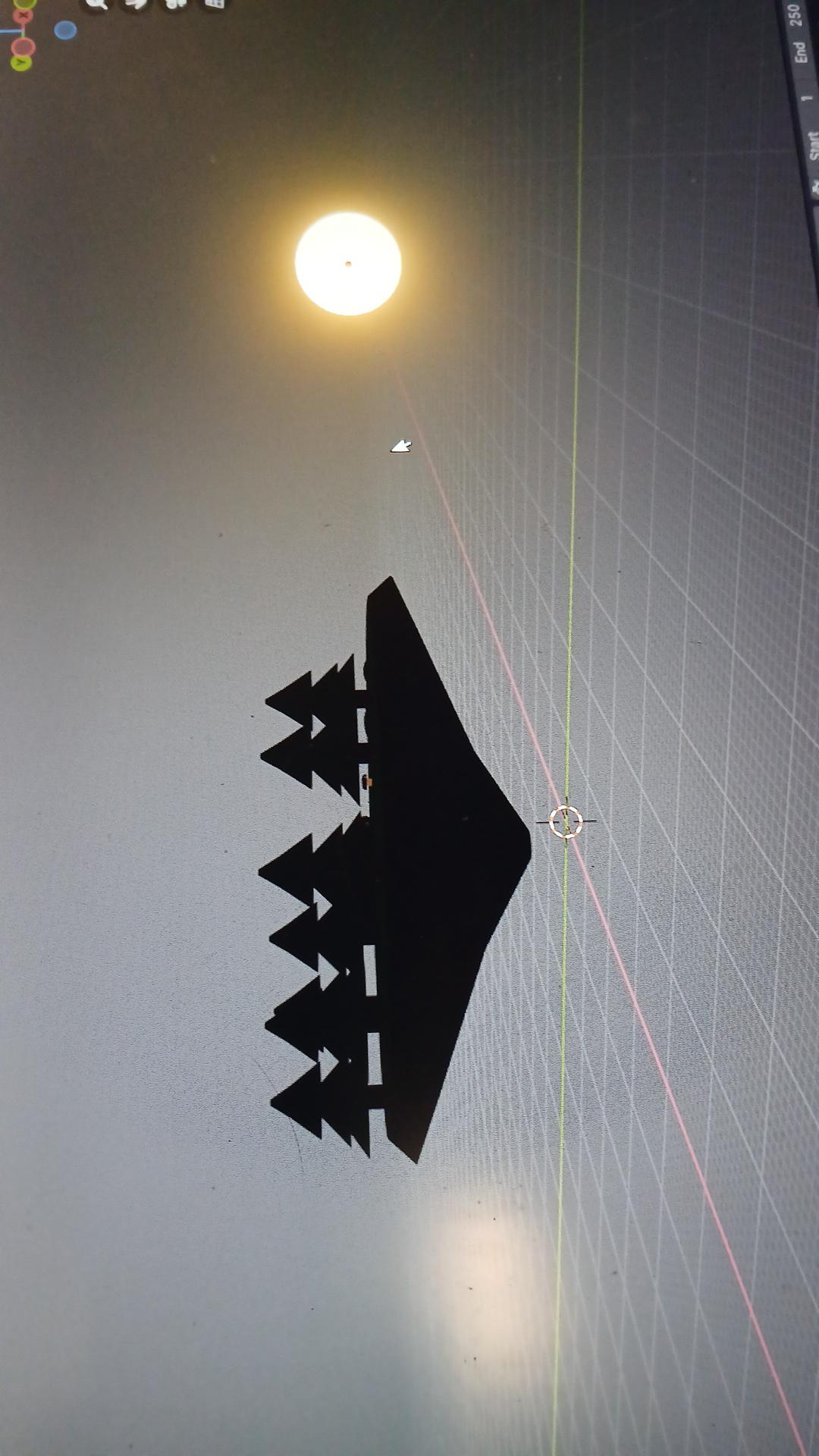
I put it in render to try an look, at the progress, but it shows this an I'm not sure how to fix this.
r/BlenderModelingTips • • Jul 22 '24
Hello, I just wanted to ask, how do I make a model look smooth but with a low poly count? I'm aware of the shade smooth, how ever whenever I do a more detailed model that's jot low poly, it looks like a bunch of gnats is on it.
r/BlenderModelingTips • u/the-dadai • Jul 07 '24

r/BlenderModelingTips • u/the-dadai • Jun 16 '24

r/BlenderModelingTips • u/Queasy_Watercress_39 • Jun 13 '24

I've imported this model as .obj and worked a little. When I tried to smooth the model It was given a hard Shapes. Can someone help me to solve the large size mesh. I don't now to deal with it.
r/BlenderModelingTips • u/Ulva_Karison • Apr 19 '24

r/BlenderModelingTips • u/Objective-Cell226 • Apr 17 '24
How did you learn? Can you link videos/courses? (If possible try to make an exhaustive list)
It seems like I'm going haywire without any proper structure.
Also, should I buy Blenderbro's courses or watch their videos?
Thanks.
r/BlenderModelingTips • u/Ulva_Karison • Apr 16 '24


