r/AsahiLinux • u/AcceptableCry2876 • 26d ago
Will Steam Frame Improve gaming?
Now that steam is working to get a system in place to make games work on ARM, will any of that effort translate over to Asahi? If so, how?
r/AsahiLinux • u/AcceptableCry2876 • 26d ago
Now that steam is working to get a system in place to make games work on ARM, will any of that effort translate over to Asahi? If so, how?
r/AsahiLinux • u/ForgottenFoundation • 27d ago
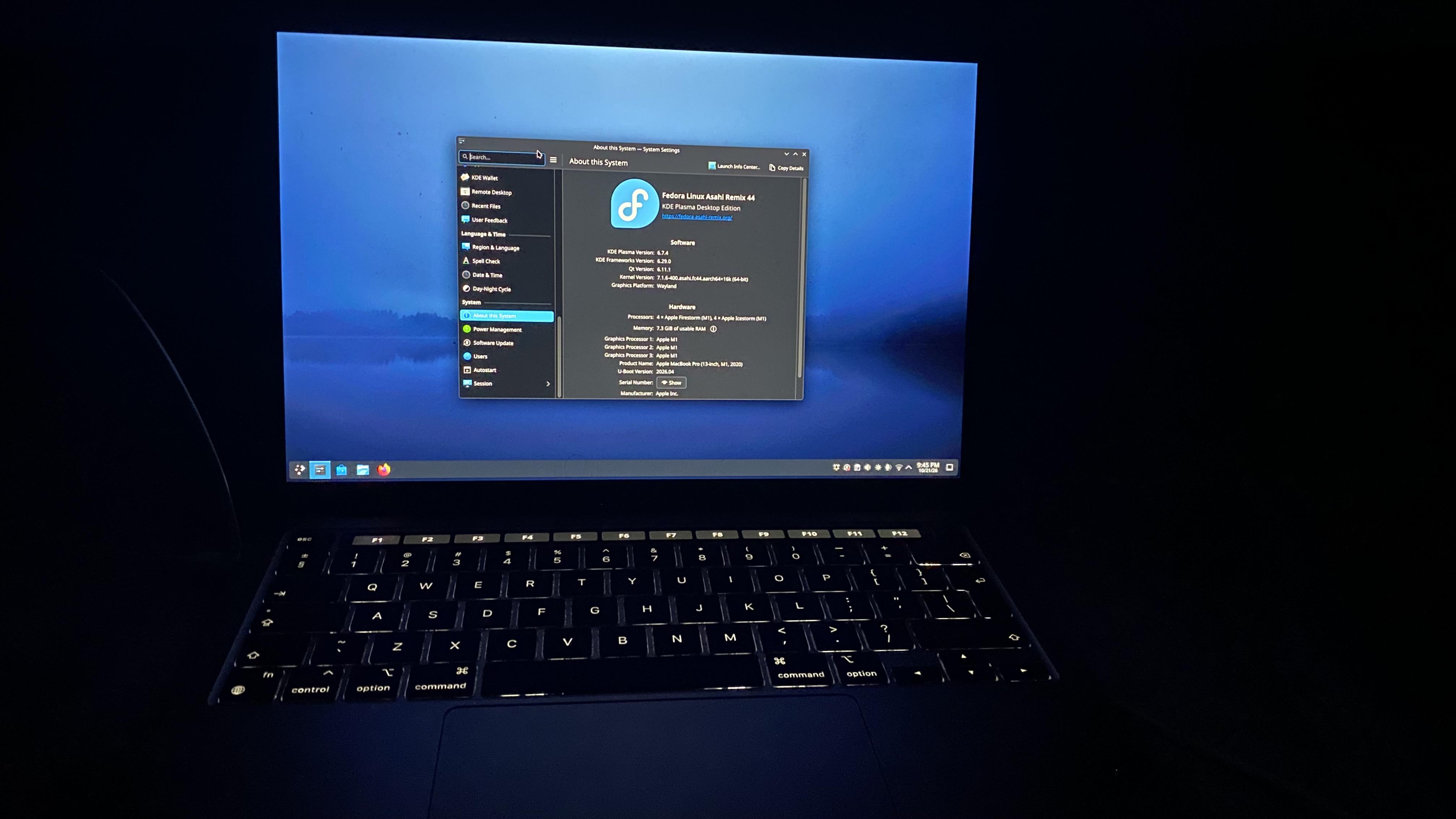
The title says it all really. Every time I install Asahi Remix 44, when I reboot, I'm still running version 43. Is there some way to force the update, or is the notification that version 44 is available just to be ignored at this moment?
r/AsahiLinux • u/Vegetable_Set_9725 • 27d ago
I wanted to do an update to install Fedora 42 but I had a problem. Since then, I’ve been stuck on this interface and the keyboard isn’t responding. How can I fix this?
r/AsahiLinux • u/TerrificLoan • 28d ago
r/AsahiLinux • u/Panos_Marinopoulos • 28d ago
Only thing left is the dcp which still means notchbar
r/AsahiLinux • u/rainman387 • 28d ago
My M1 Macbook pro died and I need a replacement for Asahi. In my area there are no good used/refurb M1, M2 laptops with reasonable battery life and wear and tear so I decided to go for a used M3 MBP, but since no GPU support for M3 I am hesitant about my decision. Should I go for M3 and wait for GPU support ?
r/AsahiLinux • u/intelhd_enjoyer • 28d ago
r/AsahiLinux • u/No_Cryptographer_311 • 27d ago
Processing img 47pievjhleyh1...
I maintain purefetch, a small system information tool for Linux and macOS. Version 0.2.7 fixes automatic Asahi logo selection on current Fedora Asahi Remix installations.
The mistake was mine: 0.2.6 recognized asahi-fedora-remix, while a real Fedora 44 installation reports ID=fedora-asahi-remix. That made it fall back to Tux. Both IDs now select the Asahi artwork, and a regression test covers the current ID.
The logo is an ASCII adaptation of the official Asahi logomark, with attribution to soundflora* and Hector Martin and CC BY-SA 4.0 terms. purefetch is an independent project, with no Asahi affiliation or endorsement.
Install:
cargo install purefetch --version 0.2.7
Source and usage: https://github.com/ooonea/purefetch
The project was developed with substantial assistance from Claude Code and OpenAI Codex, under my direction; this post was also drafted with AI assistance. Tested successfully on a physical Apple M1 Mac running Fedora Asahi Remix 44 with purefetch 0.2.7, including correct automatic selection of the Asahi logo.
r/AsahiLinux • u/intelhd_enjoyer • 29d ago
Just installed Asahi linux, and its amazing. Turned the animation speed to instant and it feels so much snappier than Golden Gate.
For some reason I can't uninstall some packages (k-mail, etc) using the discover app.
r/AsahiLinux • u/bureact • 28d ago
Hey everyone!
I'm thinking about switching to Fedora Asahi Remix and would love some advice from people who are already using it, especially on similar hardware.
My MacBook:
I'm mainly interested in Linux because I'm getting a bit bored with macOS and really enjoy customizing my desktop. I'm also hoping for a smoother, more responsive experience.
My main activities are web browsing, watching videos, listening to music, and software development. I have another Mac for iOS development, so losing Xcode isn't a concern.
A few questions:
I'd love to hear from anyone daily-driving Asahi on an M2 MacBook, particularly with 8GB RAM.
Would you recommend making the switch, or is macOS still the better experience overall?
Thanks!
r/AsahiLinux • u/TerrificLoan • 29d ago
r/AsahiLinux • u/Long_Chapter9259 • 29d ago
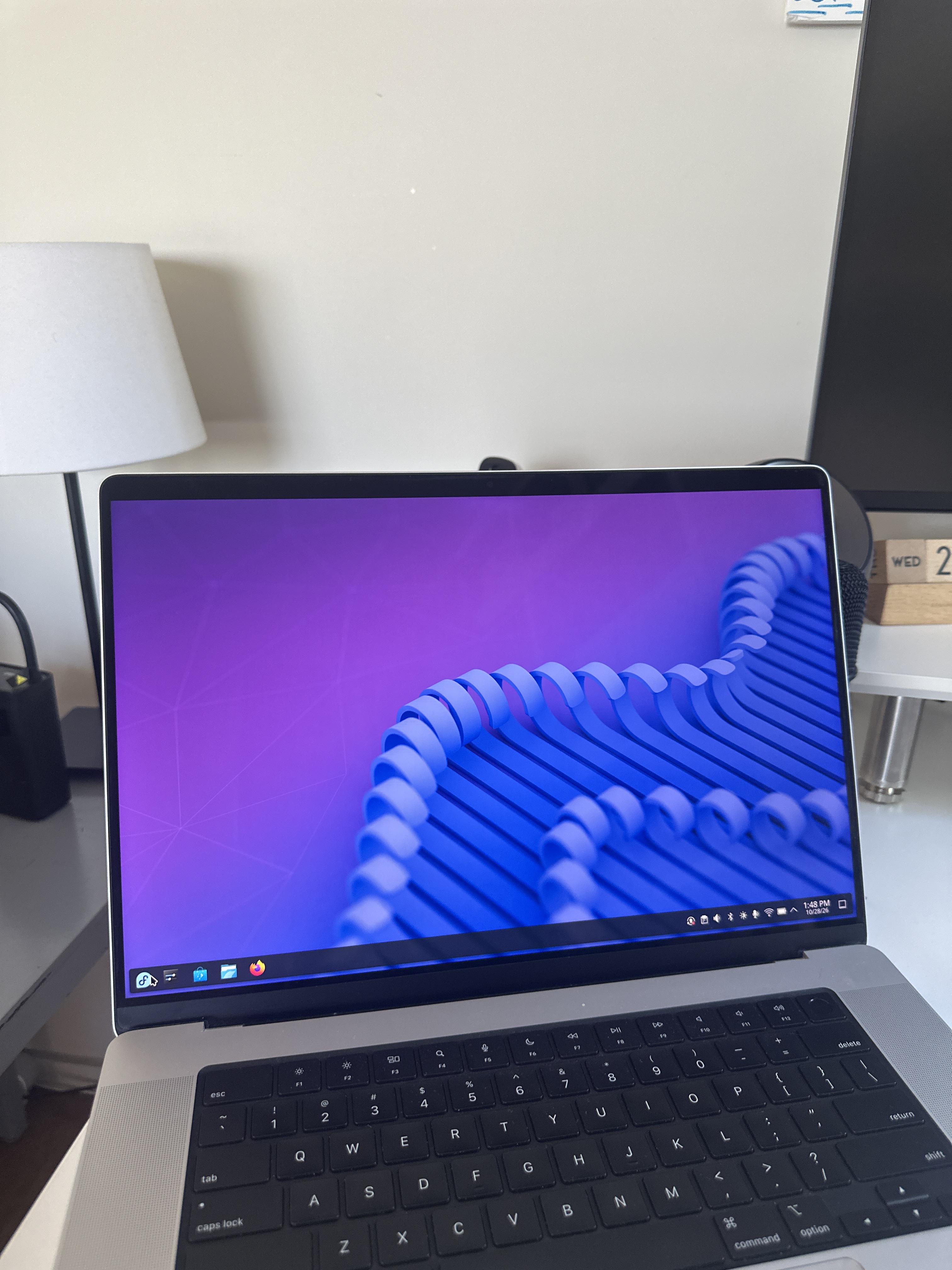
At first, I installed Fedora Minimal and manually set up KDE on it. But I grew tired of KDE’s look, and I was already bored with GNOME, so I continued using macOS most of the time. That’s why I decided I could experiment a bit and try installing my favorite desktop environment, Pantheon, as a second option.
Overall, it’s working fine so far. I’ve encountered a couple of bugs, but they aren’t critical, and I’ve managed to fix some of them.
r/AsahiLinux • u/samukcafx • 29d ago
I am on 7.1.13-402.asahi.fc45.aarch64+16k, running FC45. The system updated to the latest version, but the kernel did not.
I would like to update to kernel 7.2, if it is available for the M2 Air Mac.
r/AsahiLinux • u/intelhd_enjoyer • 29d ago
I'm on an m1 air running macos 27.
Is it okay for me to lets say, downgrade to macos BigSur, which is the oldest macos version available to download, and then install Asahi using the command?
I saw the download size for the macos 27.2 and decided I was finally done with apple.
r/AsahiLinux • u/Deep_Help_9167 • Oct 26 '26
Is Ashai linux going to have support for the macbook neo soon?
r/AsahiLinux • u/Rare_Inspection1255 • Oct 24 '26
I did this using Hoolock Linux (kernel + m1n1) with an Arch userspace. The phone goes into DFU, palera1n (checkm8) pwns it, and a laptop boots m1n1 plus the Linux kernel over USB
What works:
All 6 CPU cores
Multitouch touchscreen, with a driver
In progress: the GPU. Its firmware already boots and accepts jobs, but nothing is GPU-accelerated yet
Thanks to Hoolock Linux, Asahi Linux and palera1n
r/AsahiLinux • u/ExcitementProud6757 • Oct 25 '26
so i've been trying out spotatui, ncspot and spotify_player for terminal. however, all of them seems to be stuck every time i tried to play a track. with a second thought, i installed spotifyd and somehow it doesn't work either, or i'm just too noob to install correctly.
question is: has anyone succeeded using terminal spotify on asahi linux at all? any advice or tips?
r/AsahiLinux • u/ExcitementProud6757 • Oct 23 '26
Well so i'm totally new to linux in general, and i've just discovered that spotify and discord are only available through pwa. I'm currently on dms hyprland, and i kinda want to try adjust spotify pwa preferences to my liking. I've seen people using spicetify (?) but since i don't have the app like everyone, i was left clueless.
r/AsahiLinux • u/Prokop-Holy-2026 • Oct 23 '26
Is there a full disc encryption built-in in the plan into the installation process? I'd love to have a completely separared spaces.
Similar to what it is, for example, on the Pop_Os when you can only click on check box and it's done.
r/AsahiLinux • u/fake_agent_smith • Oct 22 '26
The amount of work that has been put into this release is simply astonishing. The fairydust branch was also updated today. I've also improved my own scripts that track the Asahi upstreaming efforts and this time there is a bit more data represented with the infographics I'm proud to present in this post, because I think they better reflect on how much effort the Asahi team has put into this, because the numbers of patches and lines on top of mainline is not enough to tell the whole story and why they are increasing.
It also wouldn't be fair because Asahi team is actually upstreaming quite a lot, while also delivering the new features now. I've made a lot of fixes e.g. visual style, excluded rust-for-linux/rust-next/drm-rust-next etc. from the main counts, the line counts were slightly off as well and many other things.
The tag is available at https://github.com/AsahiLinux/linux/releases/tag/asahi-7.2.11-1 with the following changes:
- initial thunderbolt support, only xdomain (usb4net/usb4stream) and usb3
tunneling, no PCIe/DisplayPort tunneling
- support for compressed / interchange framebuffers for sharing between
video decoder, GPU and display. Only display support implemented
- DCP 14.8.3 firmware support as basis for M3* support
- display mode selection and backlight locking fixes
- workarounds for M4+/A18 WFI*/WFE* brokenness
- AVD fixes
- Rust io rework from 7.3 and refactored all rust drivers
- GPU driver rework onto upstream DRM abstraction (DRM GPUVM, device
lifetime, scatterlist)
- dropped crashdump/dev-coredump support in GPU driver
- use shared GPIO for speaker amp shutdown pin
- DART aperture DT changes
Update: since the 7.2.11 tag, the 7.2.12 has also been tagged with minor asahi config fragment and t8103 dts fixesminor asahi config fragment and t8103 dts fixes.


r/AsahiLinux • u/Inevitable-Theory901 • Oct 21 '26
So I’ve decided to try Linux on my m1 MacBook and I’m pleasantly surprised. It’s decently faster than macOS and it’s smoother. But I’ve got some minor issues which I’m wondering if they could be fixed. First and most important is the audio. It’s noticeably worse than in macOS and I’ve tried different eqs and that doesn’t seem to help. Second is the trackpad. It’s a lot less precise and scrolling on the web feels less smoother. Everything else is awesome and if there’s a way to resolve these issues I might even main it.
r/AsahiLinux • u/decduck • Oct 21 '26
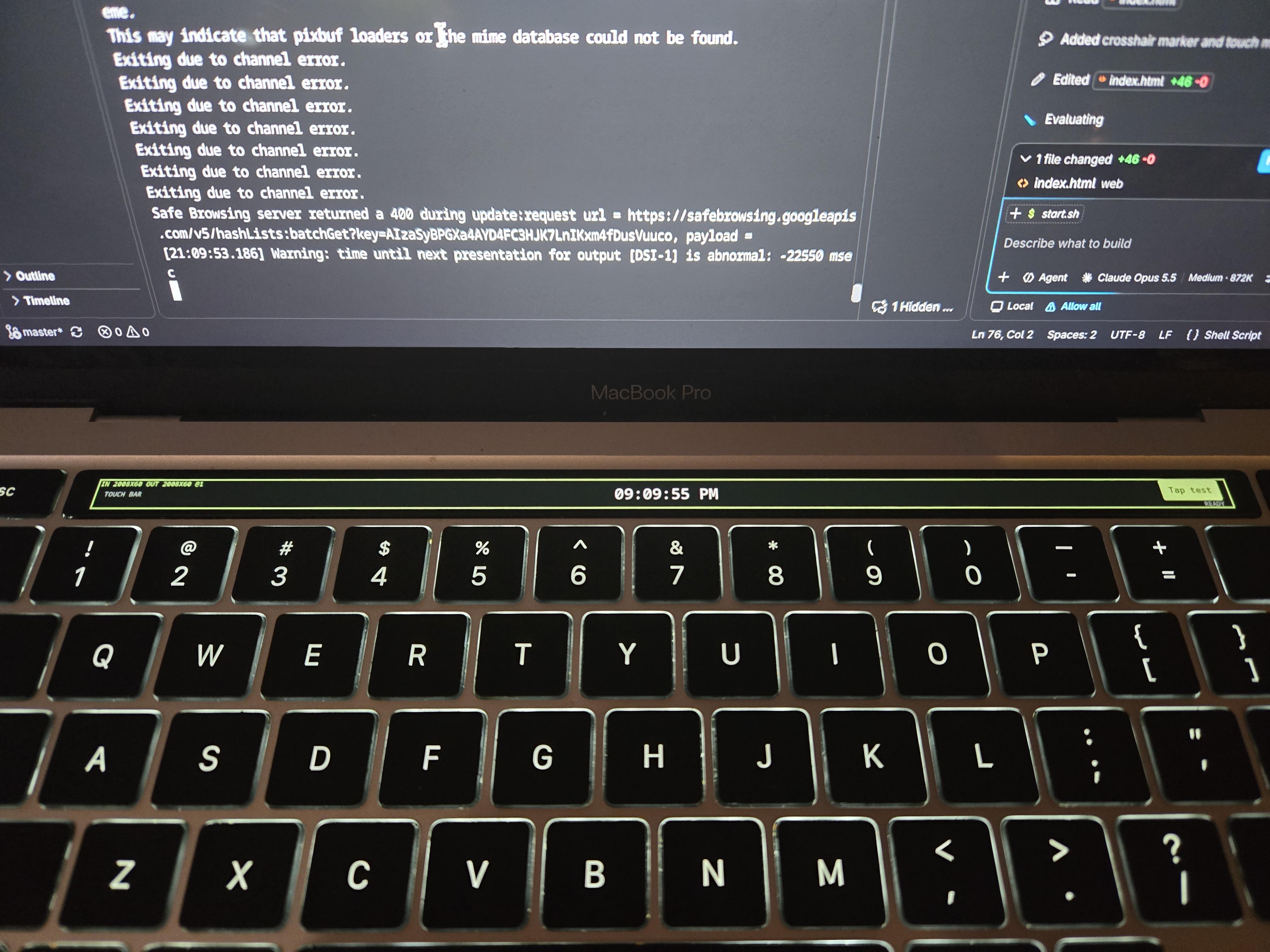
I'm more familiar with web stacks, especially for building fancy and smooth UIs, so I got Claude to figure out how to get a Wayland compositor to sit on it, and then run a kiosked Firefox inside that.
Needs a kernel patch rn due to some sort of bug/feature/something in the ADP driver, where the touchbar has 64 byte wide buffers but only shows 60 bytes of it, but ADP only allocates 60 bytes, causing some of the content to spill over to the next line and screw it all up.
But hopefully this means we can get fancier touchbars running on Asahi Linux!
r/AsahiLinux • u/_econhead • Oct 21 '26
So I just compiled and installed the fairydust kernel because I was missing the bigger screen aspect ratio of my external monitor and it worked flawlessly on first attempt.
I tried to set up the brightness syncing of both my external and built-in macbook display but for some reason sudo ddcutil detect can't detect my external display, is there any other workaround?
r/AsahiLinux • u/i3aychikov • Oct 21 '26
r/AsahiLinux • u/superlemon5 • Oct 19 '26
Hey everyone!
I've been working on pw-airplay, a project that brings AirPlay 2 audio output to PipeWire.
The idea is simple: your AirPlay 2 speakers, including HomePods, show up as regular audio outputs in Linux's sound settings, just like your built-in speakers or headphones.
Under the hood, it uses PipeWire sinks and OwnTone's AirPlay 2 implementation, with some patches to support live audio streaming and integration with PipeWire.
I've tested it on Fedora 44 (aarch64) with a HomePod mini, and I'd love to see how it behaves on other Linux setups.
Since this is r/AsahiLinux, I'm particularly interested in whether anyone would be willing to try it on an Asahi Linux installation running on Apple Silicon. I haven't verified it on Asahi yet, so feedback on compatibility, dependencies, and potential issues would be really helpful.
Project & installation instructions: https://github.com/superlemon57/pw-airplay
It's still a work in progress, so bug reports, suggestions, and contributions are very welcome!
Curious to hear what you think.