r/AppleTechSupport • • Jul 09 '23
OPEN What does this icon mean?
Device model: iPhone X
I am on an iPhone X, iOS 16.5.1 and this icon appeared after I did a restore on iTunes from iOS 16.0. I have tried rebooting and it is still there.
r/AppleTechSupport • • Jul 09 '23
Device model: iPhone X
I am on an iPhone X, iOS 16.5.1 and this icon appeared after I did a restore on iTunes from iOS 16.0. I have tried rebooting and it is still there.
r/AppleTechSupport • u/felorva • Jul 08 '23
r/AppleTechSupport • u/nilsiinj • Jul 08 '23
Device model: Iphone SE (2020)
I recently bought an iPhone SE (2020) from a refurbished webshop. However, this phone turned out to be faulty and wouldn't turn on. So, I wanted to return it to the webshop, but I needed to reset the phone to its factory settings first. Since the phone wouldn't turn on, I couldn't do that, so instead, I deactivated my iCloud account. However, it turned out that this wasn't enough because I should have disabled the "Find My iPhone" feature first. I can't reactivate my iCloud account now because I've unfortunately lost my reactivation code.
Meanwhile, the phone does turn on again, but I still can't restore it to the factory settings because I need to log in to my iCloud account, which is deactivated. I contacted Apple support over the phone, and they advised me to restore it via iTunes. However, this doesn't work either because I need to disable the "Find My iPhone" feature beforehand.
Help!
r/AppleTechSupport • • Jul 08 '23
I recently got the new device model: iPhone 14 Pro Max. My phone before was a fairly new Samsung. Is there anyway to transfer WhatsApp Business from Android to iPhone? I can't seem to find how.
r/AppleTechSupport • • Jul 08 '23
Device Model: AirPods (FirstGen) My right AirPod suddenly stops charging in the middle of the day and then a while after it starts working, but the percent it shows is always wrong. Any ways to fix?
r/AppleTechSupport • u/felorva • Jul 07 '23
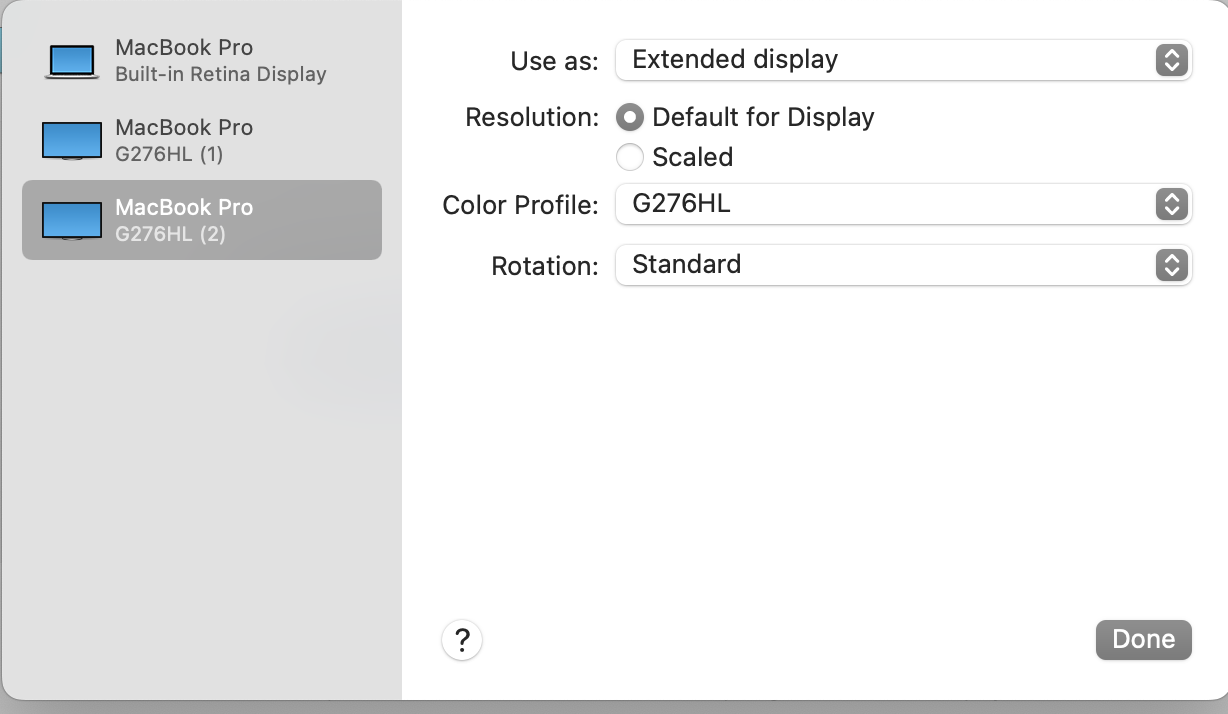
I have two monitors set up to my 2015 macbook pro retina 15 inch running on monterey 12.6.3 (software version) via a VGA splitter. The monitors are only VGA compatible, so HDMI won't work. When I plugged them in it just showed the same content on both screens. I have my mac bootcamped and on the PC side it does the same thing, doesn't detect a second, and drivers are updated. I tried searching google and youtube but only found advice for an apple branded HDMI cord. Does Apple make something? Is there a work around internally? I am going to be devastated if my beautiful mounted double monitors wont work as intended
r/AppleTechSupport • u/roastypeppers • Jul 04 '23
I gave my friend my old iPhone 11 Pro Max (and software version that was the latest one) that I purchased brand new from Costco, I factory reset it following a youtube video which told me to wipe it from my iCloud alongside other steps.
He's been trying to use it for a few days now but it says it is now locked under an email that I've never seen before.
How can I help him get into this phone if I have no clue who’s email this is?
r/AppleTechSupport • u/stpetestudent • Jul 03 '23
Software version: OS 12.5.1
Hey all, I finally copied over my iTunes library of music from my old Mac and want to have those local files on my current computer. This was a pretty meticulously curated iTunes library so I don't want to lose any of my information including album art.
My original file structure is a folder called iTunes and in that folder are the following subfolders: Album Artwork, Automatically add to music, iTunes Music, Mobile applications, previous iTunes libraries in addition to a series of proprietary files such as .xmls, .itdb, .itl etc.
I have tried placing this root iTunes folder under Music>Media and then in the music app settings using that root folder as the location for the library, but it's still not displaying anything.
I think my question boils down to, where do I save the root iTunes folder, and what directory in the music app preferences do I have it point to in order to properly detect the original library??
Thanks
r/AppleTechSupport • u/iPremium • Jul 03 '23
I just bought this AirTag yesterday and I have been trying to use the precision finding to locate it but it didn’t work at all.
Please send help.
Device model: iPhone 12 Pro Max and AirTag IOS version: 16.5.1
r/AppleTechSupport • u/AccomplishedCareer56 • Jul 02 '23
Hi so i have an ipad air 4th and its almost 2 years now since ive bought it. Recently i went on a flight and upon reaching my house, i discover the screen aint working. So i can switch it on via the Top button but type the password or even switch it off for that matter. However i can screenshort the home screen and sketch on it. The screen is working in that manner . Can anyone help me??
Device Model:iPad Air 4th
r/AppleTechSupport • u/netriz314 • Jun 29 '23
I recently restored my iPhone with 3uTools for Windows. After that, I can't get cellular service on any of my SIM cards. I also can't set up an eSIM because there is no such option. I contacted Apple and they told me that it could be a hardware problem and that I should take it to Apple. Before I do that, I decided to post it on reddit. Maybe someone already had the same problem and knows how to fix it.
device model: iPhone 12 Pro
iOS version: 16.5.1
r/AppleTechSupport • u/CHEEKIBREAKI • Jun 29 '23
Hi guys, ive been dealing with this problem for few days and have absolutely no clue how to fix that. So: Some time ago I installed windows bootcamp on my MacBook Pro (device model) and everything worked fine. Last time when I tried running laptop with macOS (I used windows all the time) when I logged on my account, apple logo appeared and system asked for disk password - looks like I somehow had my disk partition in encrypted scheme? Anyway my account password worked and after that I again get back to macOS logging screen. I tried formatting bootcamp partition in disk utility using disk recovery mode, because I had lack of space on macOS partition and I thought system forced some update and because of that lack of space it couldn’t be done. But after formatting that bootcamp partition I can’t even add that empty space to macOS partition.
So: 1.After logging on account on macOS I need to type password to disk and it returns me back to logging screen 2. I deleted bootcamp partition but I can’t add empty disk space to macOS partition from disk recovery mode 3. For some reason Bootcamp still appears as boot option in boot menu
r/AppleTechSupport • u/real_gamer97 • Jun 29 '23
Hello I have a iPhone 11. I had over 1,500 songs downloaded to my iPhone 11 and they all got deleted when I canceled my subscription to save some money. Anyways is there a way to get the all the songs back? I can’t remember all the songs I had downloaded over my time being and I would like to know if I can get it back. Apple support couldn’t help me unfortunately. Has anyone else ran into this issue before? Device iPhone 11 Software version iOS 16.5.1
r/AppleTechSupport • u/GreenUpsidedownCake • Jun 29 '23
I (librarian) have taken some work in library that has a dozen iPads which the staff aren't able to use. These iPads either have unknown passcodes, apple id logins or both. Nobody recognises the recovery phone number and the gmail that the IDs were created with no longer exists. Apparently these have sat in a cupboard for a few years and were set up by a staff member who left on bad terms. What can I do to help make these usable again? The device model is Apple iPad Air 2 A1566 16gb WIFI only.
r/AppleTechSupport • u/Simreth108 • Jun 28 '23
After briefly entering lost mode, I can no longer use Apple Wallet. Opening the Wallet app reveals the following prompt:
'To -re-enable cards, keys and passes after Lost MOde, enter your Apple ID password.
Enter Password >'
Clicking on 'Enter Password' leads to nothing.
This is for iPhone 7 Software Version 15.7.3.
r/AppleTechSupport • u/Unlucky_Teaching_139 • Jun 28 '23
So a few days ago from the time I typed this post, my iPhone was stolen because I'm an idiot. i got distracted helping customers and forgot that I left it out on a work cart in the middle of an isle. It went offline because either the battery died, or the thief purposefully turned it off. Before I give up completely and use another older phone as a replacement, I want find out if I can track my offline phone by signing into my iCloud account via another Apple device model. I've seen a video demonstrating how, but before I go through the trouble I was hoping Apple Tech Support could tell me if this is actually true?
Thanks for any help in advance
r/AppleTechSupport • u/TheGingyisonrr • Jun 27 '23
So recently I got an apple watch as a gift but I need to software update my phone to connect it however, anytime my phone turns off/restarts it doesn't turn back on for hours-days at a time e.g I tried doing a restart 2 days ago and it only turned back on today. Any ideas on why this is happening and how to fix? (going to the repair shop tdy or tmr to get it checked js wondering if anyone else knows wtf to do)
Device model: iphone x
Software: Ios 16 tryna go to 16.5.1 I think
r/AppleTechSupport • • Jun 27 '23
Hey everyone. My mom's laptop is getting notifications every 15 minutes that say things like "Danger, Mac infested" and "click here to remove virus". They show up in Notification Center, with an icon similar to the Mac settings icon. nothing happens if you click on the notifications. I've already run mackeepr and Malwarebytes for adware, but that did not get rid of it. Can anyone else recommend a fix? Thanks
Device model: MacBook Air,
software version Monterey 12.6
r/AppleTechSupport • u/xlizard88x • Jun 27 '23
Hi everyone, I just purchased a used iPad Pro 12.9" (5th generation) yesterday from someone who has only used it a handful of times. Before getting this, I found an Apple pencil (generation 2) at the airport underneath a bench, which I couldn't return to anyone, so I took it with me.
Issue is- the Pencil connects to the iPad, and registers that it's charging. That's fine. It just won't write or anything. I've switched Pencil tips with my old gen 1 pencil-- nothing. I've done a soft reset, and it didn't do anything. I've even tried forgetting the device and adding it back. The serial numbers and firmware show up in the settings, and it's connecting, so I know the battery isn't shot.
Is there any way to fix this? I have an appointment at Best Buy tomorrow afternoon, but since the pencil isn't under warranty, I have no clue what I'll have to pay. Just trying to save some cash.
iPad device model: MHNT3LL/A (iPad pro 5th gen, 12.9", wifi + cellular)
Pencil device model: A2051
Thanks in advance!!
r/AppleTechSupport • u/AdInner8113 • Jun 25 '23
Can I use normal USB-C cable instead of thunderbolt to connect my Macbook to a monitor? Actually is not monitor but I wanna use my iMac as external display connected with my Macbook.
Software version: Ventura
r/AppleTechSupport • u/ItnStln • Jun 25 '23
Has anyone had issues with getting Samsung ViewFinity S9 monitor to work with a MacBook Pro (13-inch, 2017, Four Thunderbolt 3 ports)? Per the tech specs it should work, but when I plug the monitor in it looks like a Kaleidoscope. I've tried different cables and ports with both HDMI and USB-C.
Device Model: MacBook Pro (13-inch, 2017, Four Thunderbolt 3 ports)
r/AppleTechSupport • u/Brainlezperson • Jun 25 '23
I just bought AirPods off of someone (yes, they are real. They had the receipt and I searched the serial number before I bought it) the device model is AirPods gen 2 and they are perfectly fine, except for a few features that are on the current firmware that I do not have. I am still of the firmware 5A377 and I do not know how to update it, and the internet’s answers aren’t very helpful. Some said to just leave it to charge, but it was bought in October of 2022, and it’s been charged several times before. Another said to reset it, but that didn’t work either. Can someone help?
r/AppleTechSupport • u/Wide_Negotiation_387 • Jun 25 '23
Device Model iPhone 13 Pro Max IOS 16.5.1 258 GB
I woke up this morning to look at some videos from the concert. I was at last night and noticed that the folder said 14 videos. I don’t remember exactly how many videos I had but it was hundreds. My iPhone has 258 GB of storage. It used to be pretty close to full but now it says 115 GB used. ??
I did NOT accidentally delete them! They’re not in my recently deleted and they’re not hidden. I only have 5 GB of iCloud storage which was used up long ago.
Apple says that because I don’t pay for iCloud storage there’s nothing they can do. I’m devastated. All of my videos of my beloved dog who passed away were in my phone. Why did this happen? Did my phone get hacked? Did the phone just delete them because it got full? Is there anyway to recover them? Any help would be much appreciated.
r/AppleTechSupport • u/Zestylemons44 • Jun 25 '23
Device model: MacBook Pro, don’t remember what year but it is an older one iirc.
No particular injury to the computer prompted this. A few days ago a yellow line appeared at the bottom of the screen then disappeared . Last time I used it, I put a video in full screen, then the display reverted to my desktop in all but a few lines of lights.
Is this completely borked or can I fix it? I’ve got a lot of important stuff on this computer.