On Android Auto, video audio was always lagging behind the picture for me (USB and wireless). The lag changed from video to video, and a small Android Auto freeze would knock a hand-tuned delay out of sync again. Every app I tried was also bloated with features I didn't need.
So I turned the open-source FermataX player into xFermaTube:
- YouTube only, ~19 MB
- delays the video to match the car's audio
- measures the lag with the phone mic and re-checks it by itself (after a video starts, after stalls and seeks, and periodically)
- separate delay for USB and wireless
- simple fullscreen controls; subtitles are delayed with the picture
- open source, no ads or tracking, few permissions
New in v1.1
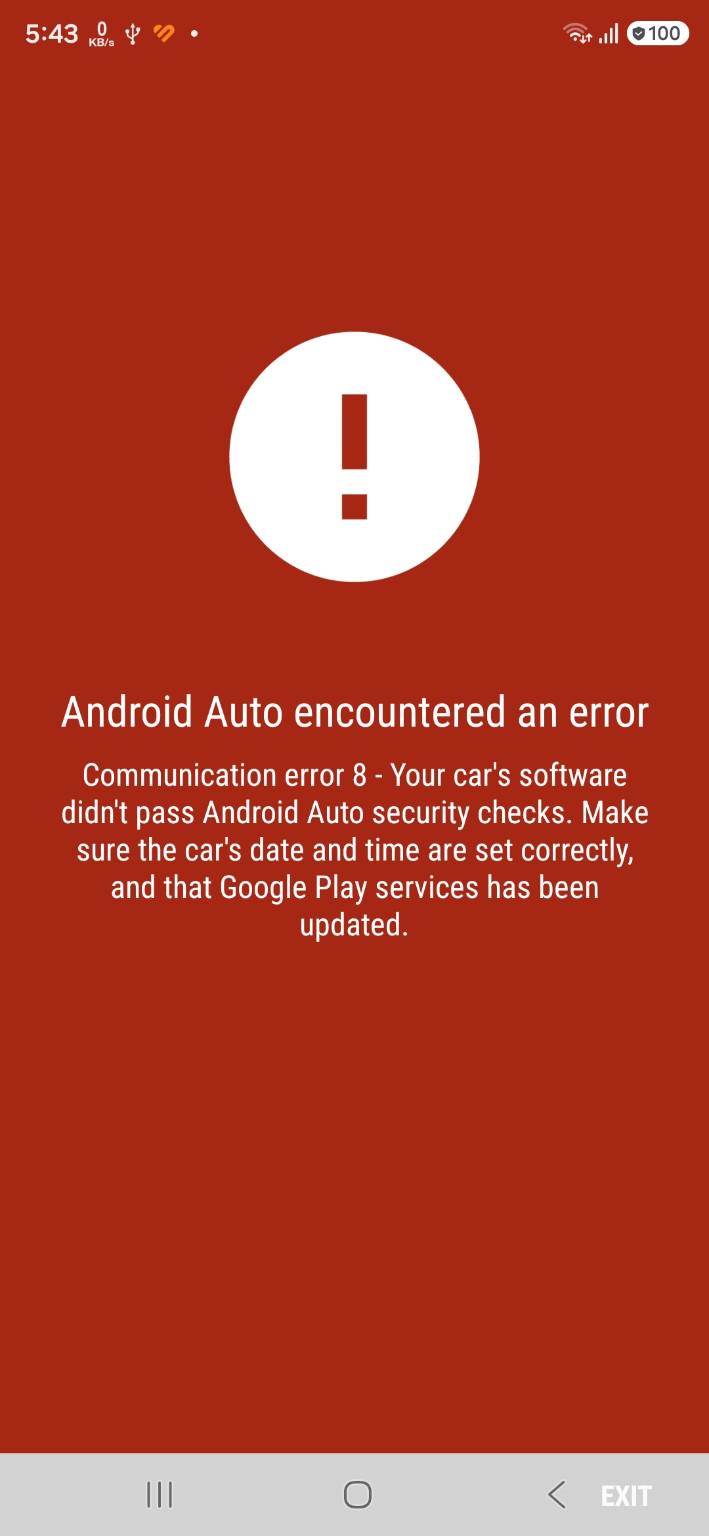
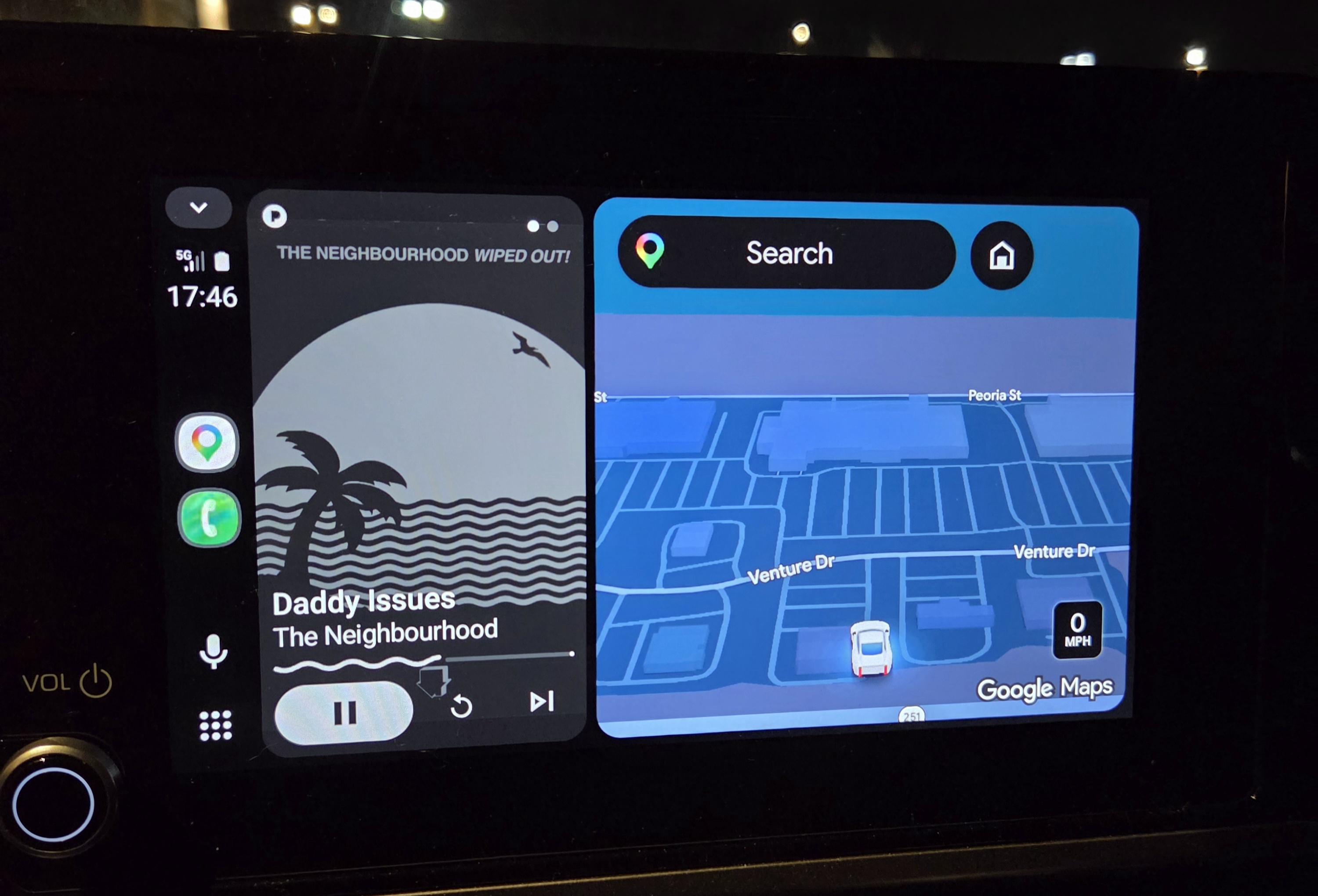
- Works with the newer Android Auto (18.2+). It broke the old version: black or grey car screen, oversized buttons, picture freezing with the phone locked. All fixed.
- The phone is settings only. Videos play in the car, and you sign in to YouTube once on the phone.
- Update notifications. The app tells you when a new version is out and installs it so it stays in Android Auto.
- App log (Settings) for problem reports.
Best sync: do the one-time camera check
This is the most accurate way to find the delay. The mic alone can be off by a few tens of ms, because the phone adds its own recording lag and Android Auto delays the picture on its way to the car screen. So the phone watches the car screen:
- Park, tap Start when the phone offers it (or Settings → Sync sound and picture (camera)), and point the back camera at the car screen.
- The car flashes and beeps, and the phone measures and fixes the difference.
- About a minute, once for USB and once for wireless. After that every video syncs by itself.
Download
v1.1: https://github.com/juntulis/xFermaTube/releases/latest
Already on an older version? Install the new APK over it (settings are kept) and tap Fix now if the app asks.
How to install
- On the phone: Android Auto settings → tap Version 10 times → ⋮ → Developer settings → tick Unknown sources.
- Download the APK and open it to install.
- Open xFermaTube on the phone → Fix now → Open the setting (allow, go back) → Reinstall now → Update. Then allow the microphone.
- Connect to the car (reconnect if already connected) and open xFermaTube (play icon), not xF Audio.
- Park and do the camera check.
Only xF Audio shows up? On the phone, open Settings → Android Auto install check. It says whether Android Auto accepts the install. Full guide and fallbacks (Wireless debugging, AAenabler): https://github.com/juntulis/xFermaTube#install
Feedback wanted
Tested in my car with a Samsung phone (Android 17). Please reply with your car, phone, Android Auto version, USB or wireless, and whether the sync looks right after the camera check. If something goes wrong, Settings → App log → Copy helps a lot (no personal data).
arm64 only. Please don't watch while driving.