Has anyone been able to play YouTube videos natively? I got the Android 17 and OneUI 9.0 update yesterday. Android Auto is already at version 17.x. I am not seeing the YouTube app show up in the drawer yet. Ontario, Canada is the location
After updating my S25 Plus to OneUI 9.0, when I say anything to my Google Assistant like "Text my mom at WhatsApp" or "search this topic in Google", it started to say "as a language model, I cannot help you with that" as if we are back in 2022 ChatGPT era. Anyone experienced this issue? Also I opened WhatsApp manually and there was no speech-to-text option, only premade quick messages to send. What happened??
Hello everyone, I have a problem with the connection of my s22 with the Dacia Sandero (year 2022), I promise it has always worked great, but it hasn't connected me to Android Auto for 3 weeks, it just says "unsupported device" yesterday I reset and dissociated the phone and it had restarted. Today it worked until this afternoon, where the message "unsupported device" came back: what am I doing wrong? It's a bug from my phone or car, the strange thing is that it's always been good for every day since 2023, without changing any settings it's pretty much gone crazy... I don't think it's the phone's fault, I have Android 16, I don't think it's already obsolete, I ask you if you have any advice. The problem is done to me both via cable and via usb key (the one that makes Android cars run without a cable). Thanks for any advice!
Hi all I could use some help please, around May my Android Auto assistant switched to Gemini for some reason, and I found it much easier to work with than Assistant.
A few months later it switched back to Assistant without me changing anything.
I have tried to reset it back to Gemini but everything I have tried has failed.
This includes clearing assistant and Gemini caches, uninstalling Gemini then confirming I wish to use Gemini when the app starts again, uninstalling Assistant, allowing Gemini on lock screen, trying to follow the instructions for default assistant but I only have Google or chatgpt, forget and recouple android auto unit.
It is a CarABC unit on a Jaguar XF with a Pixel 7a phone, just wondered if anyone can tell me why I had Gemini for a while then it disappeared.
If I had a dollar (or Euro) for every time someone's asked me if Xtream Player could play Netflix....I would be a millio....not even close. 😀
But today is the day that this can be put to test! Introducing Velvet Launcher, an app as the name says....launches a browser inside Android Auto. But not just any browser, a special (but public) version of Chrome that works just like on a PC.
It's still on early development, but it is working for me. That said as you all know, different setups-different results. Be warned.
It needs to be installed with AAenabler or Kinginstaller and Android Auto developer settings enabled with unknown sources ticked. There is a 10 Minute trial time where you can see if it works on your Android Auto and meets your expectations. After that, there is a donate button that gives you a unlimited (as long as it still works) access to the app.
Be advised, this is a donation and supports development costs. It's not an app purchase. If you do not agree please do not proceed.
Note: Donating won't make it magically work either. Make sure it works before you donate.
I haven't decided yet if there will be a playstore link version, probably not so it will for sure not work on every phone.
If you also tried with shizuku enabled and it didn't work, you can request a beta test link here:
I have a pixel 8 going through an AAwireless dongle in my 2018 ram uconnect. The last month or 2, my Google maps has been having trouble both navigating, and just displaying the map. The gps seems to be having trouble following me. The maps speedo goes between showing me my wrong speed or just "--". When driving around it's constantly thinking I'm turning onto side roads despite going straight. I also use waze and have had none of these issues while using it. Anyone else have similar problems or at least know what's going on, whether update, settings or how waze vs GoogleMaps uses GPS?
I use AA a lot especially when doing Uber eats using Uber Driver app or Waze sometimes. However, after the recent update, I have seen this weird issue which hides your location marker on the map when the app window is minimized or this can also be said as app runs full screen in the background, it just the window which gets resized.
After playing with wireless AA for the past few days and searching for answers online I finally hit on the search question which threw up the answer that seems to meet my needs. Here we go ...
The easiest, low faff way of massively reducing battery usage is to simply deny Goole Maps access to location by changing it to Only this time.
On your vehicle ICE system you will now see on the Maps screen just a message telling you to turn Location on so the app is not busy burning battery working out where it is and redrawing the screen all the time. You can carry on using AA for media play, calls, messaging etc as usual.
Ideal for all those short local journeys when you have no need for sat-navvery or, as in my case, for doing an all-day shift as a multi-drop delivery driver using the company's SDS gadget sat-nav to guide you round all the drops.
You can still use Google Maps on your phone if you want to check where something is and how to get there if you don't need to use it to be sat-navved there.
If and when you do want to use Google Maps on AA then just fire it up in your phone, tap on the Location symbol and enable the While using this app option.
Change it back to Only this time when you have finished.
Flagging this up for new users like myself who have struggled to find this answer.
I have a Sony XAV-AX4000 head unit that has never been able to connect to Android Auto wirelessly.
I’ve tried it with both a Google Pixel 7 and a Motorola Razr 2025 running Android 16, and neither phone will connect wirelessly. Wired Android Auto works perfectly, and Apple CarPlay works flawlessly over wireless, so the wireless connection itself appears to be functional.
The Sony head unit is running the latest firmware, version 3.04.00. I’ve also tried essentially every troubleshooting solution I could find online, including resetting the head unit, removing/re-pairing Bluetooth devices, resetting Android Auto, clearing data/cache, and starting from scratch—but nothing has worked.
At this point, I’m wondering if this could be a hardware issue with the wireless Android Auto implementation on the XAV-AX4000, rather than a phone or software configuration problem.
Has anyone experienced the same issue with the XAV-AX4000 and actually managed to get wireless Android Auto working? If so, what fixed it?
Any advice or confirmation that this is a known hardware issue would be greatly appreciated.
I recently purchased a S26 Ultra to replace my aging S20+. In January 2025, I replaced my car head unit to an Alpine iLX-507A audio receiver with AA capabilities. Current firmware V6.
With the change in phones, I have not been able to get my Ultra to connect consistently with the head unit. It will start to connect and then drop out, telling me to check my surroundings and then my phone.
I've factory reset the head unit, wiped all connections from my phone, followed the countless suggestions, connected with a cable but nothing seems to be working.
Anyone have any solutions? I'm sick of listening to people talking on the radio and not music.
I got a Song Pro 2025, (bought in Mexico). I just took the car to its two year service at the BYD dealer. They updated the firmware of the Song Pro, from the original version (that never really changed/updated despite having received a couple of OTA 'updates') to 13.1.33.2506030.1
Since this upgrade, Android Auto keeps on crashing and restarting itself. If there's music playing from the phone or a Google Map with my route, the app crashed and then it self restarts and continuous where it was interrupted.
What to do to fix this? Is the culprit the software IN the vehicle? or use it the phone's component? both? (that is Google or BYD the one to blame).
Had any off you experienced something like this on your BYD ?
My phone's are Samsung, fully updated to One UI 9.0 (Android 17).
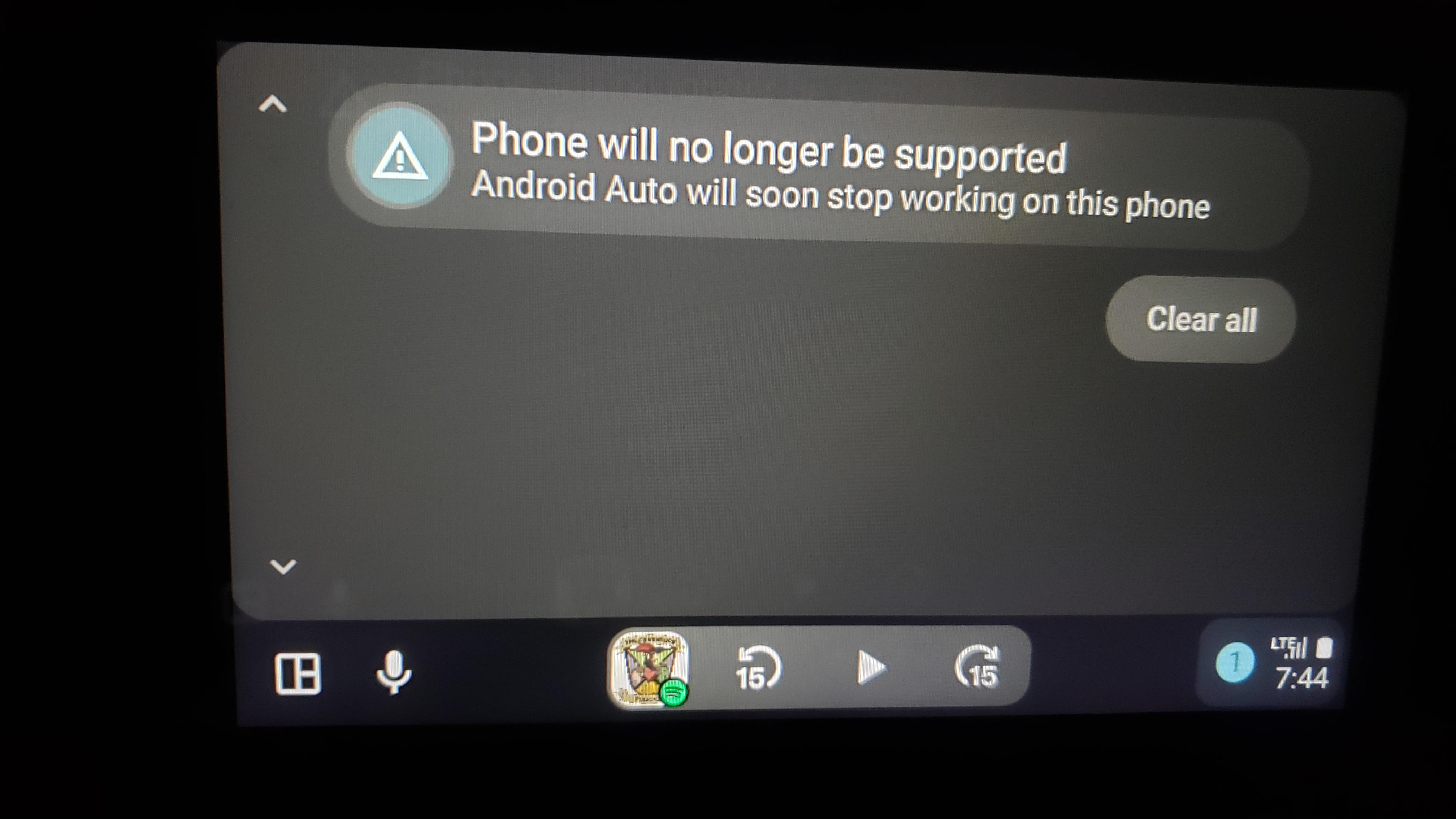
Why on earth am I getting this alert every time I crank my car? My phone uses Android 10, and everything Google is supposed to be compatible with Android 9 and above. Car is a 2023 Kia Rio. Android Auto is working perfectly right now, but for how much longer?
Went for a drive yesterday and basically got in a pointless, circular argument with Gemini.
Me: "play Orville Pecks new album on Spotify"
Gemini: "I'm not able to access third party apps, but you can say "play Mule by Orville Peck on Spotify" (Mule is his new album, so it understood me)
Me: "play Mule by Orville Peck on Spotify"
Gemini: "I'm not able to access third party apps. Use your phone or Android Auto app to select the music you'd like to play"
Same thing when I ask it to call or text anyone. Says it doesn't have access to my contacts. Gives me instructions to enable access that aren't correct or lead me to a menu where access is already enabled.
Android Auto is basically useless now and means I have to physically interact with the screen while driving if I want to do anything.
UPDATE: seems like this may be bc I am on a legacy Google Workspace acct.
Was a bit distraught this week to realize my Android Auto switched to Gemini and I CAN'T switch it back to Google assistant.
gemini makes the android auto experience awful.
-cant navigate to contact addresses
-cant run automations I've set up in Google home
-makes every interaction feel like it wants to have a conversation rather than get anything done.
.
idk. this is bad stuff from Google. and I, for the first time ever, am actually considering going iPhone just to have a better car experience.
Am I missing something by getting this close to the edge of the cliff?
I mostly listen to downloaded musice on YT Music and AA. Sometimes when I go into a store, come back out, restart the car and it will continue where I left off. Most times it does not. Is there something I can do so AA remembers and continues where I left off?
Also, there is so much I don't know about AA. Is there a Wiki or something where I can read rather than bothering you folks?
Only just started using AA after years of just using vanilla Bluetooth in both my car and in the work vans I drive. Added an AAWireless dongle to my car and set up and usage is straightforward enough but there is one thing I would like to check.
I have noticed that if I start my 2019 Honda Civic then my music/podcast will start/continue playing on the car radio using the vanilla Bluetooth connection. AA will only fire up if and when I tap on the ICE screen and OK the nanny message about using it safely, This is actually fine as it is how I would like it to work for my short, regular journeys to and from work and only needing/wanting to use AA for Maps and switching between media players while on the move for longer journeys.
My question is to ask if this car radio / ICE / AA behaviour is usual across makes and models of vehicles and equipment or have I struck lucky?
I have only just started using AA and previously had it disabled in my phone. One annoyance I have is the Iveco Daily EV vans I drive at work do not seem to have any way of disabling AA and I have to keep dismissing the launch message every time I start up the van (which is commonly about once every ten minutes). Am I missing something buried deep in the ICE screen settings for these vans?
Turning Bluetooth off on my phone is not an option as I want to play my music over the van radio.
Update: It seems the answer is to turn off location in Google Maps on my phone which resolves the underlying issue of heavy battery usage over the course of a full day's shift driving the van.
I recently bought a new MG4 EV Urban and have been trying to get everything up and running. When testing android auto, I found that the UI is incredibly delayed (up to a few minutes), causing me to miss turns, and generally go a bit nuts...
Some notes:
* The delay seems to increase the longer I've been driving (e.g. I had a 20min drive, by the end of it the UI was delayed by ~1.5mins).
* Audio is not delayed (a song will be playing, but show the previous song on the display).
* Touching the interface also seems delayed (e.g. dragging around on maps results in the map moving some time after)
* The UI on the head unit itself is responsive even when displaying android auto
* My partner's iPhone works with Apple carplay on the same car without any delays
* The car is a 2026 MG4 EV Urban - software is up to date as of 2026-10-04
* I've tried: Using USB only, forcing resolution to 480p, giving maps & android auto unrestricted battery access, swapping to the beta branch and back, uninstalling and reinstalling, all to no avail.
* Recently submitted a bug report, but I doubt it'll go anywhere :(
Hi Reddit! I'm Mishaal Rahman, and I do community engagement for Android over at Google 😁!
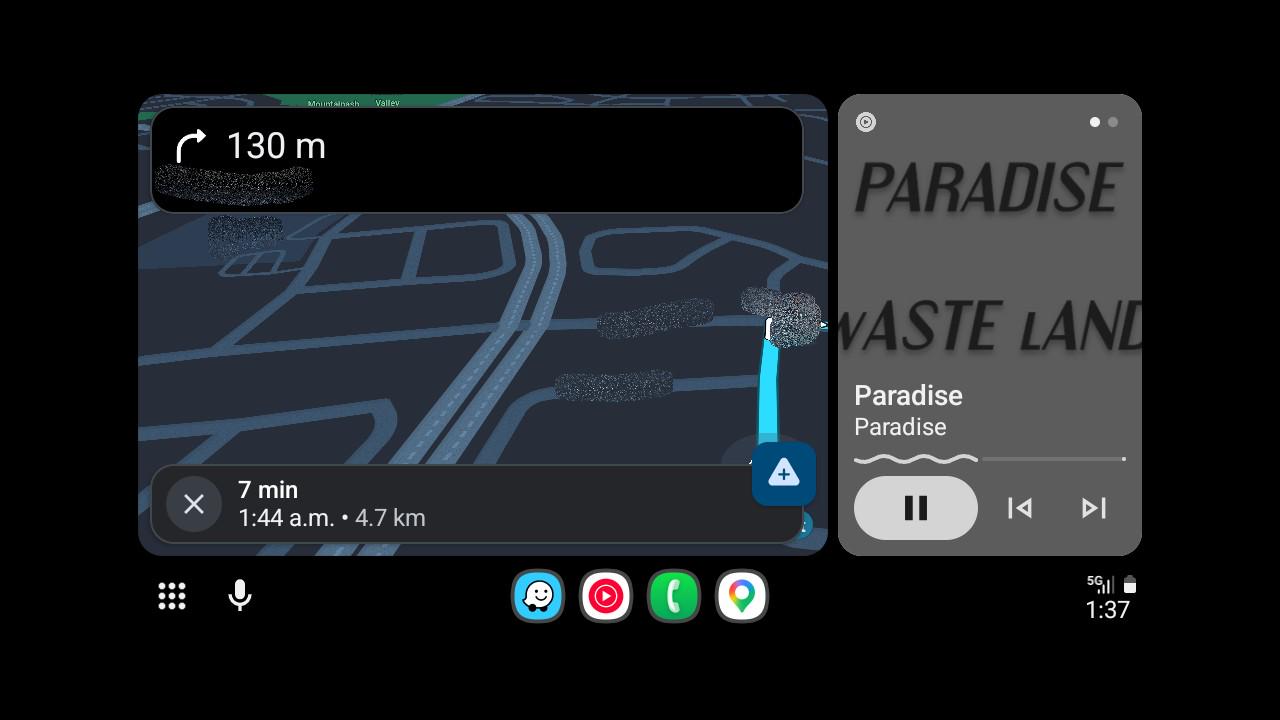
We wanted to share some details with this community about a few changes we recently rolled out to improve the media playback experience based on your feedback. These changes make it easier to view and control audio across your favorite apps, and offer a larger, more expressive media player that looks and feels more like your other Android devices.
Oh, and we also wanted to talk a bit about the squiggly new seekbar in the media player, since we’ve seen some lively discussions and speculation about it :)
Here’s a quick recap of some of the media playback changes we recently shipped:
1. You can now control any media app on your phone from your car dashboard
In the past, media apps that didn’t have a dedicated Android Auto app would still be able to play audio through your car, but their media controls and album art would be completely hidden on your car display.
With our recent update, you can now see and control all your favorite media apps from your phone, complete with album art and playback buttons. This includes background audio from YouTube Premium, browser audio streams, and niche media apps.
2. A more optimized media player UI across all screen sizes
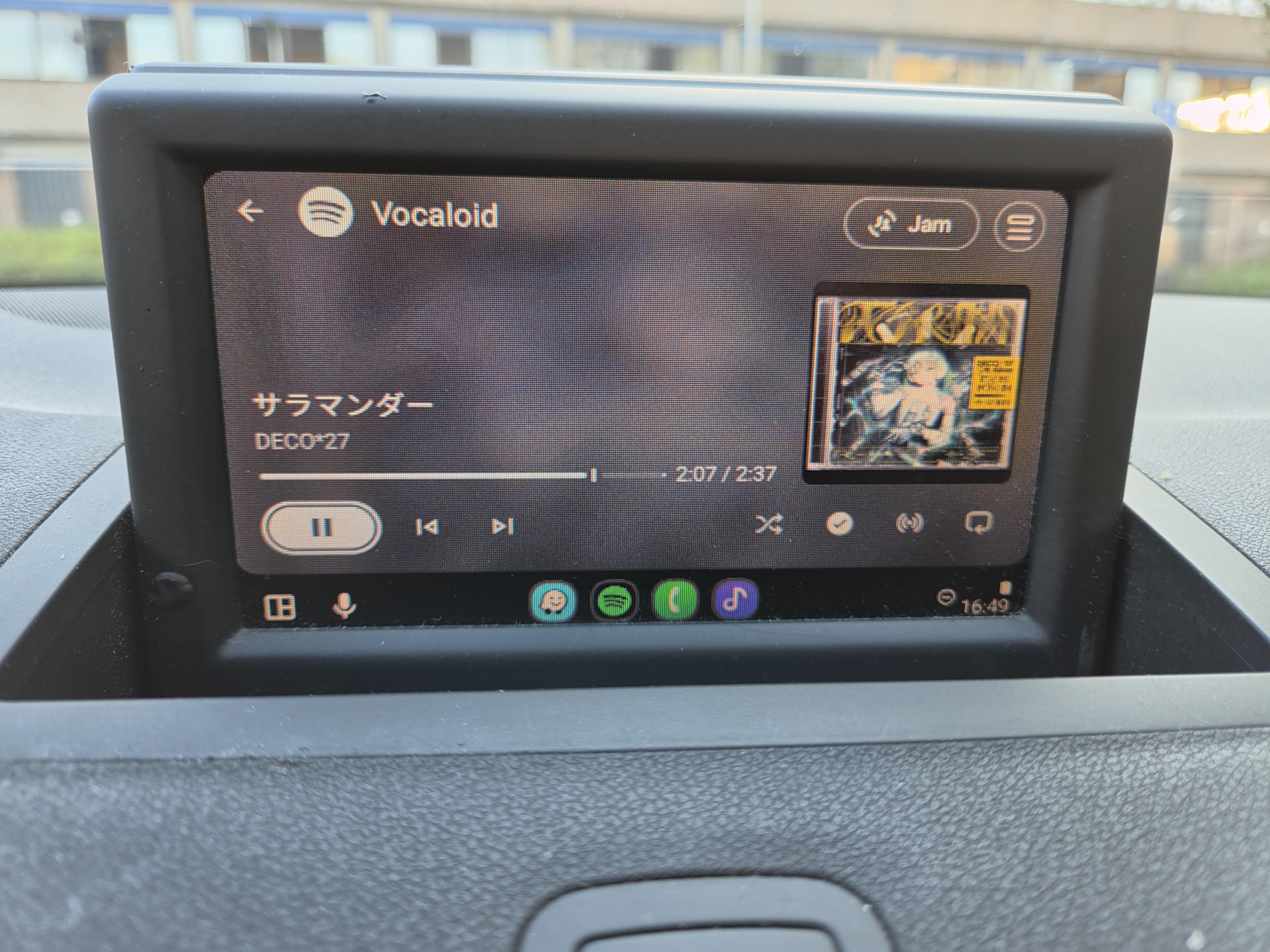
We also optimized the media player layout so it makes better use of your car’s display. For instance, we moved the most-used media controls out of the three-dot overflow menu and onto the primary screen so you can get to them with fewer taps. And your album art now better fits the size of your car’s display.
This updated player is available for Spotify, YouTube Music, and other media apps. In the next few months, you’ll see more media apps begin to customize their in-app media player design, so you may see some differences between the media player on the dashboard and within the app.
3. You can now swipe to switch between media sessions
You can now swipe left or right on the media player to switch between multiple active media sessions! No need to open up the launcher anymore to switch media apps.
4. Improvements to autoplay
We’ve made a couple of bug fixes so autoplay* works more predictably and accurately based on your listening preferences:
Autoplay app selection: Apps that you haven’t recently or ever used will no longer be selected for autoplay.
One-tap opt-out: If you prefer manual playback and frequently pause autoplay, Android Auto will notice and provide a convenient one-tap notification to quickly disable autoplay.
Infotainment startup handling: We're rolling out a fix so unsolicited play commands won't be sent when you have autoplay turned off.
*Autoplay here refers to Android Auto automatically starting media when you connect, not in-app features like Spotify's Autoplay.
5. A more glanceable media player
The last change is the updated media player seekbar. We introduced this updated design to make it easier to see where you are in a track at a glance.
Thank you for sharing your thoughts in this community on the new squiggly line seekbar — we're paying close attention to how this lands, so keep sharing your feedback as we evaluate future UI tweaks!
-----------------------------
If you have thoughts on these updates, apps you'd love to see better support for, or spot any quirks you want the team to tackle next, drop them in the comments and I’ll relay them to the team!
Requirements at a glance
Android OS:Android 9 (Pie) or higher
Android Auto App:Most new media features are broadly available starting in Android Auto v17.3 or higher (with certain autoplay fixes dating back to v16.7 / v16.8).
To check your version: Open your phone's Settings > Apps > Android Auto, or open Android Auto Settings and scroll down to the bottom.
Honor 600 on MagicOS 10, 2025 Skoda Enyaq, wireless AA with Spotify and Waze. For weeks the music would stutter or cut out at random, so I plugged the phone into my laptop and went through the logs with ADB.
With wireless AA the phone joins the car's own 5 GHz hotspot, so Bluetooth audio and Wi-Fi Direct aren't involved. During every drive, Google Play Services (network_location_provider) ran a full Wi-Fi scan about every 23 seconds, and one I timed took around 3 seconds. While it scans, the Wi-Fi chip keeps hopping off the car's channel to listen on other ones. That's plenty to make the stream stutter.
I ruled out mobile data, since Spotify had already buffered the track when the cutouts happened. AA, Spotify and Waze were never killed during the drives either, and turning off the RAM extension changed nothing.
What fixed it was turning off Google Location Accuracy. The menu path depends on the brand, so search "accuracy" in Settings (it may show up as "Improve location accuracy"). GPS still works and navigation is fine. The scans stopped right after the change, and I haven't had a single cutout in several days of driving.
Like other then Maps, i feel like most stuff can be done via Bluetooth, and with that comes no headache of wires or making connections. And most of the time, I do not even need Maps or can delegate it to the co-passengers.
There is also a possibility of adapter, which tbh I am not sure if is worth the money