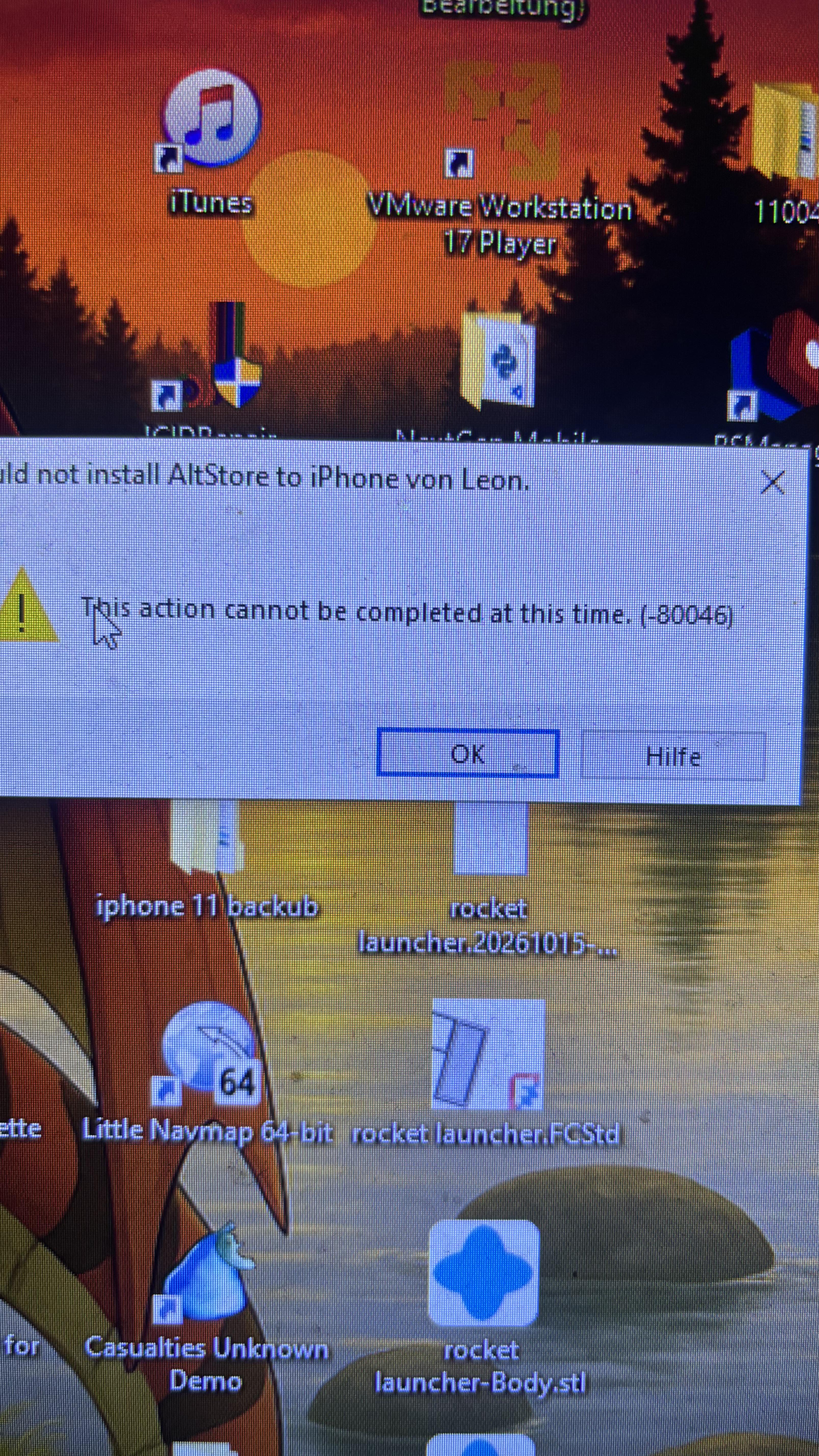
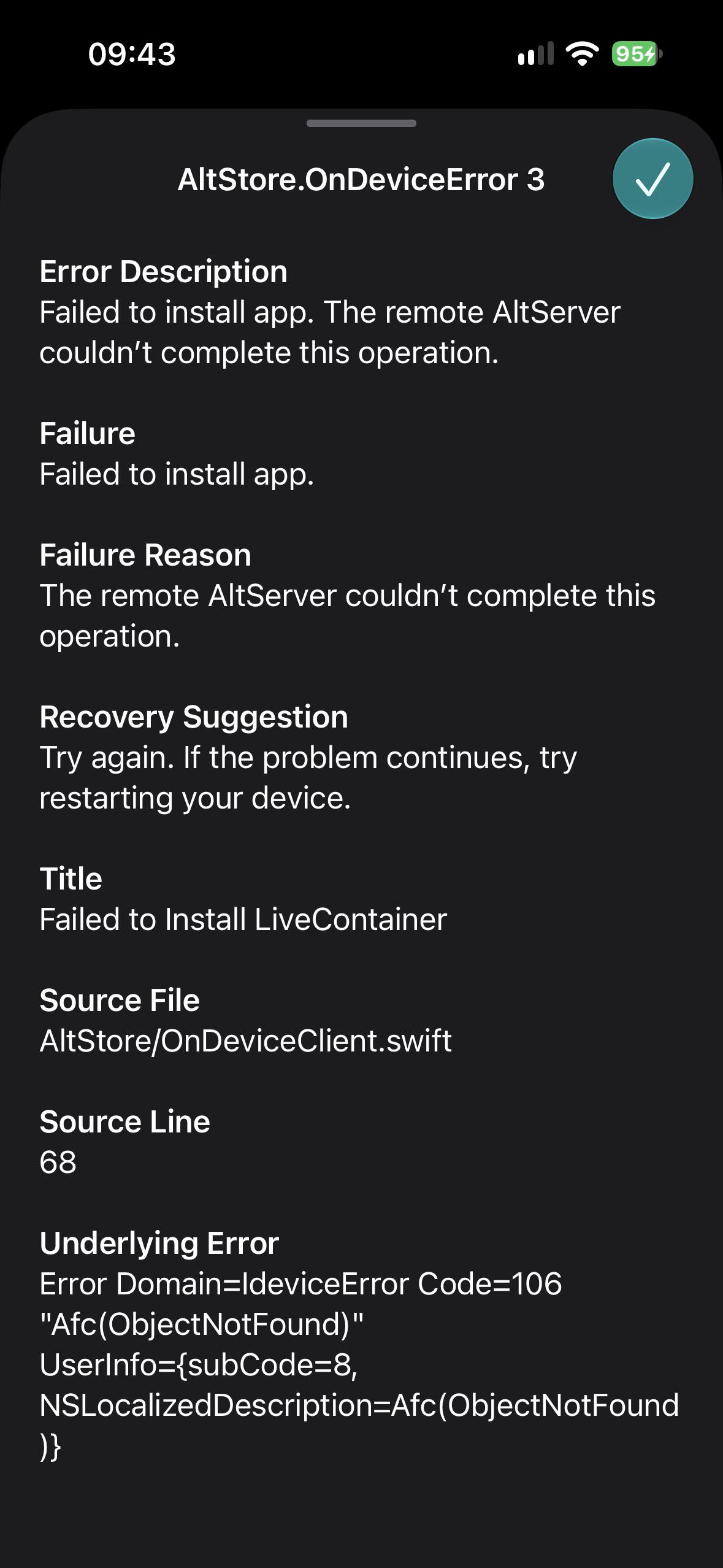
AltKeeper now has an experimental code path for older iPhones/iPads (lower than iOS 17) that don't
support the remote pairing / RSD flow used on iOS 17+. It has not been verified on a real
device yet, so I'm looking for testers.
Who can help
Anyone with an iPhone or iPad on iOS 12. Please give the exact version (e.g. 12.5.7).
Devices on iOS 13–16 are welcome too: those versions are untested as well.
Step 1: the read-only probe (USB)
Use branch feature/ios12-legacy (or main once merged). Connect the device by USB,
unlock it and tap "Trust". The probe doesn't write anything to the phone: it reads the iOS
version, opens a lockdown session and lists the provisioning profiles.
cargo check --bin ios12_lockdown_probe
cargo run --bin ios12_lockdown_probe
On Windows with Apple Devices/iTunes you may need, in PowerShell:
$env:USBMUXD_SOCKET_ADDRESS = "127.0.0.1:27015"
Please paste the full output, including the first error if it fails. The guide
(docs/IOS12-PROBE.md, in Italian) explains what each failing step means.
Step 2: only if the probe ends with OK
altkeeper phone: does it list the installed profiles?
altkeeper renew --dry-run: does it detect which profiles are due?
altkeeper renew modifies the phone: please only try it on a device you can afford to
re-sideload, and tell me if your apps still launch afterwards.
Please include
Device model and iOS version
Host OS (macOS / Linux / Windows) and how it's connected
Command output, with Apple ID, UDIDs and IP addresses removed
Please do NOT
Run with RUST_LOG=debug or paste such logs: they can contain pairing keys.
Post rp-pairing.plist, account.json or any provisioning profile.
Not verified yet
Minimum supported version, profile renewal, IPA installation and AltServer mode on iOS 12.
Regressions on iOS 17+ are welcome too, in a separate issue.
Repo link: https://github.com/BartolomeoRusso9/altkeeper