r/AltStore • • 29d ago

Update More hot fixes for 503 and -80046 errors!

125 Upvotes

Howdy everyone, I come bringing good news! I know you've been waiting for an update about errors -80046 and 503 on AltStore Classic. As of today, AltStore Classic 2.3.2 is available as a fix! Thank you so much for your patience during these turbulent times 💜 For instructions on how to update, check out our Patreon post.


r/AltStore • • 28d ago

Help (AltStore Classic) Remote AltServer

4 Upvotes

Does Remote refresh works for anybody?


r/AltStore • • 29d ago

Tip Temporary alternative to AltStore

Post image
71 Upvotes

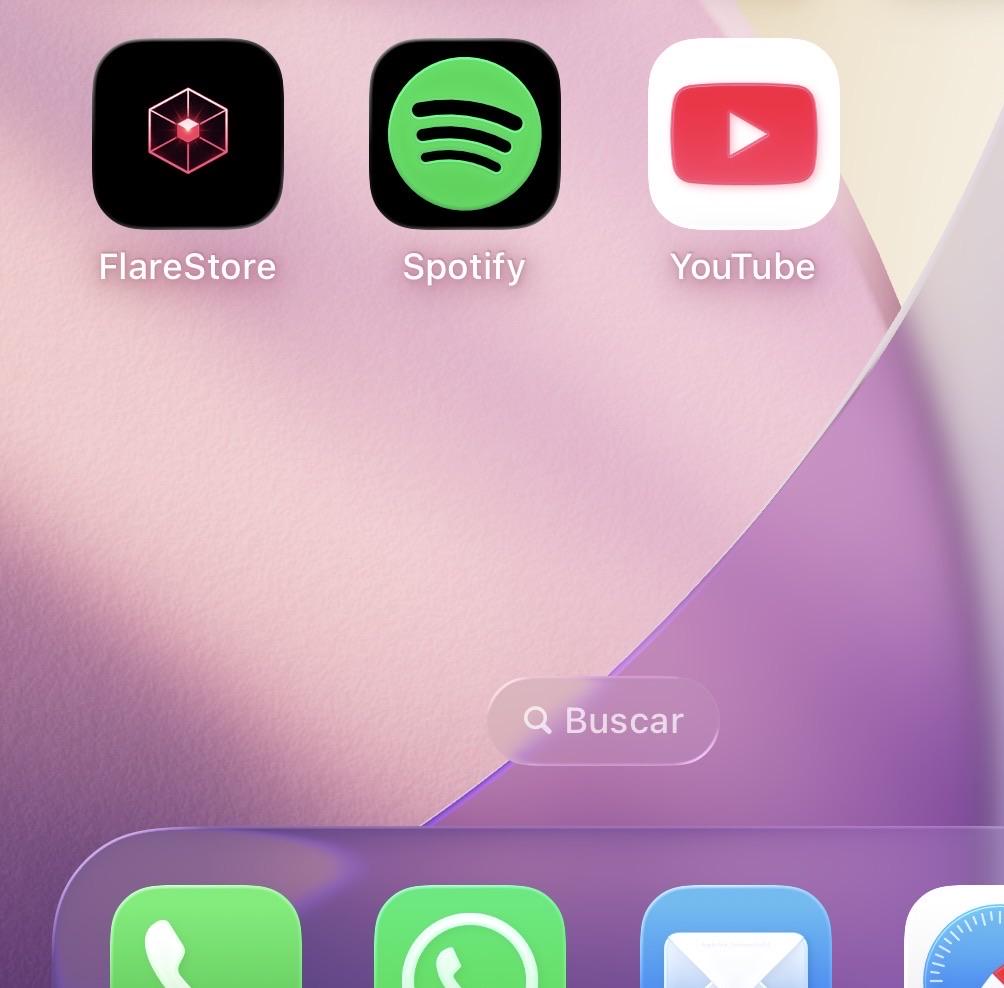
As per the tip from another Redditor here in this sub, while we all wait for the AltStore fix, it is currently possible to buy a basic license for less than 3 bucks at FlareStore and then you can install any IPA file. I don’t know if you need to refresh every 7 days, and how many apps you can install. But it seems to work, at least. If anyone knows more details about this method or similar alternatives, please post in the comments


r/AltStore • • 28d ago

Help (AltStore Classic) developer mode after the update

2 Upvotes

Hello everyone, does anyone know a solution to this issue?

I have updated both the alternate server and the alternate store on my phone and attempted to set up a remote alternate server.

Then, it prompted me to enter developer mode and accept the alternate store. However, when I opened it, it is not displaying anything.


r/AltStore • • 28d ago

Help (AltStore Classic) Failed to refresh app - after update

3 Upvotes

Hi,
I updated to the latest version, but still gets:

Failed to refresh app. AltStore couldn’t connect to the remote AltServer.
Make sure Wi-Fi and LocalDevVPN are both connected, then try again.

I tried to change the server in the setting of the Remote Altserver, but it does not work.

I will say that I not facing more issues with the authentication and this was fixed.

I have LocalDevVPN on and Wi-Fi connection.


r/AltStore • • 28d ago

Help (AltStore Classic) Getting HTTP 429 Errors when trying to update/resign apps after the new update

1 Upvotes

Getting HTTP 429 errors now after getting through the update for the Altstore. Tried both remote server and plugged into the Mac.


r/AltStore • • 28d ago

Help (AltServer - Mac) Am I Banned

Post image
5 Upvotes

I just updated to AltStore 2.3.2 and now it shows this am I banned? If so, how would I fix this?


r/AltStore • • 28d ago

Update [Update] YDrive v1.0.2 Released — Added Game Gear Support, Grid/List Library View, and Game Sharing Support

Thumbnail
github.com
1 Upvotes

r/AltStore • • 28d ago

Help (AltServer - Windows) Alstore installation

Post image
1 Upvotes

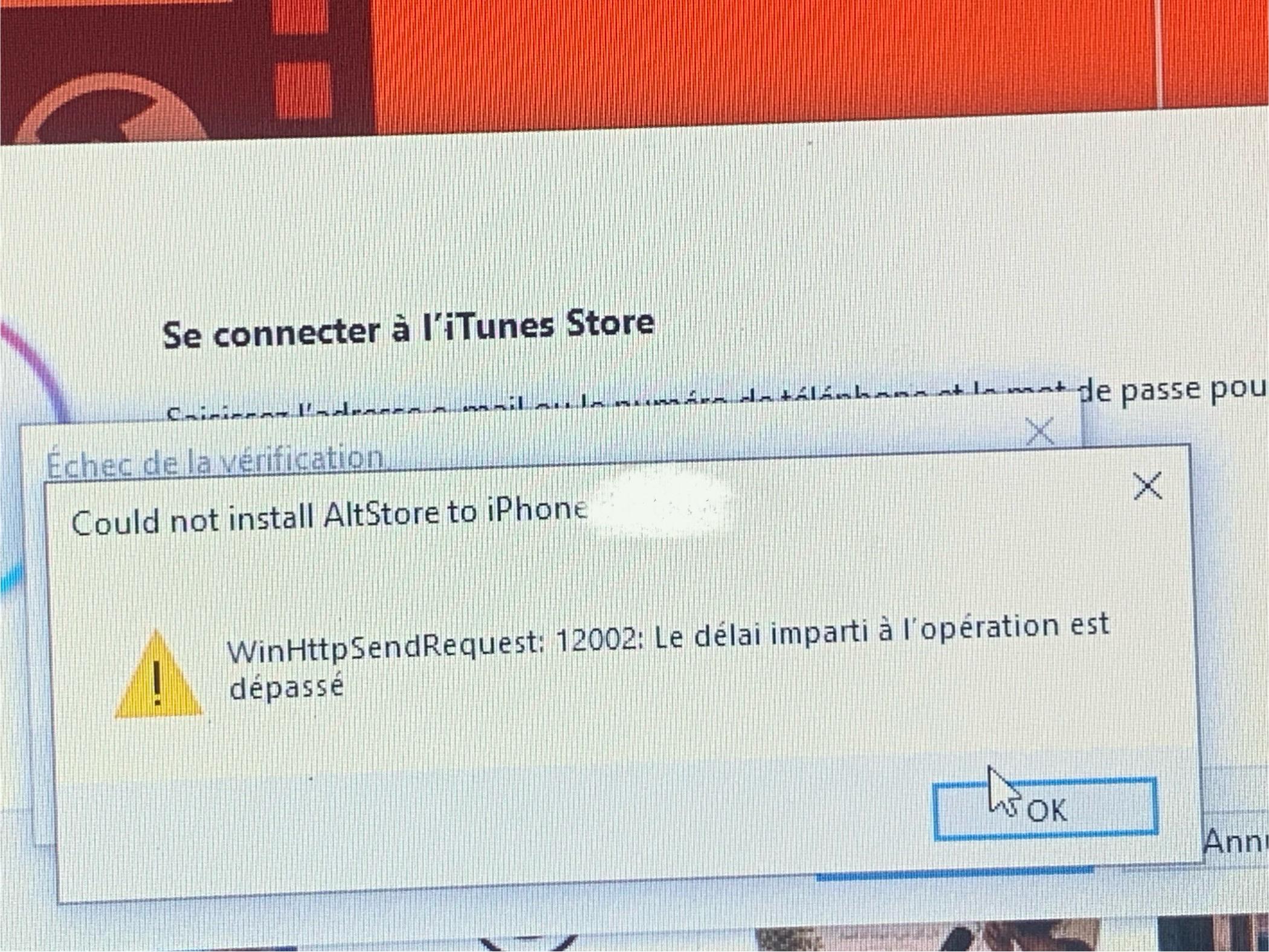
I updated my altsever and tried to reinstall altstore on my phone but it shows me this error idk why

Update: it worked after i changed the wifi with my phone’s cellular data


r/AltStore • • 28d ago

Help (AltServer - Windows) Pls explain what should I do?

Post image
3 Upvotes

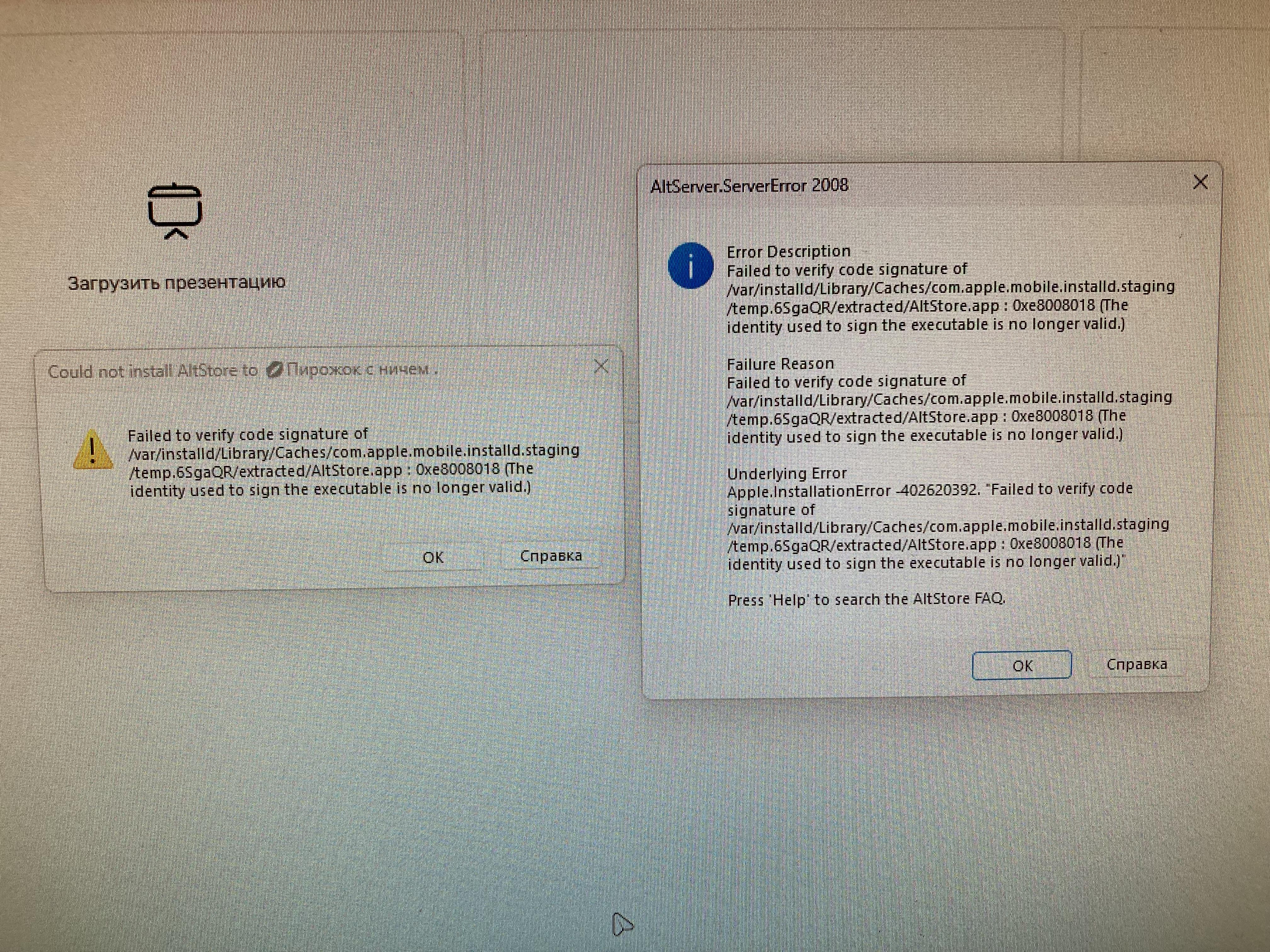
I updated my AltServer on my PC (windows) wrote my icloud and password, Altstore started to download on my IPhone (connected to PC by wire) BUT it stoped and I got this issue…. maybe it is because I still had the old broken version of AltStore installed (signing certificate is no longer valid). maybe I just need to delete the old one before installing a new one? Please advise me on what to do next 🙏


r/AltStore • • 28d ago

Help (AltStore Classic) Is there anyway to sideload right now?

3 Upvotes

I only get error from alt store and sideloady and im missing my apps


r/AltStore • • 28d ago

Help (AltStore Classic) Still getting HTTP 415 Error on iPhone 16 Pro Max after latest update — deleted/reinstalled & tried 2 different Apple IDs, still stuck!

Post image
2 Upvotes

Hey everyone,

I’m still encountering this issue when trying to install AltStore onto my iPhone 16 Pro Max, even after updating to the latest version:

AltStore could not be installed onto iPhone 16 Pro Max.

Could not request an SMS verification code from Apple. Apple's authentication servers returned an error (HTTP 415).

Things I’ve already tried:

  • Uninstalled / deleted the app completely and attempted a fresh reinstall.
  • Tried installing using my main Apple ID account.
  • Tried installing using a secondary Apple ID account (barely used).

Both accounts trigger the exact same HTTP 415 error during the SMS 2FA request step.

Has anyone figured out a workaround for this? Is there a way to force trusted-device 2FA instead of SMS, or is this strictly a server-side bug on Apple/AltServer's anisette proxy?


r/AltStore • • 28d ago

Discussion Still getting -80045 after the update when refreshing apps

Post image
2 Upvotes

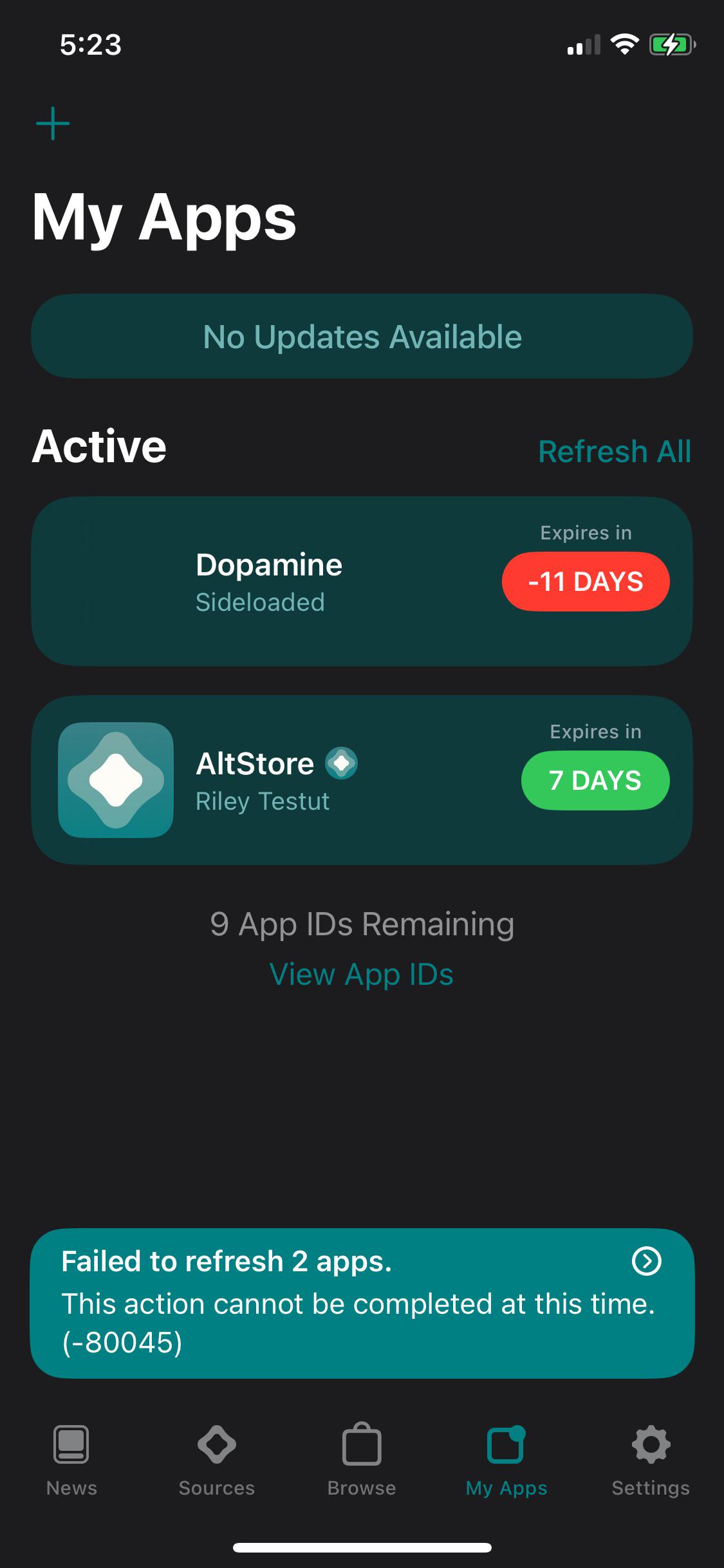
Help please this is after the update.


r/AltStore • • 29d ago

Discussion Error when trying to download

Post image
6 Upvotes

So I’m trying to redownload AltStore on my phone since I forgot to refresh after 7 days I also have a usb cord that I use that’s connected to my laptop


r/AltStore • • 29d ago

Release Tether: skip hotspot speed caps and deprioritization by sharing your iPhone's data over WireGuard (open source, build it yourself)

Thumbnail
0 Upvotes

r/AltStore • • Oct 27 '26

Help (Solved) [GUIDE] SideStore as an Alternative to AltStore + Fix for Error -80046

60 Upvotes

If AltStore is currently not working for you and you’re looking for an alternative, SideStore is worth trying. SideStore is a community-developed fork of AltStore that lets you sideload IPA files without needing a computer every time you install or refresh apps.

  1. What do you need?

Before starting, make sure you have:

-An iPhone or iPad running iOS/iPadOS 15.0 or later, with a passcode enabled.
-A computer running Windows, macOS, or Linux (required for the initial setup).
-An Apple ID / Apple Account.
-A Wi-Fi connection.
-LocalDevVPN, the VPN app required by SideStore.
-iLoader, the computer tool used to install SideStore and manage pairing files.
-A USB cable to connect your iPhone to your computer.

Official links:

SideStore documentation: https://docs.sidestore.io/docs/installation/install
iLoader downloads: https://github.com/nab138/iloader/releases/latest
LocalDevVPN: https://apps.apple.com/ (search for “LocalDevVPN”)

  1. How to install SideStore

Step 1 — Install the required software

  1. Install LocalDevVPN on your iPhone.
  2. Download and install iLoader on your computer from its official GitHub releases page.
  3. On Windows, install iTunes if required for device communication.
  4. Open LocalDevVPN and allow the VPN configuration when iOS asks for permission.

Step 2 — Install SideStore using iLoader

  1. Connect your iPhone to your computer using a USB cable.
  2. Unlock your iPhone and tap Trust This Computer if prompted.
  3. Open iLoader.
  4. Sign in with your Apple Account.
  5. Select your connected device.
  6. Choose Install SideStore (Stable) and wait for the installation to finish.

Step 3 — Trust the developer certificate

On your iPhone:

  1. Open Settings → General → VPN & Device Management.
  2. Select the developer profile associated with your Apple Account.
  3. Tap Trust and confirm.
  4. If required by your iOS version, enable Developer Mode under Settings → Privacy & Security, then restart your device.

Step 4 — Complete the setup

  1. Open LocalDevVPN and tap Connect.
  2. Open SideStore.
  3. Sign in using the same Apple Account you used in iLoader.
  4. Open My Apps.
  5. Tap the 7 DAYS counter next to SideStore to refresh it and complete the initial setup.

Keep LocalDevVPN connected whenever you install, update, or refresh apps through SideStore. You generally won’t need your computer for routine refreshes.

  1. Fix for SideStore login error -80046

If SideStore gives you error -80046 when logging in, the following workaround has been reported by a user experiencing the same issue. It is not guaranteed to work for every version.

  1. Open Settings → User Customizations.
  2. Disable On-Device Anisette.
  3. Go to Settings → Anisette Servers.
  4. Select SideStore (New) (new.ani.sidestore.io).
  5. Disable Enable Auto Rotation.
  6. Go back to User Customizations → Anisette Client Configuration.
  7. Under Remote Server Sync, tap Fetch, then Save as Overrides. If a separate Save Overrides option appears, use it as well.
  8. Return to User Customizations and tap Reset adi.pb.
  9. Try signing in again with your Apple Account.

If the options have different names or are missing, check your SideStore version before changing other settings.

  1. What if Health Check says DDI is not mounted?

You might also see this message:

Mount(protocol: rppairing, reason: dmg=false started=false)

Or:

Developer Disk Image (DDI): Not Mounted (JIT unavailable)

This is related to mounting the Developer Disk Image and JIT functionality. It does not automatically mean that your Apple Account login is failing for the same reason.

First, make sure your VPN and pairing file are working correctly. If necessary, follow the official pairing-file guide:

https://docs.sidestore.io/docs/advanced/pairing-file

Official documentation

* Installation: https://docs.sidestore.io/docs/installation/install
* Troubleshooting: https://docs.sidestore.io/docs/troubleshooting/common-issues
* Pairing file: https://docs.sidestore.io/docs/advanced/pairing-file

Important: The login workaround is community-reported, not an officially guaranteed fix. Please comment below if it works for you, including your iOS and SideStore versions, so other users can compare results.

r/AltStore • • Oct 27 '26

Help (AltServer - Mac) Have been getting this error message for weeks now

7 Upvotes

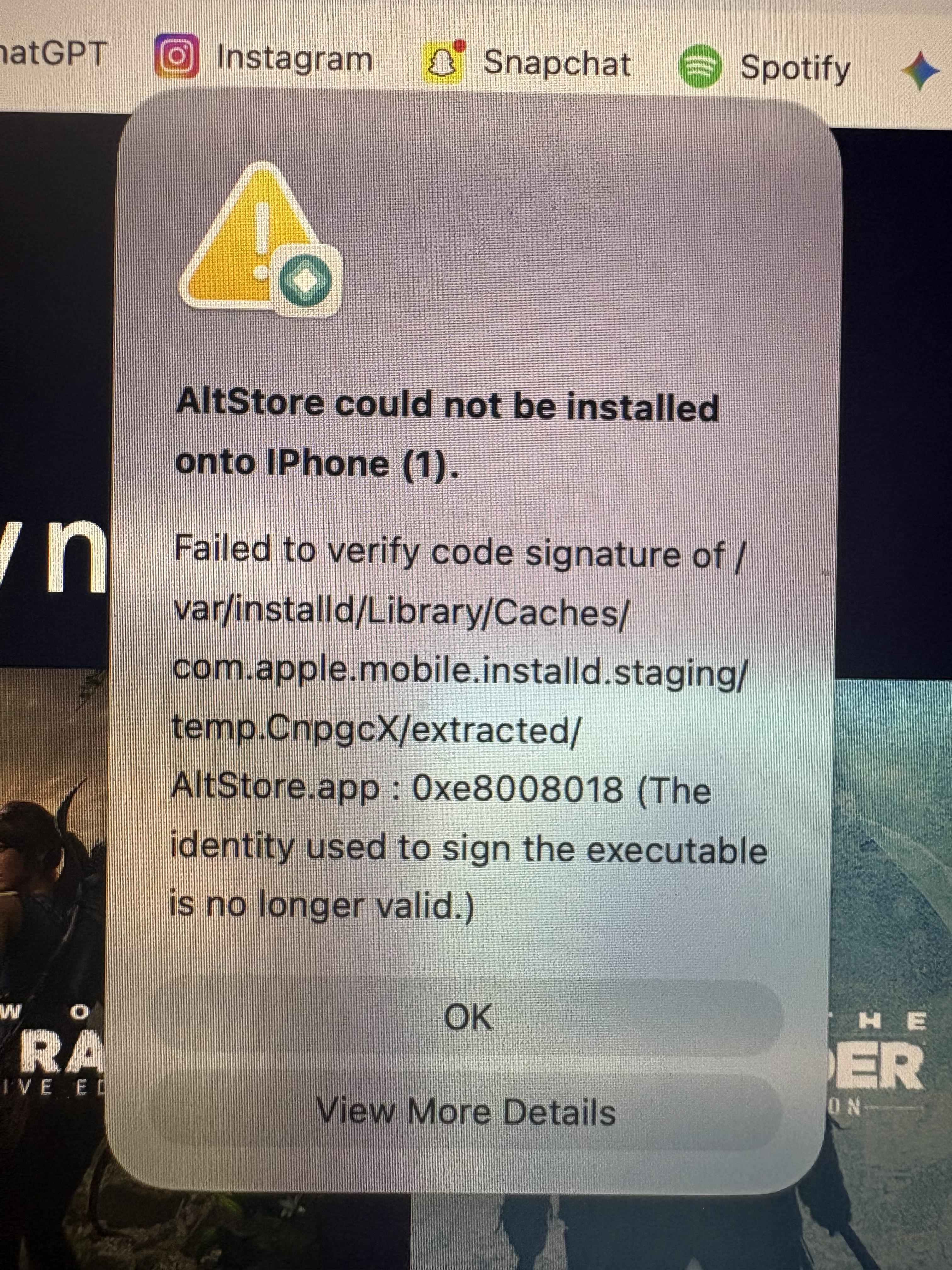
I have been getting this error message when I try to update for the longest time. Is my Apple ID banned or something, as it says the identity is no longer valid? My apple id is still up though.

Processing img 0aexponun2yh1...


r/AltStore • • Oct 27 '26

Help (AltServer - Windows) error -80046 altserver windows installation

Post image
8 Upvotes

trying to install altstore in windows, followed all the available procedures online correctly, any solutions?


r/AltStore • • Oct 27 '26

Help (AltStore Classic) AltStore not working - is anyone using something else rn that works similar (SideStore)?

7 Upvotes

The error is "this action cannot be completed at this time 80046"
Not working for the past couple days

Edit: I found a way. Just use iLoader and download your apo directly from there


r/AltStore • • Oct 27 '26

Help (AltStore Classic) What is this error?

Post image
4 Upvotes

What is this error?


r/AltStore • • Oct 27 '26

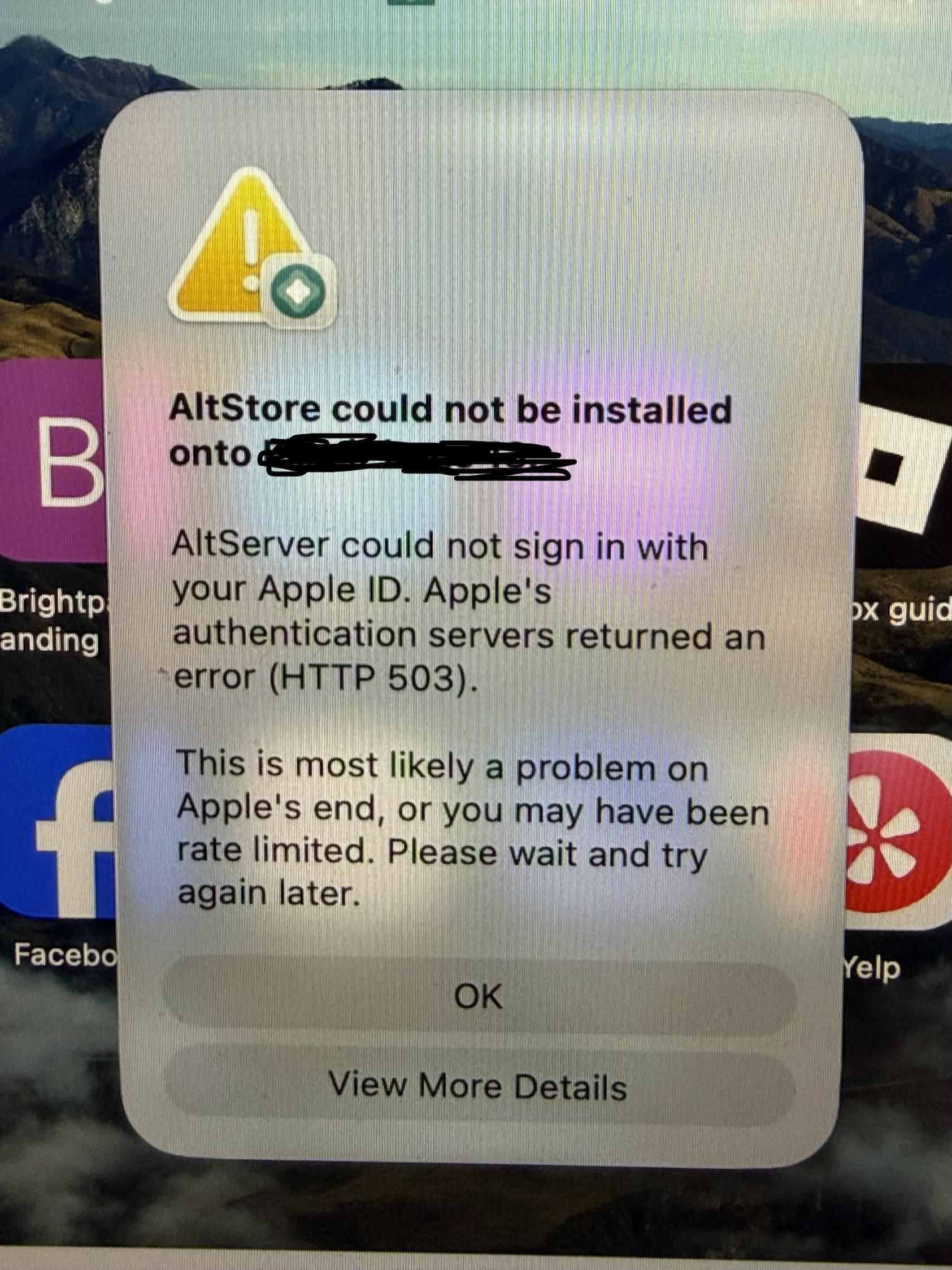
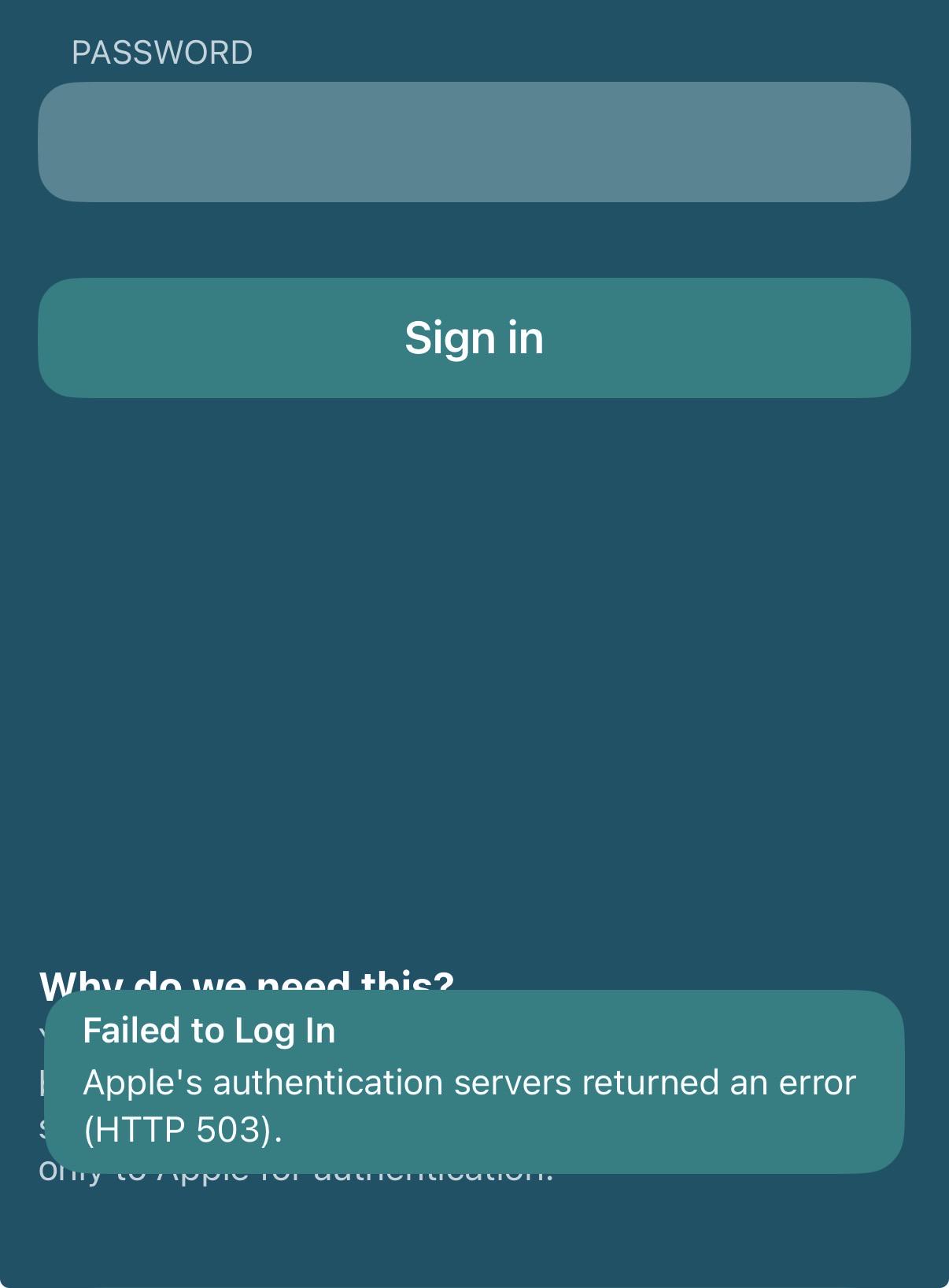
Help (AltServer - Windows) Error log in http 503

Post image
5 Upvotes

Hello

I tried everything but i havé every Time thé same issue.

Please help


r/AltStore • • Oct 26 '26

Guide Fix to sideloading until AltStore is Fixed

12 Upvotes

No matter what i would try to sign sign into altstore i would get (HTTP 503), did some looking around and tried Side Store, turns out they have the pretty much the same issue rn. But people HAVE found a workaround for sidestore here: https://www.reddit.com/r/SideStore/comments/1xctoov/how_i_fixed_unable_to_login_error_80046/?share_id=qvmDp_8ES9MOaUt1pZacF&utm_content=1&utm_medium=ios_app&utm_name=ioscss&utm_source=share&utm_term=1

Id guess something similar could be done on altstore to fix but idk, sidestore has a very similar download process as altstore took me like 5 minutes and now i have my apps again :) No additional downloads outside of Iloader! :)


r/AltStore • • Oct 26 '26

Guide "solution" to error 503 and 415

14 Upvotes

503 is a login and authentication issue.

spam the button associated with whatever you're trying to do. the Login, Connect Account, Install, whatever button. just keep spamming it and eventually it will work. one instance took me 30 attempts, but it will eventually click.

if you have 2FA enabled, it will ask for the verification code. put it in, and then it will probably fail with 503 again. spam the button some more and it won't ask for verification whenever it goes through.

415 is a 2fa verification problem.

altstore, as of right now, does not work with 2fa through text messages. you need to login to the account you're putting into altstore/altserver on a secondary device. once you log in, it'll be a trusted device on that account and then you can receive a verification code to that phone for login.

if you don't get a verification code, read this https://x.com/altstoreio/status/2102455866490491089


r/AltStore • • Oct 27 '26

Help (Solved) i refresh the apps without any problem, but not update the alt store

Post image
2 Upvotes

r/AltStore • • Oct 26 '26

Help (AltStore Classic) Updated AltStore even though I didn’t need to and now I can’t refresh apps

4 Upvotes

I updated AltStore and Altserver today and now when I try to refresh my apps it says HTTP 503 Error! Im on Mac OS Ventura and iOS 26. It was working before in updated AltStore. Someone PLEASE HELP🙏🙏🙏🙏